5.02 months ago
“Review”
Hi everyone, Jon here. I love Deep Research but hated reading the slop churned out by the major apps. Try this passion project out and let me know what you think!
Jon Sinclair

Turn any text into explained audio with AI voices.
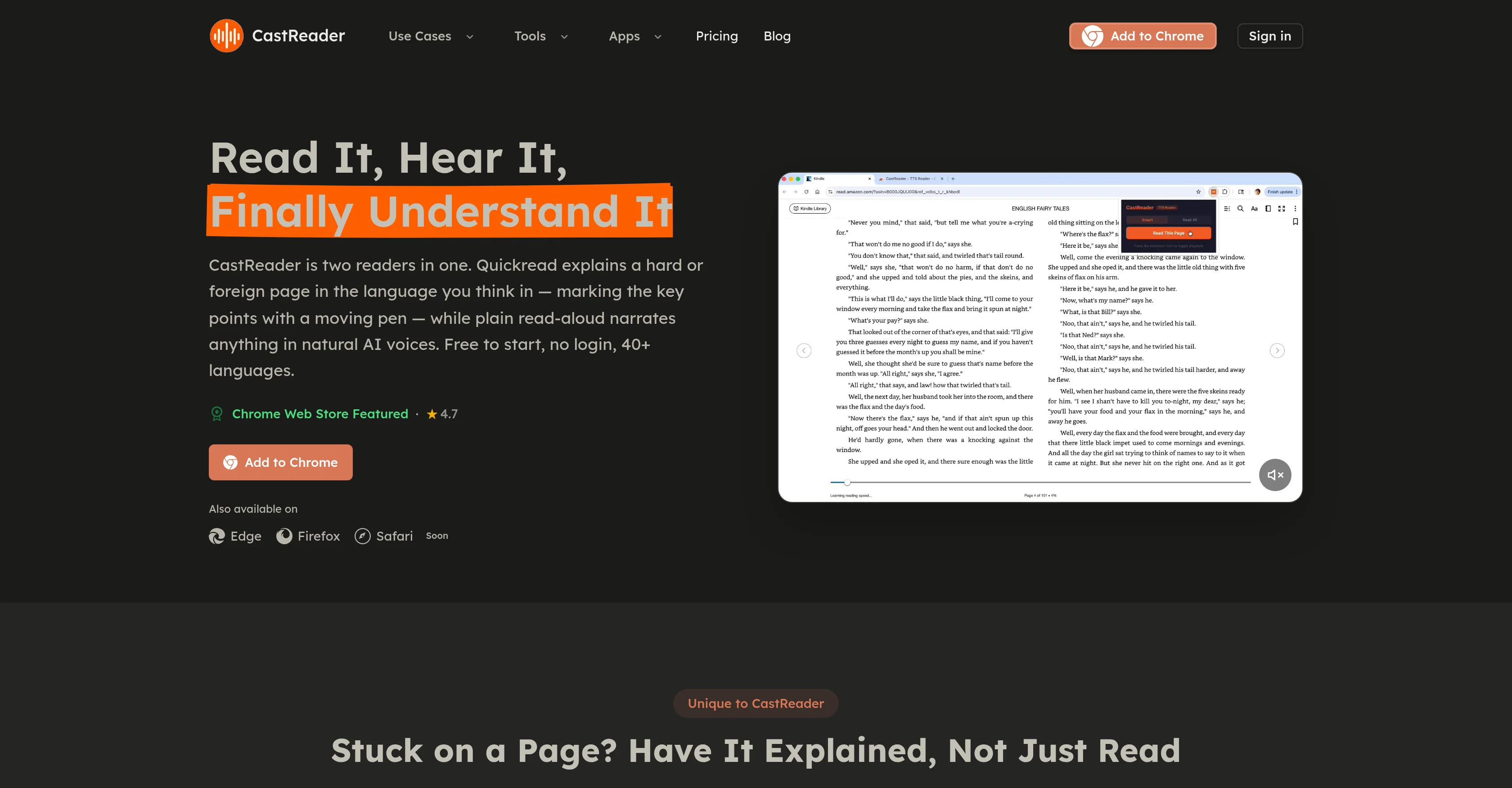
CastReader is a highly versatile tool designed to convert written text on various platforms into audio, transforming articles, PDFs, Kindle, AI chat replies, and more content into a listenable format. It boasts two key reading features: Quickread and a standard reading-aloud feature. Quickread provides user-friendly content translations, summarizing and explaining complex passages in the user's preferred language, and highlighting key points with a moving pen. The read-aloud feature, on the other hand, narrates any text with natural sounding AI voices, providing an engaging listening experience akin to a podcast. Advanced features include the ability to listen to Kindle, WeRead, and O'Reilly content straight from your browser, extending to DRM-protected pages as well. Furthermore, it offers the convenience of converting articles into audio that can be listened to via one's mobile device for on-the-move consumption. It also supports reading aloud emails and documents for proofreading or multitasking purposes. Besides, users can selectively listen to specific text by highlighting a section and getting CastReader to read out just that part.Adaptable language support enabling translation and explanation in over 40 languages, alongside universal compatibility, makes it a valuable tool for users worldwide. Platforms it seamlessly works on include Gmail, Notion, Feishu Docs, Yuque, Kindle, Medium, Wikipedia, and Substack. Also, uniquely, it is equipped to parse explanations provided by AI platforms like ChatGPT, Claude, Gemini, among others. Altogether, CastReader serves as a dynamic reading tool ideal for both personal and professional use. Help other people by letting them know if this AI was useful. Add your own prompts and outputs to help others understand how to use this AI.
When considering CastReader for integration into your organizational workflow, we recommend deploying a structured score card across three critical operational pillars: Security & Compliance, Integration Friction, and long-term Price Scalability. Rather than looking only at basic feature lists, modern procurement teams must assess how a software platform behaves under high load and how well it fits into the team's data security guidelines.
Depending on your operating region and field, ensure that CastReader supports standard security layers such as SOC 2 Type II certifications, GDPR compliance, or HIPAA-compliant database encryption. If the tool connects directly to client database tables or handles user passwords, verify that they implement multi-factor authentication (MFA), single sign-on (SSO) integrations, and end-to-end data encryption in transit and at rest.
Siloed data is the primary cause of operational friction. Evaluate if CastReader has native connectors for your current project trackers, messaging hubs, and customer communication channels. For custom developer requirements, check if they provide a fully documented REST API with reasonable rate limits, comprehensive Webhooks support, and robust SDK packages in your language. A flexible API layer saves hundreds of hours of manual copy-paste overhead.
SaaS pricing packages are often deceptively simple. When reviewing CastReader's billing structure, map out your team's projected expansion over the next 12 to 24 months. Determine how costs scale as your customer database increases or as you add team members. Factor in setup costs, mandatory support plan upgrades, API access fees, and storage overage rates to understand the true cost before committing to a contract.
By combining verified user reviews from our directory with internal workflow pilot tests, your procurement team can make an informed decision that drives productivity without creating capital waste.
Overall rating
Based on 10 reviews
Hi everyone, Jon here. I love Deep Research but hated reading the slop churned out by the major apps. Try this passion project out and let me know what you think!
Jon Sinclair
The site has a fantastic presentation and from what we tested the features are perfect. Congratulations to the development team
Tudonumclic Consultoria
Reducing manual efforts in first-pass during code-review process helps speed up the "final check" before merging PRs
Sahil Mohan Bansal
Too 🐌 slow
Yogy Leo
I didn't get to the voices. I don't give my credit card information up front. I clicked away as soon as I saw that. It's a shame too, the pricing structure looked great.
David Marshall
Great video!
Andrei
superb, e gratis, merge blana, in EN se aude ideal
jon doe
At last, we have a voice AI hub that works like OpenRouter.
Hank Darren
Great AI voices, though still monotonous and robotic, or rather too neutral, with almost zero voice inflections! Excellent to read news, articles, essays, and any nonfiction books. BTW, computers should be allowed to TALK to us for free, like in the Star Trek TV series. Our future grandchildren will laugh at us for "paying" to use this everyday option, biting the hook to "monthly subscriptions" like gullible fish and then getting up to 1,000 words per month" under the so-called Pro version ;-) This is crazy!
Timeship
too expensive for me, I just want to make memes, not pay that much
Grzegorz Rolnik
Starting Price
Free plan available
Free tier available with optional paid upgrades.


