
Caricature Maker
Turn photos into hilarious caricatures instantly
Caricature Maker Overview
What is Caricature Maker?
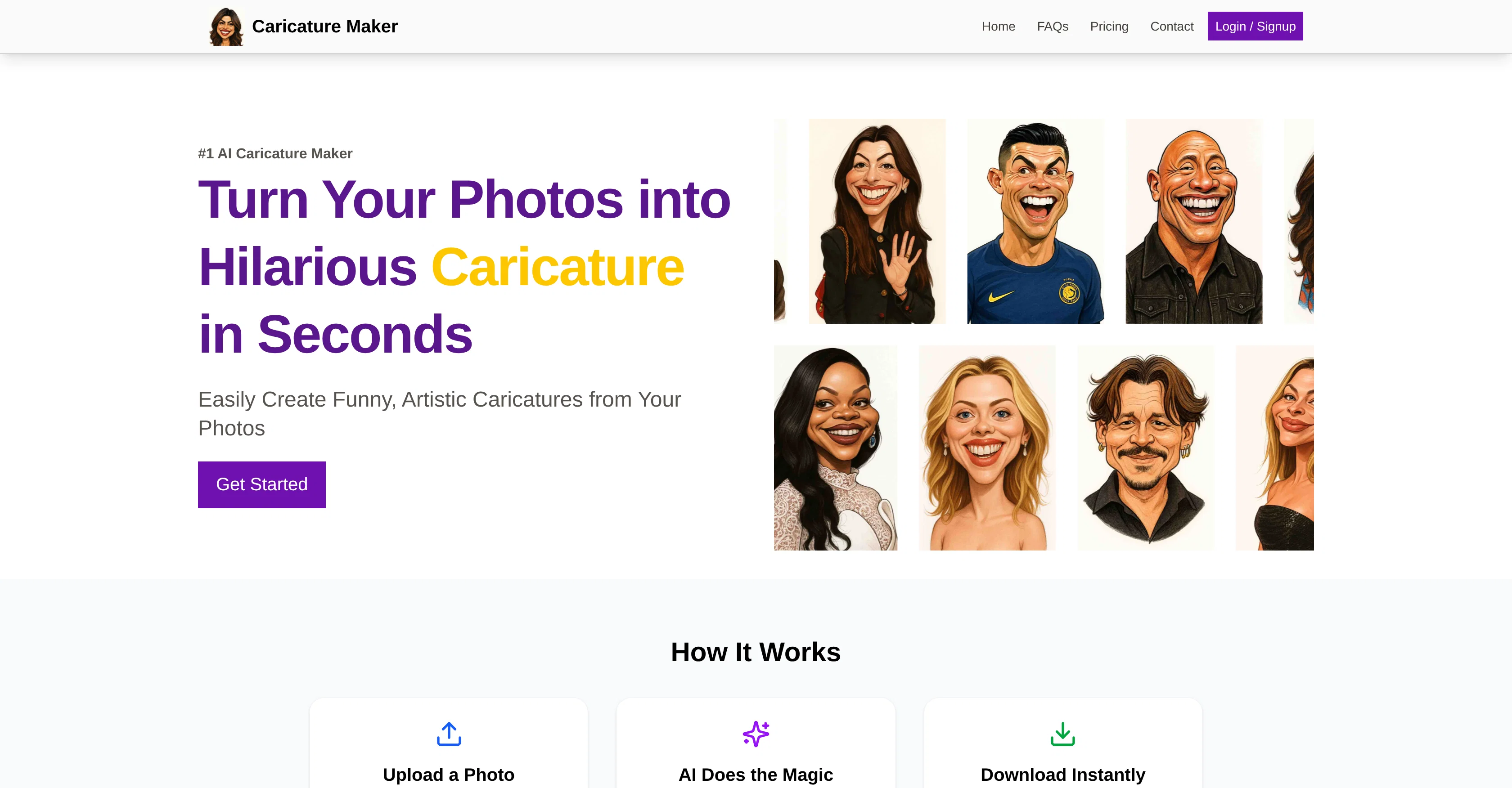
Caricature Maker is an AI-powered tool designed to create personalized, high-quality caricatures in seconds from user-uploaded photos. Users simply upload a clear photo and the advanced AI processes it to produce a humorous, artistic caricature, capturing the intricacies of their facial features in a playful, exaggerated way. The results, which bear both remarkable resemblance to the subject and a pronounced comical twist, are ready almost instantly, saving users from the hassle of waiting. The caricatures can be used in multiple ways, such as enhancing online presence, as gifts, for social media posts, on event invitations, or even as website avatars. High-resolution output enables the caricatures to be printed or used digitally without losing quality. Importantly, the platform prioritizes user privacy; photos are processed securely and are not stored or shared beyond the generation of the caricature. Whether for commercial use or just for fun, Caricature Maker delivers uniquely emboldened and humorous caricatures. Help other people by letting them know if this AI was useful. Add your own prompts and outputs to help others understand how to use this AI.
Screenshot gallery
Pros & Cons
Pros
- Instant caricature generation
- High-resolution output
- Secure photo processing
- Enhancing online presence
- Useful for event invitations
- Makes personalized gifts
- Produces social media content
- Generates website avatars
- Strong facial feature recognition
- Adds comical twists
- User-friendly
- Data is not stored
- Preserves photo quality
- Effective image processing
- Wide application range
- Commercial use possible
- Just for fun option
- Single clear photo needed
- Great for profile pictures
- Humorous character capture
- Pictures aren't shared
- Privacy prioritized
- Novel surprise gifts
- Personalized caricature
- Exaggerates facial features
- Digital art tool
- User photo customization
- Realistic representation
- Fun tool
- Generates printable output
- Saves user waiting time
- Promotes online uniqueness
- Offers enhanced photos
- Quick and easy process
- Playful and artistic output
- Private and secure platform
- Used as hilarious avatar
- Fun-filled social media posts
- Unique event invitations
- Creating high-quality caricatures
Cons
- Can't adjust exaggeration level
- Lacks commercial licensing options
- No batch processing
- Results may not satisfy
- No editing options
- Missing progress report
- Negative impact on privacy
- Limited to portraits
- No saving drafts
- Can't reprocess same image
A Professional Framework to Evaluate Caricature Maker
When considering Caricature Maker for integration into your organizational workflow, we recommend deploying a structured score card across three critical operational pillars: Security & Compliance, Integration Friction, and long-term Price Scalability. Rather than looking only at basic feature lists, modern procurement teams must assess how a software platform behaves under high load and how well it fits into the team's data security guidelines.
1. Security and Database Compliance
Depending on your operating region and field, ensure that Caricature Maker supports standard security layers such as SOC 2 Type II certifications, GDPR compliance, or HIPAA-compliant database encryption. If the tool connects directly to client database tables or handles user passwords, verify that they implement multi-factor authentication (MFA), single sign-on (SSO) integrations, and end-to-end data encryption in transit and at rest.
2. API Coverage and Custom Integrations
Siloed data is the primary cause of operational friction. Evaluate if Caricature Maker has native connectors for your current project trackers, messaging hubs, and customer communication channels. For custom developer requirements, check if they provide a fully documented REST API with reasonable rate limits, comprehensive Webhooks support, and robust SDK packages in your language. A flexible API layer saves hundreds of hours of manual copy-paste overhead.
3. Total Cost of Ownership (TCO)
SaaS pricing packages are often deceptively simple. When reviewing Caricature Maker's billing structure, map out your team's projected expansion over the next 12 to 24 months. Determine how costs scale as your customer database increases or as you add team members. Factor in setup costs, mandatory support plan upgrades, API access fees, and storage overage rates to understand the true cost before committing to a contract.
By combining verified user reviews from our directory with internal workflow pilot tests, your procurement team can make an informed decision that drives productivity without creating capital waste.
Features of Caricature Maker
- Caricature Creation
- Image Processing
- Avatars Generation
- Instant Service
- Social Media Tool
- Entertainment
- From $10
SaaS1to10 verified reviews for Caricature Maker
Overall rating
Based on 21 reviews
No reviews yet. Be the first to write one.
Pricing
Starting Price
From $21.00/user/month
Pricing may vary based on team size and features selected.
Where can Caricature Maker be deployed?
- Cloud, SaaS, Web-Based


