Caret

5.0(19 reviews)

AI that completes you everywhere.

Free

Caret Overview

What is Caret?

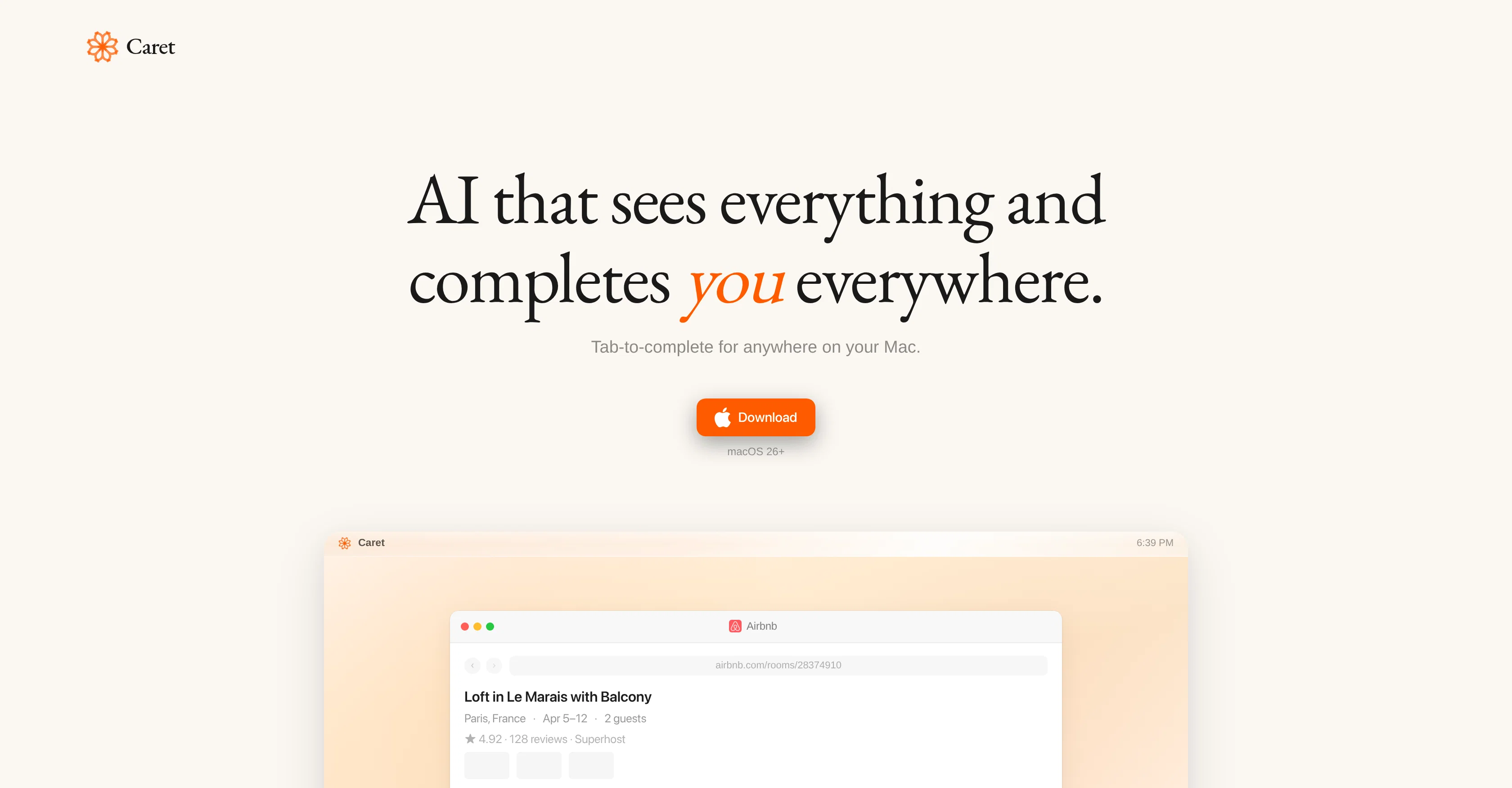
Caret is an AI tool designed to streamline operations across various applications on macOS devices. Predicated on its ability to 'see everything' on the user's screen, Caret interacts and integrates minimally with different applications, negating the need to be another chat app. Instead, it operates continuously in the background, learning and understanding the users behavior, and consistently adjusting its services to improve with use. A unique feature of Caret involves the user merely pressing 'Tab' within any app on the device, revealing intelligent suggestions or auto-completions based on the user's history and work sessions. The tool is aimed at expanding productivity, offering an especially helpful feature in reducing time spent typing out full sentences or thoughts. Being ubiquitous on your Mac, Caret's functionality spreads to a multitude of apps, including, but not limited to, Microsoft Word, Safari, Spotify, Google Docs, Slack and more. Its inherent adaptivity contributes to a more personalized AI assistance experience for every individual user. Help other people by letting them know if this AI was useful. Add your own prompts and outputs to help others understand how to use this AI.

Screenshot gallery

Caret screenshot

Pros & Cons

Pros

  • Enhances workflow on Mac
  • Understands user activity
  • Intelligent assistance across apps
  • Works with Google Docs
  • Works with Microsoft Word
  • Applicable on Safari
  • Predictive typing technology
  • Uses 'Tab key' command
  • Autonomous learning capability
  • User behavior comprehension
  • Inter-app communication
  • Continuous operations
  • Personalized user experience
  • Real-time, context-aware assistance
  • Not just a chat-app
  • Persistently present functionality
  • Auto-completes sentences, reminders, tasks
  • Sees everything on screen
  • Minimal interaction needed
  • Adaptive and improves over time
  • Reduces time spent typing
  • Ubiquitous functionality
  • Works with Spotify
  • Works with Slack
  • Integrates with various apps
  • Always-on operation
  • Understands Mac-related tasks
  • Improves task completion times
  • Works with Excel
  • Works with Notes
  • Works with Google Sheets
  • Works with TextEdit
  • Works with Keynote
  • Works with Safari
  • Works with Outlook
  • Works with Teams
  • Works with Microsoft Teams
  • Works with Canva
  • Works with Google Drive
  • Works with GitHub
  • Works with Google Meet
  • Works with Microsoft Excel
  • Works with Slack
  • Works with Superhuman
  • Works with GarageBand
  • Works with Figma
  • Works with iMovie
  • Works with Telegram
  • Works with Calendar
  • Works with Calculator

Cons

  • Only available on MacOS
  • Privacy concerns due observation
  • Possible over-prediction issues
  • Could limit user originality
  • Constant 'Tab' press requirement
  • No apparent offline mode
  • May disrupt workflow in initial use
  • Depends heavily on historical data
  • Potential for incorrect auto-completion
  • No multi-language support detected

A Professional Framework to Evaluate Caret

When considering Caret for integration into your organizational workflow, we recommend deploying a structured score card across three critical operational pillars: Security & Compliance, Integration Friction, and long-term Price Scalability. Rather than looking only at basic feature lists, modern procurement teams must assess how a software platform behaves under high load and how well it fits into the team's data security guidelines.

1. Security and Database Compliance

Depending on your operating region and field, ensure that Caret supports standard security layers such as SOC 2 Type II certifications, GDPR compliance, or HIPAA-compliant database encryption. If the tool connects directly to client database tables or handles user passwords, verify that they implement multi-factor authentication (MFA), single sign-on (SSO) integrations, and end-to-end data encryption in transit and at rest.

2. API Coverage and Custom Integrations

Siloed data is the primary cause of operational friction. Evaluate if Caret has native connectors for your current project trackers, messaging hubs, and customer communication channels. For custom developer requirements, check if they provide a fully documented REST API with reasonable rate limits, comprehensive Webhooks support, and robust SDK packages in your language. A flexible API layer saves hundreds of hours of manual copy-paste overhead.

3. Total Cost of Ownership (TCO)

SaaS pricing packages are often deceptively simple. When reviewing Caret's billing structure, map out your team's projected expansion over the next 12 to 24 months. Determine how costs scale as your customer database increases or as you add team members. Factor in setup costs, mandatory support plan upgrades, API access fees, and storage overage rates to understand the true cost before committing to a contract.

By combining verified user reviews from our directory with internal workflow pilot tests, your procurement team can make an informed decision that drives productivity without creating capital waste.

Features of Caret

  • Productivity Tool
  • MacOS Application
  • Tab Complete Feature
  • User Behavior Understanding
  • Workflow Optimization
  • AI Assistant
  • Free

SaaS1to10 verified reviews for Caret

Overall rating

5.0

Based on 19 reviews

5.02 weeks ago

Review

I recently started using @Napkin AI, and I couldn't be more impressed! This tool is incredibly user-friendly and intuitive, making it easy to generate clear visual representations from text. Moreover, the interface is clean and visually appealing, which enhances the overall user experience. @Napkin AI is a fantastic companion. Highly recommended for anyone looking to elevate their creative process!

Jobin Mathew

5.02 weeks ago

Review

Finally, a prompt optimizer that makes sense, adding power to my own words. Easy to expand details, easy to go deeper and to get exactly what I need to squeeze out incredible results with ChatGPT. The Prompt_Enhancer setting is something serious. Thanks guys, keep on providing excellent AI tools!

Hollie Arsement

5.02 weeks ago

Review

Accuracy nice. Free

Álvaro Sánchez Román

5.02 weeks ago

Review

Went from a C to an A in Cognitive Psychology using @Thea!!

Sarah White

5.02 weeks ago

Review

still background removing accuracy is required. it only 80% not 100%

Krutika Creations

5.02 weeks ago

Review

I think it's the best @Image Generator I ever found on the net. It gives more accurate image according to the prompt. And thank you for keeping it for free.

My Sawsiri

5.02 weeks ago

Review

Not at all accurate…. The only thing similar between original and generated images were the clothes and accessories… face was absolutely new and unconnected.

Shvetank Sharma

5.02 weeks ago

Review

Building multi-agent AI systems shouldn’t require wrestling with messy Python boilerplate, cloud subscription or complex local setups. I built @AgentSwarms (@AgentSwarms.fyi) to solve this. It’s an interactive, in-browser visual sandbox for learning, building, testing, and orchestrating multi-agent AI workflows. Instead of relying on a single AI chatbot that easily hallucinates, @AgentSwarms lets you drag and drop specialized AI agents—like data extractors, code reviewers, and SQL query nodes—to handle complex tasks reliably. Key features for builders: Visual Edge Tracing: Stop guessing why your AI failed. Click any connection line to see the exact JSON data passing between agents in real-time. In-Browser Execution: Powered by local DuckDB WASM. No backend setup required. Enterprise Templates: Test reverse-engineered Agenitic AI architectures for Cybersecurity, Finance, and E-commerce and 10+ industries right on the canvas. If you are tired of black-box AI debugging and want to master Agentic AI orchestration visually, come try the sandbox for free! Let me know what you think of the new execution history features. 🚀

Rohan Ghosh

5.02 weeks ago

Review

very powerful tool

Benji Asiamah

5.02 weeks ago

Review

A valuable resource. I think I will be using this site quite regularly.

Slavica Voss

5.02 weeks ago

Review

This tool i found is super cool, I created 5 books from this tool to sell them online, which gives me great profit. I am creating more valuable books to spread knowledge, and earn some bucks as well 🤑.

Bilal Ashraf

5.02 weeks ago

Review

This is my best bro! I communicate with him like my best friend, he always helps to direct my thoughts and ideas in the right direction, always tells me how to improve something and always gives detailed instructions during the conversation. Thanks to him, I’m launching a new project, in which he helps me take my ideas to a new level, just communication, during which you reassemble your concept and rethink your original idea, because you didn’t know how it would be better and more correct. @DeepSeek is my best assistant today, my creative inspiration, who gives me support and confidence in my business, guiding me to realize my dreams)

Gamer TOTORO

5.02 weeks ago

Review

Deploys the backend directly from chat!

Spam Trapper

5.03 weeks ago

Review

Finally, a productivity tool that doesn't overcomplicate things. @Caret's tab-complete works seamlessly across apps — once you get used to it, going back feels impossible. Exactly what macOS was missing.

youdhis thira

5.03 weeks ago

Review

Fast, Easy to use and makes repetitive tasks easy

Ioannis Gikas

5.03 weeks ago

Review

We're live folks! Do check us out and drop your feedback or requests.

Shubh Saras

5.03 weeks ago

Review

Can’t use it without an invite code.

Steven

5.03 weeks ago

Review

I work on the @Tendem team, so take this with that context — but I also use the product constantly for my own work. I've used @Tendem to research AI directories — finding relevant ones, pulling submission requirements, organizing everything into a spreadsheet I could act on. I've also used it for copy edits — sending over drafts and getting back tightened, polished versions without going back and forth with a prompt ten times. The thing that keeps me coming back is how little I have to think about the handoff. I describe what I need, send it, and move on to something else. It's slower than getting a ChatGPT response, sure. But I get something finished — not a starting point I still need to rework. When you use AI tools for this kind of work, you trade waiting time for cleanup time. @Tendem flips that. I'd rather wait and get a result I can use than get a fast draft I have to fix myself.

Vladimir Gromozdin

5.03 weeks ago

Review

I've put about 30-40 hours into SureThing, and it's seriously been a game-changer, basically acting like a virtual COO for my business!

Bonnie

Pricing

Starting Price

Free plan available

Free tier available with optional paid upgrades.

Where can Caret be deployed?

  • Cloud, SaaS, Web-Based

Recommended for you