5.02 months ago
“Review”
better than chatgpt
Andrew Zakonov

AI notetaker for Microsoft Teams meetings.
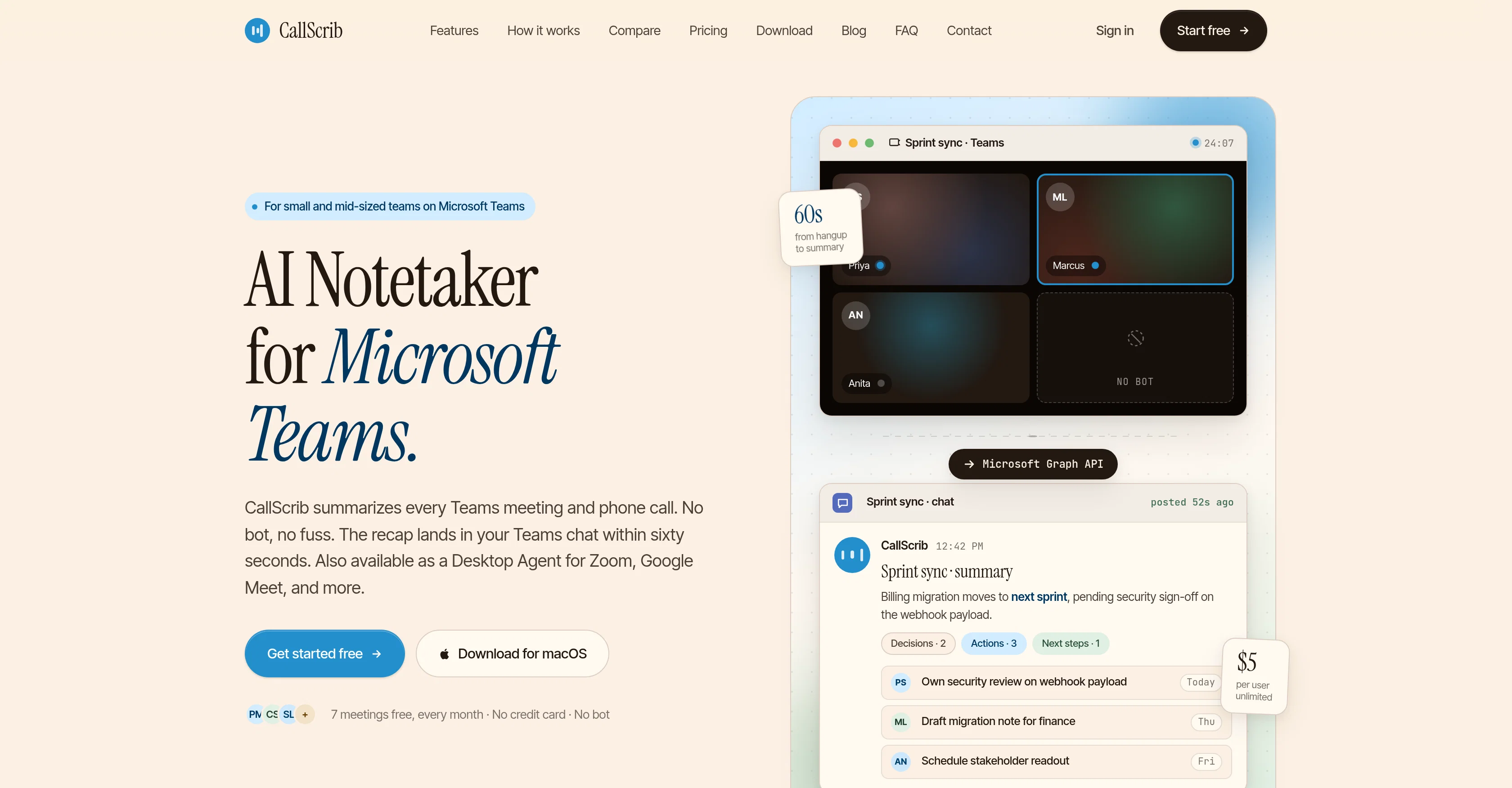
CallScrib is an AI notetaking tool designed to summarize Microsoft Teams meetings and phone calls. Specializing in structured summaries instead of transcriptions, it focuses on highlighting key decisions, action items, and the next steps. This automated service is entirely unobtrusive, as it does not require a bot to join the meetings or calls. The summaries are generated by the tool reading Teams transcripts via Microsoft Graph API after a call or meeting concludes, thus maintaining an element of privacy and convenience for its users. The finalized summary lands in your Teams chat within a minute of a call or meeting being ended. CallScrib also functions as a Desktop Agent for Zoom, Google Meet, and other platforms. It offers the ability to adjust the summary language per user within settings. In terms of privacy, it's design to be GDPR-compliant and ensures zero-retention API for every summary, promising not to use the generated data to train AI. The setup for CallScrib is a one-time affair which can cover the whole organization and its deliverables can be incorporated into existing Teams chats, ensuring no disruption to a team's routine work. The users do not have to change the way they carry on their normal meetings or phone calls, nor are there any additional buttons to press. CallScrib is developed to be beneficial for anyone who spends considerable time in meetings and on calls, making it useful for sales teams, project managers, customer success teams, and business leaders who require a searchable archive of every conversation. Help other people by letting them know if this AI was useful. Add your own prompts and outputs to help others understand how to use this AI.
When considering CallScrib for integration into your organizational workflow, we recommend deploying a structured score card across three critical operational pillars: Security & Compliance, Integration Friction, and long-term Price Scalability. Rather than looking only at basic feature lists, modern procurement teams must assess how a software platform behaves under high load and how well it fits into the team's data security guidelines.
Depending on your operating region and field, ensure that CallScrib supports standard security layers such as SOC 2 Type II certifications, GDPR compliance, or HIPAA-compliant database encryption. If the tool connects directly to client database tables or handles user passwords, verify that they implement multi-factor authentication (MFA), single sign-on (SSO) integrations, and end-to-end data encryption in transit and at rest.
Siloed data is the primary cause of operational friction. Evaluate if CallScrib has native connectors for your current project trackers, messaging hubs, and customer communication channels. For custom developer requirements, check if they provide a fully documented REST API with reasonable rate limits, comprehensive Webhooks support, and robust SDK packages in your language. A flexible API layer saves hundreds of hours of manual copy-paste overhead.
SaaS pricing packages are often deceptively simple. When reviewing CallScrib's billing structure, map out your team's projected expansion over the next 12 to 24 months. Determine how costs scale as your customer database increases or as you add team members. Factor in setup costs, mandatory support plan upgrades, API access fees, and storage overage rates to understand the true cost before committing to a contract.
By combining verified user reviews from our directory with internal workflow pilot tests, your procurement team can make an informed decision that drives productivity without creating capital waste.
Overall rating
Based on 14 reviews
better than chatgpt
Andrew Zakonov
Tried @AnyGen for a bit and I like how flexible it feels compared to more rigid AI generators. Seems useful for quickly experimenting with different types of content and ideas without overcomplicating the workflow.
Philip Alfredsson
Thank you for the feedback, Bella Blast. All of the issues you mentioned have been addressed, and the Learn My Voice engine has been fixed and improved. We really appreciate you taking the time to share this — feedback like yours helps us make the experience better.
Luna Coverdale
I’ve been using Image Combiner for quick image blending tests, and it does exactly what I need without making the workflow complicated. The interface is clean, uploads are simple, and the generated combinations are useful enough to iterate on quickly.
ShanAIDev
It can generate any image I want freely, it's amazing!
Phan Tung
easy to use meets very specific need but for general purpose ( quick enhance)
Salih Aydın
@Choosaro makes it much easier to compare options and make decisions with more clarity. I like that it gives structured analysis, scores, reasoning, strengths and weaknesses, and a clear recommendation instead of a generic AI answer. Very useful for reducing overthinking and choosing the best option faster.
Olivia Grace
Tried the text detector on a document I’ve just created with Chat GPT. It flagged it at totally AI so works.
Mr Abier
I've tried 10 note-taking tools, and so far this is the best. My work is now much simpler and more efficient.
Happy Kid
Maybe more useful as I think!
yuesheng zheng
I like the desktop version, it can record and transcribe my meetings. Pretty accurate transcript and summary.
akihouse98
very accurate transcription. summaries are spot on. and can transcribe conversations in real-time. easy to use
Jeff Matteus
Very smooth and effective. It could detect even Hindi language and could summarise pretty reasonably
Pankaj Dixit
👋 Hey everyone — I’m Yusef, founder of @Jamy. We built @Jamy because we were tired of wasting time after meetings — rewriting notes, chasing action items, and trying to remember what was actually said. @Jamy handles all of that automatically: it joins your calls, transcribes, summarizes, pulls tasks and quotes, and even sends branded follow-ups. It works with Zoom, Google Meet, Teams, and phone calls — and connects with tools like Slack, Trello, and Notion. If you’re curious, give it a spin — @Jamy.ai. Would love your feedback! — Yusef
Yusef Jacobs
Starting Price
Free plan available
Free tier available with optional paid upgrades.


