5.02 months ago
“Review”
It's not free, it forces you to input an email before shoving a price tag in your face.
Arvoly XSL

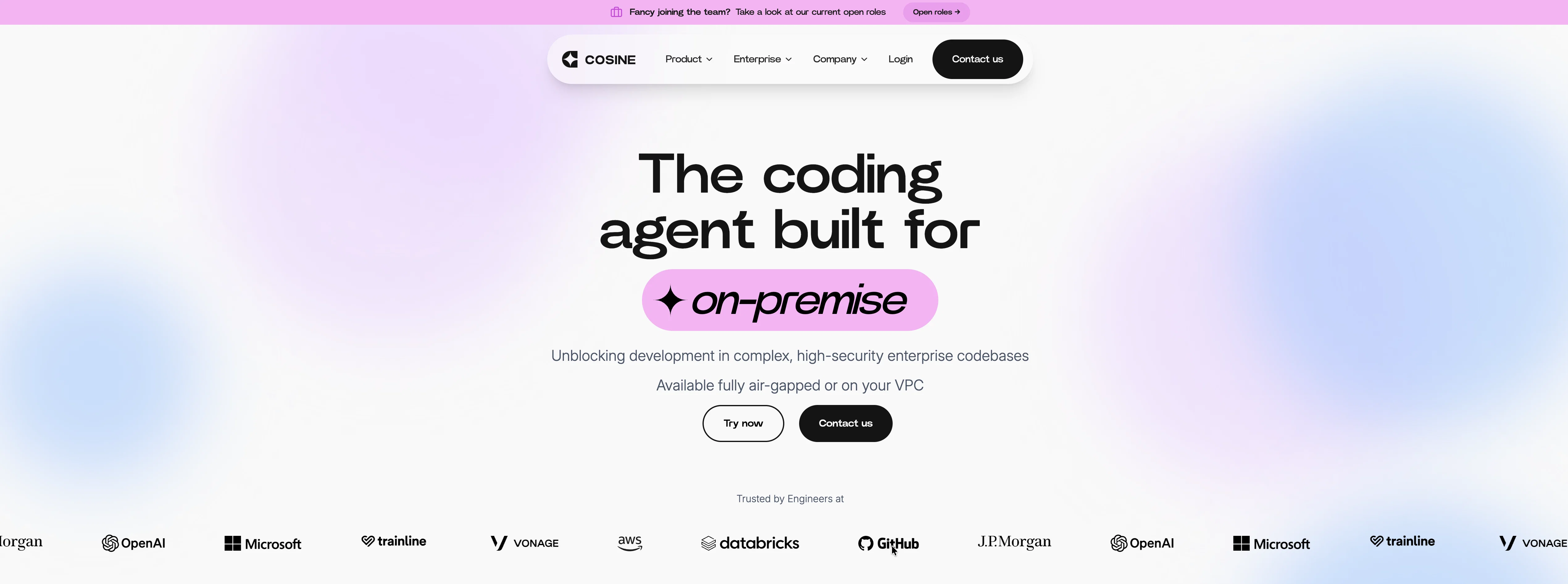
Unblocking development in complex, high-security enterprise codebases
Cosine is an AI-powered software engineering agent that automates development tasks end-to-end. Instead of just assisting with code suggestions, it can take a task like fixing a bug or implementing a feature, understand the codebase, make the necessary changes, and deliver a ready-to-review pull request. It’s designed for real-world engineering workflows, helping teams reduce backlog and speed up development by handling work autonomously within existing repositories. Help other people by letting them know if this AI was useful. Add your own prompts and outputs to help others understand how to use this AI.
When considering Cosine for integration into your organizational workflow, we recommend deploying a structured score card across three critical operational pillars: Security & Compliance, Integration Friction, and long-term Price Scalability. Rather than looking only at basic feature lists, modern procurement teams must assess how a software platform behaves under high load and how well it fits into the team's data security guidelines.
Depending on your operating region and field, ensure that Cosine supports standard security layers such as SOC 2 Type II certifications, GDPR compliance, or HIPAA-compliant database encryption. If the tool connects directly to client database tables or handles user passwords, verify that they implement multi-factor authentication (MFA), single sign-on (SSO) integrations, and end-to-end data encryption in transit and at rest.
Siloed data is the primary cause of operational friction. Evaluate if Cosine has native connectors for your current project trackers, messaging hubs, and customer communication channels. For custom developer requirements, check if they provide a fully documented REST API with reasonable rate limits, comprehensive Webhooks support, and robust SDK packages in your language. A flexible API layer saves hundreds of hours of manual copy-paste overhead.
SaaS pricing packages are often deceptively simple. When reviewing Cosine's billing structure, map out your team's projected expansion over the next 12 to 24 months. Determine how costs scale as your customer database increases or as you add team members. Factor in setup costs, mandatory support plan upgrades, API access fees, and storage overage rates to understand the true cost before committing to a contract.
By combining verified user reviews from our directory with internal workflow pilot tests, your procurement team can make an informed decision that drives productivity without creating capital waste.
Overall rating
Based on 18 reviews
It's not free, it forces you to input an email before shoving a price tag in your face.
Arvoly XSL
I'm still testing the tool yet it looks very promising. I tested it with a 5.5k words Academic text that I had previously red. I tested the Key points feature, it does work!
Ivana González
Waitinglist keeps you waiting for way too long.
GoogleIstMirEchtZuNeugiering Eman
@Warp is probably the best CLI on the Mac Platform, even better when you are in the middle of that complex linux string and you think How do I...just ask the AI and it will give you that answer you forget all those years ago.
Robert MacKay
You have the option to waitlist or you can login with your email/pass or google account. I chose google. Once inside you have a suite of tools but im sure when you go to publish you have to sign up for a paid plan. So if your looking for a free option it will be branded. Use at your own risk. Thanks
Col Cooper
I tried using it but the website has too many bugs.
João Neiva
An amazing app, I love the share feature and the comment section summaries
Silvia Cho
Its a really great code generator, it helped me with lots of codes for lots of programming languages, it gives short answers, explain the code and gives you versions of the code if asked
Maximiliano Torres Estrada
Really amazing! Makes learning content and engaging with things so much easier!
Jamie McDonald
O GPT faz uma análise melhor e mais personalizada.
Vinicius Vilela
As the service was in beta-testing stage, I created there a dozen of AI-generated courses for free. I wanted to use them. Those courses remained in my account as they started subscription tiers. But recently I have found out that they were deleted. The support didn't answer to my e-mail at all.
Oldfag TV
magnificent. perfect. no errors.
Mino F16
Code varies from run to run. Still it is a helpful app. You can specify coding languages that are not in the dropdown menu.
Oran Kangas
Honestly this is the GOAT, I tried this tool and it was able to either help debug or make scripts from the ground up. It has support for a lot of support languages too, which adds extra points to how good this tool is.
Umer Colville
A whole new way of learning how to code
Francisco Silverio
>Why is this website so ugly? Our goal is to rapidly make the software better, not to have a shiny website. Love it!
Andrei
Would rate 4.9 if possible, but rounding up to 5 stars because this app truly excels compared to other AI coding tools. Why 5 Stars: Best-in-class AI coding assistance Huge improvements over competitors Actually works for real development Real Impact: I successfully built and published an actual app using this tool - that's game-changing for non-developers like me. Bottom Line: Yes, there's room for improvement, but this is already the top AI coding app available. The fact that ordinary people can create real apps with it says everything. Perfect for anyone wanting to turn ideas into actual apps!
Johnson
@Cursor is underrated.
Vanessa
Starting Price
Contact vendor for pricing
Pricing may vary based on team size and features selected.