Build Chatbot

5.0(24 reviews)

Make information easily accessible with AI chatbots

Paid

Build Chatbot Overview

What is Build Chatbot?

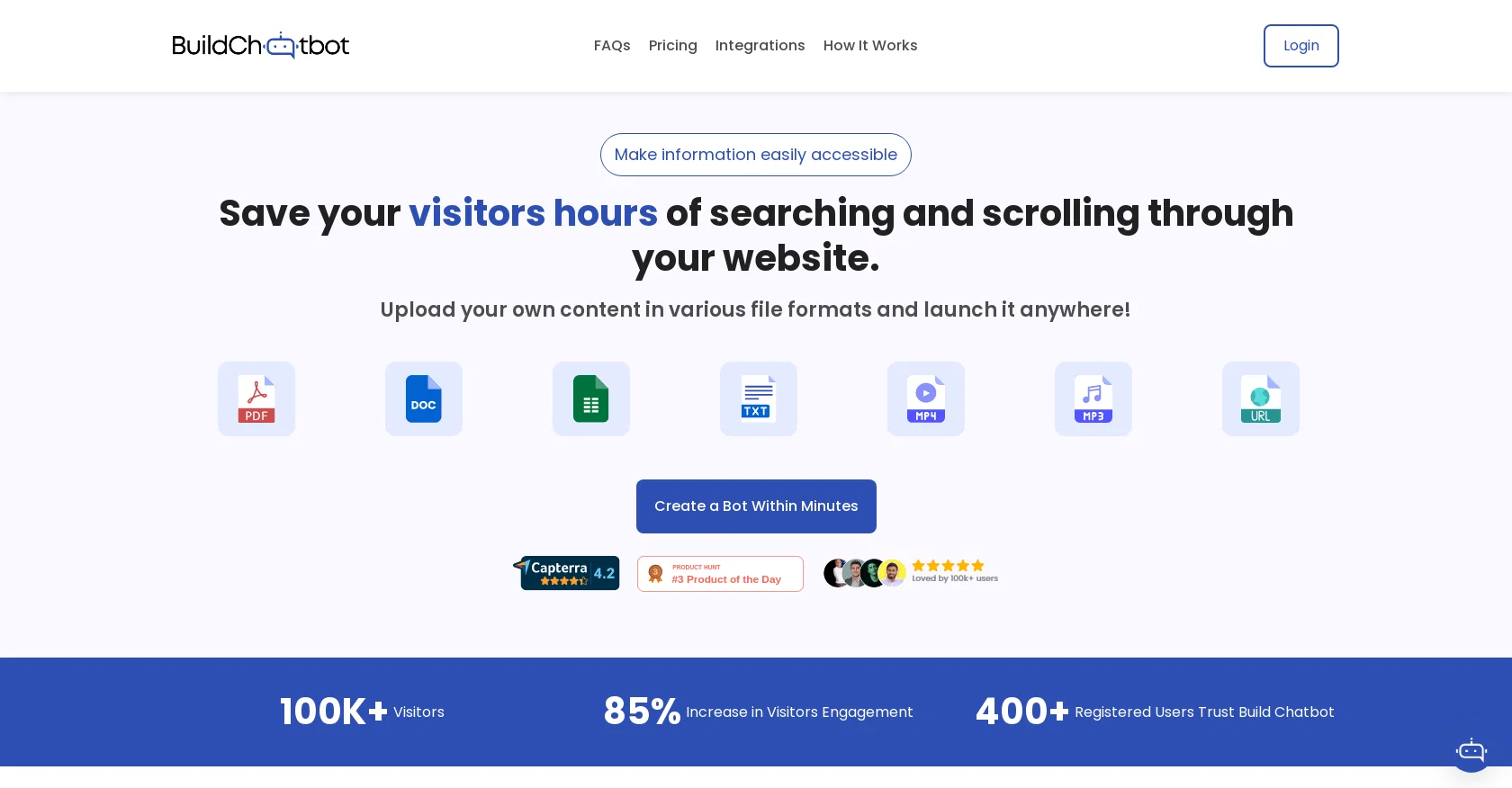
Build Chatbot is a no-code AI chatbot tool designed to enhance user experience for businesses and individuals. It supports multiple file formats and can be trained on private data. With Build Chatbot, users can easily view customer queries, understand their needs, and tailor content accordingly. The tool allows users to update responses, refine engagements, and transform visitors into satisfied customers, resulting in increased visitor engagement and conversions.One notable feature of Build Chatbot is its unique Chat History, which enables users to capture every customer question and witness a significant boost in conversions. The tool also offers a personalized AI chatbot experience, allowing users to customize their chatbot, align it with their brand ethos, and deliver unparalleled conversational experiences.Build Chatbot is trusted by both industry leaders and rising stars alike. The setup process is quick and involves three simple steps: setting up a personalized chatbot, training the chatbot by uploading various file formats, and embedding the chatbot code into the website.Additionally, Build Chatbot offers seamless integration with Zapier, allowing users to automate actions in response to chatbot interactions. This integration ensures streamlined lead generation processes and synchronized data across various platforms. Integration with Slack, a leading team collaboration and messaging platform, allows for real-time information sharing and improved team collaboration.Build Chatbot further enhances user engagement with its full-page chat widget, which can be customized according to the brand's preferences. The tool also provides comprehensive support for a wide range of file formats, including the recent addition of Excel file support, enabling effective data management and retrieval. Help other people by letting them know if this AI was useful. Add your own prompts and outputs to help others understand how to use this AI.

Screenshot gallery

Build Chatbot screenshot

A Professional Framework to Evaluate Build Chatbot

When considering Build Chatbot for integration into your organizational workflow, we recommend deploying a structured score card across three critical operational pillars: Security & Compliance, Integration Friction, and long-term Price Scalability. Rather than looking only at basic feature lists, modern procurement teams must assess how a software platform behaves under high load and how well it fits into the team's data security guidelines.

1. Security and Database Compliance

Depending on your operating region and field, ensure that Build Chatbot supports standard security layers such as SOC 2 Type II certifications, GDPR compliance, or HIPAA-compliant database encryption. If the tool connects directly to client database tables or handles user passwords, verify that they implement multi-factor authentication (MFA), single sign-on (SSO) integrations, and end-to-end data encryption in transit and at rest.

2. API Coverage and Custom Integrations

Siloed data is the primary cause of operational friction. Evaluate if Build Chatbot has native connectors for your current project trackers, messaging hubs, and customer communication channels. For custom developer requirements, check if they provide a fully documented REST API with reasonable rate limits, comprehensive Webhooks support, and robust SDK packages in your language. A flexible API layer saves hundreds of hours of manual copy-paste overhead.

3. Total Cost of Ownership (TCO)

SaaS pricing packages are often deceptively simple. When reviewing Build Chatbot's billing structure, map out your team's projected expansion over the next 12 to 24 months. Determine how costs scale as your customer database increases or as you add team members. Factor in setup costs, mandatory support plan upgrades, API access fees, and storage overage rates to understand the true cost before committing to a contract.

By combining verified user reviews from our directory with internal workflow pilot tests, your procurement team can make an informed decision that drives productivity without creating capital waste.

Features of Build Chatbot

  • API
  • Chatbot
  • Conversational UI
  • Automated Response
  • User Queries
  • Natural Language Processing
  • From $16/Mo

SaaS1to10 verified reviews for Build Chatbot

Overall rating

5.0

Based on 24 reviews

5.03 weeks ago

Review

@Build Chatbot made bot creation effortless, even for someone like me without technical expertise. Embedding it seamlessly on my website enhances user engagement, and the option to connect to a live agent when needed is reassuring.

kyle willson

5.03 weeks ago

Review

As far as a knowledge base of text-based information, this is fantastic and really easy to use. It works great with Text, PDF, Docs, Web Page URL and even in audio and video. Its ability to provide precise answers from uploaded files about our services is impressive. The ability to embed the chatbot on our website has improved our user engagement significantly

Alia

5.03 weeks ago

Review

We added @Build Chatbot to our website for FAQs and support. It impressively gives exact answers from our service files. The ease of getting started is the best. I was up in less than 5 minutes, asking questions to the files.

Lara

5.03 weeks ago

Review

Tried @Build Chatbot for the first time, and it's a game-changer! Effortless setup, and it's like having a virtual assistant. Totally satisfied with the experience!

Joseph

5.03 weeks ago

Review

This is a powerful and helpful real-life app.

Sue

5.03 weeks ago

Review

Just from the copy on the site, it seems it will be useful for e-commerce platforms. Customers need quick assistance, platform managers can delegate the mundane to the AI.

Vince Matinde

5.03 weeks ago

Review

At first glance, this will save me hours of keyword research. I can't wait for the pro plan to be released to get access to more keywords. Much more user-friendly than traditional keyword research tools

Enzo Snyman

5.03 weeks ago

Review

Useful tool for visualizing traffic flowing through your website. Does what GA4 does but without the headache and unnecessary learning curve.

Nic Miller

5.03 weeks ago

Review

too expensive for me, I just want to make memes, not pay that much

Grzegorz Rolnik

5.03 weeks ago

Review

Hey Dillon, email me at bobby@revmo.ai and let’s see if we can figure out what’s going on.

Revmo

5.03 weeks ago

Review

@KeywordSearch creates AI Ad Targeting audiences for YouTube

Aleric Heck

5.03 weeks ago

Review

Fantastic tool for anyone who is looking to promote their personal brand and gain followers on Linkedin with no experience. The tool has a lot of potential to grow and as someone who has recently purchased the tool I'm hoping for more topics in settings.

Ed Soltani

5.03 weeks ago

Review

No other tool quite like this, it's pretty straightforward. Needed to extract a long interview from YouTube and it extracted everything, providing it in different meaningful formats in less than two minutes. Awesome

Juan Sierra

5.03 weeks ago

Review

I already have another transcription tool, but this one is much better. I love the different features such as the summary, quiz, and chapters. It does a great job of them. I've only done one transcript so far to try it out, but I'm truly impressed and am going to grab another code. A couple things that would make it even better are: - the ability to rename the files and organize them through folders. - the ability to download a copy of the other features as well as the transcript. Copying and pasting it works, but doesn't keep the format.

dunn

5.03 weeks ago

Review

superb, e gratis, merge blana, in EN se aude ideal

jon doe

5.03 weeks ago

Review

Undetectable.wtf is better bypasses everything maintaining thee integrity of the text.

LiteEagle

5.03 weeks ago

Review

An amazing app, I love the share feature and the comment section summaries

Silvia Cho

5.03 weeks ago

Review

I tried NovelGPT a template in @Agentgpt and it did an excellent job writing the first two episodes of my novel complete with character descriptions, setting,plot points and well I think you get the point. Great tool can't wait to see it out of beta.

Kelli Crose

5.03 weeks ago

Review

Great chatbot builder, managed to get one up and working quickly. Once trained, it can coherently answer about anything I put on my website Features are a little on the bare side though, but new ones seem to spring up every other day so I suppose the team is very active in building it. Also the basic ones that I need are all in and working very well.

Sid from Ravely

5.03 weeks ago

Review

has been an absolute game changer. Easy to use and offers the flexibility of enterprise level integrations at a fraction of the cost of some other tools. Training models are easy.

navin jeno

5.03 weeks ago

Review

Yes,, it's very good

Hasna Fadilah

5.03 weeks ago

Review

Easy to use and incredible value!

CoreWise.Video

5.03 weeks ago

Review

Wow, wonderful project.

Palash Roy

5.03 weeks ago

Review

Excellent chatbot, very functional and easy to teach. It took me a while to vary the prompt, but I ended up getting a great result when I put it through a stress test. I give 4 stars because I think this AI can still improve. In any case I recommend it.

Waltdege

Pricing

Starting Price

From $18.00/user/month

Pricing may vary based on team size and features selected.

Where can Build Chatbot be deployed?

  • Cloud, SaaS, Web-Based

Recommended for you