5.02 months ago
“Review”
Allows me to create high-quality banners to promote my products.
Marc Heldo

Create content faster with AI-powered social media tools.
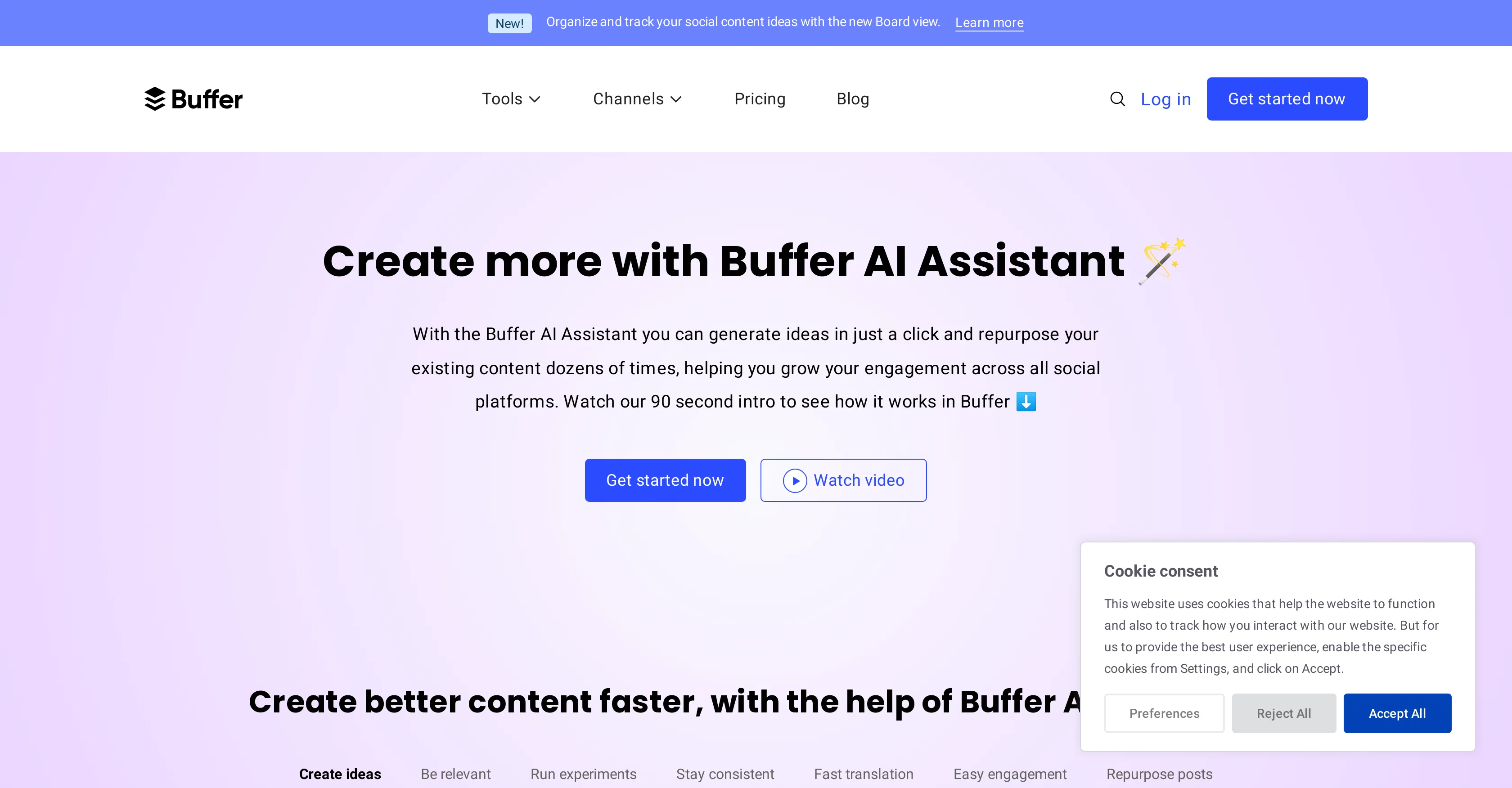
The Buffer AI Assistant is an AI-powered instrument designed to facilitate social media content creation and engagement. The versatile tool aids in generating new ideas for posts, drawing on an extensive range of sources, including trending topics, seasonal ideas, current events, industry-specific issues, and more. Users can further customize post suggestions according to their brand's voice, tone, and specific keywords of interest. Additionally, the Buffer AI Assistant is capable of repurposing existing social media posts and concisely summarizing long content into bite-sized posts, optimizing the versatility of your content. It applies advanced algorithms and machine learning techniques for analysis of social media data trends and patterns to generate post ideas. The tool supports a variety of social media platforms including Twitter, Facebook, Instagram, TikTok, and Pinterest among others. Besides functioning independently, it is integrated into Buffer's other features and works in concert with the platform's scheduling, content library, and analytics tools. The Buffer AI Assistant is available to all Buffer users across the Free, Essentials, Teams, and Agency plans. Help other people by letting them know if this AI was useful. Add your own prompts and outputs to help others understand how to use this AI.
When considering Buffer AI assistant for integration into your organizational workflow, we recommend deploying a structured score card across three critical operational pillars: Security & Compliance, Integration Friction, and long-term Price Scalability. Rather than looking only at basic feature lists, modern procurement teams must assess how a software platform behaves under high load and how well it fits into the team's data security guidelines.
Depending on your operating region and field, ensure that Buffer AI assistant supports standard security layers such as SOC 2 Type II certifications, GDPR compliance, or HIPAA-compliant database encryption. If the tool connects directly to client database tables or handles user passwords, verify that they implement multi-factor authentication (MFA), single sign-on (SSO) integrations, and end-to-end data encryption in transit and at rest.
Siloed data is the primary cause of operational friction. Evaluate if Buffer AI assistant has native connectors for your current project trackers, messaging hubs, and customer communication channels. For custom developer requirements, check if they provide a fully documented REST API with reasonable rate limits, comprehensive Webhooks support, and robust SDK packages in your language. A flexible API layer saves hundreds of hours of manual copy-paste overhead.
SaaS pricing packages are often deceptively simple. When reviewing Buffer AI assistant's billing structure, map out your team's projected expansion over the next 12 to 24 months. Determine how costs scale as your customer database increases or as you add team members. Factor in setup costs, mandatory support plan upgrades, API access fees, and storage overage rates to understand the true cost before committing to a contract.
By combining verified user reviews from our directory with internal workflow pilot tests, your procurement team can make an informed decision that drives productivity without creating capital waste.
Overall rating
Based on 19 reviews
Allows me to create high-quality banners to promote my products.
Marc Heldo
Hey Dillon, email me at bobby@revmo.ai and let’s see if we can figure out what’s going on.
Revmo
Great! I think @AI Lawyer is the best service I've ever seen. Perfect use. Prompting helps in the work
Yuri Gerasimov
State of the Art
Dmitry G.
Undetectable.wtf is better bypasses everything maintaining thee integrity of the text.
LiteEagle
I tried NovelGPT a template in @Agentgpt and it did an excellent job writing the first two episodes of my novel complete with character descriptions, setting,plot points and well I think you get the point. Great tool can't wait to see it out of beta.
Kelli Crose
After my first use, I think it's surprisingly good. The only drawback so far is the PDF export option for the report which is formatless.
Alejandro Correa
It's not free, it forces you to input an email before shoving a price tag in your face.
Arvoly XSL
As the service was in beta-testing stage, I created there a dozen of AI-generated courses for free. I wanted to use them. Those courses remained in my account as they started subscription tiers. But recently I have found out that they were deleted. The support didn't answer to my e-mail at all.
Oldfag TV
I think it's the best @Image Generator I ever found on the net. It gives more accurate image according to the prompt. And thank you for keeping it for free.
My Sawsiri
The website is pretty good but there are only a limited number of responses
Probal Roy
O GPT faz uma análise melhor e mais personalizada.
Vinicius Vilela
Super easy to use. The paid plan is also not very exorbitant. Just the price of 2-3 starbucks visits per month. ;)
Aditya Phute
It's completely free, I created lots of posts with it
Antonia Mitrea
Thank you for your feedback, Wasim. We’ve removed the requirement for 2FA during sign-in. However, it is still required for accessing the credential vault since it is encrypted. Please try the app again and let me know how it feels at this stage.
Joshua Gutierrez
It's truly amazing! The help was so great!
Kunlong H
Sadly is not working as described but they have pretty many things planned so maybe in the future it will.
aihelp
Solid hub for socials. Schedules to a lot of platforms in one place with ai post ideas and short-form tools, plus a free tier to try things out. I like the planner and analytics, ui feels busy at first but once you learn the flow it moves fast.
Benjamin A
Works but I cannot understand what's the use. I was expecting it to give me some videos
Samartha Venkatramana
Starting Price
Free plan available
Free tier available with optional paid upgrades.