5.02 months ago
“Review”
Very expensive for most common pages, no way you pay that
Leandro Conti

Extract and monitor web data without code.
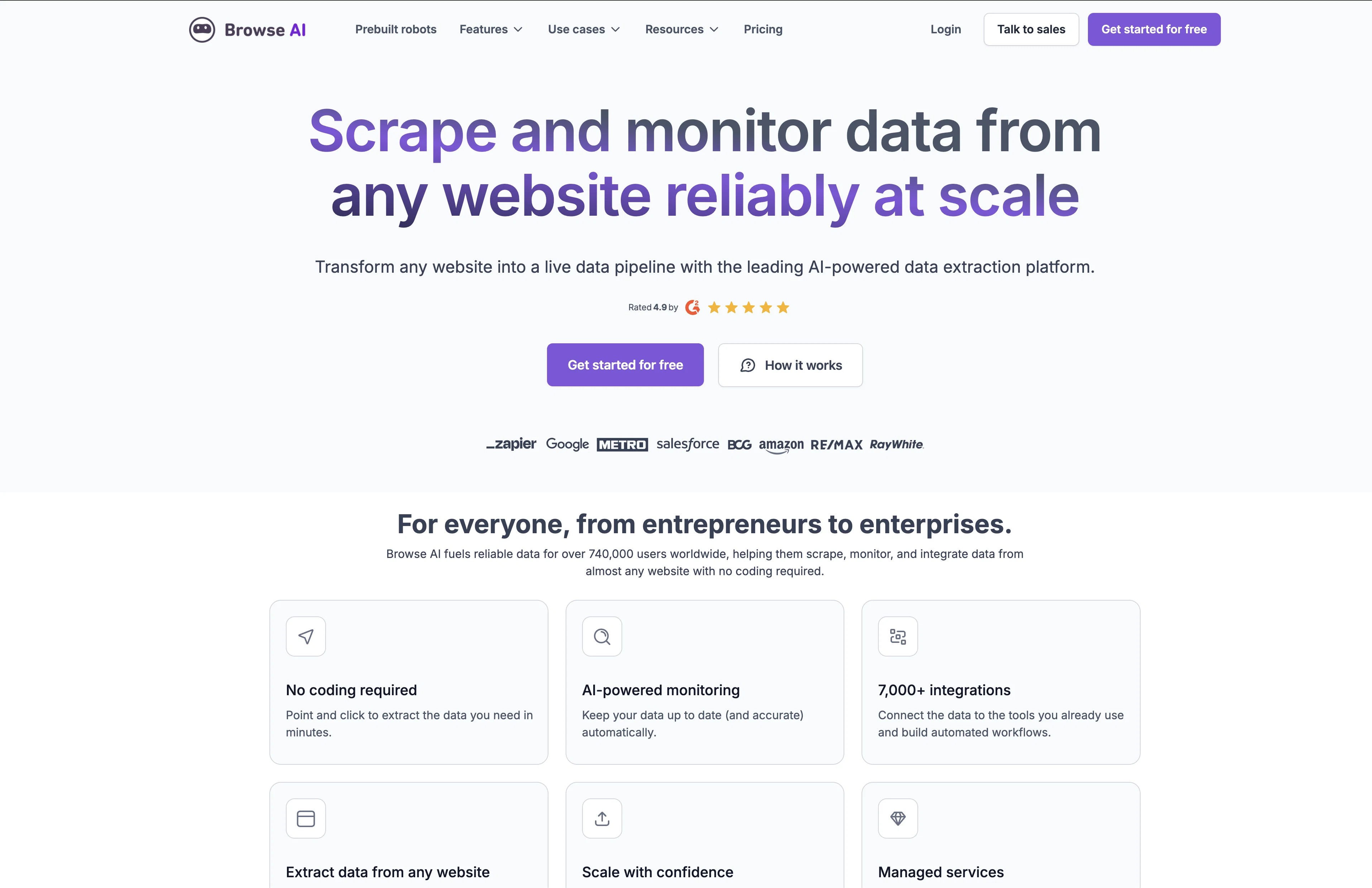
The Scrape and Monitor Data from Any Website with No Code tool allows users to monitor any website for changes and extract specific data from websites as a spreadsheet without the need for coding. It operates as a robot that can be trained within 2 minutes, making it quick and easy to use. The tool allows users to set up prebuilt robots for popular use cases or create custom APIs for websites that do not have public APIs available. Users can extract data behind login, handle pagination and scroll, and download files. Additionally, the tool emulates user actions, solves captchas, and provides geolocation-based data. Users can schedule data extraction and get notified of any changes made to the targeted website. The tool offers flexible pricing plans and has been recommended by over 101,000 individuals and teams, including companies such as Accenture, Hubspot, and Amazon. Browse AI provides prebuilt robots for popular websites, including LinkedIn, Eventbrite, ProductHunt, Indeed, Google Workspace, Zapier, Realtor, Yelp, Redfin, Monster, Glassdoor, Upwork, FlexJobs, Seek, Remoteok, Clutch, eBay, and TikTok. The tool can extract job postings, product lists, company details, event details, and other relevant data from these websites. Overall, the tool offers an effective and efficient way to monitor websites and extract data without the need for coding expertise. Help other people by letting them know if this AI was useful. Add your own prompts and outputs to help others understand how to use this AI.
When considering Browse AI for integration into your organizational workflow, we recommend deploying a structured score card across three critical operational pillars: Security & Compliance, Integration Friction, and long-term Price Scalability. Rather than looking only at basic feature lists, modern procurement teams must assess how a software platform behaves under high load and how well it fits into the team's data security guidelines.
Depending on your operating region and field, ensure that Browse AI supports standard security layers such as SOC 2 Type II certifications, GDPR compliance, or HIPAA-compliant database encryption. If the tool connects directly to client database tables or handles user passwords, verify that they implement multi-factor authentication (MFA), single sign-on (SSO) integrations, and end-to-end data encryption in transit and at rest.
Siloed data is the primary cause of operational friction. Evaluate if Browse AI has native connectors for your current project trackers, messaging hubs, and customer communication channels. For custom developer requirements, check if they provide a fully documented REST API with reasonable rate limits, comprehensive Webhooks support, and robust SDK packages in your language. A flexible API layer saves hundreds of hours of manual copy-paste overhead.
SaaS pricing packages are often deceptively simple. When reviewing Browse AI's billing structure, map out your team's projected expansion over the next 12 to 24 months. Determine how costs scale as your customer database increases or as you add team members. Factor in setup costs, mandatory support plan upgrades, API access fees, and storage overage rates to understand the true cost before committing to a contract.
By combining verified user reviews from our directory with internal workflow pilot tests, your procurement team can make an informed decision that drives productivity without creating capital waste.
Overall rating
Based on 21 reviews
Very expensive for most common pages, no way you pay that
Leandro Conti
Did not work, keeps on thinking
Frank van Tussenbroek
like the other person said, you have to pay. Normally, I wouldn't care, but this particular group advertised itself as free for quite some time. A lot of the materials about it still suggest it's free. And then it engages in basically the same pricing structure that people use this tool to protect themselves from.
comrade circuits
I'm still testing the tool yet it looks very promising. I tested it with a 5.5k words Academic text that I had previously red. I tested the Key points feature, it does work!
Ivana González
It created some decent logos. They are great as a start point
Samuel Barlet
After my first use, I think it's surprisingly good. The only drawback so far is the PDF export option for the report which is formatless.
Alejandro Correa
I tried using it but the website has too many bugs.
João Neiva
Really amazing! Makes learning content and engaging with things so much easier!
Jamie McDonald
Works but I cannot understand what's the use. I was expecting it to give me some videos
Samartha Venkatramana
It's sad to see people want to try your tool out but you have no free sample for them. This may be the best tool out there, but, as mentioned, going through with the AI for minutes to explain what you want, then being prompted to pay, without even knowing if it CAN create something, is discouraging. I hope we can get a free sample or preview at one point, im interested in this one.
Ron Jayson
Great! I think @AI Lawyer is the best service I've ever seen. Perfect use. Prompting helps in the work
Yuri Gerasimov
I tried NovelGPT a template in @Agentgpt and it did an excellent job writing the first two episodes of my novel complete with character descriptions, setting,plot points and well I think you get the point. Great tool can't wait to see it out of beta.
Kelli Crose
O GPT faz uma análise melhor e mais personalizada.
Vinicius Vilela
after playing around with it for a bit, i am now aware of how much i need this. i can already feel the hours of sleep coming back to me <3
Bru no no no
As the service was in beta-testing stage, I created there a dozen of AI-generated courses for free. I wanted to use them. Those courses remained in my account as they started subscription tiers. But recently I have found out that they were deleted. The support didn't answer to my e-mail at all.
Oldfag TV
This is one of the best scrapers I have ever seen, especially considering that Cloudflare explicitly advises against scraping their pages. What makes this scraper stand out is that it opens a virtual machine and runs an agent on top of it, which allows it to bypass bot detection errors effectively. This advanced approach enables it to grab the text content reliably, even from websites with strong anti-scraping measures. By simulating a real user environment, it avoids common blocks and restrictions.
Sha Ok
AVOID AT ALL COSTS. Amateur hour if I ever saw it: they change their entire API endpoints on a whim on the SAME VERSION, breaking all of the work you've done to integrate with them (thousands of $), then tell you you're not an $5k / month Enterprise customer and they don't really support their self serve product so...tough luck buddy. I was one of their first customers and have been using them for over a year and a half only to wake up one day to customer complaints because our integration had broken and be told they basically don't care about. After I reached out to their team, it became clear that they had simply changed their entire API from one day to the next on the same version, with no notice and a documentation that doesn't reflect the changes they made. Literally everything is broken in one way or another: the UI fails to save changes every other try, the API has three different versions in use at the same time, some endpoints use v3 others use v4, similar payload responses don't even reply with the same structure for the data, the documentation is completely out of sync with the actual endpoints, the webhooks trigger 3 times in a row and on and on and on... Somehow they have several engineers, yet no-one there actually knows how to fix your problem. I've been a customer for over a year and a half and after breaking my entire integration, they just told me to go take my business elsewhere because they couldn't support their OWN breaking changes! Oh and by the way, it took a week of back and forth and trying to fix my integration and work with their broken documentation to tell me this. Total insanity. I couldn't ever imagine being an Enterprise customer with these people, their whole product is built on a shoestring and they have absolutely no respect whatsoever for their customers.
Olivier Breton
dont have option to scrap in bulk, then is useless
Leandro Conti
I've been using @Octoparse for a few months now, and I must say, it has exceeded my expectations. As someone with limited coding knowledge, I was initially hesitant to try web scraping. However, @Octoparse made the process incredibly easy with its intuitive interface and powerful features. I've been able to extract data from multiple websites without any hassle, and the automation capabilities have saved me a ton of time. The customer support team has also been incredibly helpful whenever I've had questions or encountered issues. Overall, I highly recommend @Octoparse to anyone looking for a reliable and user-friendly web scraping tool. Another notable aspect of @Octoparse is its versatility, catering to both beginners and advanced users alike. Its pre-built templates and workflows streamline the scraping process, while advanced users can leverage its customization options for more complex scraping tasks. Additionally, @Octoparse offers scheduling and automation features, allowing users to automate repetitive scraping tasks and save time.
Karena Patch
Working great as of 30/11/2024. Let me tell you why I'm so happy about this, because I was desperate: - Firecrawl.dev? Inconsistent API documentation. Apify scrapers? Couldn't work on my target URL. - I spent $150 over 4-5 OTHER tools before finding this one, which is free to use locally right now. Wow. I'm dumb. - My target URL was a broken site, with 500 javascript errors, content violations, bad cookies, etc. - Not a single scraper worked that I tried, except for this one. So yeah, I'd say I'm pretty happy
Sha Ok
It sure does Kristina, give it another go , try and refresh the page.
Daniel Garaiacu
Starting Price
Free plan available
Free tier available with optional paid upgrades.