5.01 months ago
“Review”
It was so amazing
Radhakanta Mahananda

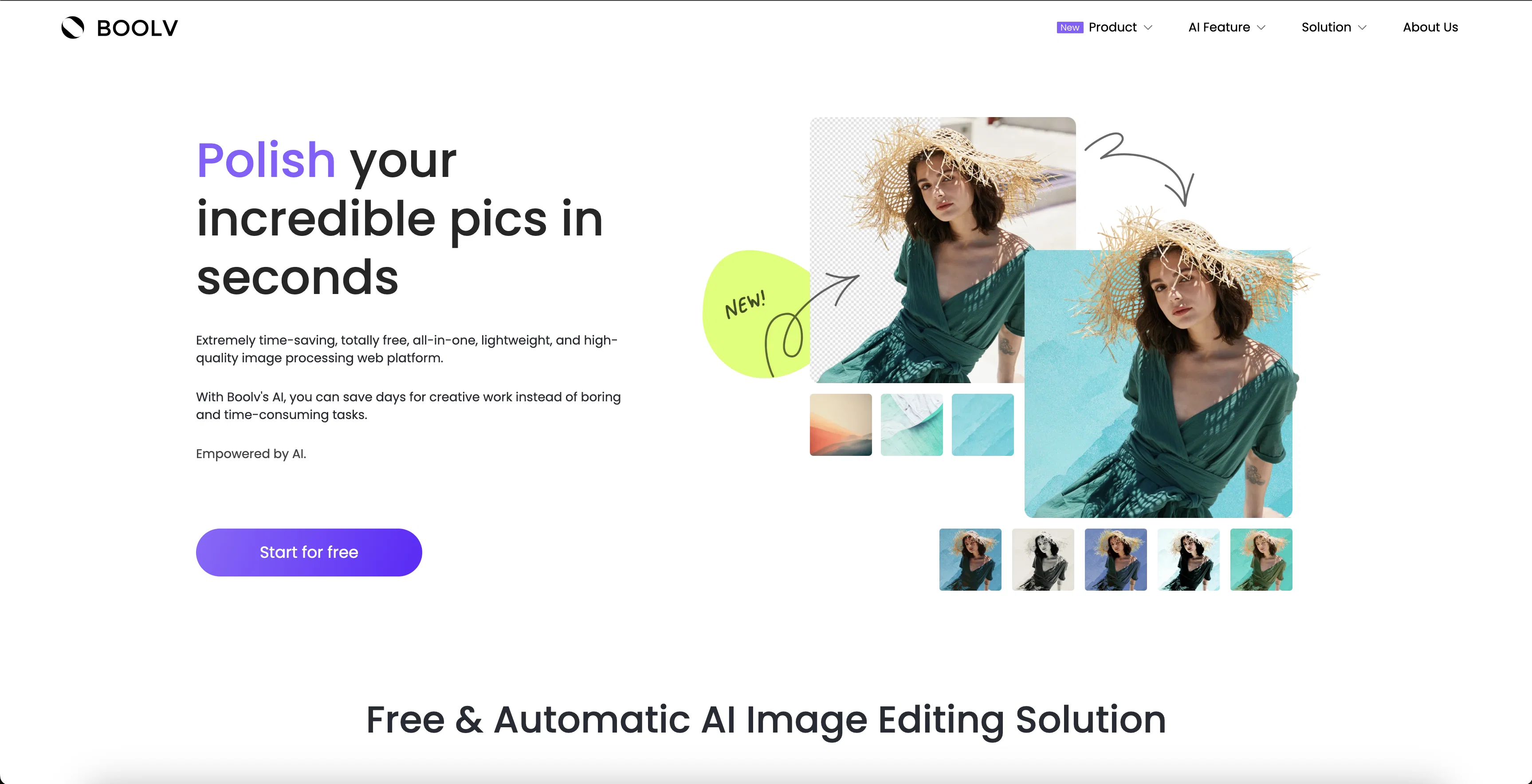
Polish incredible pics in seconds with AI.
Boolv.Toolkit is a free and lightweight AI image editing platform designed to save users time and effort. It features a suite of powerful tools such as background removal, photo effects and filters, photo animation, image resizing and compressing, and image upscaling (coming soon). The platform is designed to be easy to use; users simply select a feature, upload or drop an image, choose the variations they like, and download the finished product. With Boolv's AI, users can produce professional-looking visuals in only a few clicks. Boolv also offers a Smart Video Maker product, which enables users to turn images and photos into stunning promotional videos in just one click. Help other people by letting them know if this AI was useful. Add your own prompts and outputs to help others understand how to use this AI.
When considering Boolpic for integration into your organizational workflow, we recommend deploying a structured score card across three critical operational pillars: Security & Compliance, Integration Friction, and long-term Price Scalability. Rather than looking only at basic feature lists, modern procurement teams must assess how a software platform behaves under high load and how well it fits into the team's data security guidelines.
Depending on your operating region and field, ensure that Boolpic supports standard security layers such as SOC 2 Type II certifications, GDPR compliance, or HIPAA-compliant database encryption. If the tool connects directly to client database tables or handles user passwords, verify that they implement multi-factor authentication (MFA), single sign-on (SSO) integrations, and end-to-end data encryption in transit and at rest.
Siloed data is the primary cause of operational friction. Evaluate if Boolpic has native connectors for your current project trackers, messaging hubs, and customer communication channels. For custom developer requirements, check if they provide a fully documented REST API with reasonable rate limits, comprehensive Webhooks support, and robust SDK packages in your language. A flexible API layer saves hundreds of hours of manual copy-paste overhead.
SaaS pricing packages are often deceptively simple. When reviewing Boolpic's billing structure, map out your team's projected expansion over the next 12 to 24 months. Determine how costs scale as your customer database increases or as you add team members. Factor in setup costs, mandatory support plan upgrades, API access fees, and storage overage rates to understand the true cost before committing to a contract.
By combining verified user reviews from our directory with internal workflow pilot tests, your procurement team can make an informed decision that drives productivity without creating capital waste.
Overall rating
Based on 24 reviews
It was so amazing
Radhakanta Mahananda
Perfect for image enhancement!
Ali Şefik
Really fast image resizing and compressing
pauline krebbers
Will not let you test on a HD picture without paying. I found a lot of these "programs" do a poor job and I am tired of paying for a test. Maybe offer 1 HD picture, but crop it (user crop)?
Tim Patrie
Very good job. File size concerns me, it was 10.2mb from a 1.63mb file. That was only one image, what if I had 50?
Ann P
Free Start with a Free Experience $0 /mo
Vitus Bering
O GPT faz uma análise melhor e mais personalizada.
Vinicius Vilela
paid and stuff and not that good
Max Adventures
superb, e gratis, merge blana, in EN se aude ideal
jon doe
There were no aristocratic Asians and Africans in ancient Rome.
Sándor Gajdos
It works nicely. The autodraw function works really well, it easily detects what I’m trying to go for. W tool!
Orit Paredes
Great idea, but does not find what you are looking for-about the same as Google Scholar
Andy
nice holistic
Amit ImmI
It's not free. Once it makes you log in with your gmail account and upload your picture, it tells you that you need to buy credits to proceed.
Giti Mortazavi
It created animals with more than 4 legs and multiple animals when I asked for one. Sometimes you have to run it a few times with the same prompt to get something usable, but even then it probably won't be what you are thinking in your head. That being said, I think it is a good start, and for kids that just want to color something for free, it's cool to play with. It is definitely not the same quality as even the lower-end HuggingFace Stable Diffusion projects.
B C
I think it's the best @Image Generator I ever found on the net. It gives more accurate image according to the prompt. And thank you for keeping it for free.
My Sawsiri
basic image editing without proper UI
Jaagrav
i edited my picture twice because the first time it randomly got deleted. second time i did everything and i pressed download but nothing happened, after repeatedly trying it didn’t work in the end. regardless very good editing tool (fyi you can’t download high res pic without paying)
Georg
I think this is the point of a free trial...
Michael McWilliam
Works wonders for anime, has me taking it in consideration for a tool rotation.
Sean Gandhi
The prompt library is extremely practical.
yang li
I was struggling to create some free Christmas and New Year's e-cards, and these templates are really good. I recommend giving them a try. The only downside is that each free template can only be used once.
youngwind
Not at all accurate…. The only thing similar between original and generated images were the clothes and accessories… face was absolutely new and unconnected.
Shvetank Sharma
I was skeptical about the "one-click video" claim, but I gave TemVideo a shot for a new product I'm testing. The biggest headache with AI video tools is usually the prompt engineering—you spend 30 minutes typing descriptions just to get a weird-looking hand. TemVideo completely bypasses that. My honest take after using it: The "From Raw Footage" feature is the real MVP. You know those random 10-second clips you take on your phone just to check lighting? The AI somehow turns those messy scraps into coherent ads. It’s almost spooky how well it edits around the product. It’s built for speed. If you are a dropshipper who needs to test 5 different products today, this workflow is unbeatable. Upload, click, done. I had an export ready faster than I could find a coffee. Multi-language is a bonus. It’s smart they included localization. If you sell globally, having the AI handle the lip sync and narration in different languages from one workflow is a massive time-saver. Best part? The built-in "Viral Hooks" library. It takes the guesswork out of what text to put on screen to stop the scroll.
abbey
Starting Price
Free plan available
Free tier available with optional paid upgrades.


