5.01 months ago
“Review”
Looks great, helps my family a lot!
mikew12044@lofiey.com

Create presentations in seconds with AI.
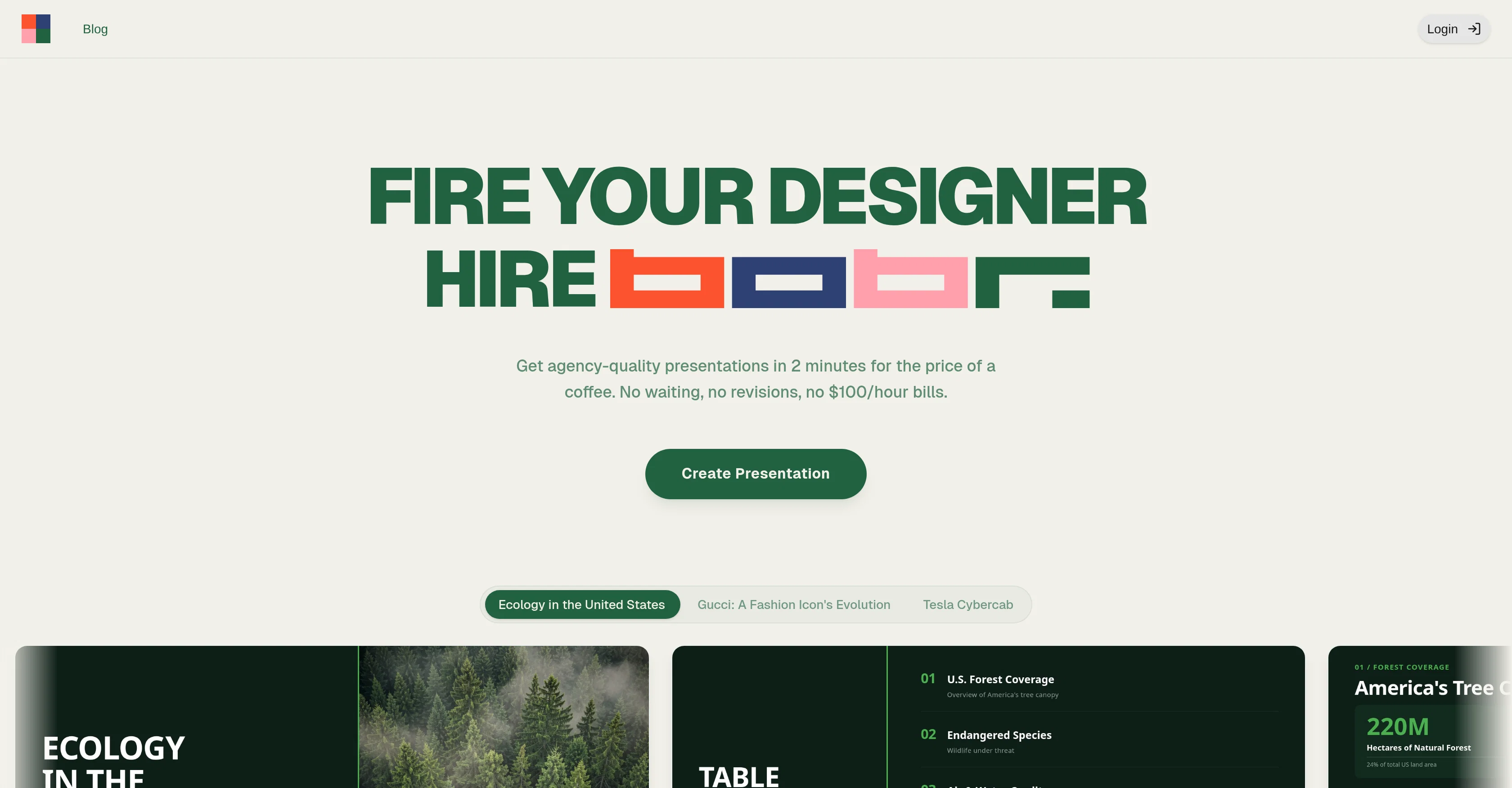
Bobr AI is an Artificial Intelligence (AI) tool designed to streamline the process of creating professional presentations. By interpreting user input, it automatically generates aesthetically pleasing slides, eliminating the need for design expertise. Among its varied features, Bobr AI undertakes deep web research to find accurate data sources that correspond with your presentation topic. Users also have the option to upload their data in the form of PDFs or images to serve as source material. In addition to data and source materials, Bobr AI can also search and incorporate real-world photography and visuals for a more engaging look. Chat editing is another unique feature which allows users to edit text and layout through natural conversation with the AI. The tool also takes users' unique aesthetic preferences into account and leverages data visualization for effective representation of information in charts. For additional convenience, Bobr AI offers a variety of plans for users to choose from based on their needs and frequency of usage, which range from watermark-free slides to brand kits and API access. Bobr AI poses a robust and user-friendly alternative to traditional presentation-making methods and tools. Help other people by letting them know if this AI was useful. Add your own prompts and outputs to help others understand how to use this AI.
When considering Bobr AI for integration into your organizational workflow, we recommend deploying a structured score card across three critical operational pillars: Security & Compliance, Integration Friction, and long-term Price Scalability. Rather than looking only at basic feature lists, modern procurement teams must assess how a software platform behaves under high load and how well it fits into the team's data security guidelines.
Depending on your operating region and field, ensure that Bobr AI supports standard security layers such as SOC 2 Type II certifications, GDPR compliance, or HIPAA-compliant database encryption. If the tool connects directly to client database tables or handles user passwords, verify that they implement multi-factor authentication (MFA), single sign-on (SSO) integrations, and end-to-end data encryption in transit and at rest.
Siloed data is the primary cause of operational friction. Evaluate if Bobr AI has native connectors for your current project trackers, messaging hubs, and customer communication channels. For custom developer requirements, check if they provide a fully documented REST API with reasonable rate limits, comprehensive Webhooks support, and robust SDK packages in your language. A flexible API layer saves hundreds of hours of manual copy-paste overhead.
SaaS pricing packages are often deceptively simple. When reviewing Bobr AI's billing structure, map out your team's projected expansion over the next 12 to 24 months. Determine how costs scale as your customer database increases or as you add team members. Factor in setup costs, mandatory support plan upgrades, API access fees, and storage overage rates to understand the true cost before committing to a contract.
By combining verified user reviews from our directory with internal workflow pilot tests, your procurement team can make an informed decision that drives productivity without creating capital waste.
Overall rating
Based on 23 reviews
Looks great, helps my family a lot!
mikew12044@lofiey.com
@Rocket is fast as heeeelll for spinning up prototypes when an idea hits. I've shipped small tools and MVPs with this as the foundation, saves days of boilerplate setup. Great one :)
Maarten Beast
Its a promising project and works well so far. Wishing them all the best and godspeed.
Dipak Rautela
Just implemented your instruction out how to run drip campaigns automatically, nice! Getting prospect calls coming in
Jenn N.
Absolutely in love. I could create my own custom AI and shared it with my colleuges to get instant support from me, i mean digital AI of me :)
Derek W.
Ideal for stock-watchlist and not missing trade setups that correspond to my strategy.
Builder
This is my best bro! I communicate with him like my best friend, he always helps to direct my thoughts and ideas in the right direction, always tells me how to improve something and always gives detailed instructions during the conversation. Thanks to him, I’m launching a new project, in which he helps me take my ideas to a new level, just communication, during which you reassemble your concept and rethink your original idea, because you didn’t know how it would be better and more correct. @DeepSeek is my best assistant today, my creative inspiration, who gives me support and confidence in my business, guiding me to realize my dreams)
Gamer TOTORO
I joined Kin's beta program on my iPhone XR. After upgrading to an iPhone 13, I found that I couldn't log into my existing account on the new phone, forcing me to create a new account. Now, I have two separate Kin accounts on different phones. Today, when I accessed the beta version of Kin, I got a notification stating that the test version ended on Monday, September 23rd. It instructed me to back up my data and move to the official Kin app. I did as advised—backed up my data, confirmed, uninstalled the beta app via TestFlight, and installed the official Kin app. However, when I attempted to “log in”, I was still unable to access my existing account. This issue hasn't been resolved yet. I have been trying desperately to get in contact with the support team. I left feedback through the test flight app and sent emails. No response. Now trying to find a forums, Reddit posts, TAAFT comments☻
Desiree Miller
Great tool! Was very helpful in content production
Duck Typer
State of the Art
Dmitry G.
i love it i use it to teach me Italian and ukranian and programing ! and it awesome , because it allows you in the free version send many prints of your screen , not having to explain all the errors by typing diferent from gpt that you can only send 3 photos in the free version. i also use @Grok to study i frist make the exercise in my book then i take a photo of my exercise then i ask it to see if there is any mistake and dissipate my terryble handwriting it understands
fernand Lopes
The most humanly AI i have used so far but the problem is as soon as you start piling up messages in single chat session , it starts getting slow and at some point it starts freezing and also uses a lot of resources. For time being its okay to do 3 4 messages but as soon as we continue it has messages limitation and also starts getting very very slow . For the price of £18 per month this is unacceptable and with the newly introduced feature called project, if we start new chat within the project we cannot continue with the context we provided in other chats within same project. There are lot of improvements for them to work on. And to start with the its speed and its price
Bibash Katel
Very interesting
Béatrice Duval
This tool i found is super cool, I created 5 books from this tool to sell them online, which gives me great profit. I am creating more valuable books to spread knowledge, and earn some bucks as well 🤑.
Bilal Ashraf
It works without templates
Anton Osipov
Sheeesh, you have no idea how happy I am to be living in AI era. A presentation for investors used to mean a full working day in PowerPoint. A whole day. I will never forgive Microsoft for this — so many years have passed and they still haven't made it actually usable. Every single time you sit down and just curse everything around you. And now I genuinely want to say thank you to the guys at bobr.ai — I just type out what I need and in half an hour I get exactly what I wanted. You just can't explain this feeling to someone who hasn't experienced it themselves.
Ulon
I'm absolutely blown away by the design quality of the presentations they look so vibrant and stylish. I was also pleasantly surprised that the AI asks lots of clarifying questions to make sure the final result is exactly what I wanted, not just something random. Vibes 🔥
hvdraxx
Bobr.ai is an absolute revelation! The level of professional design here is unmatched, and the genial content it produces is simply mind-blowing. My presentations have never looked this good.
Dmitrii Kuzin
Bobr.ai is an absolute revelation! The level of professional design here is unmatched, and the genial content it produces is simply mind-blowing. My presentations have never looked this good. The professional design is flawless, and the content generation is nothing short of genial
Dmitrii Kuzin
A very useful AI slides tool! The content it generates is genuinely smart.
Shane Qian
It does it's job and I love that it has a lifetime plan
Matthew Edwan
You spent half of hour on describing how your presentation should look like, and just after that getting informed that you need to pay subscription to proceed. Who’ll pay my time back?
Grigorij Dudnik
Makes it easy to get started with a presentation if you have an outline, but as soon as you want more control, you're better off using Google Slides. @Gamma's feature that I used the most was image generation - you can select among a variety of models (Ideogram, Flux, DALL-E, but not Midjourney), and it shows 3 variations to choose from. Performance is slow and a little janky, even in Chrome. Prompts and settings are often not respected - e.g. you set it to "preserve text" and just generate slides, and it goes onto dumping an entire 3 paragraphs of text in one slide. You can't overlay text over images (e.g. for image attribution), and there's no precise positioning control, or grouping elements. No way to control table layout, e.g. to have two images slide-by-side in full bleed mode. I tried @Gamma for a new presentation, but next time I need to make a presentation, I'll go back to Google Slides and generate images independently.
Dan Dascalescu
Starting Price
Free plan available
Free tier available with optional paid upgrades.


