
Blend
Remove image backgrounds instantly with AI.
Blend Overview
What is Blend?
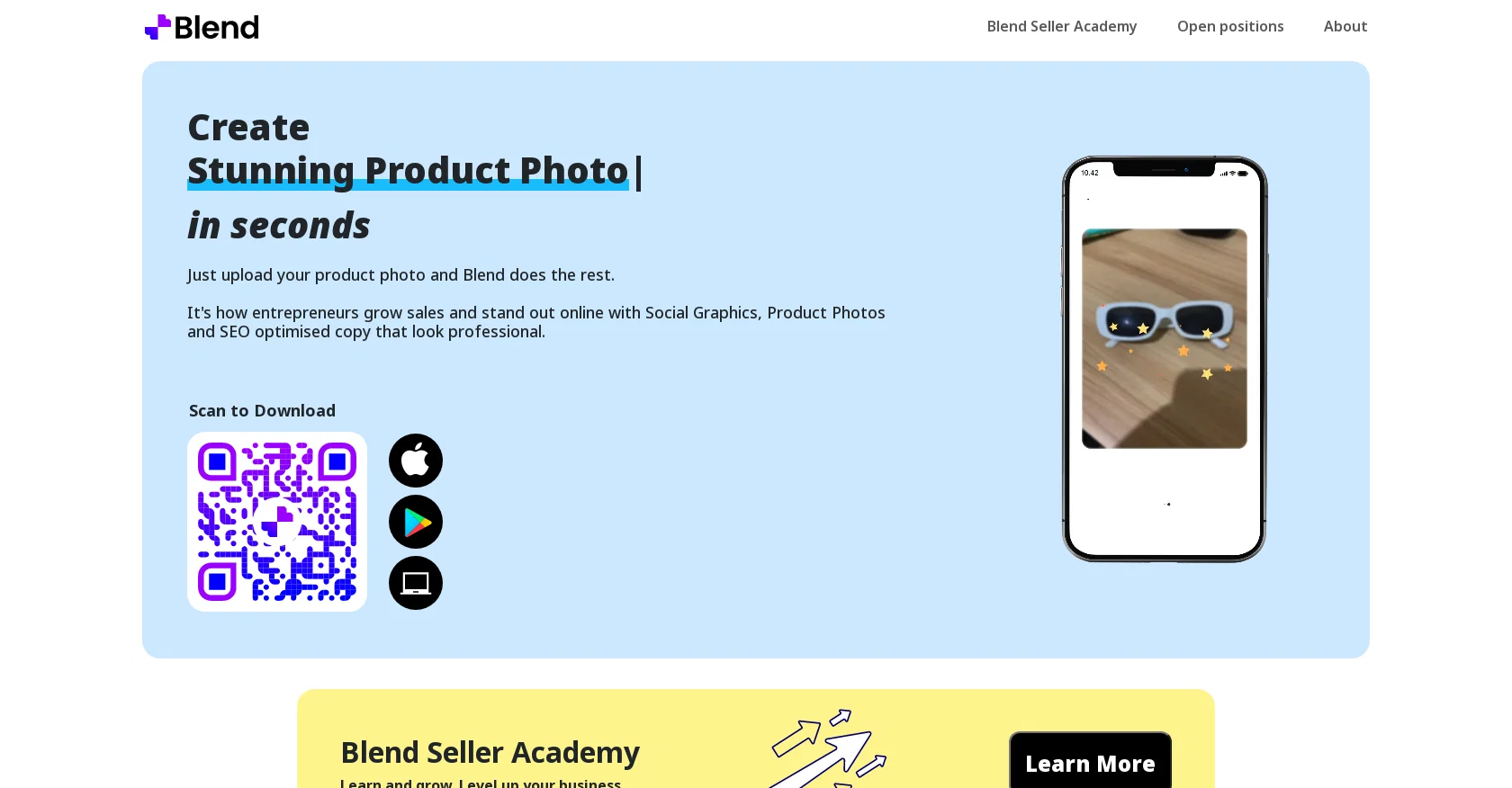
The Image Background Remover tool provided by Blend is an AI-powered technology that automatically and easily removes image backgrounds and replaces them with new backgrounds. With this tool, users can also choose from thousands of templates to showcase their products or images. The tool offers more than 500 templates that are optimized for social graphics, product photos, and SEO-optimized copies. The tool takes the hassle out of cropping and resizing designs for various platforms like Instagram, Etsy, Shopify, Poshmark, and more, making it easy to export HD cutouts. With its magic resize feature, users can choose from an assorted font styles and backdrops to create visually stunning designs for e-commerce and social platforms. The tool also offers more than 100 fonts and backdrops to choose from. Blend promotes its tool as being ideal for entrepreneurs who want to grow sales and stand out online with professional-looking visuals.Blend offers a mobile app to download the tool, which is available on both the App Store and Play Store. The tool is also accessible via the web. Users can enhance their business acumen by learning from the Blend Seller Academy, which offers training resources for growing and leveling up their business. The tool is provided by Blendit Studios Pvt Ltd, and the company has provided a privacy policy that ensures the privacy of user data. In summary, Blend's Image Background Remover is a valuable tool for removing image backgrounds with thousands of templates that can make product images and social graphics look professional with ease. Help other people by letting them know if this AI was useful. Add your own prompts and outputs to help others understand how to use this AI.
Screenshot gallery
Pros & Cons
Pros
- Automatic background removal
- Background replacement
- Thousands of templates
- Optimized for social graphics
- Optimized for product photos
- Optimized for SEO copies
- Resizes designs for platforms
- Exports HD cutouts
- Magic resize feature
- Choose from 100+ fonts
- Choose from 100+ backdrops
- Ideal for entrepreneurs
- Supports sales growth
- Enhances online presence
- Professional-looking visuals
- Mobile app available
- App Store availability
- Play Store availability
- Web access
- Blend Seller Academy
- Business growth resources
- Guaranteed user data privacy
Cons
- Limited font and backdrop options
- Limited number of templates
- No API for integration
- Privacy concerns
- Requires Internet connection
- No multi-platform support
- No automated batch processing
- Potential quality loss during upscale
- Tool specificity: only images
- Training resources not comprehensive
A Professional Framework to Evaluate Blend
When considering Blend for integration into your organizational workflow, we recommend deploying a structured score card across three critical operational pillars: Security & Compliance, Integration Friction, and long-term Price Scalability. Rather than looking only at basic feature lists, modern procurement teams must assess how a software platform behaves under high load and how well it fits into the team's data security guidelines.
1. Security and Database Compliance
Depending on your operating region and field, ensure that Blend supports standard security layers such as SOC 2 Type II certifications, GDPR compliance, or HIPAA-compliant database encryption. If the tool connects directly to client database tables or handles user passwords, verify that they implement multi-factor authentication (MFA), single sign-on (SSO) integrations, and end-to-end data encryption in transit and at rest.
2. API Coverage and Custom Integrations
Siloed data is the primary cause of operational friction. Evaluate if Blend has native connectors for your current project trackers, messaging hubs, and customer communication channels. For custom developer requirements, check if they provide a fully documented REST API with reasonable rate limits, comprehensive Webhooks support, and robust SDK packages in your language. A flexible API layer saves hundreds of hours of manual copy-paste overhead.
3. Total Cost of Ownership (TCO)
SaaS pricing packages are often deceptively simple. When reviewing Blend's billing structure, map out your team's projected expansion over the next 12 to 24 months. Determine how costs scale as your customer database increases or as you add team members. Factor in setup costs, mandatory support plan upgrades, API access fees, and storage overage rates to understand the true cost before committing to a contract.
By combining verified user reviews from our directory with internal workflow pilot tests, your procurement team can make an informed decision that drives productivity without creating capital waste.
Features of Blend
- Image
- Edit
- Product
- Enhance
- Upscale
- Marketing
- Free + From $5.2/Mo
SaaS1to10 verified reviews for Blend
Overall rating
Based on 21 reviews
No reviews yet. Be the first to write one.
Pricing
Starting Price
Free plan available
Free tier available with optional paid upgrades.
Where can Blend be deployed?
- Cloud, SaaS, Web-Based