Help other people by letting them know if this AI was useful.
Add your own prompts and outputs to help others understand how to use this AI.
Screenshot gallery
Pros & Cons
Pros
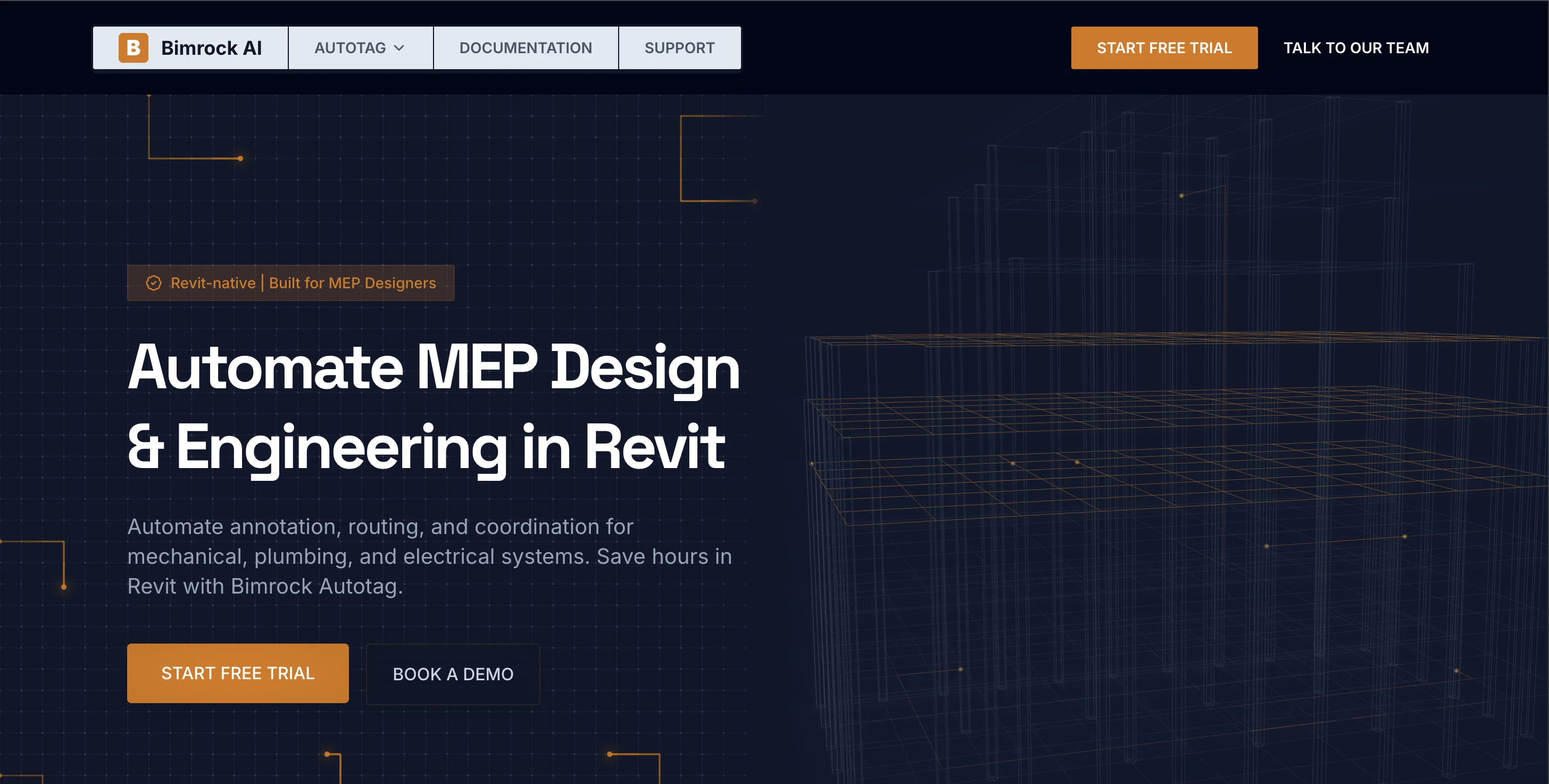
+Automates MEP design
+Streamlines annotation process
+Enhances routing and coordination
+Precision tagging
+Avoids tag overlaps
+Prevents colliding tags
+Clean, professional presentation
+Customizable features
+User-defined rules
+Consistent tagging across views
+Smart tag placement algorithm
+Automatic fallbacks
+Elements filtration options
+Batch-processing for large projects
+Supports all MEP disciplines
+Supports architectural elements
+Works with any Revit model
+Sharing standards across team
+Reduces design inconsistencies
+Scalable licensing options
+Saves hours of work
+Interns' sheets match experienced designers
+Overlap-free tag placement
+Reduces QC time
+Batch annotate entire building
+Filter criteria options
+Automatic tag overlap organization
+Revit-native integration
+No special families required
+Works with linked models
+Works with cloud models
+Place parameter defined on elements
+Single operation full documentation processing
+Automates repetitive tagging
+Transparent pricing
+Built-in default profiles
+Community support
+Team collaboration tool
+Guided onboarding
+Priority support for firms
+Dedicated account representative for Enterprise
+Early access to future tools
+Compatible with Revit 2023-2026
+Supports linked and cloud models
+Works with existing Revit templates
+MEP-specific tool
+Supports custom families and native families
+Shareable profiles feature
+Cloud processing
Cons
−Only supports Revit
−No offline working capability
−Requires continuous licensing renewal
−Not compatible with other design programs
−Dependency on cloud infrastructure
−Limited tag editing options
−Limited customization beyond tagging
−Filtering can become complex
−No single user licenses
−No specified data protection mechanisms
A Professional Framework to Evaluate Autotag by Bimrock AI
When considering Autotag by Bimrock AI for integration into your organizational workflow, we recommend deploying a structured score card across three critical operational pillars: Security & Compliance, Integration Friction, and long-term Price Scalability. Rather than looking only at basic feature lists, modern procurement teams must assess how a software platform behaves under high load and how well it fits into the team's data security guidelines.
1. Security and Database Compliance
Depending on your operating region and field, ensure that Autotag by Bimrock AI supports standard security layers such as SOC 2 Type II certifications, GDPR compliance, or HIPAA-compliant database encryption. If the tool connects directly to client database tables or handles user passwords, verify that they implement multi-factor authentication (MFA), single sign-on (SSO) integrations, and end-to-end data encryption in transit and at rest.
2. API Coverage and Custom Integrations
Siloed data is the primary cause of operational friction. Evaluate if Autotag by Bimrock AI has native connectors for your current project trackers, messaging hubs, and customer communication channels. For custom developer requirements, check if they provide a fully documented REST API with reasonable rate limits, comprehensive Webhooks support, and robust SDK packages in your language. A flexible API layer saves hundreds of hours of manual copy-paste overhead.
3. Total Cost of Ownership (TCO)
SaaS pricing packages are often deceptively simple. When reviewing Autotag by Bimrock AI's billing structure, map out your team's projected expansion over the next 12 to 24 months. Determine how costs scale as your customer database increases or as you add team members. Factor in setup costs, mandatory support plan upgrades, API access fees, and storage overage rates to understand the true cost before committing to a contract.
By combining verified user reviews from our directory with internal workflow pilot tests, your procurement team can make an informed decision that drives productivity without creating capital waste.
Features of Autotag by Bimrock AI
Local
Revit
MEP
Automation
Building Information Modelling
Design Engineering
Free + From $49/Mo
SaaS1to10 verified reviews for Autotag by Bimrock AI
Overall rating
★★★★★5.0
Based on 9 reviews
★★★★★5.02 months ago
“Review”
@Scrollsequence is a game-changer for interactive storytelling! Smooth animations, intuitive setup, and impressive control over scrolling sequences make it perfect for engaging web experiences. Highly recommend for designers and developers looking to elevate their sites. 🙌
jeymiiiiii
★★★★★5.02 months ago
“Review”
Wow, so good
Neskwusss
★★★★★5.02 months ago
“Review”
This tool is definitely good for basic stuff, no doubt. Just keep the prompts super duper simple and it gets the job done. But once I put in something a bit more complex at it… it kinda screwed up the thing. Still, I see potential here
Anil Felipe
★★★★★5.02 months ago
“Review”
Instantly goes live without hassle
E
★★★★★5.02 months ago
“Review”
a friend sent me this the other day. veo, grok, seedance all run from one upload and it's actually fast. ui doesn't fight me. no complaints.
owen_reeves
★★★★★5.02 months ago
“Review”
Maybe you don’t have a subscription, so there are no credits on your account, and a lot of features require credits to use.
Span Chen
★★★★★5.02 months ago
“Review”
Never thought I needed this but it’s really good
Paul
★★★★★5.02 months ago
“Review”
"WriteSongAI offers an incredibly smooth end-to-end experience for music creation. The AI vocals sound remarkably human-like across different genres, and the ability to export studio-grade WAV files directly from the browser is a huge plus. Whether you are a beginner or a pro needing a quick arrangement, this tool delivers quality results in seconds."