5.02 months ago
“Review”
This is a powerful and helpful real-life app.
Sue

Remove image backgrounds automatically.
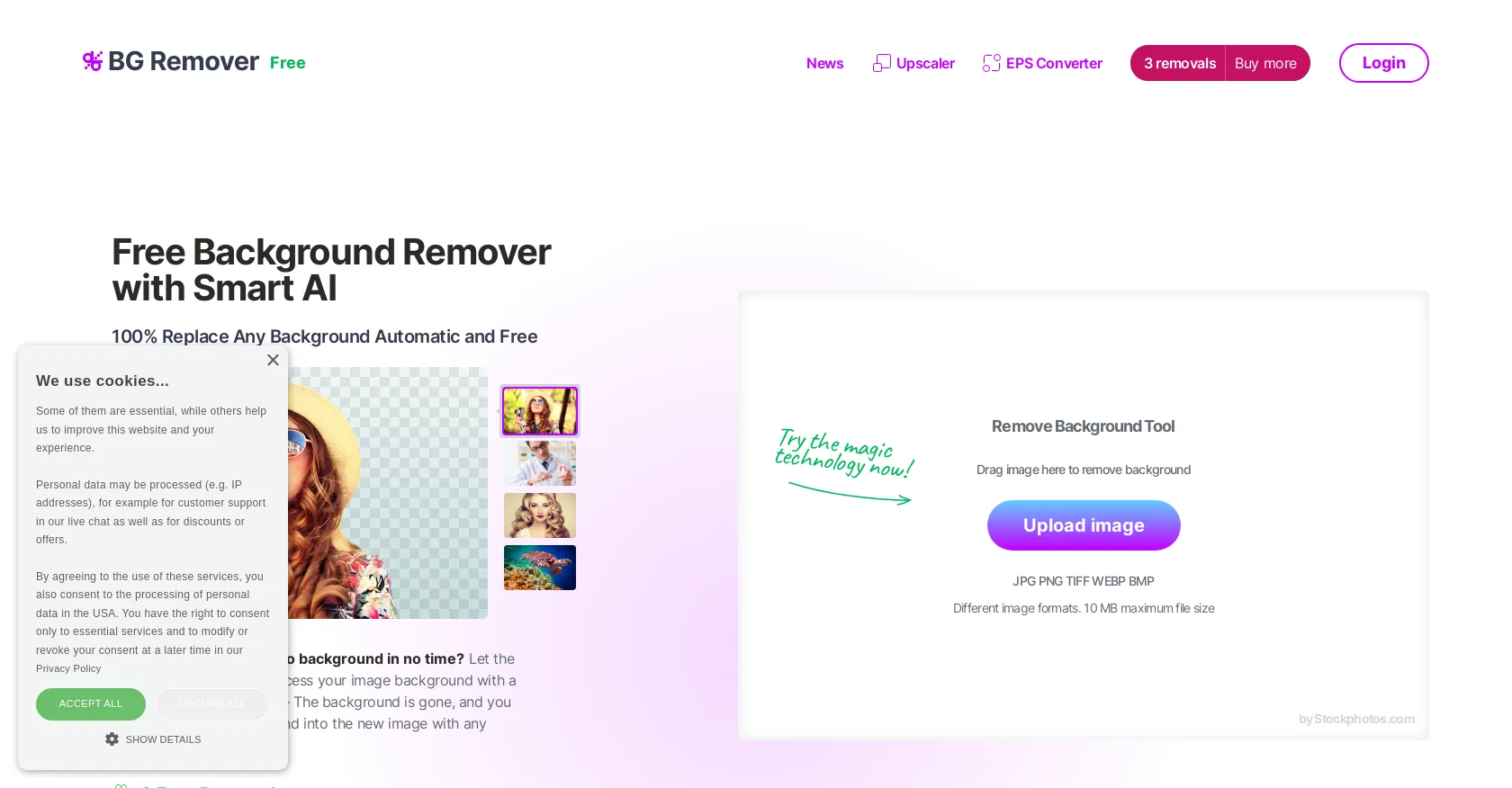
AI Image Background Remover is a free online tool offered by Stockphotos.com that automatically removes the background of images. The tool uses AI to detect objects in images, smoothen edges, and remove backgrounds quickly and easily, without the need for manual image manipulation. The tool supports various image file formats, including JPG, PNG, TIFF, WEBP, and BMP, with a maximum file size of 10 MB. The Background Remover tool is designed to speed up workflows, improve productivity and enhance creative possibilities, with the ability to create instant banners and bold graphics. The resulting image file is in PNG format, making it easy to add new backgrounds to the image or to make it transparent.The tool can also be integrated with other apps, plugins, design software, mobile apps, and eCommerce tools via an easy-to-use API for faster workflow. The API process enables users to replace the background with just a few lines of code. Additionally, the Background Remover tool offers 3 free removals, as well as 10 free upscales for Upscaler. No manual work is required to get 100% replacement of any background, making it a time-saving and efficient tool for graphic designers, web developers, marketers, and others who work with images. Help other people by letting them know if this AI was useful. Add your own prompts and outputs to help others understand how to use this AI.
When considering BG Remover for integration into your organizational workflow, we recommend deploying a structured score card across three critical operational pillars: Security & Compliance, Integration Friction, and long-term Price Scalability. Rather than looking only at basic feature lists, modern procurement teams must assess how a software platform behaves under high load and how well it fits into the team's data security guidelines.
Depending on your operating region and field, ensure that BG Remover supports standard security layers such as SOC 2 Type II certifications, GDPR compliance, or HIPAA-compliant database encryption. If the tool connects directly to client database tables or handles user passwords, verify that they implement multi-factor authentication (MFA), single sign-on (SSO) integrations, and end-to-end data encryption in transit and at rest.
Siloed data is the primary cause of operational friction. Evaluate if BG Remover has native connectors for your current project trackers, messaging hubs, and customer communication channels. For custom developer requirements, check if they provide a fully documented REST API with reasonable rate limits, comprehensive Webhooks support, and robust SDK packages in your language. A flexible API layer saves hundreds of hours of manual copy-paste overhead.
SaaS pricing packages are often deceptively simple. When reviewing BG Remover's billing structure, map out your team's projected expansion over the next 12 to 24 months. Determine how costs scale as your customer database increases or as you add team members. Factor in setup costs, mandatory support plan upgrades, API access fees, and storage overage rates to understand the true cost before committing to a contract.
By combining verified user reviews from our directory with internal workflow pilot tests, your procurement team can make an informed decision that drives productivity without creating capital waste.
Overall rating
Based on 16 reviews
This is a powerful and helpful real-life app.
Sue
I would highly recommend for researches and students. useful to manage your articles and use AI to get the key points.
Hamed Mousavi
Such a great place to start out!
Helli Lang
Free Start with a Free Experience $0 /mo
Vitus Bering
As the service was in beta-testing stage, I created there a dozen of AI-generated courses for free. I wanted to use them. Those courses remained in my account as they started subscription tiers. But recently I have found out that they were deleted. The support didn't answer to my e-mail at all.
Oldfag TV
Super easy for batch processing. Love bgeraser
Olivia
Nice, but low resolution output.
Peter
Very useful. Simple
Zeca Guedes
WE USE @D-ID AT THE COLORADO VIRTUAL CREATIVE FACTORY...AND LOVE IT.
Franco Arteseros
After my first use, I think it's surprisingly good. The only drawback so far is the PDF export option for the report which is formatless.
Alejandro Correa
It's not free, it forces you to input an email before shoving a price tag in your face.
Arvoly XSL
@Removal.ai is fast and easy to use, especially useful when removing backgrounds in batches. However, with complex backgrounds, manual adjustments are sometimes required. Overall, this is a useful tool that is fast and saves time.
Seol Jeon
still background removing accuracy is required. it only 80% not 100%
Krutika Creations
Thank you for your support. We value your feedback. If you have any questions or suggestions, please send us your feedback.
picsman
It works! It is fast and you have many choices for the background. Also the pricing seems to be ok
Fabio Ferraris
Use it daily and the results are incredibly good…
Hrach Tamrazyan
Starting Price
Free plan available
Free tier available with optional paid upgrades.


