5.02 months ago
“Review”
It’s a decent tool for making slide presentations. A bit complicated at first, but once you get used, it gets better. Offers some nice features
Jorelle Joseph

Make work presentations faster with AI-powered slides.
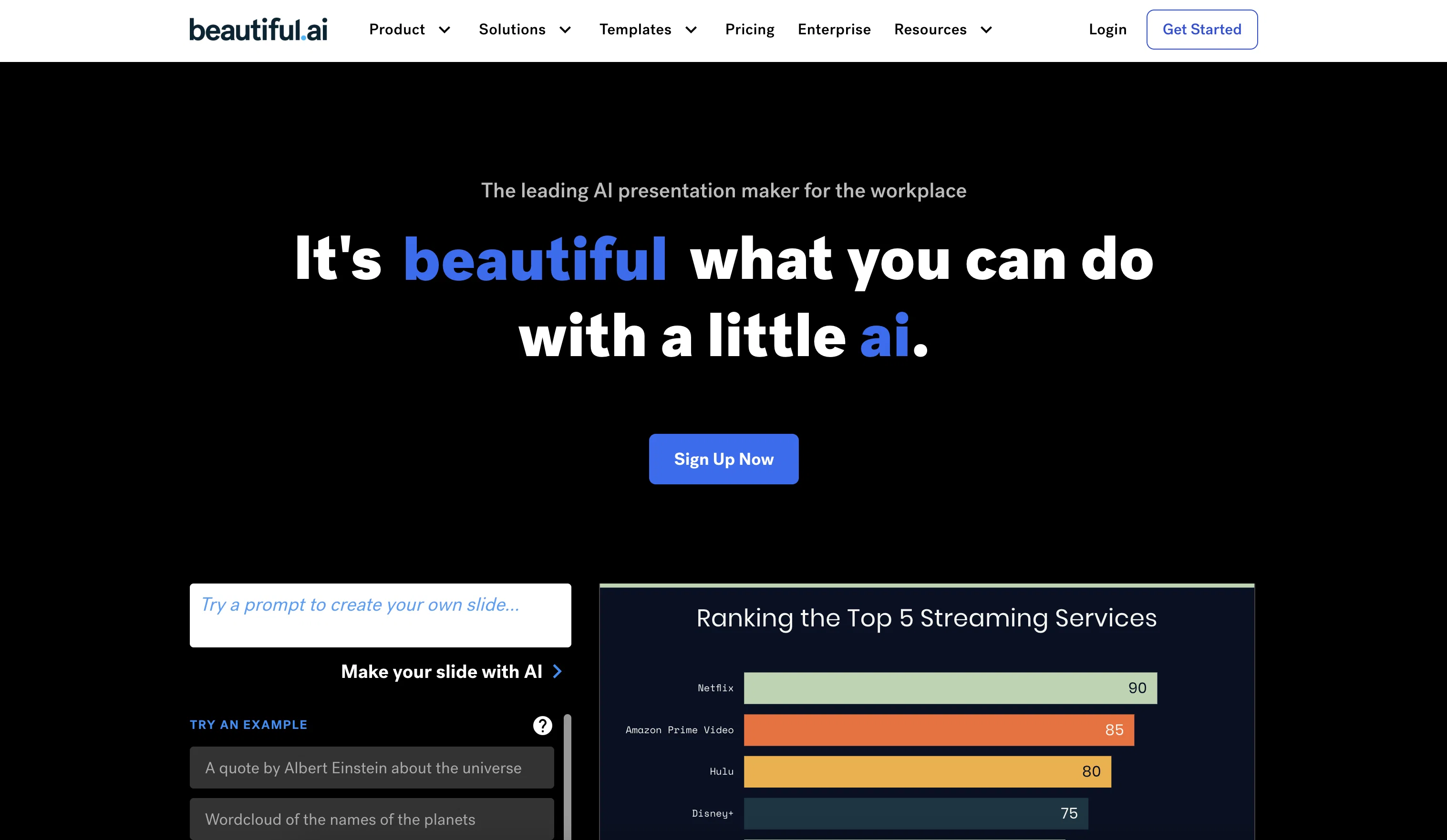
Beautiful.ai is an AI-integrated presentation software designed to streamline the process of creating workplace presentations. This tool offers an assortment of smart slide templates which adapt and self-format in real time upon the addition of content. It operationalizes the principles of effective design, facilitating the creation of visually appealing slides without the need for manual resizing or formatting.Beautiful.ai caters to different organizational needs, including individual professionals, small to medium enterprises (SMEs), and large corporations. It offers unique features such as shared slides, where a slide can be created once and used infinitely across an organization. Its 'universal updates' feature allows real-time modifications across multiple decks whenever new content appears.The software also strives to ensure brand consistency in presentations. It includes brand-specific functions like universal color palettes, fonts, and logo use, and provides a vast library of modern images and icons that align with personal or corporate brand guidelines. Furthermore, Beautiful.ai enables the convenience of working remotely, making it feasible for team presentations to be created, shared, and edited from any location. Its integration with platforms such as Slack, PowerPoint, monday.com, and Salesforce augments its usability in the existing workflow. Its education plans and various templates tailored to different presentation requirements round off its offerings. Help other people by letting them know if this AI was useful. Add your own prompts and outputs to help others understand how to use this AI.
When considering Beautiful.ai for integration into your organizational workflow, we recommend deploying a structured score card across three critical operational pillars: Security & Compliance, Integration Friction, and long-term Price Scalability. Rather than looking only at basic feature lists, modern procurement teams must assess how a software platform behaves under high load and how well it fits into the team's data security guidelines.
Depending on your operating region and field, ensure that Beautiful.ai supports standard security layers such as SOC 2 Type II certifications, GDPR compliance, or HIPAA-compliant database encryption. If the tool connects directly to client database tables or handles user passwords, verify that they implement multi-factor authentication (MFA), single sign-on (SSO) integrations, and end-to-end data encryption in transit and at rest.
Siloed data is the primary cause of operational friction. Evaluate if Beautiful.ai has native connectors for your current project trackers, messaging hubs, and customer communication channels. For custom developer requirements, check if they provide a fully documented REST API with reasonable rate limits, comprehensive Webhooks support, and robust SDK packages in your language. A flexible API layer saves hundreds of hours of manual copy-paste overhead.
SaaS pricing packages are often deceptively simple. When reviewing Beautiful.ai's billing structure, map out your team's projected expansion over the next 12 to 24 months. Determine how costs scale as your customer database increases or as you add team members. Factor in setup costs, mandatory support plan upgrades, API access fees, and storage overage rates to understand the true cost before committing to a contract.
By combining verified user reviews from our directory with internal workflow pilot tests, your procurement team can make an informed decision that drives productivity without creating capital waste.
Overall rating
Based on 23 reviews
It’s a decent tool for making slide presentations. A bit complicated at first, but once you get used, it gets better. Offers some nice features
Jorelle Joseph
I thought I could upload an existing logo and brand info and generate content based on that, but alas, not possible and more time wasted.
Audur Baldvinsdottir
very useful! great app!
Adriana Popa
A whole new way of learning how to code
Francisco Silverio
Visually bold and creatively exciting — but sometimes struggles with balance. This tool is an awesome way to explore abstract fantasy and graffiti-infused concepts. The results are often striking, full of energy, color, and unexpected brilliance. I especially loved the layered splashes and surreal textures — it really shines when pushing creative boundaries. That said, it occasionally had a hard time deciding what was meant to be realistic and what was part of the splatter or abstract effects. Some outputs felt a bit visually confused. Still, when it hits — it really hits. If you love experimental, splash-heavy, street-fantasy vibes, this is a great tool to play with. I’m pretty happy with it overall and excited to keep testing.
Jennifer Gibbs
good i love it
Aditya
too expensive for me, I just want to make memes, not pay that much
Grzegorz Rolnik
nice holistic
Amit ImmI
still background removing accuracy is required. it only 80% not 100%
Krutika Creations
I think it's the best @Image Generator I ever found on the net. It gives more accurate image according to the prompt. And thank you for keeping it for free.
My Sawsiri
Not at all accurate…. The only thing similar between original and generated images were the clothes and accessories… face was absolutely new and unconnected.
Shvetank Sharma
Please give invite code.
Manish Jain (MJ)
Couldn't live without it.
Ryan
The most humanly AI i have used so far but the problem is as soon as you start piling up messages in single chat session , it starts getting slow and at some point it starts freezing and also uses a lot of resources. For time being its okay to do 3 4 messages but as soon as we continue it has messages limitation and also starts getting very very slow . For the price of £18 per month this is unacceptable and with the newly introduced feature called project, if we start new chat within the project we cannot continue with the context we provided in other chats within same project. There are lot of improvements for them to work on. And to start with the its speed and its price
Bibash Katel
Loved the search engine ideas.
Amr عمرو Amin امين
I got some top quality results after learning how to prompt songs 🤩
Claes Lanng
Such a great place to start out!
Helli Lang
State of the Art
Dmitry G.
A very useful AI slides tool! The content it generates is genuinely smart.
Shane Qian
It does it's job and I love that it has a lifetime plan
Matthew Edwan
You spent half of hour on describing how your presentation should look like, and just after that getting informed that you need to pay subscription to proceed. Who’ll pay my time back?
Grigorij Dudnik
Makes it easy to get started with a presentation if you have an outline, but as soon as you want more control, you're better off using Google Slides. @Gamma's feature that I used the most was image generation - you can select among a variety of models (Ideogram, Flux, DALL-E, but not Midjourney), and it shows 3 variations to choose from. Performance is slow and a little janky, even in Chrome. Prompts and settings are often not respected - e.g. you set it to "preserve text" and just generate slides, and it goes onto dumping an entire 3 paragraphs of text in one slide. You can't overlay text over images (e.g. for image attribution), and there's no precise positioning control, or grouping elements. No way to control table layout, e.g. to have two images slide-by-side in full bleed mode. I tried @Gamma for a new presentation, but next time I need to make a presentation, I'll go back to Google Slides and generate images independently.
Dan Dascalescu
Very intuitive and easy to use tool, that will allow whoever wants to create presentations a wide range of templates to add cool graphics and design in very little time. The cons are that as a web based app, you have to store your presentations online and depend on having good internet connection to present. It does give you the option to download a PDF or PPTX document, but transitions, videos and audio doesn't download. The AI generator for images is not quite there yet, but the prompts to create slides is very good. Tip: Create slide by slide if you are going to use AI. The command to generate a whole presentation from a prompt is still not very accurate in my experience.
Gonzalo Mena Fuenzalida
Starting Price
Free plan available
Free tier available with optional paid upgrades.


