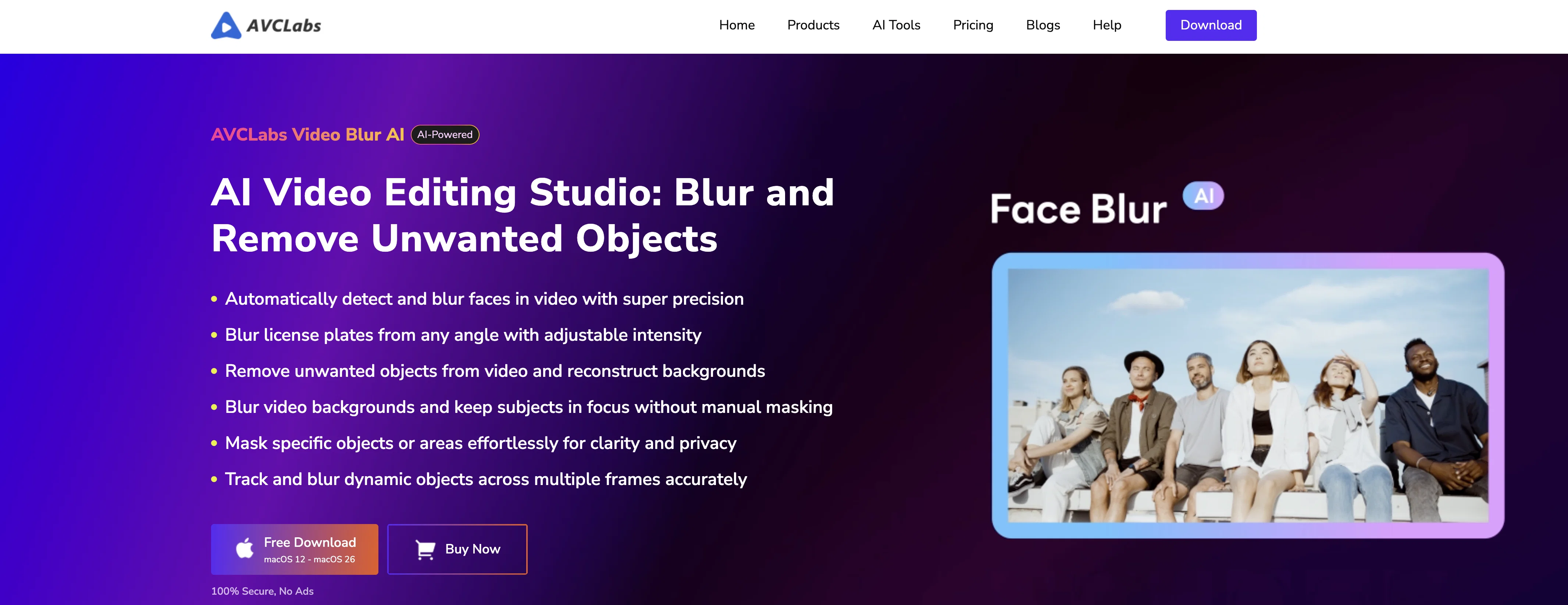
AVCLabs Video Blur AI is an AI-powered video editing tool specialized in blurring and object removal functions. The software uses AI to identify and blur faces or backgrounds and to remove objects from videos, significantly reducing the amount of manual editing typically involved in such tasks.
Primary uses include privacy protection and content enhancement. It can automatically detect and blur faces in videos even under challenging conditions such as poor lighting, crowding or rapidly changing scenes.
Moreover, it comes with a special feature for license plate recognitions, which is useful in blurring license plates in various scenarios to secure vehicle privacy and comply with data regulations.
Its background and foreground blur options offer users creative control over their footage. The object tracking feature allows for the consistent and accurate blurring of moving objects in videos.
Users may find this tool beneficial in blurring out sensitive elements or focusing viewers' attention on specific parts of the footage. Supported by facial detection technology, the Image Import Recognition function allows users to import specific facial photos and apply blur effects to the selected faces.
This tool successfully makes manual editing more efficient and is ideal for professionals who require efficient anonymization and privacy protection in their video content.
Help other people by letting them know if this AI was useful.
Add your own prompts and outputs to help others understand how to use this AI.
Screenshot gallery
Pros & Cons
Pros
+Object detection
+Automated video blurring
+Unwanted object removal
+Face blurring
+License plate blurring
+Background and Foreground blurring
+Object tracking function
+Rapid scene changes handling
+Efficient video processing
+Privacy protection capabilities
+Image Import Recognition
+License Plate Recognition
+Anonymization of video content
+Dashcam footage enhancement
+Creative control over footage
+Compliance with data regulations
+Reduces manual editing workload
+Multiple blur effects
+Cross-format compatibility
+Intelligent region processing
+Real-time preview
+Flexible video editing
+GPU Acceleration
+Localized processing & data security
+Automatic Blur Customization
+Supports all major video formats
+Constant tracking without frame drops
+Simultaneously handles multiple sensitive information
+Suitable for dynamic and complex scenes
+Fixed Area Removal feature
+Smart Object Recognition Removal function
+Compatible with Windows and macOS
+Number of practical use cases
+Precise blur intensity control
+Automatic face detection in complex scenes
+Supports fast-moving scenes
+Accurate license plate tracking
+Foreground blur for privacy protection
+Accurate object tracking
Cons
−Specific focus on blurring
−No diverse editing capabilities
−No audio editing features
−Lack of fine-toning tools
−Poor lighting handling issues
−Privacy concerns with facial photos
−Limited output formats supported
−No real-time editing feature
A Professional Framework to Evaluate AVCLabs Video Blur AI
When considering AVCLabs Video Blur AI for integration into your organizational workflow, we recommend deploying a structured score card across three critical operational pillars: Security & Compliance, Integration Friction, and long-term Price Scalability. Rather than looking only at basic feature lists, modern procurement teams must assess how a software platform behaves under high load and how well it fits into the team's data security guidelines.
1. Security and Database Compliance
Depending on your operating region and field, ensure that AVCLabs Video Blur AI supports standard security layers such as SOC 2 Type II certifications, GDPR compliance, or HIPAA-compliant database encryption. If the tool connects directly to client database tables or handles user passwords, verify that they implement multi-factor authentication (MFA), single sign-on (SSO) integrations, and end-to-end data encryption in transit and at rest.
2. API Coverage and Custom Integrations
Siloed data is the primary cause of operational friction. Evaluate if AVCLabs Video Blur AI has native connectors for your current project trackers, messaging hubs, and customer communication channels. For custom developer requirements, check if they provide a fully documented REST API with reasonable rate limits, comprehensive Webhooks support, and robust SDK packages in your language. A flexible API layer saves hundreds of hours of manual copy-paste overhead.
3. Total Cost of Ownership (TCO)
SaaS pricing packages are often deceptively simple. When reviewing AVCLabs Video Blur AI's billing structure, map out your team's projected expansion over the next 12 to 24 months. Determine how costs scale as your customer database increases or as you add team members. Factor in setup costs, mandatory support plan upgrades, API access fees, and storage overage rates to understand the true cost before committing to a contract.
By combining verified user reviews from our directory with internal workflow pilot tests, your procurement team can make an informed decision that drives productivity without creating capital waste.
Features of AVCLabs Video Blur AI
AI Blurring Technology
Local
Video Blurring
Automated Editing
Object Removal
Automated Video Editing
Free + From $19.98/Mo
SaaS1to10 verified reviews for AVCLabs Video Blur AI
Overall rating
★★★★★5.0
Based on 4 reviews
★★★★★5.02 months ago
“Review”
👋 Founder here! Most apps track what you ate after the damage is done. CraveGuide is designed to intervene before you eat. It’s an AI behavioral coach that lives in your pocket. It helps you spot your triggers (stress, boredom, fatigue) and gives you real-time strategies to overcome them without needing to count a single calorie. Happy to answer any questions about how the behavioral model works!
IGBUL
★★★★★5.02 months ago
“Review”
The tool is powerful, combining multiple AI modes and features. It can enhance images with just one click, colorize black-and-white photos, and remove watermarks effortlessly.
Danny White
★★★★★5.02 months ago
“Review”
@Visboom makes it really easy to turn a rough outfit idea into something that actually looks put together. tried a few different styles and the results were cute, though some fabric details could be sharper. still a fun tool!
Teresa Hanaan
★★★★★5.02 months ago
“Review”
I love it, this software surprisingly colors my black and white family video images and fits this video perfectly. The effect is so stunning.