5.01 months ago
“Review”
I have been using it. It can write an interesting story.
Rafael Haddock

Enhance videos and photos with AI-powered tools.
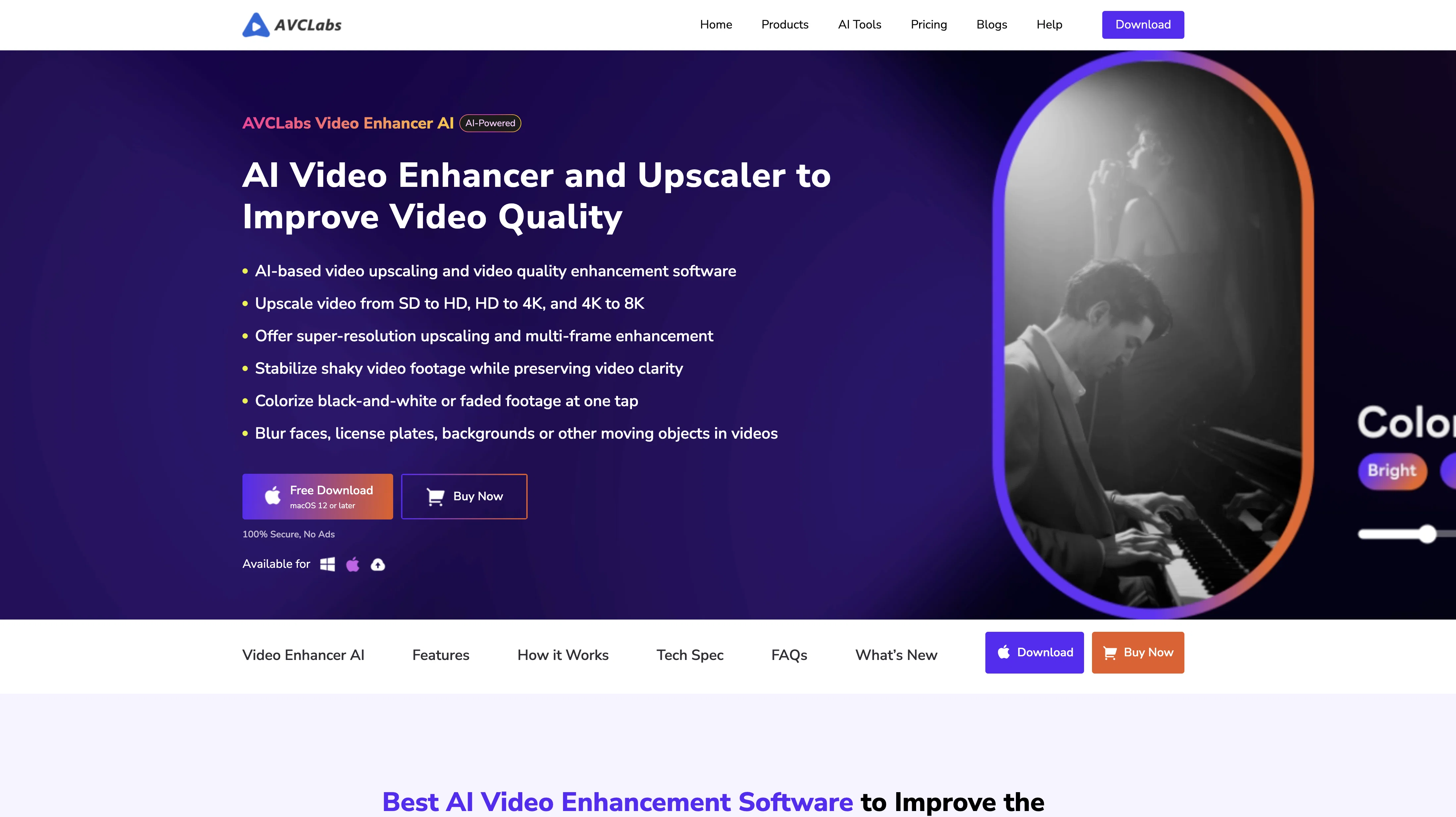
AVCLabs AI is a provider of AI products that aim to enhance video and photo quality. They offer a range of tools, including Video Enhancer, Photo Editor, Photo Enhancer, and Video Blur AI. AVCLabs Video Enhancer AI is a user-friendly tool that uses neural networks to increase video resolution, remove noise, recover and refine faces, deinterlace, and improve video stability. It allows users to enhance video quality by upscaling, denoising, face recovery and refinement, colorizing, and deinterlacing.AVCLabs PhotoPro AI is an all-in-one AI photo editor that simplifies complicated photo editing. It features quick and auto selection tools, one-click AI tools, and an easy-to-use interface suitable for both beginners and professionals. It offers features such as enhancing photo quality, increasing resolution, colorizing, color calibrating, and removing unwanted elements or backgrounds from photos.AVCLabs Video Blur AI is an AI-powered tool that automatically adds blur effects to moving faces, video backgrounds, fixed objects, and license plates in videos.Overall, AVCLabs AI provides powerful AI tools that allow users to enhance videos and images in creative and easier ways. With features such as AI upscaling, denoising, face recovery, and refinement, colorizing, and deinterlacing, users can achieve improved video and photo quality. Help other people by letting them know if this AI was useful. Add your own prompts and outputs to help others understand how to use this AI.
When considering AVCLabs for integration into your organizational workflow, we recommend deploying a structured score card across three critical operational pillars: Security & Compliance, Integration Friction, and long-term Price Scalability. Rather than looking only at basic feature lists, modern procurement teams must assess how a software platform behaves under high load and how well it fits into the team's data security guidelines.
Depending on your operating region and field, ensure that AVCLabs supports standard security layers such as SOC 2 Type II certifications, GDPR compliance, or HIPAA-compliant database encryption. If the tool connects directly to client database tables or handles user passwords, verify that they implement multi-factor authentication (MFA), single sign-on (SSO) integrations, and end-to-end data encryption in transit and at rest.
Siloed data is the primary cause of operational friction. Evaluate if AVCLabs has native connectors for your current project trackers, messaging hubs, and customer communication channels. For custom developer requirements, check if they provide a fully documented REST API with reasonable rate limits, comprehensive Webhooks support, and robust SDK packages in your language. A flexible API layer saves hundreds of hours of manual copy-paste overhead.
SaaS pricing packages are often deceptively simple. When reviewing AVCLabs's billing structure, map out your team's projected expansion over the next 12 to 24 months. Determine how costs scale as your customer database increases or as you add team members. Factor in setup costs, mandatory support plan upgrades, API access fees, and storage overage rates to understand the true cost before committing to a contract.
By combining verified user reviews from our directory with internal workflow pilot tests, your procurement team can make an informed decision that drives productivity without creating capital waste.
Overall rating
Based on 56 reviews
I have been using it. It can write an interesting story.
Rafael Haddock
thank you very much for this. i'll add some points: 1. its too fast, i cant make out where and when the pen leaves the paper and when it continues 2. there should be a pause and rewind mechanism, like a video player 3. a pen to paper angle indicator would be nice
A Gh.abolfazl
Thanks for the nice comment Cath! I'm working on it by myself, it's the first app that I build and I try to make the customer experience as good as I can. It's always the number one focus.
Marc Lamy
As a longtime namecheap customer, I got to say, this tool is... just ok. One I can use in a pinch for a slide deck / pitch / MVP, but nothing worth sharing. I doubt anyone will be vowed with the logos made here.
Vineet Sinha
paid and stuff and not that good
Max Adventures
I tested the app, and it works perfectly. If you're still experiencing any issues, feel free to contact the tool’s support team. Have fun and take care!
Daniel Garaiacu
Way too expensive for anything but short form or casual use.
Richard Green
I already have another transcription tool, but this one is much better. I love the different features such as the summary, quiz, and chapters. It does a great job of them. I've only done one transcript so far to try it out, but I'm truly impressed and am going to grab another code. A couple things that would make it even better are: - the ability to rename the files and organize them through folders. - the ability to download a copy of the other features as well as the transcript. Copying and pasting it works, but doesn't keep the format.
dunn
I've tried so many image enhancing apps but I couldn't believe that this one works so much better than the others!
Emre Demircan
I let my dog imitate the way I speak, it's so funny that it makes me laugh to death.
hu han
Which step felt like “subscription bait,” and which part is lacking utility?
Sevag H
No other tool quite like this, it's pretty straightforward. Needed to extract a long interview from YouTube and it extracted everything, providing it in different meaningful formats in less than two minutes. Awesome
Juan Sierra
nice holistic
Amit ImmI
This one is quite rewarding, getting my old photos to move as a video
Gavin King
Very good job. File size concerns me, it was 10.2mb from a 1.63mb file. That was only one image, what if I had 50?
Ann P
@AVCLabs Video Enhancer AI is worthy trying. Its newly-released Anime model is specially designed to upscale and enhance the anime videos' resolution and quality. This model worked perfectly.
Caroline White
I've used one of your products named @AVCLabs Video Enhancer AI as a new user, and thanks to your software that I can complete my video work.
Betsy
Thank you for the well done of the @AVCLabs Video Blur AI, and it helps me blur my family members faces in the home surveillance footage.
Joanna Wang
I have tried the free version named @AVCLabs Photo Enhancer AI. It seems that the AI-powered photo editor is easy to use and the workload of photo editing can be reduced.
Belle Kim
After using the @AVCLabs Video Enhancer AI app, I also tried their @AVCLabs online tool. Although the online tool does not allow me to customize model settings like the app, the effect of improving video quality is still satisfactory.
W Polly
I have been using @AVCLabs Video Enhancer AI for a while now and I must say it has really impressed me. The software is quite effective in enhancing video quality. It does a decent job of upscaling videos, making the details more visible compared to the original.
41Winks
I have found that @AVCLabs has always been committed to providing an excellent service, consistently introducing new features and optimising the program. Recently, they have launched Online Video Stabilizer and Browser Extension. What's more, @AVCLabs has integrated Video Blur and Video Stabilizer features into the @AVCLabs Video Enhancer AI program to further enhance the user experience.
L Cherry
After my first use, I think it's surprisingly good. The only drawback so far is the PDF export option for the report which is formatless.
Alejandro Correa
I'm still testing the tool yet it looks very promising. I tested it with a 5.5k words Academic text that I had previously red. I tested the Key points feature, it does work!
Ivana González
As the service was in beta-testing stage, I created there a dozen of AI-generated courses for free. I wanted to use them. Those courses remained in my account as they started subscription tiers. But recently I have found out that they were deleted. The support didn't answer to my e-mail at all.
Oldfag TV
I think it's the best @Image Generator I ever found on the net. It gives more accurate image according to the prompt. And thank you for keeping it for free.
My Sawsiri
For now the best browser based AI scraper i have ever used.
Jason Shirazi
"Brilliant AI solution—making life easier."
Catherine Leblanc
Great idea, but does not find what you are looking for-about the same as Google Scholar
Andy
It created some decent logos. They are great as a start point
Samuel Barlet
"Unfortunately, we cannot provide a description for this tool as it promotes the use of dark magic and the involvement of spirits, which is not a legitimate or safe practice." ..but those other AIs generating anorexically thin women with huge bazongaloos is totally fine. Especially when it involves NSFW stories about your adopted goth sister, your daughter's hot best friend, or even the hot slave you just bought. Totes safe practice. Cmon guys.
Haught Takke
Really like how it finds connection in the content that I save. I don't think any other tool can do that.
amix ffx
Suppppeeeeerrr! Wowwww! @Mindsmith is absolutely fantastic! It is incredibly useful, easy to use, and very professional.
Claudia Scilletta
O GPT faz uma análise melhor e mais personalizada.
Vinicius Vilela
I really enjoy using @Remini, but I can only rate it three stars for two main reasons: 1. The ads in the free version are too long and disrupt the experience. 2. The pro version is extremely expensive, making it hard to justify the upgrade.
Eugene Bridger
It's not free, it forces you to input an email before shoving a price tag in your face.
Arvoly XSL
AVCLabs Video Enhancer is really great! Its interface is simple and clear, making it easy for even a first-time user like me to enhance my video quality!
Bella Hong
AVCLabs Video Enhancer is a time saver for me. I use it to upscale a collection of classic anime videos to 4K. It processes videos in batch at fast speed.
Caroline White
AVCLabs Video Enhancer is an indispensable tool for those who wish to improve their video quality. Not only can it dramatically improve the clarity and resolution of your videos, but it can also fix the noise in the videos.
W Polly
I'm amazed at how easy it is to use @AVCLabs Video Enhancer AI. The interface is intuitive, and the results are consistently impressive.
Rachel Wang
I've used @AVCLabs Video Enhancer AI editing my vlogs for nearly 2 yrs, and I love its powerful AI-based features.
Sophie Luo
I have been using @AVCLabs Video Enhancer AI for a long time,and really easy to use and understand for me...
Belle Kim
@AVCLabs Video Enhancer AI is useful as I expected, hoping for upgrading....
Betsy
As a video learner, I appreciate the AI tool with AVCLabs Video Enhancer that help me enhancer my video quality.
Jenny
AVCLabs Video Enhancer is really impressive for colorizing black and white videos! For someone who is not very familiar with video editing, this tool is very user-friendly. Just upload the black and white video, select the colorization option, and AVCLabs will automatically do the rest. The process is fast and efficient, saving me a lot of time and energy.
L Cherry
The AI effect of this software is as I expected. I am used to using the AI Enhancement tool of this software, among which the face enhancement effect is the most obvious
Joanna Wang
I love it, this software surprisingly colors my black and white family video images and fits this video perfectly. The effect is so stunning.
Harney Zheng
At first, I was more worried about the compression of the picture quality when I tried to convert the format after upscaling the video using this software. However, in fact, this software did not compress the quality of my videos.
Leo
I've tried many different software when searching for a tool to improve the quality of my videos, but AVCLabs Video Enhancer is definitely the best one I've ever used. This video enhancement software is not only simple to use, but also very effective, making it easy to upscale low-resolution videos to HD or even 4K resolutions.
Taylor123
I've been using the Blur Video feature in @AVCLabs Video Enhancer AI for a while and I find it very comprehensive. Whether blurring faces or backgrounds, the results are incredibly natural, without any awkward edges.
Gary
It works well on video upscaling. I can fix my blurry old videos.
Cuiyun Luo
Nice tool, easy to use
Your Papa
Not even close to being worth the heavy pricing.
foodisgood
Excellent to restore old interlaced video, and to add FPS in order to make the motion smooth. The best part is that is accessible in browser, from any device, no equipment request.
Sanja Trbojević Montina
I found that @AVCLabs launched many new tools last year, including several very practical AI online tools, such as @AVCLabs Online Video Quality Enhancer and @AVCLabs Online Image Upscaler. Whether it is improving video quality or enlarging pictures with high quality, professional-level effects can be easily achieved.
Bella Hong
This is a phenomenal service guys! I've made my designing very easy with AVC Labs AI Tools. I love their Image enhancer, Upscaler and Colorizer!
Amelia
Starting Price
From $12.00/user/month
Pricing may vary based on team size and features selected.


