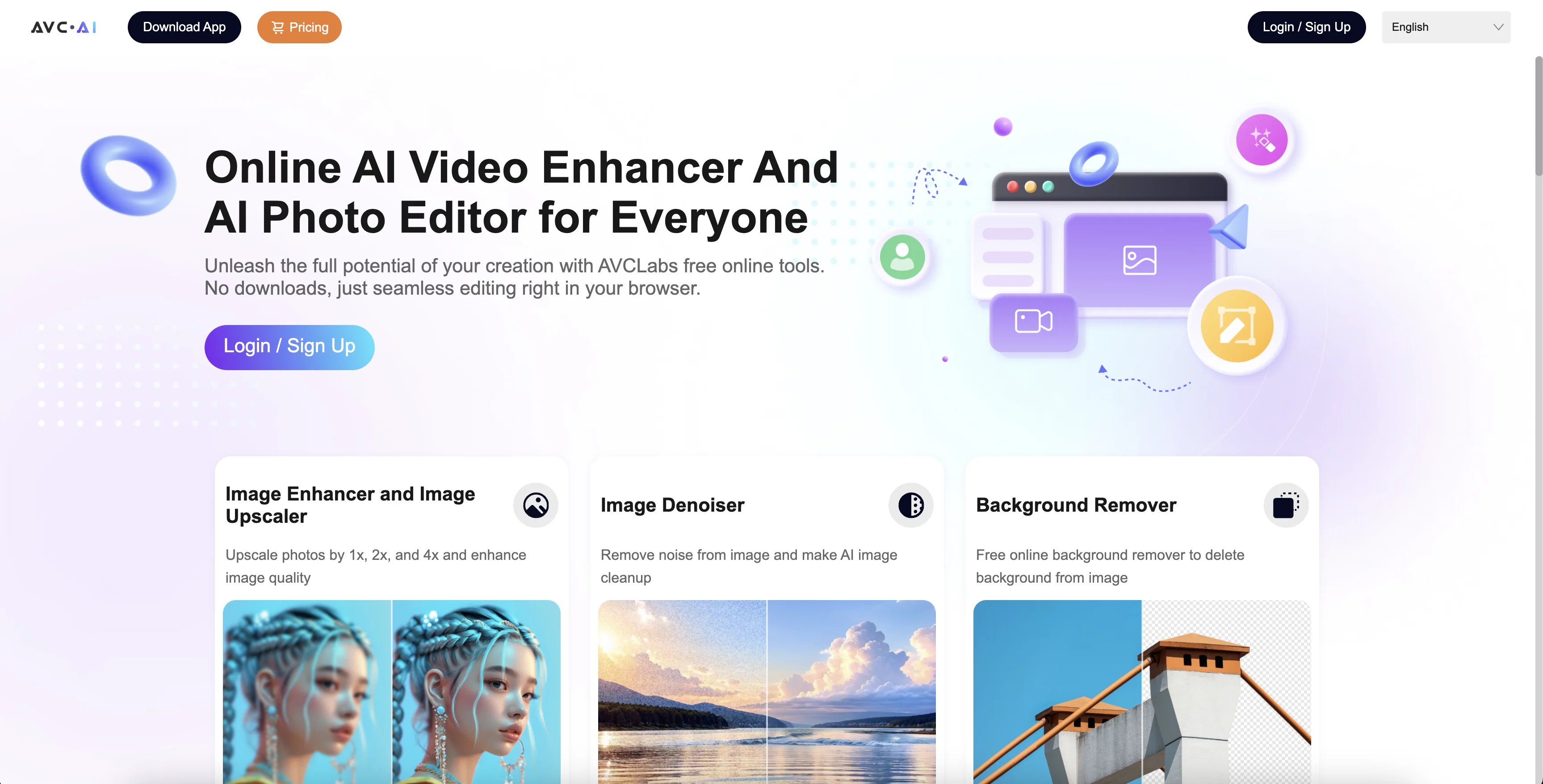
The Online AI Image Enhancer is a tool designed to improve the quality of photos using various techniques. The principal purpose of the tool is upscaling, a process used to increase the resolution of images without diminishing their quality.
It's an effective solution for working with low-resolution images that require enhancement to be used in higher-resolution scenarios. Another integral part of its functionality is denoising, which focuses on reducing any noise present in the image, enabling cleaner, more aesthetically pleasing results.
Restoration is another capability of the tool, which works to repair potential structural or color issues within an image, often left by the ravages of time or damage.
The tool also includes a feature for Face Refinement, a process that improves the aspects of an image related to faces, honing features for more visually arresting portraits.
It needs to be noted that all these processes are fueled by AI protocols, which automates the enhancement process, hence providing a swift, user-friendly experience.
The tool's high versatility enables it to be utilized for a broad spectrum of applications, from personal photo improvements to professional photo editing needs.
Due to its AI capabilities, results from this tool are often superior and achieved faster compared to traditional manual photo enhancement methods.
Help other people by letting them know if this AI was useful.
Add your own prompts and outputs to help others understand how to use this AI.
Screenshot gallery
Pros & Cons
Pros
+Upscales image resolution
+Improves photo quality
+Automatically denoises images
+Sharpens image details
+Face retouching feature
+Automatic color calibration
+Removes image artifacts
+Enhances blurry faces
+Corrects image colors
+User-friendly interface
+Automated enhancement
+Image restoration capability
+Effective for low-resolution images
+Reduces image noise
+Repairs structural photo issues
+Hones face features
+Broad application spectrum
+Faster than manual enhancement
+Suitable for professional use
+User-friendly experience
+High versatility
+Professional photo editing
+Effective for high-resolution scenarios
+Colorizing feature
Cons
−Limited functionality beyond images
−No batch processing
−No offline alternative
−Limited file format support
−No mobile app
−No API for integration
−Non-customizable automated processes
−Single user interface
−Only online use
A Professional Framework to Evaluate Online AI Image Enhancer
When considering Online AI Image Enhancer for integration into your organizational workflow, we recommend deploying a structured score card across three critical operational pillars: Security & Compliance, Integration Friction, and long-term Price Scalability. Rather than looking only at basic feature lists, modern procurement teams must assess how a software platform behaves under high load and how well it fits into the team's data security guidelines.
1. Security and Database Compliance
Depending on your operating region and field, ensure that Online AI Image Enhancer supports standard security layers such as SOC 2 Type II certifications, GDPR compliance, or HIPAA-compliant database encryption. If the tool connects directly to client database tables or handles user passwords, verify that they implement multi-factor authentication (MFA), single sign-on (SSO) integrations, and end-to-end data encryption in transit and at rest.
2. API Coverage and Custom Integrations
Siloed data is the primary cause of operational friction. Evaluate if Online AI Image Enhancer has native connectors for your current project trackers, messaging hubs, and customer communication channels. For custom developer requirements, check if they provide a fully documented REST API with reasonable rate limits, comprehensive Webhooks support, and robust SDK packages in your language. A flexible API layer saves hundreds of hours of manual copy-paste overhead.
3. Total Cost of Ownership (TCO)
SaaS pricing packages are often deceptively simple. When reviewing Online AI Image Enhancer's billing structure, map out your team's projected expansion over the next 12 to 24 months. Determine how costs scale as your customer database increases or as you add team members. Factor in setup costs, mandatory support plan upgrades, API access fees, and storage overage rates to understand the true cost before committing to a contract.
By combining verified user reviews from our directory with internal workflow pilot tests, your procurement team can make an informed decision that drives productivity without creating capital waste.
Features of Online AI Image Enhancer
AI Image Enhancer
AI Photo Editing
Image Quality Improvement
Photo Upscaling
AI Solution For Photo Editing
Image Restoration
Free + From $9.95/Mo
SaaS1to10 verified reviews for Online AI Image Enhancer
Overall rating
★★★★★5.0
Based on 27 reviews
★★★★★5.01 months ago
“Review”
thank you very much for this. i'll add some points: 1. its too fast, i cant make out where and when the pen leaves the paper and when it continues 2. there should be a pause and rewind mechanism, like a video player 3. a pen to paper angle indicator would be nice
A Gh.abolfazl
★★★★★5.01 months ago
“Review”
It was so amazing
Radhakanta Mahananda
★★★★★5.02 months ago
“Review”
This powerful online photo AI upscaler effortlessly enhances my photos with impressive quality and clarity. And it is Free!
Rachel Wang
★★★★★5.02 months ago
“Review”
This is a phenomenal service guys! I've made my designing very easy with AVC Labs AI Tools. I love their Image enhancer, Upscaler and Colorizer!
Amelia
★★★★★5.02 months ago
“Review”
Love this online AI tool. Its enhancement and object removal features are excellent.
Chole H
★★★★★5.02 months ago
“Review”
Excellent online tools include a variety of AI capabilities. Works well at removing objects from images and improving image clarity.
Yvette Tse
★★★★★5.02 months ago
“Review”
Very expensive for most common pages, no way you pay that
Leandro Conti
★★★★★5.02 months ago
“Review”
Allows me to create high-quality banners to promote my products.
Marc Heldo
★★★★★5.02 months ago
“Review”
It's a really great tool. I've used it for many different stories and brainstorms.
Justin Patterson
★★★★★5.02 months ago
“Review”
Seems to be working for me. Maybe try again?
Aramis
★★★★★5.02 months ago
“Review”
WE USE @D-ID AT THE COLORADO VIRTUAL CREATIVE FACTORY...AND LOVE IT.
Franco Arteseros
★★★★★5.02 months ago
“Review”
Super easy for batch processing. Love bgeraser
Olivia
★★★★★5.02 months ago
“Review”
basic image editing without proper UI
Jaagrav
★★★★★5.02 months ago
“Review”
powerful and free photo editor! packed with lots of functionalities.
Calvin Liu
★★★★★5.02 months ago
“Review”
They removed the face swap features without any warning. This app should not appear when you search a face swap app anymore.
Pierre Meurée
★★★★★5.02 months ago
“Review”
@Deep Art Effects
Данил Шилякин
★★★★★5.02 months ago
“Review”
Only available on the iphone... doesn't seem super intuitive to use.
Mental Forge Media
★★★★★5.02 months ago
“Review”
I think it's the best @Image Generator I ever found on the net. It gives more accurate image according to the prompt. And thank you for keeping it for free.
My Sawsiri
★★★★★5.02 months ago
“Review”
Will not let you test on a HD picture without paying. I found a lot of these "programs" do a poor job and I am tired of paying for a test. Maybe offer 1 HD picture, but crop it (user crop)?
Tim Patrie
★★★★★5.02 months ago
“Review”
i edited my picture twice because the first time it randomly got deleted. second time i did everything and i pressed download but nothing happened, after repeatedly trying it didn’t work in the end. regardless very good editing tool (fyi you can’t download high res pic without paying)
Georg
★★★★★5.02 months ago
“Review”
I think this is the point of a free trial...
Michael McWilliam
★★★★★5.02 months ago
“Review”
Works wonders for anime, has me taking it in consideration for a tool rotation.
Sean Gandhi
★★★★★5.02 months ago
“Review”
The prompt library is extremely practical.
yang li
★★★★★5.02 months ago
“Review”
I was struggling to create some free Christmas and New Year's e-cards, and these templates are really good. I recommend giving them a try. The only downside is that each free template can only be used once.
youngwind
★★★★★5.02 months ago
“Review”
Not at all accurate…. The only thing similar between original and generated images were the clothes and accessories… face was absolutely new and unconnected.
Shvetank Sharma
★★★★★5.02 months ago
“Review”
I love it, this software surprisingly colors my black and white family video images and fits this video perfectly. The effect is so stunning.
Harney Zheng
★★★★★5.02 months ago
“Review”
I found that @AVCLabs launched many new tools last year, including several very practical AI online tools, such as @AVCLabs Online Video Quality Enhancer and @AVCLabs Online Image Upscaler. Whether it is improving video quality or enlarging pictures with high quality, professional-level effects can be easily achieved.