5.01 months ago
“Review”
Perfect for image enhancement!
Ali Şefik

AI-powered bulk image editing for e-commerce
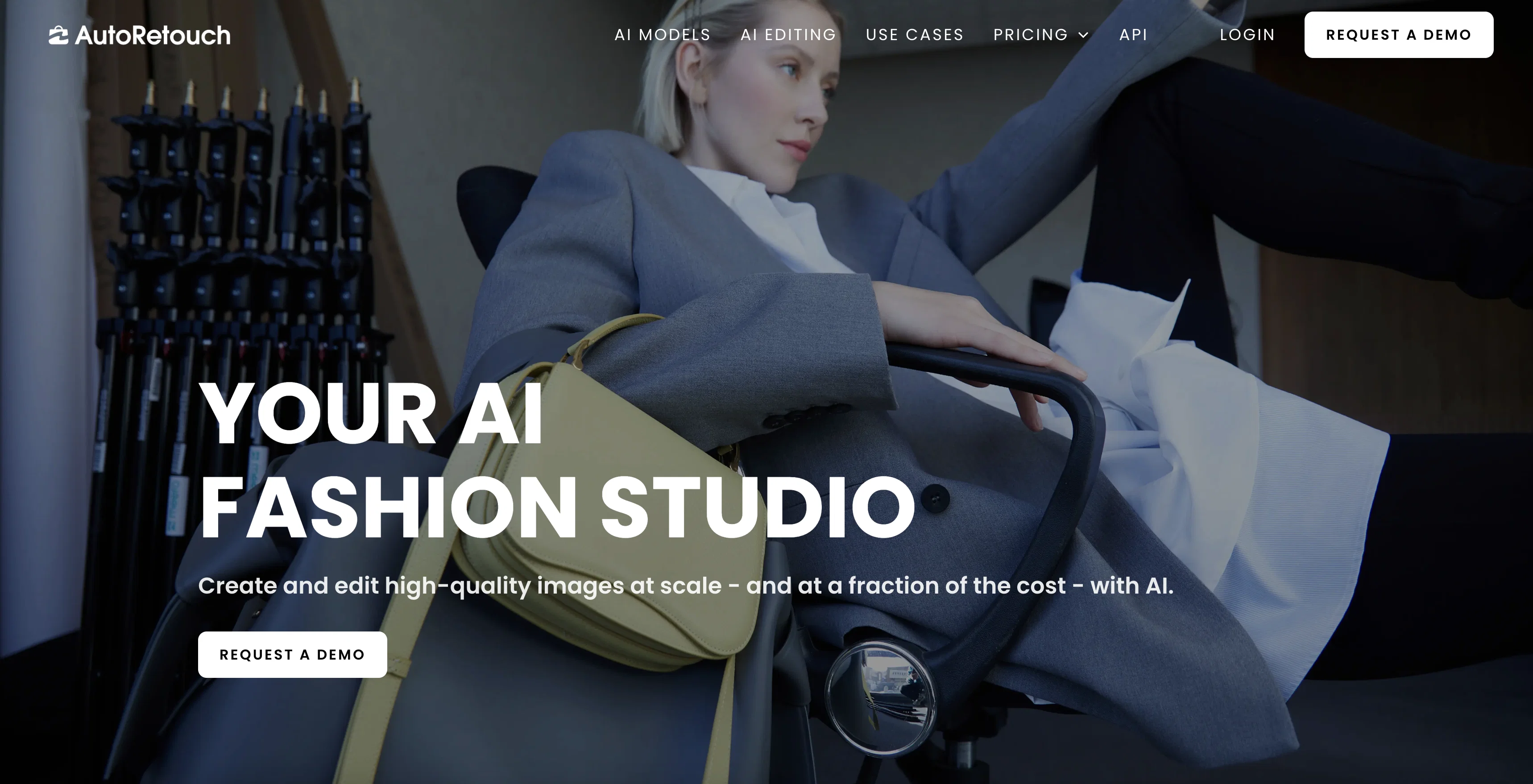
autoRetouch is an AI-powered platform for bulk-editing of product images online. It enables users to quickly and accurately apply a range of editing functions to images, including background removal, ghost mannequin, background customization, and skin retouching. autoRetouch’s suite of AI-powered tools allow users to instantly create beautiful images, with no image editing skills required. The platform also offers a range of marketplace specificiations templates, allowing users to adjust all images in seconds. autoRetouch is designed to save time and money while increasing ecommerce purchases and scaling brand exposure. Its fully automated ghost mannequin / neck-joint effect creator software enables users to bring fashion products to life and help customers see how great they look. The platform is available on desktop and is priced starting as low as €0.25 per image, with an average processing time of 5 seconds. Help other people by letting them know if this AI was useful. Add your own prompts and outputs to help others understand how to use this AI.
When considering autoRetouch for integration into your organizational workflow, we recommend deploying a structured score card across three critical operational pillars: Security & Compliance, Integration Friction, and long-term Price Scalability. Rather than looking only at basic feature lists, modern procurement teams must assess how a software platform behaves under high load and how well it fits into the team's data security guidelines.
Depending on your operating region and field, ensure that autoRetouch supports standard security layers such as SOC 2 Type II certifications, GDPR compliance, or HIPAA-compliant database encryption. If the tool connects directly to client database tables or handles user passwords, verify that they implement multi-factor authentication (MFA), single sign-on (SSO) integrations, and end-to-end data encryption in transit and at rest.
Siloed data is the primary cause of operational friction. Evaluate if autoRetouch has native connectors for your current project trackers, messaging hubs, and customer communication channels. For custom developer requirements, check if they provide a fully documented REST API with reasonable rate limits, comprehensive Webhooks support, and robust SDK packages in your language. A flexible API layer saves hundreds of hours of manual copy-paste overhead.
SaaS pricing packages are often deceptively simple. When reviewing autoRetouch's billing structure, map out your team's projected expansion over the next 12 to 24 months. Determine how costs scale as your customer database increases or as you add team members. Factor in setup costs, mandatory support plan upgrades, API access fees, and storage overage rates to understand the true cost before committing to a contract.
By combining verified user reviews from our directory with internal workflow pilot tests, your procurement team can make an informed decision that drives productivity without creating capital waste.
Overall rating
Based on 22 reviews
Perfect for image enhancement!
Ali Şefik
It was so amazing
Radhakanta Mahananda
@Removal.ai is fast and easy to use, especially useful when removing backgrounds in batches. However, with complex backgrounds, manual adjustments are sometimes required. Overall, this is a useful tool that is fast and saves time.
Seol Jeon
You can create AI-generated images for free on @Artguru. As a user, you will receive 5 free credits per day, with each credit allowing you to generate one image. If you require additional credits, you can choose to upgrade to the premium plan or wait for 24 hours to receive a new set of free credits. Generation of images is pretty quick. It has advanced settings, you can add negative prompts.It will generate a watermark automatically. However, you can only create an account with Google or with Facebook. No possibility to use e-mail. What really sucks: You can't delete your account. You can only delete the content you've created and log out. There should be a possibility to delete the account permanently.
Marshmallowfroggy
I thought I could upload an existing logo and brand info and generate content based on that, but alas, not possible and more time wasted.
Audur Baldvinsdottir
@Uizard is so great for spinning out ideas and iterating. You can generate designs from text prompts as well as individual screens and themes. Also has a ton of other cool AI features like turning screenshots into editable designs and attention heatmaps. I suck at design so this is a game changer for me.
J Williams
This is phenomenal. I demo it in my sessions all the time.
Beth Ziesenis
Undetectable.wtf is better bypasses everything maintaining thee integrity of the text.
LiteEagle
After my first use, I think it's surprisingly good. The only drawback so far is the PDF export option for the report which is formatless.
Alejandro Correa
O GPT faz uma análise melhor e mais personalizada.
Vinicius Vilela
As the service was in beta-testing stage, I created there a dozen of AI-generated courses for free. I wanted to use them. Those courses remained in my account as they started subscription tiers. But recently I have found out that they were deleted. The support didn't answer to my e-mail at all.
Oldfag TV
They removed the face swap features without any warning. This app should not appear when you search a face swap app anymore.
Pierre Meurée
Will not let you test on a HD picture without paying. I found a lot of these "programs" do a poor job and I am tired of paying for a test. Maybe offer 1 HD picture, but crop it (user crop)?
Tim Patrie
It works! It is fast and you have many choices for the background. Also the pricing seems to be ok
Fabio Ferraris
Free Start with a Free Experience $0 /mo
Vitus Bering
Works but I cannot understand what's the use. I was expecting it to give me some videos
Samartha Venkatramana
i edited my picture twice because the first time it randomly got deleted. second time i did everything and i pressed download but nothing happened, after repeatedly trying it didn’t work in the end. regardless very good editing tool (fyi you can’t download high res pic without paying)
Georg
I think this is the point of a free trial...
Michael McWilliam
Works wonders for anime, has me taking it in consideration for a tool rotation.
Sean Gandhi
The prompt library is extremely practical.
yang li
I was struggling to create some free Christmas and New Year's e-cards, and these templates are really good. I recommend giving them a try. The only downside is that each free template can only be used once.
youngwind
Not at all accurate…. The only thing similar between original and generated images were the clothes and accessories… face was absolutely new and unconnected.
Shvetank Sharma
Starting Price
From $16.00/user/month
Pricing may vary based on team size and features selected.


