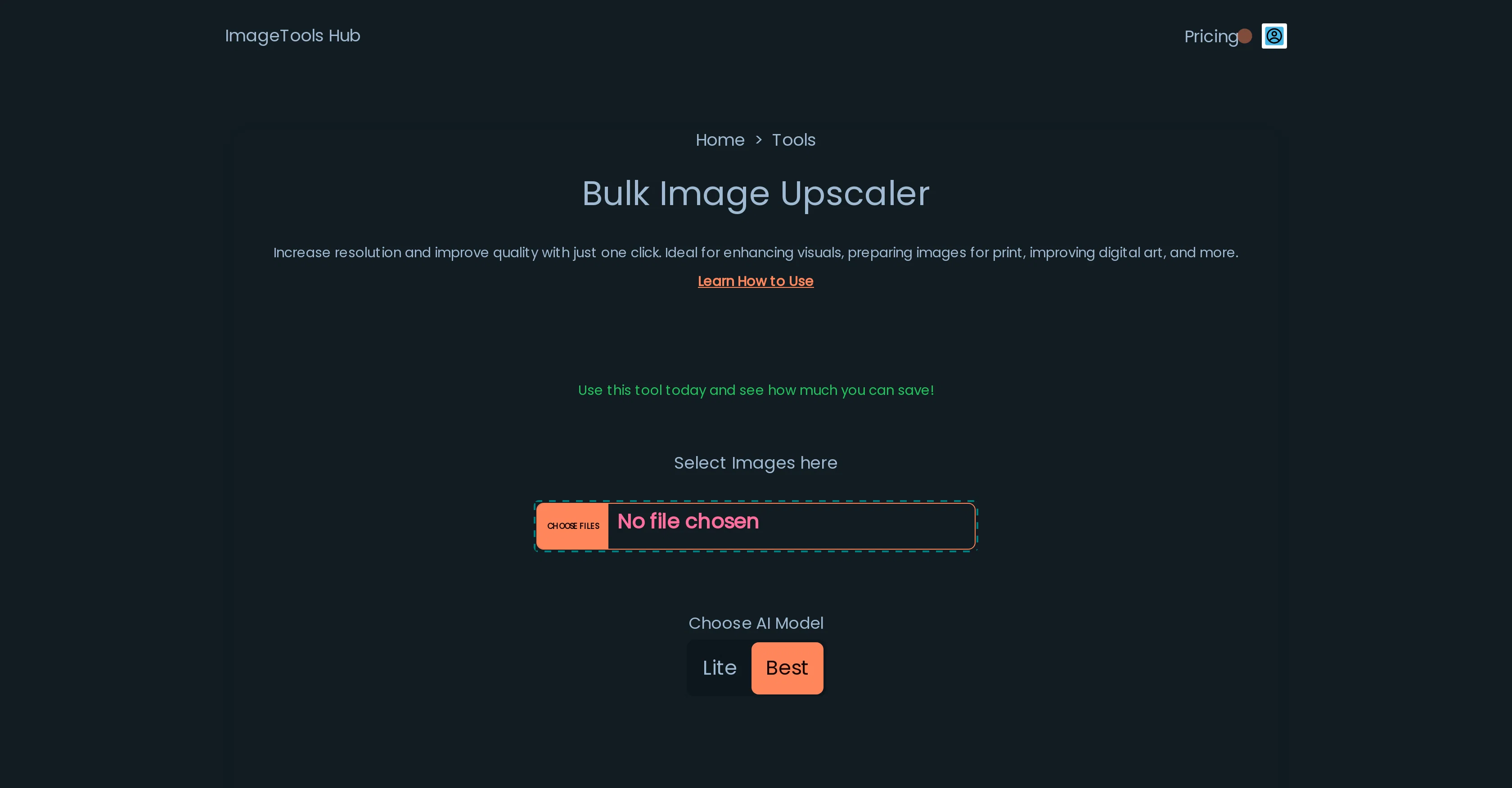
The Automated Bulk Image Upscaler is an AI-powered, browser-based tool designed to enhance multiple images simultaneously. This free tool is ideal for improving the resolution and overall quality of various types of images, making it perfect for tasks such as enhancing visuals, preparing images for print, and improving digital artwork, among others.
It provides a user-friendly solution to those who require better image quality without the need for advanced technical skills or expensive professional software.
Privacy is a paramount feature of this tool as it does not send images to any server for processing. Instead, all operations occur locally on the user's device ensuring that the images remain secure and never leave the user's computer.
This unique privacy-friendly characteristic makes it an ideal tool for those concerned about their image data's safety. The tool also includes options to select AI model modes to further enhance user experience and customization.
Help other people by letting them know if this AI was useful.
Add your own prompts and outputs to help others understand how to use this AI.
Screenshot gallery
Pros & Cons
Pros
+Free tool
+Bulk image processing
+Enhances image resolution
+Improves image quality
+User-friendly interface
+No technical skills required
+No professional software required
+Privacy-focused
+Local processing
+Data Safety
+Ideal for print preparation
+Enhances digital artwork
+Doesn't require login
+100% privacy-friendly warranty
+Excellent user testimonials
+No image data stored
+Advanced image upscaling
+Browser-based tool
+No installation required
+Ideal for visual enhancement
+Data stays on user's device
+Work on local device resources
+Images do not leave the browser
+Images do not leave user's computer
+Processing runs within the browser
+High-quality visual results
+Compatible with mobile devices
+Usage does not require an account
+Able to process large images
+Processes multiple images simultaneously
+No need to download any app
+Private image upscaling
+Local processing ensures security
+No server-side processing
+Ideal for high-resolution printing
+User testimonies are positive
+Focus on data privacy
+Doesn't store user's images
+Agent not required for operation
+Enhances low-resolution images
+Improves print media visuals
Cons
−Limited to browser-based use
−Potential browser limitations
−No mobile device compatibility
−Difficult for bulk upscaling
−Lacks advanced editing features
−Optimization challenges on inactive tabs
−Processing speed depends on hardware
−No information on output formats
A Professional Framework to Evaluate Automated Bulk Image Upscaler
When considering Automated Bulk Image Upscaler for integration into your organizational workflow, we recommend deploying a structured score card across three critical operational pillars: Security & Compliance, Integration Friction, and long-term Price Scalability. Rather than looking only at basic feature lists, modern procurement teams must assess how a software platform behaves under high load and how well it fits into the team's data security guidelines.
1. Security and Database Compliance
Depending on your operating region and field, ensure that Automated Bulk Image Upscaler supports standard security layers such as SOC 2 Type II certifications, GDPR compliance, or HIPAA-compliant database encryption. If the tool connects directly to client database tables or handles user passwords, verify that they implement multi-factor authentication (MFA), single sign-on (SSO) integrations, and end-to-end data encryption in transit and at rest.
2. API Coverage and Custom Integrations
Siloed data is the primary cause of operational friction. Evaluate if Automated Bulk Image Upscaler has native connectors for your current project trackers, messaging hubs, and customer communication channels. For custom developer requirements, check if they provide a fully documented REST API with reasonable rate limits, comprehensive Webhooks support, and robust SDK packages in your language. A flexible API layer saves hundreds of hours of manual copy-paste overhead.
3. Total Cost of Ownership (TCO)
SaaS pricing packages are often deceptively simple. When reviewing Automated Bulk Image Upscaler's billing structure, map out your team's projected expansion over the next 12 to 24 months. Determine how costs scale as your customer database increases or as you add team members. Factor in setup costs, mandatory support plan upgrades, API access fees, and storage overage rates to understand the true cost before committing to a contract.
By combining verified user reviews from our directory with internal workflow pilot tests, your procurement team can make an informed decision that drives productivity without creating capital waste.
Features of Automated Bulk Image Upscaler
API
Image Upscaling
Bulk Processing
Privacy Focused
Resolution Improvement
Data Safety
Free + From $49/Mo
SaaS1to10 verified reviews for Automated Bulk Image Upscaler
Overall rating
★★★★★5.0
Based on 21 reviews
★★★★★5.01 months ago
“Review”
You have the option to waitlist or you can login with your email/pass or google account. I chose google. Once inside you have a suite of tools but im sure when you go to publish you have to sign up for a paid plan. So if your looking for a free option it will be branded. Use at your own risk. Thanks
Col Cooper
★★★★★5.01 months ago
“Review”
Thank you very much Jennifer, it is very cool and fun what is possible to do with imagination today, things that were previously imaginable become possible in seconds. Thank you very much for liking my tool, I daily publish things that I see and have to transfer from my imagination to the tool.
nilton Jr
★★★★★5.01 months ago
“Review”
Great! I think @AI Lawyer is the best service I've ever seen. Perfect use. Prompting helps in the work
Yuri Gerasimov
★★★★★5.01 months ago
“Review”
B12 exceeded my expectations especially after I tried a few similar tools. Signing up took under a minute and because I offer a very specific set of services as a consultant, I didn't expect the AI to be able to capture my work, but it did a great job with creating content for me. I only had to make a few edits, add my bio, and was able to publish that same day. Now I get lots of compliments on my site and I've even tried their other tools like email marketing, which is great because the emails match my site's appearance. Overall I would recommend B12 as an effective, affordable, and easy to use website solution.
Katie G
★★★★★5.01 months ago
“Review”
Really impressive! The suggestions were simple, and the image came out beautifully well too!
Jojo
★★★★★5.01 months ago
“Review”
wonderful tool,thanks
chandrapala perera
★★★★★5.01 months ago
“Review”
As the service was in beta-testing stage, I created there a dozen of AI-generated courses for free. I wanted to use them. Those courses remained in my account as they started subscription tiers. But recently I have found out that they were deleted. The support didn't answer to my e-mail at all.
Oldfag TV
★★★★★5.01 months ago
“Review”
still background removing accuracy is required. it only 80% not 100%
Krutika Creations
★★★★★5.01 months ago
“Review”
PLIS ! LET ME UPLOAD MORE FOR FREE ! THIS IS REALLY NICE AND I ENJOY IT ! COOL TOOL !!
Dara Mason
★★★★★5.01 months ago
“Review”
I've tried so many image enhancing apps but I couldn't believe that this one works so much better than the others!
Emre Demircan
★★★★★5.01 months ago
“Review”
Free Start with a Free Experience $0 /mo
Vitus Bering
★★★★★5.01 months ago
“Review”
Enhanced a test image x4.when I zoomed it on it there is no difference
Reshma JS
★★★★★5.01 months ago
“Review”
as mentioned before by somebody else, it's great that it's free that's a big plus. quality isn't anything crazy, but it does the job especially with human faces. tried it on a bunch of random stuff like objects, places, animals but the results vary depending on the original image quality. don't expect miracles on super lowres pics. still, the fact that it's 100% free is already good so yeah, that's a 4 starrer in my book
Jason Bowers
★★★★★5.01 months ago
“Review”
This is basically Magnific Ai integrated into this service since they have bought the company.
Lowreza
★★★★★5.01 months ago
“Review”
I think it's the best @Image Generator I ever found on the net. It gives more accurate image according to the prompt. And thank you for keeping it for free.
My Sawsiri
★★★★★5.02 months ago
“Review”
Very practical
Scofield michael
★★★★★5.02 months ago
“Review”
you only get 10 credits better to use other upscalers
Requiem of Ice
★★★★★5.02 months ago
“Review”
Very good job. File size concerns me, it was 10.2mb from a 1.63mb file. That was only one image, what if I had 50?
Ann P
★★★★★5.02 months ago
“Review”
5 minutes to create account. 1 minute to discover poor photo enhancing. Waste of time
Екатерина Дашкова
★★★★★5.02 months ago
“Review”
Androlicous!!!
Wazim Aju
★★★★★5.02 months ago
“Review”
nice holistic
Amit ImmI
Pricing
Starting Price
Free plan available
Free tier available with optional paid upgrades.
Where can Automated Bulk Image Upscaler be deployed?