Ask AI Questions

5.0(24 reviews)

Get instant AI answers to any question for free

Free

Ask AI Questions Overview

What is Ask AI Questions?

Ask AI Questions is an artificial intelligence tool that provides real-time responses to questions on a wide range of topics. Using Natural Language Processing (NLP), the tool translates user queries into comprehensible formats, and processes extensive amounts of information to generate concise and accurate answers. It is designed to replicate human-like comprehension and response patterns, creating a seamless interaction for users. The tool supports multiple languages and is capable of producing detailed analyses as well as instant responses to more casual queries. It ensures user privacy, with all conversations held strictly between the user and the AI, without any data collection or intrusive ads. With an unrestricted and free-to-use policy, it provides universal access, with no need for account creation or login procedures. Regardless of the device, users can simply use their browser to access and interact with the tool, contributing to its optimal user convenience. The tool is versatile and can assist in areas such as science, business, history, self-improvement, entertainment, and travel tips, catering to diverse user interests. Help other people by letting them know if this AI was useful. Add your own prompts and outputs to help others understand how to use this AI.

Screenshot gallery
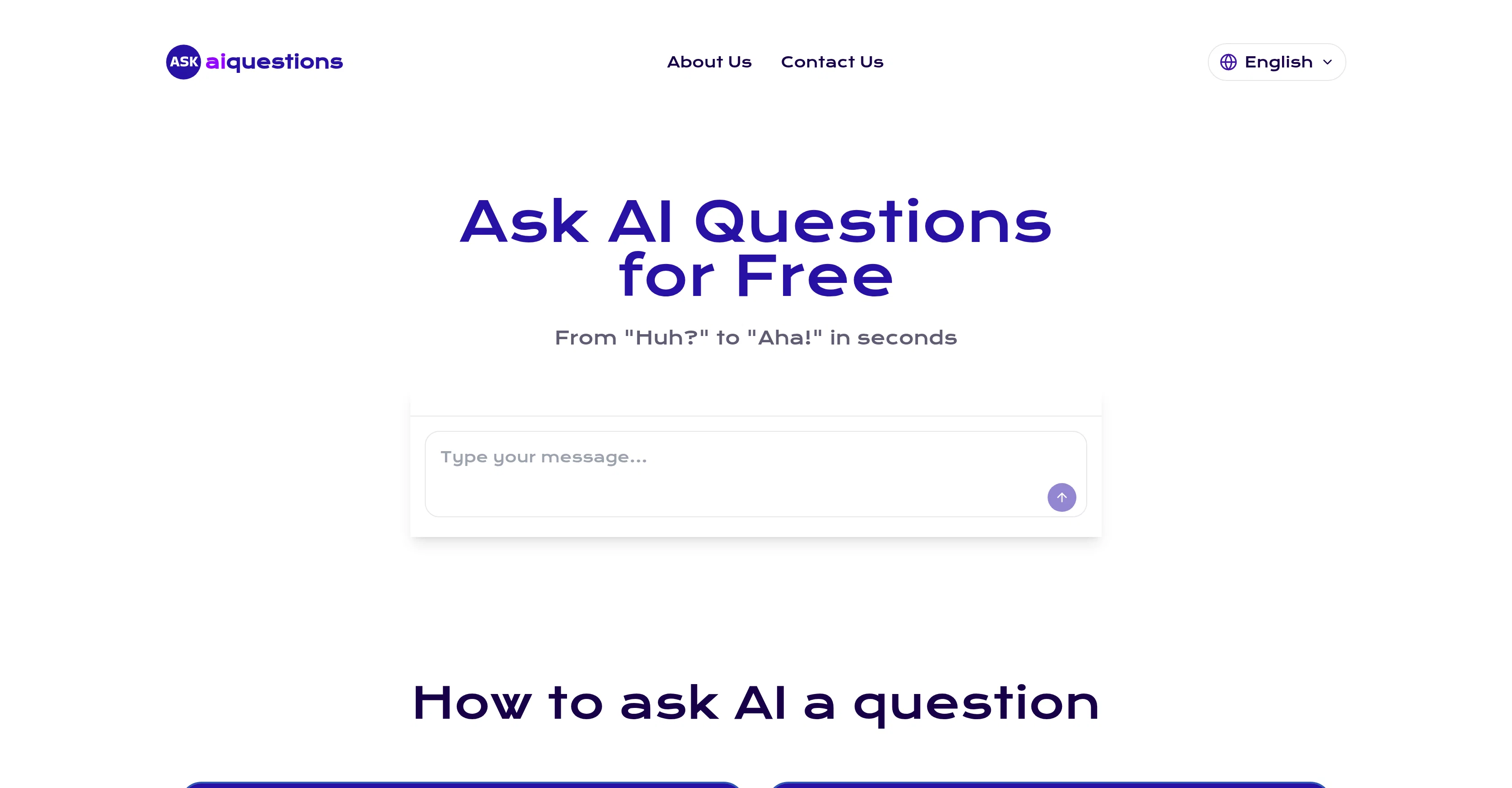
Ask AI Questions screenshot

Pros & Cons

Pros

  • Real-time responses
  • Translates user queries
  • Wide-ranging topic coverage
  • Supports multiple languages
  • Produces detailed analyses
  • Addresses casual queries
  • Privacy-focused
  • Free-to-use policy
  • No account creation
  • No login requirement
  • Browser-based
  • Universal access
  • Intrusion-free
  • User-friendly
  • Human-like comprehension
  • Versatility in subjects (science, business, history, etc.)
  • Self-improvement assistant
  • Helps with entertainment queries
  • Provides travel tips
  • Caters to diverse interests
  • Instant precise insights
  • Ongoing chat flow
  • No data retention
  • Accessible on any device
  • Quick fact generating
  • In-depth explanation provision
  • No hidden fees
  • Safe and confidential
  • Operational without sign-ups

Cons

  • No offline availability
  • Unspecified response accuracy
  • No app version
  • Limited language comprehension
  • Unspecified update frequency
  • No accountability for misinformation
  • Unknown data handling after interactions
  • Unsure about broad topic handling
  • No user community for support
  • Lack of specialist subject handling

A Professional Framework to Evaluate Ask AI Questions

When considering Ask AI Questions for integration into your organizational workflow, we recommend deploying a structured score card across three critical operational pillars: Security & Compliance, Integration Friction, and long-term Price Scalability. Rather than looking only at basic feature lists, modern procurement teams must assess how a software platform behaves under high load and how well it fits into the team's data security guidelines.

1. Security and Database Compliance

Depending on your operating region and field, ensure that Ask AI Questions supports standard security layers such as SOC 2 Type II certifications, GDPR compliance, or HIPAA-compliant database encryption. If the tool connects directly to client database tables or handles user passwords, verify that they implement multi-factor authentication (MFA), single sign-on (SSO) integrations, and end-to-end data encryption in transit and at rest.

2. API Coverage and Custom Integrations

Siloed data is the primary cause of operational friction. Evaluate if Ask AI Questions has native connectors for your current project trackers, messaging hubs, and customer communication channels. For custom developer requirements, check if they provide a fully documented REST API with reasonable rate limits, comprehensive Webhooks support, and robust SDK packages in your language. A flexible API layer saves hundreds of hours of manual copy-paste overhead.

3. Total Cost of Ownership (TCO)

SaaS pricing packages are often deceptively simple. When reviewing Ask AI Questions's billing structure, map out your team's projected expansion over the next 12 to 24 months. Determine how costs scale as your customer database increases or as you add team members. Factor in setup costs, mandatory support plan upgrades, API access fees, and storage overage rates to understand the true cost before committing to a contract.

By combining verified user reviews from our directory with internal workflow pilot tests, your procurement team can make an informed decision that drives productivity without creating capital waste.

Features of Ask AI Questions

  • Natural Language Processing
  • Real Time Responses
  • Human Like Comprehension
  • Information Processing
  • Concise Answers
  • Privacy Focused
  • Free

SaaS1to10 verified reviews for Ask AI Questions

Overall rating

5.0

Based on 24 reviews

5.02 weeks ago

Review

@SparrowGenie isn’t a SaaS. It’s a secret weapon, battle-tested by our own sales team. Real problems, solved by real users—finally!

Helen Titus

5.02 weeks ago

Review

i love it i use it to teach me Italian and ukranian and programing ! and it awesome , because it allows you in the free version send many prints of your screen , not having to explain all the errors by typing diferent from gpt that you can only send 3 photos in the free version. i also use @Grok to study i frist make the exercise in my book then i take a photo of my exercise then i ask it to see if there is any mistake and dissipate my terryble handwriting it understands

fernand Lopes

5.02 weeks ago

Review

This is my best bro! I communicate with him like my best friend, he always helps to direct my thoughts and ideas in the right direction, always tells me how to improve something and always gives detailed instructions during the conversation. Thanks to him, I’m launching a new project, in which he helps me take my ideas to a new level, just communication, during which you reassemble your concept and rethink your original idea, because you didn’t know how it would be better and more correct. @DeepSeek is my best assistant today, my creative inspiration, who gives me support and confidence in my business, guiding me to realize my dreams)

Gamer TOTORO

5.02 weeks ago

Review

Great tool! Was very helpful in content production

Duck Typer

5.02 weeks ago

Review

This is a fantastic tool. It helps me a lot to illustrate my poems and short stories.

Carlos Ponce

5.02 weeks ago

Review

State of the Art

Dmitry G.

5.02 weeks ago

Review

Went from a C to an A in Cognitive Psychology using @Thea!!

Sarah White

5.02 weeks ago

Review

I really appreciate you trying it out and sharing this! 🙏 The tools should work, but sometimes the verification gets stuck depending on the network. I’ll work on making this smoother. Thanks again!

Shawn Lee

5.02 weeks ago

Review

I’ve been using @Collate to go through technical PDFs, and it’s been surprisingly handy. Summarizing docs and being able to ask questions directly saves me time, especially when I’m skimming through research or API references. No sign-ups, works offline, and everything stays on my device — which I appreciate.

Harman

5.02 weeks ago

Review

this is completely free, and it is amazing that you can change pictures into art and animations without paying anything.

Ellio

5.02 weeks ago

Review

Really like how it finds connection in the content that I save. I don't think any other tool can do that.

amix ffx

5.02 weeks ago

Review

🌟🌟🌟🌟🌟 This AI prompt generation tool is exceptional! It vividly brought to life the jungle scene I envisioned, capturing every detail with remarkable accuracy. The natural expressions, vibrant colors, and serene atmosphere were perfectly rendered. Highly recommended for creative projects!

Sukul Das PANIKA

5.02 weeks ago

Review

Really impressive! The suggestions were simple, and the image came out beautifully well too!

Jojo

5.02 weeks ago

Review

nice holistic

Amit ImmI

5.02 weeks ago

Review

your answer is much too general, so useless. You could have just tell me to ask Perplexity.

Ta

5.02 weeks ago

Review

still background removing accuracy is required. it only 80% not 100%

Krutika Creations

5.02 weeks ago

Review

Not at all accurate…. The only thing similar between original and generated images were the clothes and accessories… face was absolutely new and unconnected.

Shvetank Sharma

5.02 weeks ago

Review

I think it's the best @Image Generator I ever found on the net. It gives more accurate image according to the prompt. And thank you for keeping it for free.

My Sawsiri

5.03 weeks ago

Review

Used it a few times for random ‘how does X work?’ stuff—works well

Free AI PDF Reader

5.03 weeks ago

Review

Concise, readable answers—good for brainstorming

Daria Lukianenko

5.03 weeks ago

Review

Handy when I need a quick explanation

Julian Wasser

5.03 weeks ago

Review

Honestly, liked it. its precise and has simple explaination, handy will reading anything, like a pdf or etc. But would love it in form of an APP or an browser extension. Because will reading pdf, a quick extension or a very small window/widget on the reading screen will make reading better and easier to understand things that you don't know about. over all good simple stuff.

ECSA650 Shetty Shravan Venugopal

5.03 weeks ago

Review

pretty useful for quick fact-checking and comparisons. the answers are laid out clearly, but it can feel like overkill for really simple questions. still a nice tool to have around.

Vansh Thakur

5.03 weeks ago

Review

Improving your public speaking skills for professional presentations can be achieved through practice, preparation, and persistence. Here are some tips to help you enhance your public speaking skills: Practice and Preparation Building Confidence Start small: Begin with small presentations or group discussions to build your confidence. Focus on your message: Focus on the value of your message rather than your own nervousness. Delivery Techniques Make eye contact: Engage with your audience by making eye contact with different people in the room. Vary your tone and pace: Use vocal variety to add emphasis and keep your audience engaged. Use visual aids: Use visual aids like slides, videos, or props to support your message and add visual interest. Managing Nervousness Take deep breaths: Take deep breaths before your presentation to calm your nerves. Use positive self-talk: Encourage yourself with positive affirmations, such as "I am well-prepared" or "I can do this." Focus on your audience: Focus on your audience's needs and interests rather than your own nervousness. Seeking Feedback Ask for feedback: Ask colleagues or mentors for feedback on your presentations. Be open to constructive criticism: Use feedback to identify areas for improvement and work on making changes. Continuously improve: Continuously work on improving your public speaking skills through practice, feedback, and self-reflection. By following these tips, you can improve your public speaking skills and deliver confident, effective presentations in a professional setting.

Abul Kashem

Pricing

Starting Price

Free plan available

Free tier available with optional paid upgrades.

Where can Ask AI Questions be deployed?

  • Cloud, SaaS, Web-Based

Recommended for you

