5.01 months ago
“Review”
It just said error, try again later over and over again
Carolina Schnapp

The first AI email copilot to boost productivity.
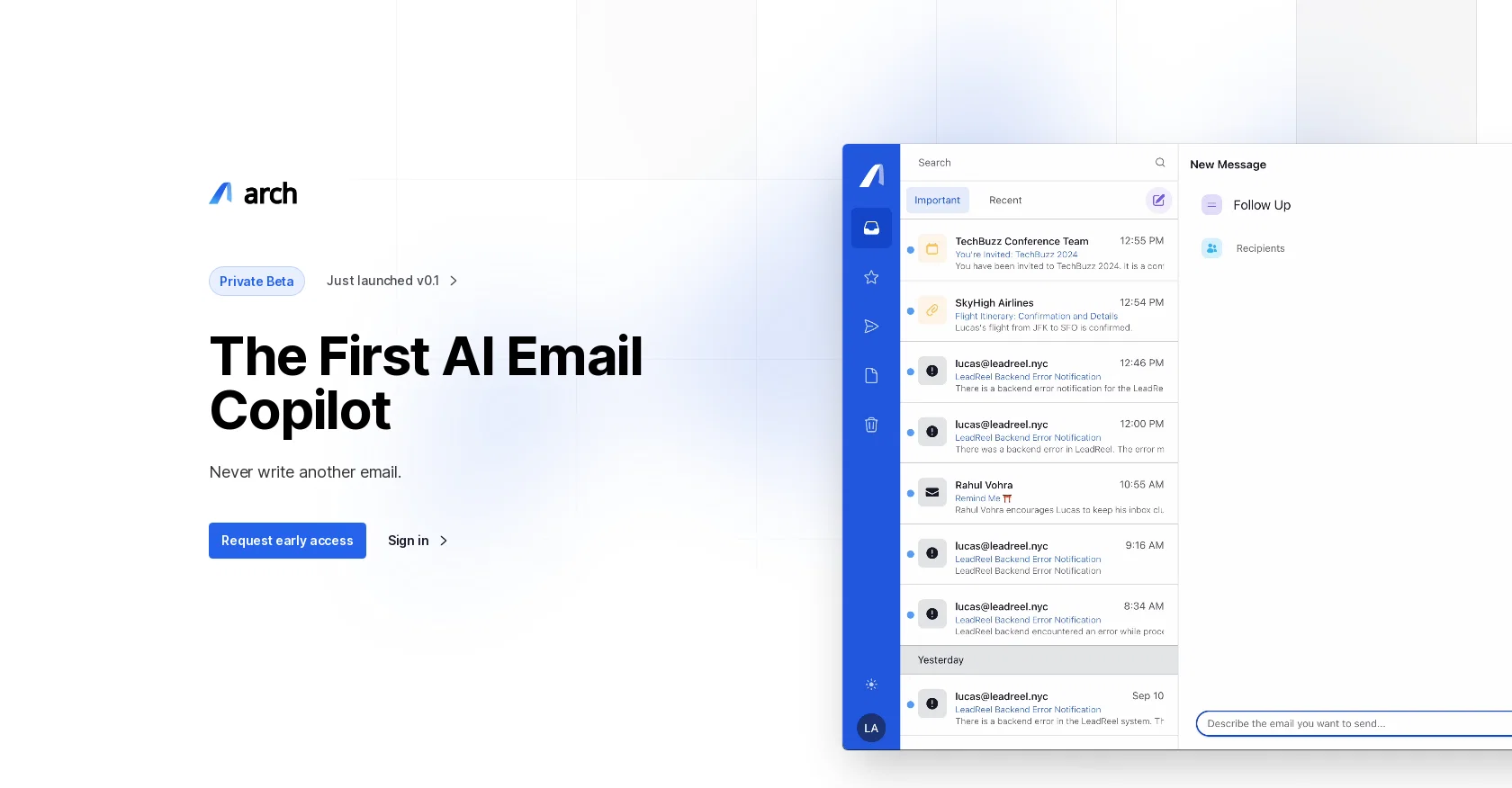
Arch is an advanced AI email copilot designed to enhance email productivity. With Arch, users can optimize their email management process, saving valuable time and effort. The tool offers several key features to achieve this productivity boost.Firstly, Arch provides instant AI summaries, transforming cluttered emails into organized and actionable lists. Users can navigate through their inbox effortlessly using these intelligent email summaries. Secondly, Arch offers AI-driven responses that are tailored and empathetic, matching the user's unique writing style.In terms of email creation, Arch employs adaptive prompting to assist users in drafting emails. The tool adapts to the user's needs, providing quick snippets or nuanced drafts as required. Arch also integrates with calendars, allowing for cross-referencing availability and priorities.To ensure critical emails are not missed, Arch utilizes an urgency-detection algorithm, flagging time-sensitive messages and prompting immediate action. Additionally, the tool prioritizes data security, employing industry-leading encryption protocols to keep user data confidential and secure.Arch offers different pricing plans to accommodate various email volumes. These plans come with transparent pricing and no hidden fees. Users can choose from different payment frequencies and plans suitable for freelancers, professionals, small businesses, and enterprises.For those with specific questions, Arch provides a comprehensive FAQ section and support team to address any concerns. Early access to Arch is currently available by submitting a request. Overall, Arch is positioned as a personal AI email copilot that streamlines email tasks, boosting productivity and efficiency. Help other people by letting them know if this AI was useful. Add your own prompts and outputs to help others understand how to use this AI.
When considering Arch AI for integration into your organizational workflow, we recommend deploying a structured score card across three critical operational pillars: Security & Compliance, Integration Friction, and long-term Price Scalability. Rather than looking only at basic feature lists, modern procurement teams must assess how a software platform behaves under high load and how well it fits into the team's data security guidelines.
Depending on your operating region and field, ensure that Arch AI supports standard security layers such as SOC 2 Type II certifications, GDPR compliance, or HIPAA-compliant database encryption. If the tool connects directly to client database tables or handles user passwords, verify that they implement multi-factor authentication (MFA), single sign-on (SSO) integrations, and end-to-end data encryption in transit and at rest.
Siloed data is the primary cause of operational friction. Evaluate if Arch AI has native connectors for your current project trackers, messaging hubs, and customer communication channels. For custom developer requirements, check if they provide a fully documented REST API with reasonable rate limits, comprehensive Webhooks support, and robust SDK packages in your language. A flexible API layer saves hundreds of hours of manual copy-paste overhead.
SaaS pricing packages are often deceptively simple. When reviewing Arch AI's billing structure, map out your team's projected expansion over the next 12 to 24 months. Determine how costs scale as your customer database increases or as you add team members. Factor in setup costs, mandatory support plan upgrades, API access fees, and storage overage rates to understand the true cost before committing to a contract.
By combining verified user reviews from our directory with internal workflow pilot tests, your procurement team can make an informed decision that drives productivity without creating capital waste.
Overall rating
Based on 19 reviews
It just said error, try again later over and over again
Carolina Schnapp
Good idea on democratization of AHP based Multiple Criteria Decision Making / Analysis (MCDM / MCDA). Helping common people to get AI powered MCDA at own mobile phone, otherwise only available expencive software with enterprises.
Shashi Bhattarai
Free Online for me
Alex Cao
I have kept a free tier so everyone can still use @SnapSummary. After working full time to build it and running it at a loss, I had to switch to freemium to keep it going and continue improving. :)
Harry Carson
Thanks for the feedback, and also for the tip for the community. One more tip: if you upload an image directly, you can add context that might be missing in the image. For example, the duration is 3 hours or prefix every event title with Name:
Caren Cioffi
Great personalized digests you can share with your team mates!
Carl Brenssell
filters my spam calls
Robin Haw
Great idea, but does not find what you are looking for-about the same as Google Scholar
Andy
the search functionality is a bit limited i think. like i save lots of webpages but it can't really know the pages content themselves
Lilly Walsh
I joined Kin's beta program on my iPhone XR. After upgrading to an iPhone 13, I found that I couldn't log into my existing account on the new phone, forcing me to create a new account. Now, I have two separate Kin accounts on different phones. Today, when I accessed the beta version of Kin, I got a notification stating that the test version ended on Monday, September 23rd. It instructed me to back up my data and move to the official Kin app. I did as advised—backed up my data, confirmed, uninstalled the beta app via TestFlight, and installed the official Kin app. However, when I attempted to “log in”, I was still unable to access my existing account. This issue hasn't been resolved yet. I have been trying desperately to get in contact with the support team. I left feedback through the test flight app and sent emails. No response. Now trying to find a forums, Reddit posts, TAAFT comments☻
Desiree Miller
Really like how it finds connection in the content that I save. I don't think any other tool can do that.
amix ffx
easy to pick up and you get a few free file imports. it gives you results pretty fast, unfortunately i can't find a way to get back to these, they're locked behind the paid service.
Ron Jayson
I tried using it but the website has too many bugs.
João Neiva
after playing around with it for a bit, i am now aware of how much i need this. i can already feel the hours of sleep coming back to me <3
Bru no no no
It didn’t help me at all and didn’t provide any accurate information; it’s still incomplete.
hana
It's not even usable anymore, their website is literally a sponsor and that's it
LazyBones The Third
Great tool to write emails faster and answer emails faster. It's very easy to use and fast!
Lean ecommerce
unexpectedly nice email service with useful ai features. heavily recommended.
kevin
Time Saving.
hi ai
Starting Price
Free plan available
Free tier available with optional paid upgrades.


