5.01 months ago
“Review”
It is a good tool, but it requires a good knowledge of prompting.
Nicolas B

Voice-driven text editing for effortless document creation.
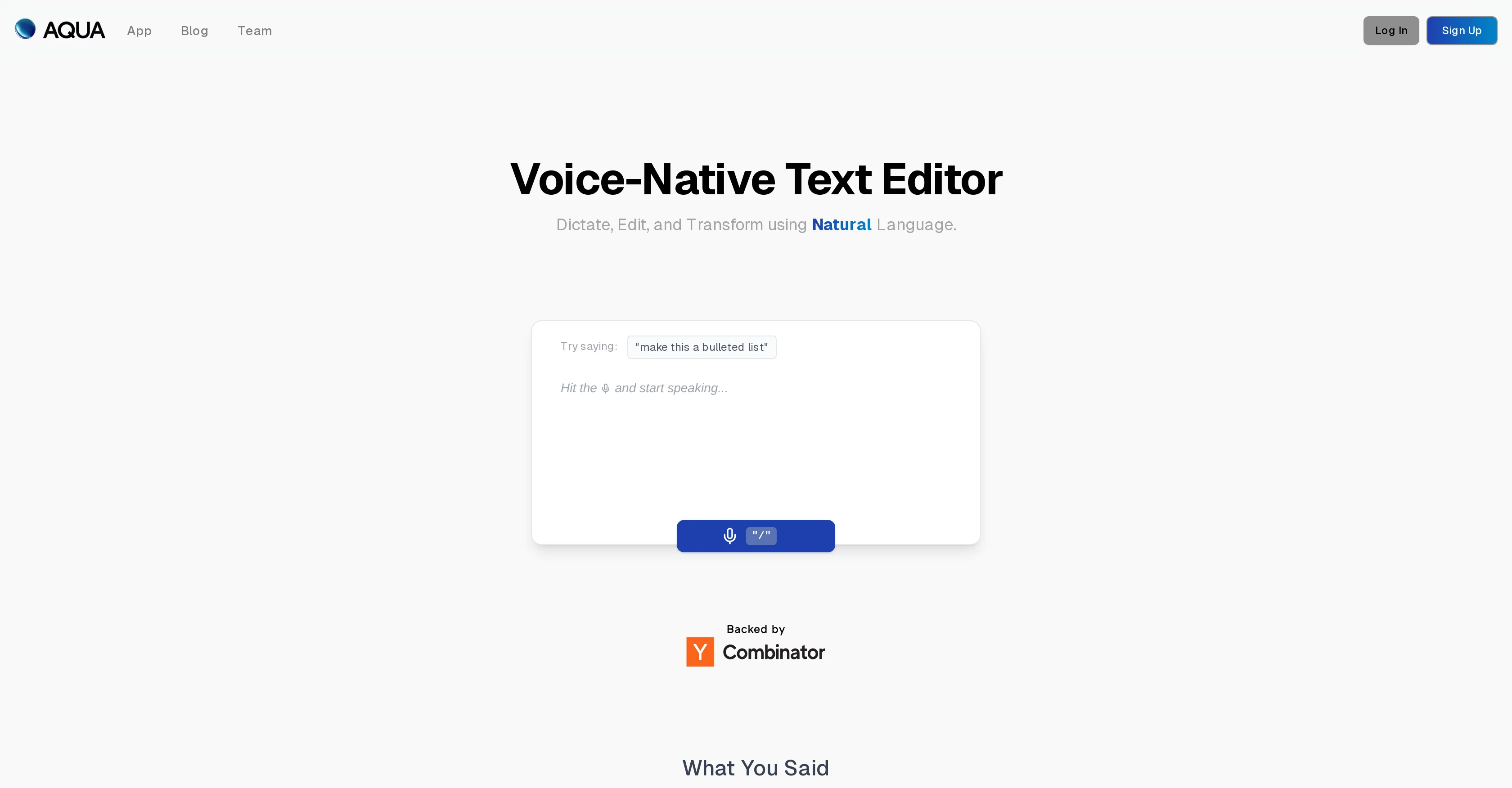
Aqua Voice is a voice-driven text editor developed to provide a transformative experience in creating and editing documents. As a voice-native text editor, it uses dictation and natural language processing to understand, capture, and modify the spoken text. Users can effortlessly navigate and edit their documents solely using their voice. Aqua Voice goes beyond simply dictating text, autonomy and control over the transformation of spoken content into structured documents. Equipped with a feature to handle 'fluid rewrites', it can rephrase, shorten, or tidy up text while preserving the user's tone. Another apt feature is the 'fill in the blank' ability, wherein the system can assist users by filling in forgotten words, facts, or numbers by itself. Moreover, Aqua Voice automatically removes filler phrases, ensuring that the output is polished and professional. While it does show lower performance in transcribing lectures, Aqua Voice compensates by rephrasing longer, rambling speech into more structured and concise language. The tool offers accuracy in real-time editing and appears to be particularly suited for handling common daily tasks. Help other people by letting them know if this AI was useful. Add your own prompts and outputs to help others understand how to use this AI.
When considering Aqua Voice for integration into your organizational workflow, we recommend deploying a structured score card across three critical operational pillars: Security & Compliance, Integration Friction, and long-term Price Scalability. Rather than looking only at basic feature lists, modern procurement teams must assess how a software platform behaves under high load and how well it fits into the team's data security guidelines.
Depending on your operating region and field, ensure that Aqua Voice supports standard security layers such as SOC 2 Type II certifications, GDPR compliance, or HIPAA-compliant database encryption. If the tool connects directly to client database tables or handles user passwords, verify that they implement multi-factor authentication (MFA), single sign-on (SSO) integrations, and end-to-end data encryption in transit and at rest.
Siloed data is the primary cause of operational friction. Evaluate if Aqua Voice has native connectors for your current project trackers, messaging hubs, and customer communication channels. For custom developer requirements, check if they provide a fully documented REST API with reasonable rate limits, comprehensive Webhooks support, and robust SDK packages in your language. A flexible API layer saves hundreds of hours of manual copy-paste overhead.
SaaS pricing packages are often deceptively simple. When reviewing Aqua Voice's billing structure, map out your team's projected expansion over the next 12 to 24 months. Determine how costs scale as your customer database increases or as you add team members. Factor in setup costs, mandatory support plan upgrades, API access fees, and storage overage rates to understand the true cost before committing to a contract.
By combining verified user reviews from our directory with internal workflow pilot tests, your procurement team can make an informed decision that drives productivity without creating capital waste.
Overall rating
Based on 18 reviews
It is a good tool, but it requires a good knowledge of prompting.
Nicolas B
Used this for a quick ebook draft and it got the structure down pretty well. The first chapters were stronger than the later ones, but it’s a useful starting point if you want to turn an idea into something readable fast.
Niraj Katy
This is genius!!!
Dmitry Volt
page is down
St. W
quick and the quality's nuts. tons of presets and styles to pick from, definitely one of those tools that makes you wanna keep testing more stuff.
Kyle Up
Generating captions was super fast like seconds. Wish they had Anton font though
bob miller
I'm new in using AI tools, but i found @COACH quite helpful! It follows you step by step both analyzing your situation and finding resources... thanks!
Gabriele Orsini
I recently started using @Napkin AI, and I couldn't be more impressed! This tool is incredibly user-friendly and intuitive, making it easy to generate clear visual representations from text. Moreover, the interface is clean and visually appealing, which enhances the overall user experience. @Napkin AI is a fantastic companion. Highly recommended for anyone looking to elevate their creative process!
Jobin Mathew
A little biased, but I think it's great.
Dawson Whitfield
I think it's the best @Image Generator I ever found on the net. It gives more accurate image according to the prompt. And thank you for keeping it for free.
My Sawsiri
Great tool for getting some initial information about your data, especially in the beginning phase when your main goal is to explore your data
Timothy Unfried
"It’s like if Figma and ComfyUI had a baby." got me laughing. I am gonna use this thing.
Aathreya Shetty
I'm usually kinda skeptical with tools that send stuff over email, but this one had the full book in my inbox in like a min. You can even pick how and what you wanna download, it has text, cover, epub, pdf. The story was an interesting read too. As a heads up though, you only get 1 free book and the max that you can go for is 10 chapters, which adds up to about 20-something pages, so basically don't expect a full novel is what I'm saying. Still really good overall.
Niraj Katy
Amazing tool to get things done! Trully amazing use of AI
Andres
Why did I not find this earlier
Marvin
Really solid on Windows. I’ve tried several similar transcription tools before, but this one feels much better integrated into the system. The customizable global shortcuts are a game changer, you can either just do plain transcription or trigger your own custom prompts/actions with Adifferent hotkeys. A lot of competitors do Aroughly the same thing, but @EchoWrite stands out because the basic transcription is essentially free (you just need your own OpenAI API key, which costs next to nothing). If you want the custom prompts and translations, it’s a one-time payment instead of yet another subscription. In 2026 that’s actually pretty fair compared to everything else out there. Big thumbs up.
Taylor Lavie
@Spokenly feels genuinely practical for people who prefer talking through ideas instead of typing everything manually. I also like that offline/local support is included since a lot of dictation tools still depend completely on the cloud.
David Bergbom
This is one of those apps that when you use it for the first time, it feels like magic. It is one of the apps that has led to me using it the most every day. It's almost as integral to me now as ChatGPT.
Oliver Boyers
Starting Price
Free plan available
Free tier available with optional paid upgrades.


