5.01 months ago
“Review”
Use full workspaces multiple people can use this ai
Rajkumar Dyagala

Simple to-do lists for you and your team.
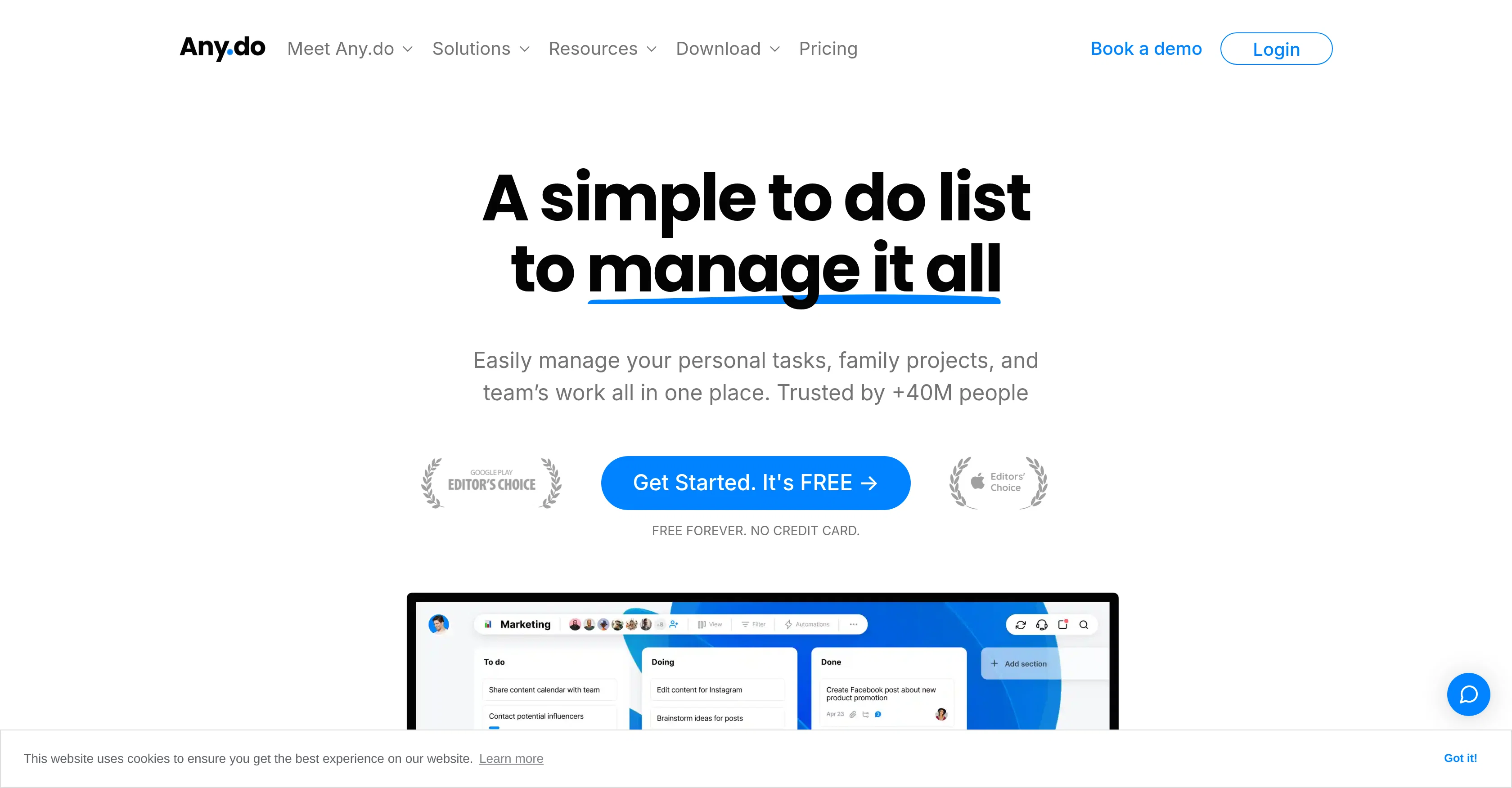
Any.do is a comprehensive task management tool designed to help individuals, families, and teams manage their tasks and projects. The tool spans across several functionalities including to-do lists, reminders, calendars, and daily planners that can be accessed across multiple platforms like iOS, Android, Mac, Windows, and via Web. Integrations with other popular platforms such as WhatsApp, Slack, and Gmail are available to provide a unified workspace. For personal use, Any.do offers features like sub-task creation, visual tags for task organization, and an AI assistant. Families can use the shared grocery lists, project boards, and family boards for enhanced household management. For teams, the tool offers features such as task assignment, Kanban view, custom fields for tasks, automated task assignments, and custom views for bird-eye view of teams work. Additionally, features like Gantt chart view, board notifications, private boards, time tracking and chat in context are available to streamline workflow and improve collaboration within teams.The tool also enables import of work from other tools for easy transition. User testimonials highlight Any.dos effectiveness in managing tasks for real estate teams, software development, marketing agencies, and IT consultancies. However, actual effectiveness may vary depending on specific use-cases and requirements. Help other people by letting them know if this AI was useful. Add your own prompts and outputs to help others understand how to use this AI.
When considering Any.do for integration into your organizational workflow, we recommend deploying a structured score card across three critical operational pillars: Security & Compliance, Integration Friction, and long-term Price Scalability. Rather than looking only at basic feature lists, modern procurement teams must assess how a software platform behaves under high load and how well it fits into the team's data security guidelines.
Depending on your operating region and field, ensure that Any.do supports standard security layers such as SOC 2 Type II certifications, GDPR compliance, or HIPAA-compliant database encryption. If the tool connects directly to client database tables or handles user passwords, verify that they implement multi-factor authentication (MFA), single sign-on (SSO) integrations, and end-to-end data encryption in transit and at rest.
Siloed data is the primary cause of operational friction. Evaluate if Any.do has native connectors for your current project trackers, messaging hubs, and customer communication channels. For custom developer requirements, check if they provide a fully documented REST API with reasonable rate limits, comprehensive Webhooks support, and robust SDK packages in your language. A flexible API layer saves hundreds of hours of manual copy-paste overhead.
SaaS pricing packages are often deceptively simple. When reviewing Any.do's billing structure, map out your team's projected expansion over the next 12 to 24 months. Determine how costs scale as your customer database increases or as you add team members. Factor in setup costs, mandatory support plan upgrades, API access fees, and storage overage rates to understand the true cost before committing to a contract.
By combining verified user reviews from our directory with internal workflow pilot tests, your procurement team can make an informed decision that drives productivity without creating capital waste.
Overall rating
Based on 13 reviews
Use full workspaces multiple people can use this ai
Rajkumar Dyagala
I loveeeee this idea but sadly it does not send the email so i couldnt log in and try it... tried 2 different devices with different emails...
uma
I work on the @Tendem team, so take this with that context — but I also use the product constantly for my own work. I've used @Tendem to research AI directories — finding relevant ones, pulling submission requirements, organizing everything into a spreadsheet I could act on. I've also used it for copy edits — sending over drafts and getting back tightened, polished versions without going back and forth with a prompt ten times. The thing that keeps me coming back is how little I have to think about the handoff. I describe what I need, send it, and move on to something else. It's slower than getting a ChatGPT response, sure. But I get something finished — not a starting point I still need to rework. When you use AI tools for this kind of work, you trade waiting time for cleanup time. @Tendem flips that. I'd rather wait and get a result I can use than get a fast draft I have to fix myself.
Vladimir Gromozdin
This app is really great it helped me with automation and also getting an AI assistant that sounds exactly like a human improved my productivity
M O
Used it for PPT generation and performed extremely well, especially the numbers and data part.
Salina Hook
Hey everyone, I’m Evaldas, co-founder of @Guideless, the fastest way to turn any browser workflow into a polished, AI-narrated video guide in minutes. No screen recording. No tedious editing. Just turn on the extension, click through your process as you normally would, and instantly get a share-ready guide. We recently shipped a major update: a sleeker UX and new high-quality AI voiceover characters — making guides sound and feel more vibrant than ever. Give @Guideless a try and see how effortless creating high-quality tutorials can be 🪄
Evaldas Bieliūnas
Just implemented your instruction out how to run drip campaigns automatically, nice! Getting prospect calls coming in
Jenn N.
Love this app! So great at implementing several proven concepts to help with efficiency, productivity, and the ability to be consistent with tracking, rewards and gasification. Game changer in this space.
Youcef El Kamel
I was on an early version of this, and it's been really cool to use with Claude and be able to just send different tasks to my @Superlists and organize everything. It's completely changed the way that I do my productivity software.
Mike Todhurst
Would love to see this in other lenguages. works great.
Son Dan
Hey everyone! I’m Martin — co-founder, builder, and creator of @OneTask 🚀 @OneTask is specifically designed for people with ADHD and other creatives who can’t be bothered to spend time “managing” their tasks, and instead need an app that just helps them get things done. We have a Todoist and Google Calendar integration, and offer many other features that will help you optimize your life. Let me know if you have any questions! As of this writing, we have a special lifetime deal featured on our website — be sure to catch it before it’s gone! Martin
Martin Adams
@Bracket makes your task list proactive. Instead of hunting tasks across tools, @Bracket captures them straight from Slack and Email (for now :P). It automates follow-ups, takes accountability for your tasks, and eliminates the hours wasted maintaining task systems. Operate where your work happens —> no context switching, no dropped balls, just a team that actually follows through. Try @Bracket free, sign up to the waitlist today.
Dor Linhard
Easy to use and the AI does its work but it is not something extraordinary. But the AI can do nothing more as it does right now
Michael
Starting Price
Free plan available
Free tier available with optional paid upgrades.


