5.01 months ago
“Review”
It's cool!!!!
Alethea

AI-powered finance management for smarter budgeting
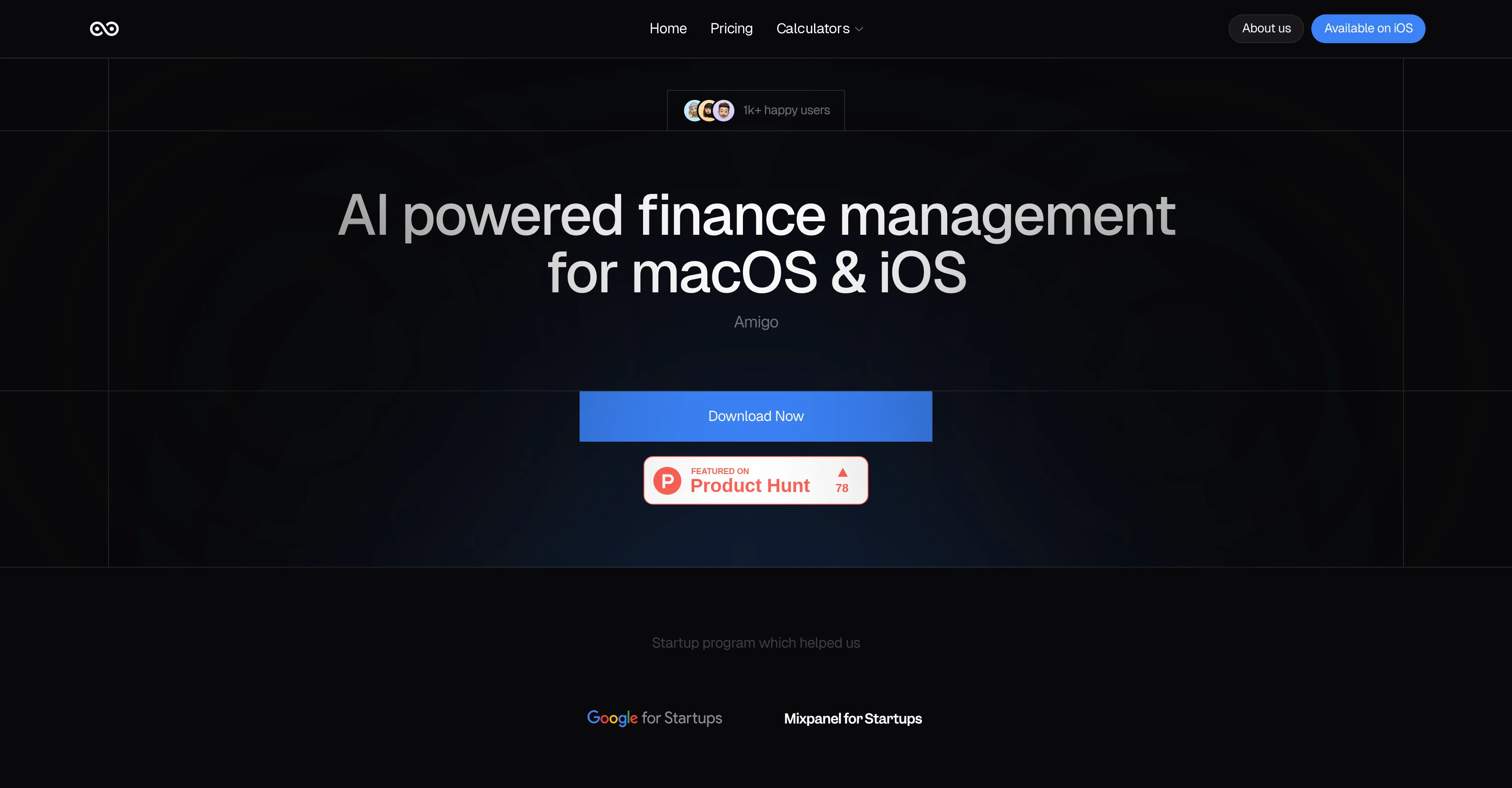
Amigo AI - Expense Manager is a financial management tool for iOS that provides personalized financial insights leveraging advanced generative AI models. This tool allows automatic tracking and categorization of transactions made by users by syncing with their email statements. Transaction data analysis results in custom financial advice and insights designed to aid intelligent decision-making and optimize spending habits.It features an interactive, customizable dashboard where users can visualize their financial status, track spending, monitor upcoming bills, and set savings targets. Also, it has an AI-driven analysis component for precise financial forecasting and advice.Users can take advantage of the tools seamless document import functionality, ingesting bank statements and financial documents for automatic categorization and analysis, thereby promoting time-saving financial management.Moreover, the tool empowers users to integrate their own AI models for a more personalized and secure financial management experience. It also offers segmented financial analysis enabling users to probe their finances in detail, and dynamic graphical output to help visualize financial data based on user inputs.Lastly, users can receive real-time optimization of their financial insights and recommendations for proactive financial planning. These key features combine efficiency and convenience, leading to better financial health for its users. Help other people by letting them know if this AI was useful. Add your own prompts and outputs to help others understand how to use this AI.
When considering Amigo AI for integration into your organizational workflow, we recommend deploying a structured score card across three critical operational pillars: Security & Compliance, Integration Friction, and long-term Price Scalability. Rather than looking only at basic feature lists, modern procurement teams must assess how a software platform behaves under high load and how well it fits into the team's data security guidelines.
Depending on your operating region and field, ensure that Amigo AI supports standard security layers such as SOC 2 Type II certifications, GDPR compliance, or HIPAA-compliant database encryption. If the tool connects directly to client database tables or handles user passwords, verify that they implement multi-factor authentication (MFA), single sign-on (SSO) integrations, and end-to-end data encryption in transit and at rest.
Siloed data is the primary cause of operational friction. Evaluate if Amigo AI has native connectors for your current project trackers, messaging hubs, and customer communication channels. For custom developer requirements, check if they provide a fully documented REST API with reasonable rate limits, comprehensive Webhooks support, and robust SDK packages in your language. A flexible API layer saves hundreds of hours of manual copy-paste overhead.
SaaS pricing packages are often deceptively simple. When reviewing Amigo AI's billing structure, map out your team's projected expansion over the next 12 to 24 months. Determine how costs scale as your customer database increases or as you add team members. Factor in setup costs, mandatory support plan upgrades, API access fees, and storage overage rates to understand the true cost before committing to a contract.
By combining verified user reviews from our directory with internal workflow pilot tests, your procurement team can make an informed decision that drives productivity without creating capital waste.
Overall rating
Based on 23 reviews
It's cool!!!!
Alethea
It analyzes my search campaign data exceptionally well. I wouldn’t be able to find so many optimization opportunities manually. With this tool, I save 50% of my time on data analysis.
Сергей Калашников
Produce nice picture and is fast but does a horrible job if you are no a white dude
Anderson Torres
Super student Ai is a genius idea! It makes studying more fun by turning practice questions into a scrollable format like TikTok. Perfect for students who want to learn smarter and stay engaged."
Ogasia Game
Use it for more focused, less hallucinated result
Fatih Baltacı
interesting ai tool, quickly let you create a good looking website.. thumbs up
avoda mehabait
Thanks for the nice comment Cath! I'm working on it by myself, it's the first app that I build and I try to make the customer experience as good as I can. It's always the number one focus.
Marc Lamy
I tested a one-month planner, and it was amazing. Kudos to the team!
EasyDine
Time saving. Works well when you add great ideas. But also helps to build content easy and reduces stress, especially when you are running out of ideas. Overall a great tool!
Sabina D
I rarely leave reviews, but Elsa amazed me. After a few weeks of using it, I'm still excited. Props, guys.
Anton
Makes it easy to get started with a presentation if you have an outline, but as soon as you want more control, you're better off using Google Slides. @Gamma's feature that I used the most was image generation - you can select among a variety of models (Ideogram, Flux, DALL-E, but not Midjourney), and it shows 3 variations to choose from. Performance is slow and a little janky, even in Chrome. Prompts and settings are often not respected - e.g. you set it to "preserve text" and just generate slides, and it goes onto dumping an entire 3 paragraphs of text in one slide. You can't overlay text over images (e.g. for image attribution), and there's no precise positioning control, or grouping elements. No way to control table layout, e.g. to have two images slide-by-side in full bleed mode. I tried @Gamma for a new presentation, but next time I need to make a presentation, I'll go back to Google Slides and generate images independently.
Dan Dascalescu
I’ve tried many AI writing tools in the past, but this one actually delivers content that sounds human and ranks. I love how you can create a full SEO blog post with just a keyword… and it’s ready to publish in one click. That saves me so much time. Also, small win for the wallet — use code FSL25 to get 25% off on any plan. Definitely helped me out when testing it for the first time. 👍 Hope this helps someone else who’s been struggling like I was!
Jason
The website is pretty good but there are only a limited number of responses
Probal Roy
O GPT faz uma análise melhor e mais personalizada.
Vinicius Vilela
not that good it cant generate your prompt it can only generate custom prompt as saved by itself
Sarthak Agarwal
After my first use, I think it's surprisingly good. The only drawback so far is the PDF export option for the report which is formatless.
Alejandro Correa
No other tool quite like this, it's pretty straightforward. Needed to extract a long interview from YouTube and it extracted everything, providing it in different meaningful formats in less than two minutes. Awesome
Juan Sierra
Hi Federico, Thank you for taking the time to share your feedback. We truly appreciate all kinds of input as it helps us improve @Amigo AI. If you'd like to explore the app further, we’d be more than happy to provide you with a redeem code for free access. Additionally, we're also open to sharing the code with the community if anyone is interested. Please let me know here, and I’ll share the coupon code with you directly! Love Amigo
Amigo AI
It is completely useless. There are thousands of better apps for free.
Federico Grianti
Thanks for your feedback! Right now, SimplyBudget allows up to 30 transactions per month before the limit resets. However, we truly appreciate your input and are actively working on removing this limit. Instead, we're exploring a monetization strategy that keeps the app free for users while ensuring we can cover the costs of running it. Stay tuned for updates, and thanks again for trying SimplyBudget! (not ads, lol)
Simply Budget
Cute expense tracking app. I really appreciate you can import old transactions (former Mint user here), i hope it's as good as it sounds.
michael.in.the.clouds42
I was a dedicated Banktivity user for over a decade. I tried Monarch, Copilot, and YNAB. But none of them could handle my life: dozens of accounts, multiple currencies, and complex cash flow. I spent hours manually untangling internal transfers just to see my real run rate. I built @Quaestor Ledger to automate the heavy lifting. If you have complex finances, this is the dashboard you've been waiting for.
Hector
Meet Nume, an AI CFO that proactively watches your finances 24/7. You can connect to your ERP and bank account and be live in 5 min. Once setup, Nume will automatically start generating proactive insights. We built Nume as the solution we always wanted and needed ourselves. Designed, validated, and co-created by by our in-house team of 30+ CFOs.
Alex W.
Starting Price
From $13.00/user/month
Pricing may vary based on team size and features selected.