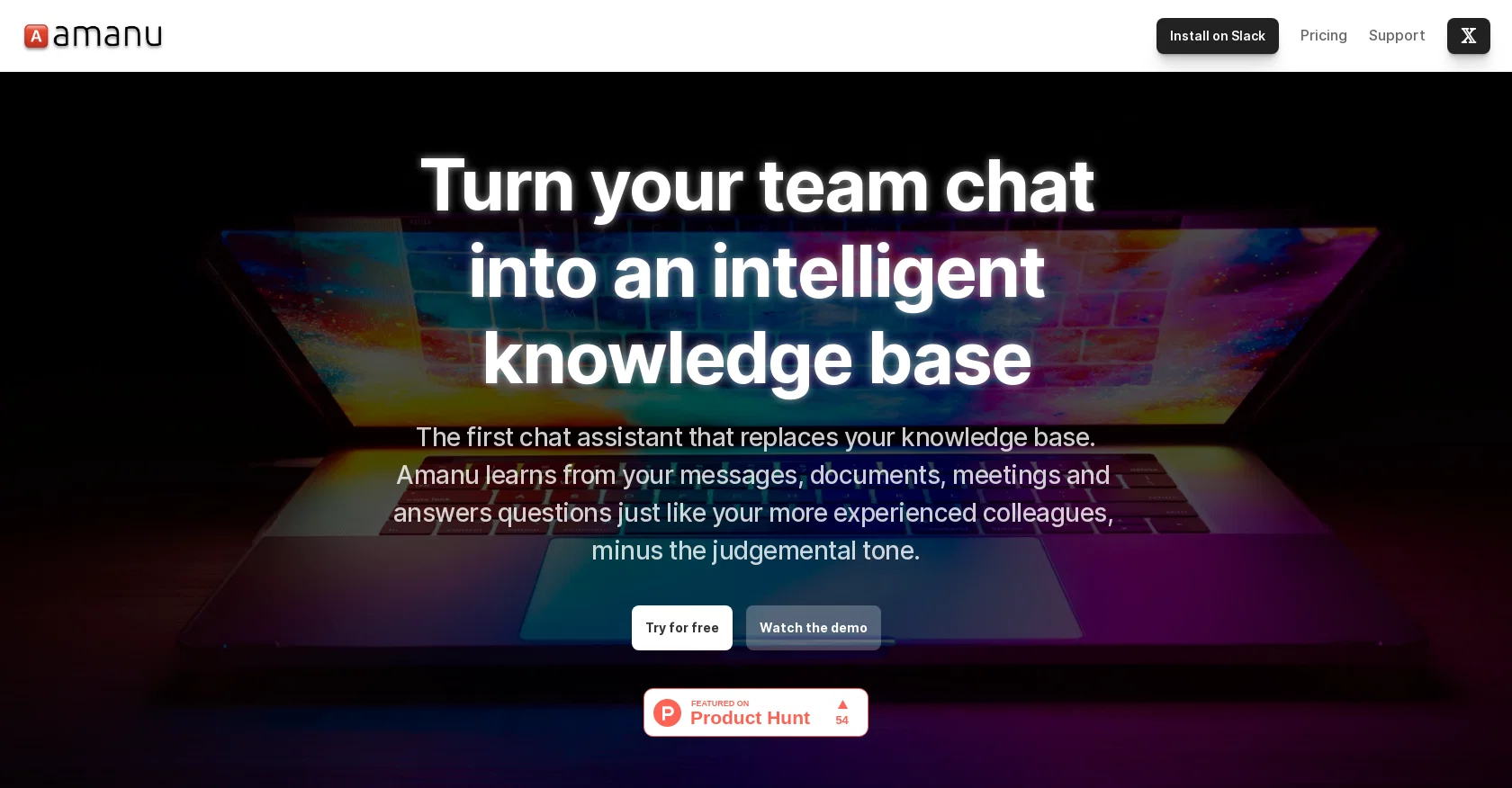
Amanu is a chat assistant designed to transform team chats into an intelligent knowledge base. It analyzes and learns from messages, documents, and meetings to provide reliable answers to user queries.
Amanu aims to replicate the expertise of experienced colleagues without the judgmental tone. By organizing and indexing information, it helps users quickly retrieve relevant knowledge and eliminates the need to search through outdated documents or meeting notes.
Amanu remembers every message, thread, and snippet, making it a valuable resource for team members searching for specific information.Regarding privacy, Amanu only accesses messages in channels to which it is invited and remembers the ones users react to with a specific emoji.
Therefore, it does not retain sensitive information if the user removes the corresponding emoji. Amanu can be installed on the Slack platform and offers simple pricing tiers: a free trial, as well as professional, business, and enterprise plans with varying memory and query limits.
Users can integrate Amanu with their existing subscriptions and access human chat and email support. Amanu also plans to introduce additional integrations in the future.The FAQ section offers answers to common questions such as installation, privacy and sensitive data concerns, compatibility across multiple platforms, plan changes, and support inquiries.
To ensure customer satisfaction, users are encouraged to provide feedback and suggestions to enhance Amanu's functionality.
Help other people by letting them know if this AI was useful.
Add your own prompts and outputs to help others understand how to use this AI.
Screenshot gallery
A Professional Framework to Evaluate Amanu
When considering Amanu for integration into your organizational workflow, we recommend deploying a structured score card across three critical operational pillars: Security & Compliance, Integration Friction, and long-term Price Scalability. Rather than looking only at basic feature lists, modern procurement teams must assess how a software platform behaves under high load and how well it fits into the team's data security guidelines.
1. Security and Database Compliance
Depending on your operating region and field, ensure that Amanu supports standard security layers such as SOC 2 Type II certifications, GDPR compliance, or HIPAA-compliant database encryption. If the tool connects directly to client database tables or handles user passwords, verify that they implement multi-factor authentication (MFA), single sign-on (SSO) integrations, and end-to-end data encryption in transit and at rest.
2. API Coverage and Custom Integrations
Siloed data is the primary cause of operational friction. Evaluate if Amanu has native connectors for your current project trackers, messaging hubs, and customer communication channels. For custom developer requirements, check if they provide a fully documented REST API with reasonable rate limits, comprehensive Webhooks support, and robust SDK packages in your language. A flexible API layer saves hundreds of hours of manual copy-paste overhead.
3. Total Cost of Ownership (TCO)
SaaS pricing packages are often deceptively simple. When reviewing Amanu's billing structure, map out your team's projected expansion over the next 12 to 24 months. Determine how costs scale as your customer database increases or as you add team members. Factor in setup costs, mandatory support plan upgrades, API access fees, and storage overage rates to understand the true cost before committing to a contract.
By combining verified user reviews from our directory with internal workflow pilot tests, your procurement team can make an informed decision that drives productivity without creating capital waste.
Features of Amanu
Knowledge Base
Info Retrieval
Team Collaboration
Information Management
Intelligent Search
Data Organizing
From $29/Mo
SaaS1to10 verified reviews for Amanu
Overall rating
★★★★★5.0
Based on 20 reviews
★★★★★5.02 days ago
“Review”
Good idea on democratization of AHP based Multiple Criteria Decision Making / Analysis (MCDM / MCDA). Helping common people to get AI powered MCDA at own mobile phone, otherwise only available expencive software with enterprises.
Shashi Bhattarai
★★★★★5.03 weeks ago
“Review”
Loved the search engine ideas.
Amr عمرو Amin امين
★★★★★5.03 weeks ago
“Review”
Zero GPT which is supposed to be covered detects it with 100% certainty. So... No.
Stephan Tual
★★★★★5.03 weeks ago
“Review”
It has everything that I need in one place: ChatGPT, Copywriting templates, AI Images, Audio Transcription.
Dmytro
★★★★★5.03 weeks ago
“Review”
Video editing
Amrit kuli Amrit kuli
★★★★★5.03 weeks ago
“Review”
Seems to be working for me. Maybe try again?
Aramis
★★★★★5.03 weeks ago
“Review”
It's genius. Amazing tool. PDF generation might be improved, but apart from that is amazing.
Aleksander Lukashou
★★★★★5.03 weeks ago
“Review”
I joined Kin's beta program on my iPhone XR. After upgrading to an iPhone 13, I found that I couldn't log into my existing account on the new phone, forcing me to create a new account. Now, I have two separate Kin accounts on different phones. Today, when I accessed the beta version of Kin, I got a notification stating that the test version ended on Monday, September 23rd. It instructed me to back up my data and move to the official Kin app. I did as advised—backed up my data, confirmed, uninstalled the beta app via TestFlight, and installed the official Kin app. However, when I attempted to “log in”, I was still unable to access my existing account. This issue hasn't been resolved yet. I have been trying desperately to get in contact with the support team. I left feedback through the test flight app and sent emails. No response. Now trying to find a forums, Reddit posts, TAAFT comments☻
Desiree Miller
★★★★★5.03 weeks ago
“Review”
Nice interface, but no good at PDF answers, especially tables data.
hifive szu
★★★★★5.03 weeks ago
“Review”
Fantastic tool for anyone who is looking to promote their personal brand and gain followers on Linkedin with no experience. The tool has a lot of potential to grow and as someone who has recently purchased the tool I'm hoping for more topics in settings.
Ed Soltani
★★★★★5.03 weeks ago
“Review”
They're dreaming if they think I'd give them my credit card info just for a free trial. Most useless thing ever...
Noeffen Way
★★★★★5.03 weeks ago
“Review”
Such a great place to start out!
Helli Lang
★★★★★5.03 weeks ago
“Review”
Suppppeeeeerrr! Wowwww! @Mindsmith is absolutely fantastic! It is incredibly useful, easy to use, and very professional.
Claudia Scilletta
★★★★★5.03 weeks ago
“Review”
State of the Art
Dmitry G.
★★★★★5.03 weeks ago
“Review”
WE USE @D-ID AT THE COLORADO VIRTUAL CREATIVE FACTORY...AND LOVE IT.
Franco Arteseros
★★★★★5.03 weeks ago
“Review”
I tried using it but the website has too many bugs.
João Neiva
★★★★★5.03 weeks ago
“Review”
It's sad to see people want to try your tool out but you have no free sample for them. This may be the best tool out there, but, as mentioned, going through with the AI for minutes to explain what you want, then being prompted to pay, without even knowing if it CAN create something, is discouraging. I hope we can get a free sample or preview at one point, im interested in this one.
Ron Jayson
★★★★★5.03 weeks ago
“Review”
O GPT faz uma análise melhor e mais personalizada.
Vinicius Vilela
★★★★★5.03 weeks ago
“Review”
pretty useful for quick fact-checking and comparisons. the answers are laid out clearly, but it can feel like overkill for really simple questions. still a nice tool to have around.
Vansh Thakur
★★★★★5.03 weeks ago
“Review”
Improving your public speaking skills for professional presentations can be achieved through practice, preparation, and persistence. Here are some tips to help you enhance your public speaking skills: Practice and Preparation Building Confidence Start small: Begin with small presentations or group discussions to build your confidence. Focus on your message: Focus on the value of your message rather than your own nervousness. Delivery Techniques Make eye contact: Engage with your audience by making eye contact with different people in the room. Vary your tone and pace: Use vocal variety to add emphasis and keep your audience engaged. Use visual aids: Use visual aids like slides, videos, or props to support your message and add visual interest. Managing Nervousness Take deep breaths: Take deep breaths before your presentation to calm your nerves. Use positive self-talk: Encourage yourself with positive affirmations, such as "I am well-prepared" or "I can do this." Focus on your audience: Focus on your audience's needs and interests rather than your own nervousness. Seeking Feedback Ask for feedback: Ask colleagues or mentors for feedback on your presentations. Be open to constructive criticism: Use feedback to identify areas for improvement and work on making changes. Continuously improve: Continuously work on improving your public speaking skills through practice, feedback, and self-reflection. By following these tips, you can improve your public speaking skills and deliver confident, effective presentations in a professional setting.
Abul Kashem
Pricing
Starting Price
From $10.00/user/month
Pricing may vary based on team size and features selected.