Alai

5.0(20 reviews)

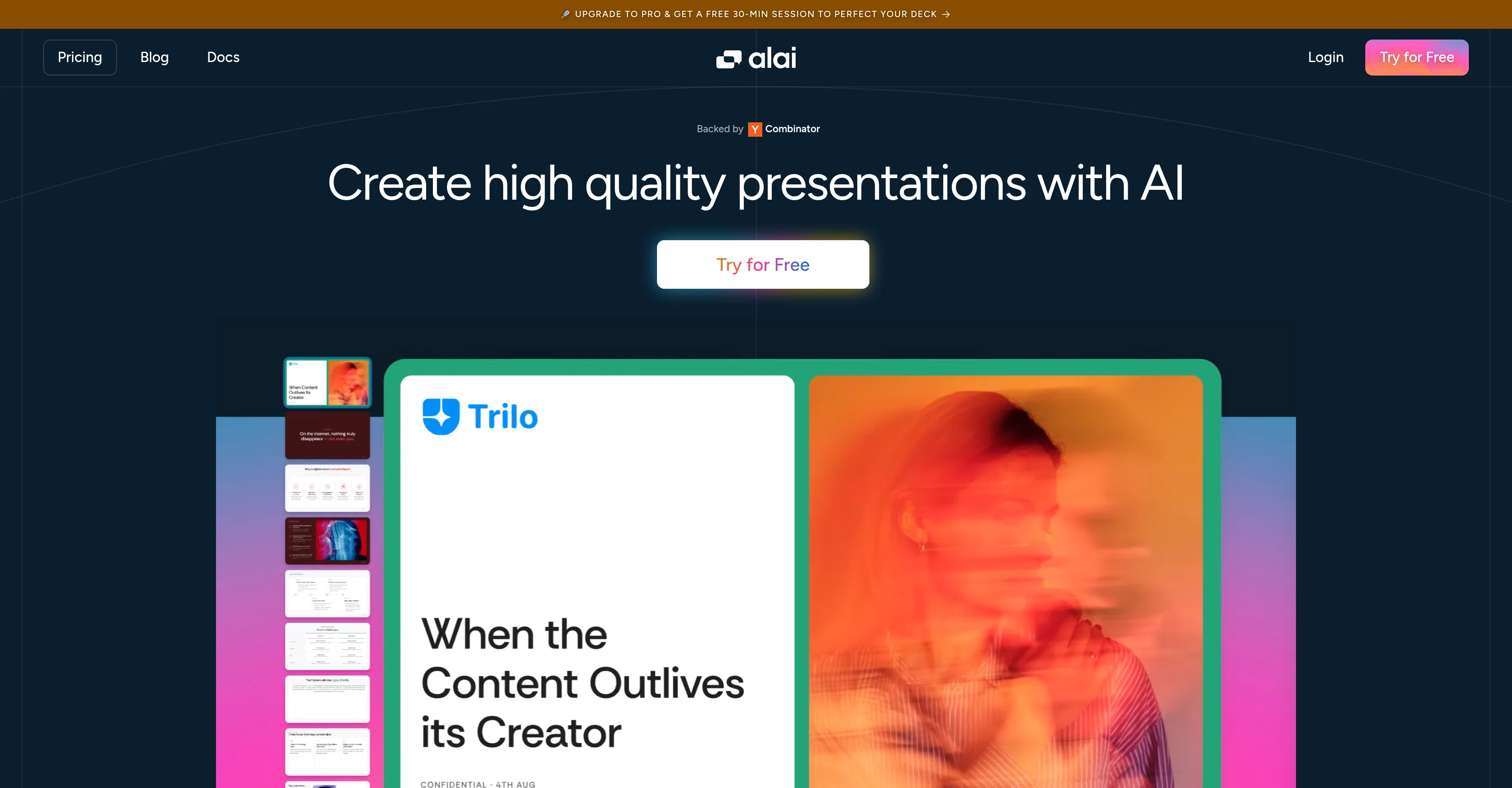
Create high quality presentations with AI

Free

Alai Overview

What is Alai?

Help other people by letting them know if this AI was useful. Add your own prompts and outputs to help others understand how to use this AI.

Screenshot gallery

Alai screenshot

Pros & Cons

Pros

  • Responsive canvas
  • Automatic alignment and spacing
  • Library of visual elements
  • Built-in presets
  • Option to re-visualize
  • Supports importing documents
  • Supports exporting in PDF, PowerPoint
  • API for developers
  • Real-time customer service
  • Consistent deck maintenance
  • Early stage conceptualization
  • Exceptional design quality
  • Optimized Information Synthesis
  • User-friendly interface
  • Regarded highly by users
  • Free trial availability
  • Backed by Combinator
  • Upgrade to Pro incentives
  • Integration with Pangea.ai
  • Quick deck creation
  • Pixel-perfect layouts

Cons

  • Limited visual elements presets
  • May require manual refinements
  • Unclear data visualization capabilities
  • Only exports in PDF, PowerPoint
  • Limited slide layout options
  • No offline version available
  • Limited customizability

A Professional Framework to Evaluate Alai

When considering Alai for integration into your organizational workflow, we recommend deploying a structured score card across three critical operational pillars: Security & Compliance, Integration Friction, and long-term Price Scalability. Rather than looking only at basic feature lists, modern procurement teams must assess how a software platform behaves under high load and how well it fits into the team's data security guidelines.

1. Security and Database Compliance

Depending on your operating region and field, ensure that Alai supports standard security layers such as SOC 2 Type II certifications, GDPR compliance, or HIPAA-compliant database encryption. If the tool connects directly to client database tables or handles user passwords, verify that they implement multi-factor authentication (MFA), single sign-on (SSO) integrations, and end-to-end data encryption in transit and at rest.

2. API Coverage and Custom Integrations

Siloed data is the primary cause of operational friction. Evaluate if Alai has native connectors for your current project trackers, messaging hubs, and customer communication channels. For custom developer requirements, check if they provide a fully documented REST API with reasonable rate limits, comprehensive Webhooks support, and robust SDK packages in your language. A flexible API layer saves hundreds of hours of manual copy-paste overhead.

3. Total Cost of Ownership (TCO)

SaaS pricing packages are often deceptively simple. When reviewing Alai's billing structure, map out your team's projected expansion over the next 12 to 24 months. Determine how costs scale as your customer database increases or as you add team members. Factor in setup costs, mandatory support plan upgrades, API access fees, and storage overage rates to understand the true cost before committing to a contract.

By combining verified user reviews from our directory with internal workflow pilot tests, your procurement team can make an informed decision that drives productivity without creating capital waste.

Features of Alai

  • Agent
  • API
  • Presentation Creation
  • Presentation Design
  • Professional Slide Design
  • Professional Design
  • Free + From $16/Mo

SaaS1to10 verified reviews for Alai

Overall rating

5.0

Based on 20 reviews

5.02 weeks ago

Review

Just tried the tool and printed my first 3D model, and I’m honestly surprised by how good it came out. It was super easy to use, and the final print matched my reference image perfectly. Congrats to the @Mimetic Labs team for building such a simple but super cool tool.

Kyle

5.02 weeks ago

Review

Hi there, I’m Alix, co-founder of Invent. We’re building the future of Customer Support UX, where humans and AI truly collaborate. Would love to read&hear your thoughts. DM for any questions. We ship fast!

Alix Gallardo

5.02 weeks ago

Review

We used @Rumora for our SaaS app and went from 512 to 23,956 signed up users in 3 months, here's the case study with screenshots: https://@Rumora.ai/case-studies/olovka

Rade Joksimovic

5.02 weeks ago

Review

It helped me set up my online business within minutes.

cherni hiba

5.02 weeks ago

Review

Being able to tell it to create an app for anything I want - for myself or for the AI to use is the coolest thing!

Seth

5.02 weeks ago

Review

A whole new way of learning how to code

Francisco Silverio

5.02 weeks ago

Review

Ideal for stock-watchlist and not missing trade setups that correspond to my strategy.

Builder

5.02 weeks ago

Review

Reducing manual efforts in first-pass during code-review process helps speed up the "final check" before merging PRs

Sahil Mohan Bansal

5.02 weeks ago

Review

This tool i found is super cool, I created 5 books from this tool to sell them online, which gives me great profit. I am creating more valuable books to spread knowledge, and earn some bucks as well 🤑.

Bilal Ashraf

5.02 weeks ago

Review

Great tool! Was very helpful in content production

Duck Typer

5.02 weeks ago

Review

Suppppeeeeerrr! Wowwww! @Mindsmith is absolutely fantastic! It is incredibly useful, easy to use, and very professional.

Claudia Scilletta

5.02 weeks ago

Review

State of the Art

Dmitry G.

5.02 weeks ago

Review

After my first use, I think it's surprisingly good. The only drawback so far is the PDF export option for the report which is formatless.

Alejandro Correa

5.02 weeks ago

Review

I think it's the best @Image Generator I ever found on the net. It gives more accurate image according to the prompt. And thank you for keeping it for free.

My Sawsiri

5.02 weeks ago

Review

Absolutely in love. I could create my own custom AI and shared it with my colleuges to get instant support from me, i mean digital AI of me :)

Derek W.

5.02 weeks ago

Review

Very interesting

Béatrice Duval

5.03 weeks ago

Review

A very useful AI slides tool! The content it generates is genuinely smart.

Shane Qian

5.03 weeks ago

Review

It does it's job and I love that it has a lifetime plan

Matthew Edwan

5.03 weeks ago

Review

You spent half of hour on describing how your presentation should look like, and just after that getting informed that you need to pay subscription to proceed. Who’ll pay my time back?

Grigorij Dudnik

5.03 weeks ago

Review

Makes it easy to get started with a presentation if you have an outline, but as soon as you want more control, you're better off using Google Slides. @Gamma's feature that I used the most was image generation - you can select among a variety of models (Ideogram, Flux, DALL-E, but not Midjourney), and it shows 3 variations to choose from. Performance is slow and a little janky, even in Chrome. Prompts and settings are often not respected - e.g. you set it to "preserve text" and just generate slides, and it goes onto dumping an entire 3 paragraphs of text in one slide. You can't overlay text over images (e.g. for image attribution), and there's no precise positioning control, or grouping elements. No way to control table layout, e.g. to have two images slide-by-side in full bleed mode. I tried @Gamma for a new presentation, but next time I need to make a presentation, I'll go back to Google Slides and generate images independently.

Dan Dascalescu

Pricing

Starting Price

Free plan available

Free tier available with optional paid upgrades.

Where can Alai be deployed?

  • Cloud, SaaS, Web-Based

Recommended for you