5.02 months ago
“Review”
Great product, very useful for captioning a large volume of influencer videos at work, highly accurate transcription tool, would recommend.
Dan Hernden

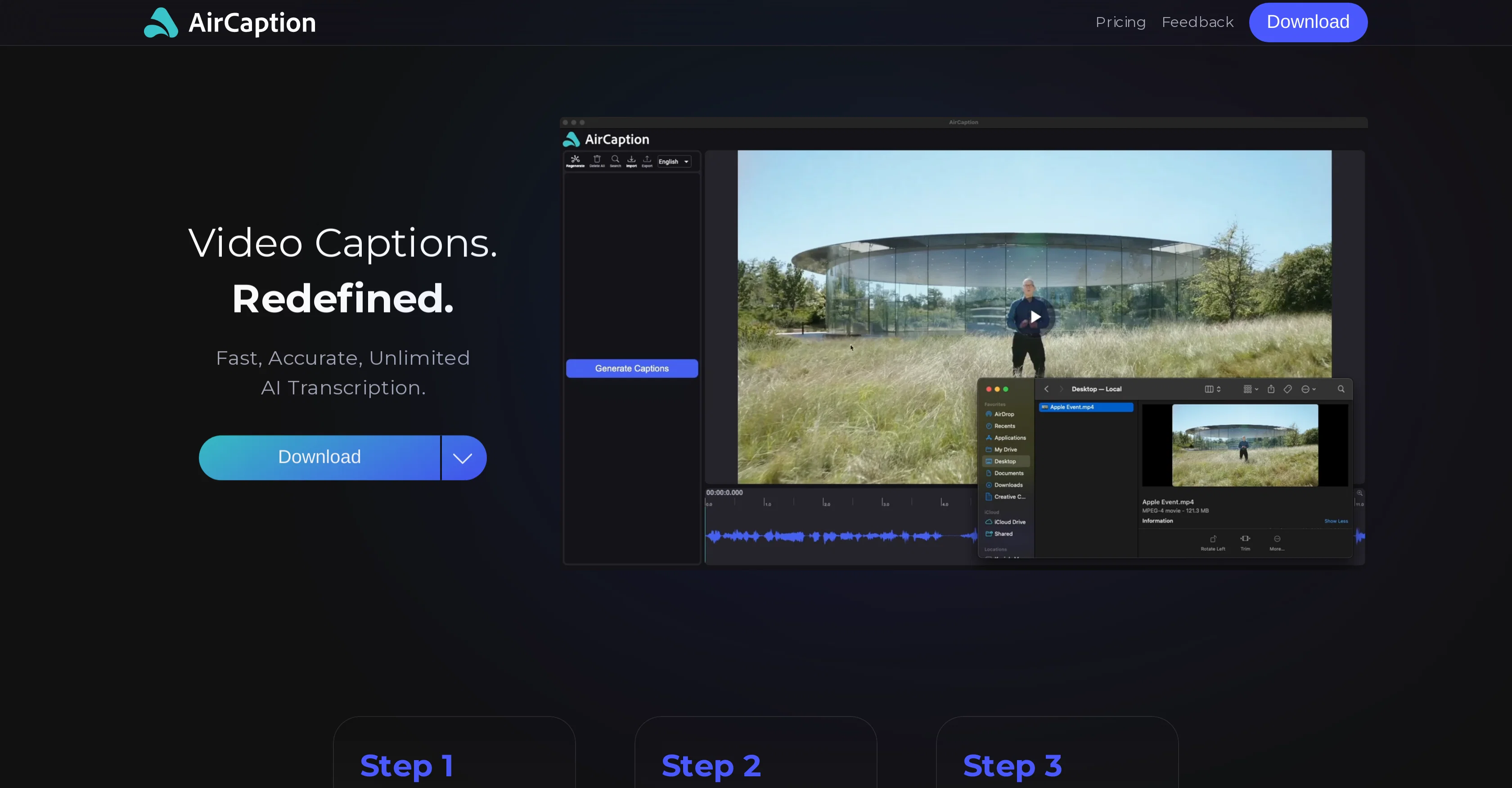
Powerful speech-to-text tool for video captions, subtitles and audio transcription.
Help other people by letting them know if this AI was useful. Add your own prompts and outputs to help others understand how to use this AI.
When considering AirCaption for integration into your organizational workflow, we recommend deploying a structured score card across three critical operational pillars: Security & Compliance, Integration Friction, and long-term Price Scalability. Rather than looking only at basic feature lists, modern procurement teams must assess how a software platform behaves under high load and how well it fits into the team's data security guidelines.
Depending on your operating region and field, ensure that AirCaption supports standard security layers such as SOC 2 Type II certifications, GDPR compliance, or HIPAA-compliant database encryption. If the tool connects directly to client database tables or handles user passwords, verify that they implement multi-factor authentication (MFA), single sign-on (SSO) integrations, and end-to-end data encryption in transit and at rest.
Siloed data is the primary cause of operational friction. Evaluate if AirCaption has native connectors for your current project trackers, messaging hubs, and customer communication channels. For custom developer requirements, check if they provide a fully documented REST API with reasonable rate limits, comprehensive Webhooks support, and robust SDK packages in your language. A flexible API layer saves hundreds of hours of manual copy-paste overhead.
SaaS pricing packages are often deceptively simple. When reviewing AirCaption's billing structure, map out your team's projected expansion over the next 12 to 24 months. Determine how costs scale as your customer database increases or as you add team members. Factor in setup costs, mandatory support plan upgrades, API access fees, and storage overage rates to understand the true cost before committing to a contract.
By combining verified user reviews from our directory with internal workflow pilot tests, your procurement team can make an informed decision that drives productivity without creating capital waste.
Overall rating
Based on 30 reviews
Great product, very useful for captioning a large volume of influencer videos at work, highly accurate transcription tool, would recommend.
Dan Hernden
Hi Gabrielle, Thanks for the feedback. There is a speed/accuracy trade off with the AI models. Using the tiny model will be fast but not as accurate. Using the large model be very accurate but will take longer. If you require faster transcription, I would suggest trying the tiny or base models. The length of the captions can be adjusted using the "Max. characters per caption" slider when you set the transcription going. Changing the font size of the captions overlaid on the video export is a feature we're currently looking at adding. If that's something you require for your project, please reach out to support@AirCaption.com and we can chat more about that. Thanks, Kevin
Kevin Richardson
Subtitle transcription is very slow for larger videos. I also can't adjust the subtitle size to the video's standard.
Gabrielle Jordano
Hi Jeanne, would you be able to elaborate on the task you were trying to achieve and where you ran into issues?
Kevin Richardson
Nope... No.... NOOOOOOO. Just nooooo. OMG, this is really, really awful.
Jeanne
@AirCaption.ai is simply outstanding. As a passionate language learner, I’m always looking for tools that help me transcribe, subtitle, and analyze content in different languages, and this application has exceeded my expectations. What impresses me the most is its accuracy and the ease with which I can work in multiple languages. Additionally, its interface is very intuitive, allowing me to quickly and efficiently edit and adjust subtitles. Another great advantage is that all processing is done locally on my device, which is ideal for those of us who value privacy. Thanks to @AirCaption, I have been able to enjoy and learn even more from videos, podcasts, and other resources in various languages, turning my passion into a more enriching experience. I highly recommend this tool to anyone who wants to simplify their work with transcriptions and subtitles. I couldn’t be more satisfied! "@AirCaption is my perfect ally for exploring and enjoying my passion for languages, turning every word into a unique and enriching experience."
Andres D Rojas H
I habe loved thia tool! Not really clear on why its got the negative reviews it has. Its excellent as transcription, and its literally the only tool that I've found to work with large media tools (2hr ). Its saved me literally hours of work.
Lucas Rowe
Hi Jairo, if you reach out using the contact form here https://www.@AirCaption.com/feedback I can assist you with the installation.
Kevin Richardson
Very strange to download. I just did it and it's not opening or doing anything. ???
Jairo Romero
Sadly is not working as described but they have pretty many things planned so maybe in the future it will.
aihelp
Great accuracy and easy to crosscheck with the provided hyperlinks to the sources.
Marius Schmitt
@GoEnhance's production from video to animation is impressive. It can go up to 2k 60fps, so exciting.
qiufeng hua
I tested a one-month planner, and it was amazing. Kudos to the team!
EasyDine
I completely agree with the previous comment. I first purchased the $5 package and then upgraded to the Pro package, hoping to create videos longer than 3.5 minutes. However, I was disappointed to find out that I needed to purchase the $99 package to create longer videos. It was not clear that the 5000 characters of script only equated to 3.5 minutes of video. To make things worse, the company has a strict no-refund policy, which feels unfair. They seem more focused on taking your money than providing quality service. I would highly recommend avoiding this service at all costs.
Yannis P.
Isn't it intriguing how all three other reviews for this "website builder" share the exact same profile photo?
Desiree Miller
Wonderful tool for generation short videos may add options for more voices
Rishikesh Bhushan
I can't explain how impressed i am by this. I've seen tools to help you brainstorm ideas, but not one to break your task down into big steps, then little steps for each of these. Plus "games" to help come up with more ideas for your project. I'm excited to use this!
ImpulseOscar
Generating captions was super fast like seconds. Wish they had Anton font though
bob miller
It's genius. Amazing tool. PDF generation might be improved, but apart from that is amazing.
Aleksander Lukashou
Auto-categorization is a must, it allows me to find influencers in any niche. Tracking saves me a looot of time.
AIInfluencer
It has everything that I need in one place: ChatGPT, Copywriting templates, AI Images, Audio Transcription.
Dmytro
I’ve tried many AI writing tools in the past, but this one actually delivers content that sounds human and ranks. I love how you can create a full SEO blog post with just a keyword… and it’s ready to publish in one click. That saves me so much time. Also, small win for the wallet — use code FSL25 to get 25% off on any plan. Definitely helped me out when testing it for the first time. 👍 Hope this helps someone else who’s been struggling like I was!
Jason
Very cool app! Build was fast as, and with a few tweaks I fully launched my website in 1 hour!
Joe Smythe
I think it's the best @Image Generator I ever found on the net. It gives more accurate image according to the prompt. And thank you for keeping it for free.
My Sawsiri
Can't test without entering a credit card directly after sign up, I won't be using without testing it first. sorry!
zliki
the founder is cool, definitely a recommendation if you have personal requests and grow the app along with you.
Samik Choudhury
This is my favourite, so handy and works brilliant
Colin Fitzpatrick
No other tool quite like this, it's pretty straightforward. Needed to extract a long interview from YouTube and it extracted everything, providing it in different meaningful formats in less than two minutes. Awesome
Juan Sierra
I already have another transcription tool, but this one is much better. I love the different features such as the summary, quiz, and chapters. It does a great job of them. I've only done one transcript so far to try it out, but I'm truly impressed and am going to grab another code. A couple things that would make it even better are: - the ability to rename the files and organize them through folders. - the ability to download a copy of the other features as well as the transcript. Copying and pasting it works, but doesn't keep the format.
dunn
One of the most accurate API's I've used for speech to text and summarization. Cost effective w/ bulk contracts too.
Mery
Starting Price
Free plan available
Free tier available with optional paid upgrades.


