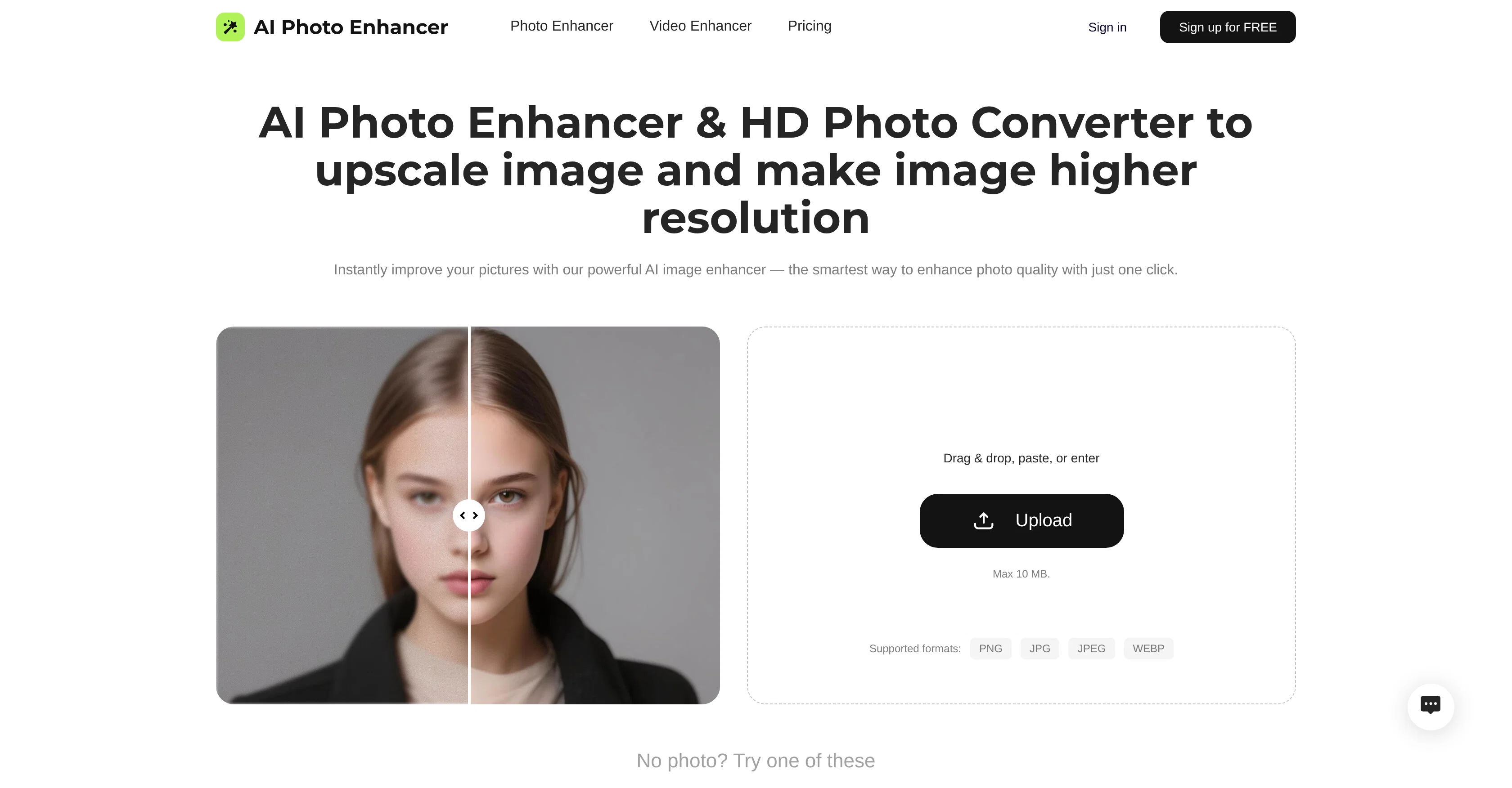
The Free AI Photo Enhancer and 4K AI Image Upscaler tool is engineered to significantly upgrade and improve image quality. Its applications include sharpening images, reducing digital noise, enhancing photo resolution to 4K, correcting colors, restoring pixel details, and reducing photo blur.
These various features work together to turn low-quality and blurry shots into clear and detailed images. In addition to enhancing individual images, the tool has real-world applications in restoring old photos, enhancing landscape and low-light photos, improving portrait details, and restoring meme images quality.
It also functions to increase low-resolution photos to a more vibrant and detailed quality without losing natural texture or clarity. The tool is user friendly, equipped with simple steps to enhance photos instantly by uploading images, activating the AI photo enhancement and downloading the improved photo.
As its name suggests, this advanced tool is based on AI technology and is suitable for professional photographers, designers, businesses, and individuals looking to restore or improve their photos.
Furthermore, this tool enables users to maintain the natural authenticity of their images while boosting its clarity and vibrancy, making it a powerful tool for a variety of use-cases including digitizing old family albums, enhancing product photos, and improving meme image quality.
Help other people by letting them know if this AI was useful.
Add your own prompts and outputs to help others understand how to use this AI.
Screenshot gallery
Pros & Cons
Pros
+Sharpening images
+Reducing digital noise
+Enhancing photo to 4K
+Correcting colors
+Restoring pixel details
+Reducing photo blur
+Restoring old photos capabilities
+Landscape photos enhancement
+Low-light photos improvement
+Improves portrait details
+Restores meme images quality
+User-friendly interface
+Professional photography tool
+Design tool
+Preserves texture
+Digitizes family albums
+Boosts image vibrancy
+Maintains natural image authenticity
+Removes image grain
+Precision edge definition
+Natural texture preservation
+Damage photo recovery
+Restores edge clarity
+Old photo digitalization
+Vibrant landscape enhancement
+Low-light shots clarity
+Blurred memes revival
+One-click image enhancement
+Ideal for enhancing products
+Batch uploading support
+One-click download option
+Free usage
+Preserves humor in memes
+Functionality in dark images
+Supports JPG, JPEG, PNG
+Ideal for social media
+Autocorrects faded colors
+Preserves original colors
+Ideal for real estate
Cons
−No dedicated APP available
−Limited to 10MB uploads
−No batch processing feature
−No watermark removal feature
−Cannot handle complex edits
−Inability to work offline
−No original color preservation
−Not suitable for pixelated images
−No transparency support for PNGs
−Dependent on accurate initial upload
A Professional Framework to Evaluate AIPhotoEnhancer.Pro
When considering AIPhotoEnhancer.Pro for integration into your organizational workflow, we recommend deploying a structured score card across three critical operational pillars: Security & Compliance, Integration Friction, and long-term Price Scalability. Rather than looking only at basic feature lists, modern procurement teams must assess how a software platform behaves under high load and how well it fits into the team's data security guidelines.
1. Security and Database Compliance
Depending on your operating region and field, ensure that AIPhotoEnhancer.Pro supports standard security layers such as SOC 2 Type II certifications, GDPR compliance, or HIPAA-compliant database encryption. If the tool connects directly to client database tables or handles user passwords, verify that they implement multi-factor authentication (MFA), single sign-on (SSO) integrations, and end-to-end data encryption in transit and at rest.
2. API Coverage and Custom Integrations
Siloed data is the primary cause of operational friction. Evaluate if AIPhotoEnhancer.Pro has native connectors for your current project trackers, messaging hubs, and customer communication channels. For custom developer requirements, check if they provide a fully documented REST API with reasonable rate limits, comprehensive Webhooks support, and robust SDK packages in your language. A flexible API layer saves hundreds of hours of manual copy-paste overhead.
3. Total Cost of Ownership (TCO)
SaaS pricing packages are often deceptively simple. When reviewing AIPhotoEnhancer.Pro's billing structure, map out your team's projected expansion over the next 12 to 24 months. Determine how costs scale as your customer database increases or as you add team members. Factor in setup costs, mandatory support plan upgrades, API access fees, and storage overage rates to understand the true cost before committing to a contract.
By combining verified user reviews from our directory with internal workflow pilot tests, your procurement team can make an informed decision that drives productivity without creating capital waste.
Features of AIPhotoEnhancer.Pro
AI Photo Enhancement
Image Quality Improvement
4K Image Upscaler
Photo Sharpening
Detail Restoration
Color Correction
Free + From $9.99
SaaS1to10 verified reviews for AIPhotoEnhancer.Pro
Overall rating
★★★★★5.0
Based on 17 reviews
★★★★★5.01 months ago
“Review”
This is the first AI marketing tool I’ve used that actually helps me get things done, not just suggest generic ideas. The mix of AI-powered strategy and real experts executing the work makes it feel like having a high-performance marketing team without the overhead
Zach Chmael
★★★★★5.01 months ago
“Review”
@Singify completely blew my mind. I’ve tried a few AI music tools before, but nothing comes close to how easy and fun this is.
Alex Rivera
★★★★★5.01 months ago
“Review”
Can’t use it without an invite code.
Steven
★★★★★5.01 months ago
“Review”
Big time saver but the download file is not very friendly
Paul Mercer
★★★★★5.01 months ago
“Review”
Absolutely in love. I could create my own custom AI and shared it with my colleuges to get instant support from me, i mean digital AI of me :)
Derek W.
★★★★★5.01 months ago
“Review”
that's such a great AI
piw
★★★★★5.01 months ago
“Review”
The most humanly AI i have used so far but the problem is as soon as you start piling up messages in single chat session , it starts getting slow and at some point it starts freezing and also uses a lot of resources. For time being its okay to do 3 4 messages but as soon as we continue it has messages limitation and also starts getting very very slow . For the price of £18 per month this is unacceptable and with the newly introduced feature called project, if we start new chat within the project we cannot continue with the context we provided in other chats within same project. There are lot of improvements for them to work on. And to start with the its speed and its price
Bibash Katel
★★★★★5.01 months ago
“Review”
I already have another transcription tool, but this one is much better. I love the different features such as the summary, quiz, and chapters. It does a great job of them. I've only done one transcript so far to try it out, but I'm truly impressed and am going to grab another code. A couple things that would make it even better are: - the ability to rename the files and organize them through folders. - the ability to download a copy of the other features as well as the transcript. Copying and pasting it works, but doesn't keep the format.
dunn
★★★★★5.01 months ago
“Review”
State of the Art
Dmitry G.
★★★★★5.01 months ago
“Review”
Sorry about that, just launched, fixed the bug.
Vadim
★★★★★5.01 months ago
“Review”
Just implemented your instruction out how to run drip campaigns automatically, nice! Getting prospect calls coming in
Jenn N.
★★★★★5.01 months ago
“Review”
Very interesting
Béatrice Duval
★★★★★5.01 months ago
“Review”
This tool i found is super cool, I created 5 books from this tool to sell them online, which gives me great profit. I am creating more valuable books to spread knowledge, and earn some bucks as well 🤑.
Bilal Ashraf
★★★★★5.01 months ago
“Review”
Great tool! Was very helpful in content production
Duck Typer
★★★★★5.02 months ago
“Review”
Great!! I used a blurry photo of mine and tried two different modes, Soft and Balanced, and the effect was very good! But the tips for different enhance modes could be more detailed so that I can better judge which enhance mode my photos. The effect of enhancing the picture is still very good!
Ethan Smith
★★★★★5.02 months ago
“Review”
I really enjoy using @Remini, but I can only rate it three stars for two main reasons: 1. The ads in the free version are too long and disrupt the experience. 2. The pro version is extremely expensive, making it hard to justify the upgrade.
Eugene Bridger
★★★★★5.02 months ago
“Review”
I’ve used PhotoGrid for 8 years—it’s amazing! The new AI Eraser