5.02 months ago
“Review”
It's a great AI assistant that have made my coding life so much easier.
Johan Axelsson

AI pair programming in your terminal
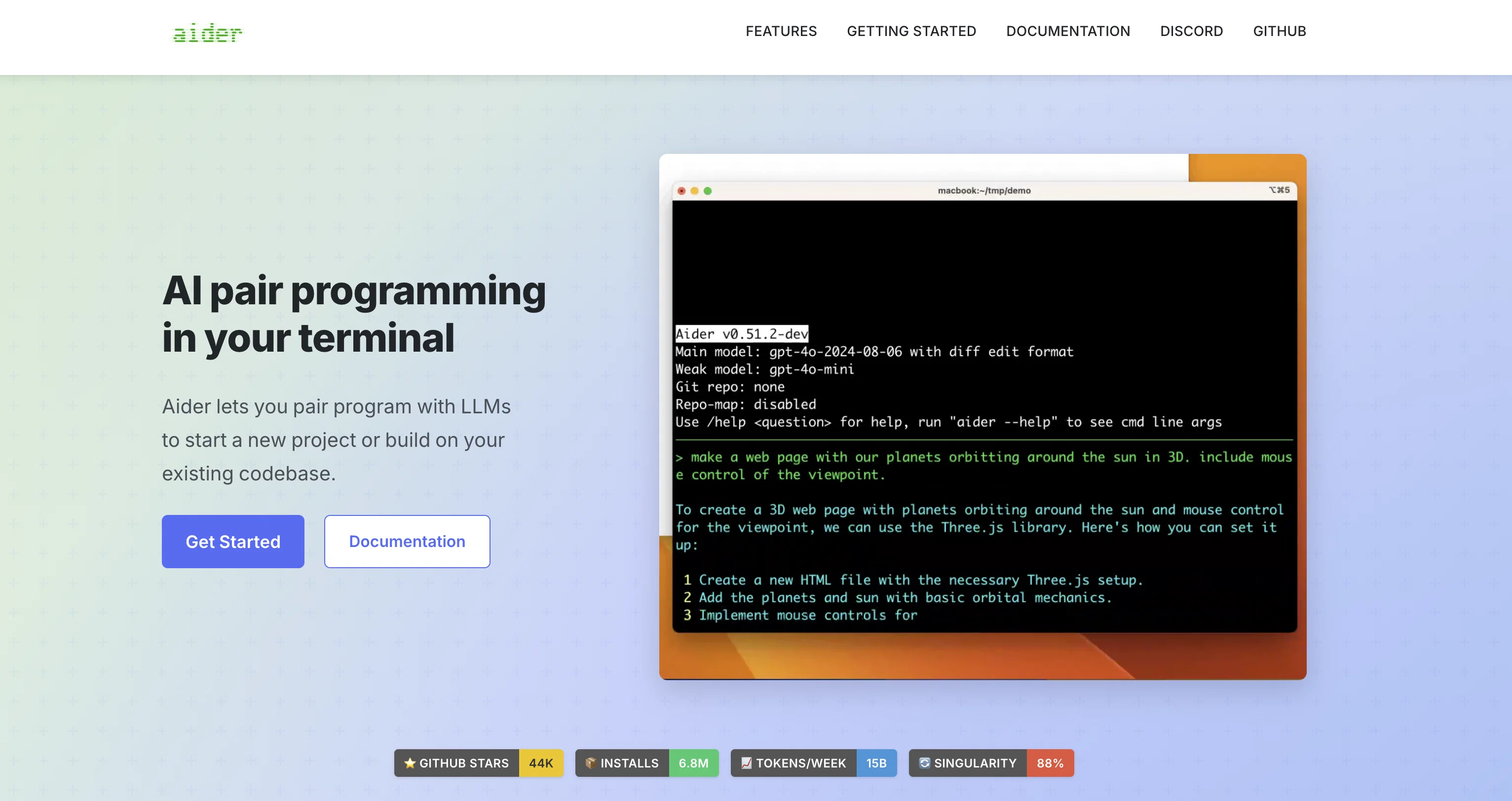
Aider is an AI-powered command-line chat tool designed for pair programming with GPT-3.5/GPT-4. It allows developers to edit code stored in their local git repository by seamlessly switching between the aider chat and their own code editor. Aider ensures that edits from both the developer and GPT are committed to git with descriptive commit messages. One notable feature of Aider is its compatibility with pre-existing, larger codebases.To get started with Aider, users can install the tool via pip and set their OpenAI API key. They can then launch Aider from the command line, specifying the source code files they want to work on. Alternatively, Aider can automatically discover all files in a git repo and add them to the chat session.Aider supports chat commands that allow users to add or remove files, undo commits, display commit diffs, run shell commands, and even request code changes using voice commands. Aider also excels in making coordinated code changes across multiple source files in a single changeset/commit.In terms of code editing capabilities, Aider can work with popular programming languages such as Python, JavaScript, TypeScript, HTML, and CSS. It allows users to request new features, bug fixes, and improvements, as well as make manual edits using their preferred code editor. Aider also has the ability to provide GPT-4 with a comprehensive map of the entire git repository, which greatly aids in understanding and modifying large codebases.Overall, Aider provides a powerful and collaborative environment for developers to work with GPT-3.5/GPT-4 in pair programming scenarios, leveraging AI to enhance code development and streamline version control processes. Help other people by letting them know if this AI was useful. Add your own prompts and outputs to help others understand how to use this AI.
When considering Aider Chat for integration into your organizational workflow, we recommend deploying a structured score card across three critical operational pillars: Security & Compliance, Integration Friction, and long-term Price Scalability. Rather than looking only at basic feature lists, modern procurement teams must assess how a software platform behaves under high load and how well it fits into the team's data security guidelines.
Depending on your operating region and field, ensure that Aider Chat supports standard security layers such as SOC 2 Type II certifications, GDPR compliance, or HIPAA-compliant database encryption. If the tool connects directly to client database tables or handles user passwords, verify that they implement multi-factor authentication (MFA), single sign-on (SSO) integrations, and end-to-end data encryption in transit and at rest.
Siloed data is the primary cause of operational friction. Evaluate if Aider Chat has native connectors for your current project trackers, messaging hubs, and customer communication channels. For custom developer requirements, check if they provide a fully documented REST API with reasonable rate limits, comprehensive Webhooks support, and robust SDK packages in your language. A flexible API layer saves hundreds of hours of manual copy-paste overhead.
SaaS pricing packages are often deceptively simple. When reviewing Aider Chat's billing structure, map out your team's projected expansion over the next 12 to 24 months. Determine how costs scale as your customer database increases or as you add team members. Factor in setup costs, mandatory support plan upgrades, API access fees, and storage overage rates to understand the true cost before committing to a contract.
By combining verified user reviews from our directory with internal workflow pilot tests, your procurement team can make an informed decision that drives productivity without creating capital waste.
Overall rating
Based on 19 reviews
It's a great AI assistant that have made my coding life so much easier.
Johan Axelsson
Seems to be working for me. I suggest giving it a shot again!
Aramis
This app is awesome because it has two cool features. First, it lets you chat with an AI that talks like a real person, perfect for customer service or just having fun conversations. The second feature lets you create amazing artwork instantly using AI. The app is super easy to use, and you don’t even need to sign up. Plus, it’s a free mobile app, so you can take it anywhere! It’s a fun, creative tool for everyone.
Tahir
For now the best browser based AI scraper i have ever used.
Jason Shirazi
I think it's the best @Image Generator I ever found on the net. It gives more accurate image according to the prompt. And thank you for keeping it for free.
My Sawsiri
Its a really great code generator, it helped me with lots of codes for lots of programming languages, it gives short answers, explain the code and gives you versions of the code if asked
Maximiliano Torres Estrada
Returning to bolt after initial disappointment (due to user error/misunderstanding), I was impressed how easily I could have a chat app made with React and Vite! I'll be returning to this for sure!
Lasse Järvensivu
i love it i use it to teach me Italian and ukranian and programing ! and it awesome , because it allows you in the free version send many prints of your screen , not having to explain all the errors by typing diferent from gpt that you can only send 3 photos in the free version. i also use @Grok to study i frist make the exercise in my book then i take a photo of my exercise then i ask it to see if there is any mistake and dissipate my terryble handwriting it understands
fernand Lopes
magnificent. perfect. no errors.
Mino F16
Finally, a prompt optimizer that makes sense, adding power to my own words. Easy to expand details, easy to go deeper and to get exactly what I need to squeeze out incredible results with ChatGPT. The Prompt_Enhancer setting is something serious. Thanks guys, keep on providing excellent AI tools!
Hollie Arsement
The most humanly AI i have used so far but the problem is as soon as you start piling up messages in single chat session , it starts getting slow and at some point it starts freezing and also uses a lot of resources. For time being its okay to do 3 4 messages but as soon as we continue it has messages limitation and also starts getting very very slow . For the price of £18 per month this is unacceptable and with the newly introduced feature called project, if we start new chat within the project we cannot continue with the context we provided in other chats within same project. There are lot of improvements for them to work on. And to start with the its speed and its price
Bibash Katel
Loved the search engine ideas.
Amr عمرو Amin امين
Not at all accurate…. The only thing similar between original and generated images were the clothes and accessories… face was absolutely new and unconnected.
Shvetank Sharma
Code varies from run to run. Still it is a helpful app. You can specify coding languages that are not in the dropdown menu.
Oran Kangas
Honestly this is the GOAT, I tried this tool and it was able to either help debug or make scripts from the ground up. It has support for a lot of support languages too, which adds extra points to how good this tool is.
Umer Colville
A whole new way of learning how to code
Francisco Silverio
>Why is this website so ugly? Our goal is to rapidly make the software better, not to have a shiny website. Love it!
Andrei
Would rate 4.9 if possible, but rounding up to 5 stars because this app truly excels compared to other AI coding tools. Why 5 Stars: Best-in-class AI coding assistance Huge improvements over competitors Actually works for real development Real Impact: I successfully built and published an actual app using this tool - that's game-changing for non-developers like me. Bottom Line: Yes, there's room for improvement, but this is already the top AI coding app available. The fact that ordinary people can create real apps with it says everything. Perfect for anyone wanting to turn ideas into actual apps!
Johnson
@Cursor is underrated.
Vanessa
Starting Price
Free plan available
Free tier available with optional paid upgrades.