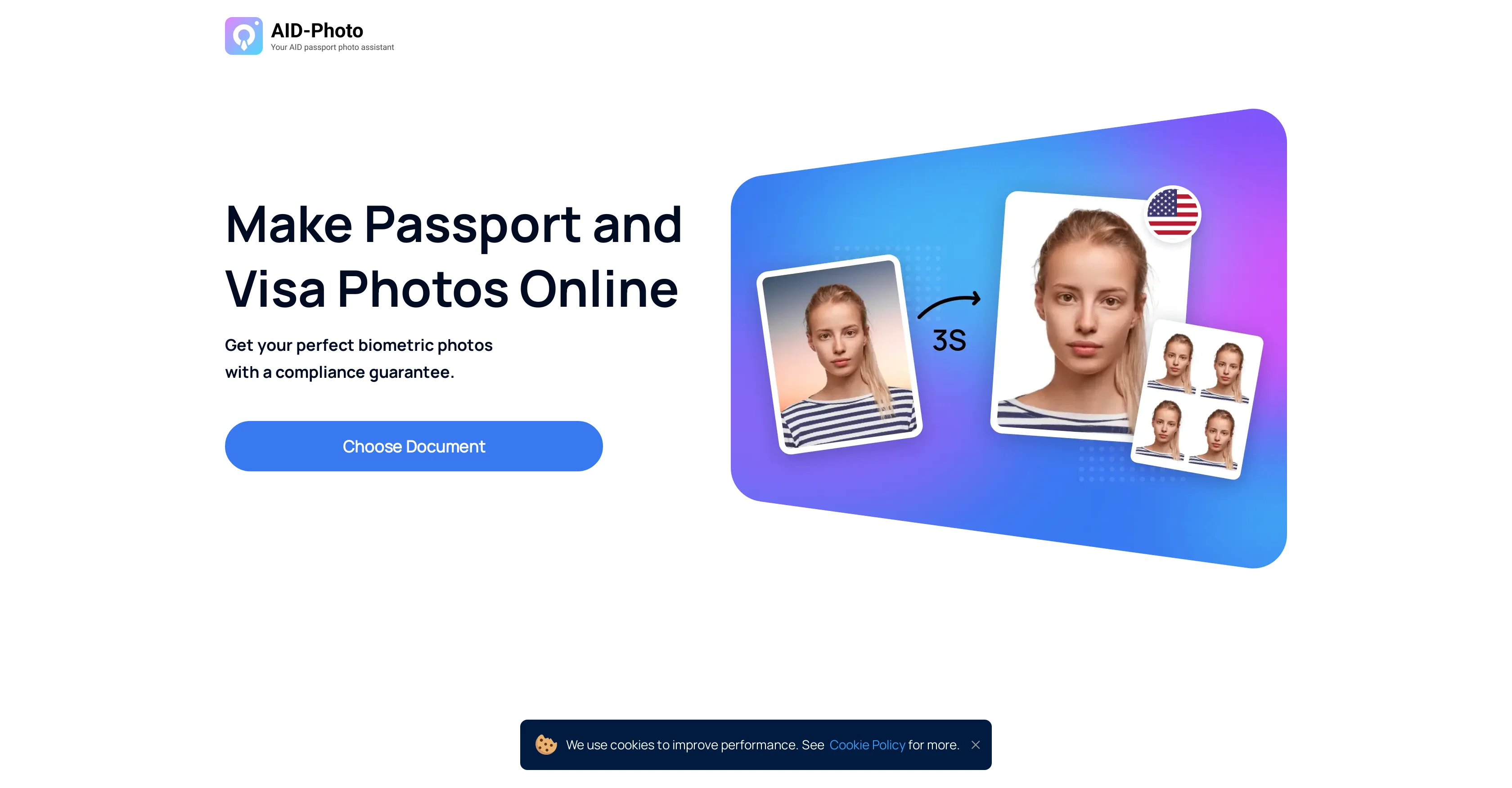
AiPassportPhotos is an AI-empowered online tool designed to aid users in creating passport and visa photographs that meet official requirements. The application works by enabling users to firstly upload an image, which is then automatically resized and cropped by the software to ensure it adheres to specified dimensions.
This process effectively eliminates the need for manual adjustment, thus resulting in a seamless user experience. Following this, the tool proceeds to generate a printable template which users can subsequently cut out and employ as needed.
It is versatile in its application, with the capacity to produce various document photos, from regular U.S. Passport photos, baby passport photos, to photos for visas, green cards, among others.
It has a customer-oriented approach where users' satisfaction is prioritized. Its quality assurance strategy ensures photos produced are of premium quality and generally acceptable by visa authorities.
This tool is particularly beneficial for those seeking a quick, convenient, and reliable solution for creating passport or visa photos.
Help other people by letting them know if this AI was useful.
Add your own prompts and outputs to help others understand how to use this AI.
Screenshot gallery
Pros & Cons
Pros
+Automatic resizing and cropping
+Printable template generation
+Versatility in document photos
+Quality assurance strategy
+Designed for user satisfaction
+Quick and convenient
+Produces baby passport photos
+Online quality passport photos
+Provides photo templates
+Creates green card photos
+Automated photo editing
+Acceptable by visa authorities
+Offers a biometric compliance guarantee
+Ease of navigation
+Fast procedure
+Satisfaction guaranteed
+Photo quality guarantee
+Print online according to requirements
+Customer support with photo adjustment
+Saves money and time
+Designed for US passport needs
+Fast response to inquiries
+DIY shot conversion
+Scans and verifies photos
+Offers size and requirements information
+Checks compliance of passport photos
+Removes background in photos
+Can remove and replace photo background
+Offers printout service, shipping photos home
+Informs causes of photo rejection
+Rejection alters suggestions provided
+Saves money and time
+Phone editor online available
+Allows multiple trials at minimum cost
Cons
−No offline version
−Limited file formats
−Lacks advanced editing features
−No API for integration
−Not open source
−Quality assurance unknown
−Accuracy of cropping uncertain
A Professional Framework to Evaluate AID-Photo
When considering AID-Photo for integration into your organizational workflow, we recommend deploying a structured score card across three critical operational pillars: Security & Compliance, Integration Friction, and long-term Price Scalability. Rather than looking only at basic feature lists, modern procurement teams must assess how a software platform behaves under high load and how well it fits into the team's data security guidelines.
1. Security and Database Compliance
Depending on your operating region and field, ensure that AID-Photo supports standard security layers such as SOC 2 Type II certifications, GDPR compliance, or HIPAA-compliant database encryption. If the tool connects directly to client database tables or handles user passwords, verify that they implement multi-factor authentication (MFA), single sign-on (SSO) integrations, and end-to-end data encryption in transit and at rest.
2. API Coverage and Custom Integrations
Siloed data is the primary cause of operational friction. Evaluate if AID-Photo has native connectors for your current project trackers, messaging hubs, and customer communication channels. For custom developer requirements, check if they provide a fully documented REST API with reasonable rate limits, comprehensive Webhooks support, and robust SDK packages in your language. A flexible API layer saves hundreds of hours of manual copy-paste overhead.
3. Total Cost of Ownership (TCO)
SaaS pricing packages are often deceptively simple. When reviewing AID-Photo's billing structure, map out your team's projected expansion over the next 12 to 24 months. Determine how costs scale as your customer database increases or as you add team members. Factor in setup costs, mandatory support plan upgrades, API access fees, and storage overage rates to understand the true cost before committing to a contract.
By combining verified user reviews from our directory with internal workflow pilot tests, your procurement team can make an informed decision that drives productivity without creating capital waste.
Features of AID-Photo
Passport Photos
AI Technology
Photo Cropping
Automated Resize
Visa Photos
Photo Templates
From $0.99
SaaS1to10 verified reviews for AID-Photo
Overall rating
★★★★★5.0
Based on 15 reviews
★★★★★5.01 months ago
“Review”
You have the option to waitlist or you can login with your email/pass or google account. I chose google. Once inside you have a suite of tools but im sure when you go to publish you have to sign up for a paid plan. So if your looking for a free option it will be branded. Use at your own risk. Thanks
Col Cooper
★★★★★5.01 months ago
“Review”
I would highly recommend for researches and students. useful to manage your articles and use AI to get the key points.
Hamed Mousavi
★★★★★5.01 months ago
“Review”
"Brilliant AI solution—making life easier."
Catherine Leblanc
★★★★★5.01 months ago
“Review”
Amazing, fast
Leonel Curra
★★★★★5.01 months ago
“Review”
@Storybooks uses the prompt input to create simple pictures. The AI doesnt further elaborate on the prompt, so the storybook is very simple.
Feren Johnson
★★★★★5.01 months ago
“Review”
Good idea on democratization of AHP based Multiple Criteria Decision Making / Analysis (MCDM / MCDA). Helping common people to get AI powered MCDA at own mobile phone, otherwise only available expencive software with enterprises.
Shashi Bhattarai
★★★★★5.01 months ago
“Review”
Great idea, but does not find what you are looking for-about the same as Google Scholar
Andy
★★★★★5.01 months ago
“Review”
It created some decent logos. They are great as a start point
Samuel Barlet
★★★★★5.01 months ago
“Review”
Code varies from run to run. Still it is a helpful app. You can specify coding languages that are not in the dropdown menu.
Oran Kangas
★★★★★5.01 months ago
“Review”
It seems to be working fine right now. Maybe try again and double check if you’re using the book’s original or most recognized title. That might make a difference.
Alexandru Bostina
★★★★★5.01 months ago
“Review”
Makes it easy to get started with a presentation if you have an outline, but as soon as you want more control, you're better off using Google Slides. @Gamma's feature that I used the most was image generation - you can select among a variety of models (Ideogram, Flux, DALL-E, but not Midjourney), and it shows 3 variations to choose from. Performance is slow and a little janky, even in Chrome. Prompts and settings are often not respected - e.g. you set it to "preserve text" and just generate slides, and it goes onto dumping an entire 3 paragraphs of text in one slide. You can't overlay text over images (e.g. for image attribution), and there's no precise positioning control, or grouping elements. No way to control table layout, e.g. to have two images slide-by-side in full bleed mode. I tried @Gamma for a new presentation, but next time I need to make a presentation, I'll go back to Google Slides and generate images independently.
Dan Dascalescu
★★★★★5.01 months ago
“Review”
Did not work, keeps on thinking
Frank van Tussenbroek
★★★★★5.01 months ago
“Review”
It is the ease of use for me. @DataSquirrel is fast, the UI is super intuitive, and the guided analysis feature is highly convenient. I have officially moved from uploading CSV files from Google sheet to @DataSquirrel. Within minutes, I can visualize my data and interpreting it becomes super simple.
Aakriti Mahajan
★★★★★5.01 months ago
“Review”
Great! I think @AI Lawyer is the best service I've ever seen. Perfect use. Prompting helps in the work
Yuri Gerasimov
★★★★★5.01 months ago
“Review”
It's sad to see people want to try your tool out but you have no free sample for them. This may be the best tool out there, but, as mentioned, going through with the AI for minutes to explain what you want, then being prompted to pay, without even knowing if it CAN create something, is discouraging. I hope we can get a free sample or preview at one point, im interested in this one.
Ron Jayson
Pricing
Starting Price
From $14.00/user/month
Pricing may vary based on team size and features selected.