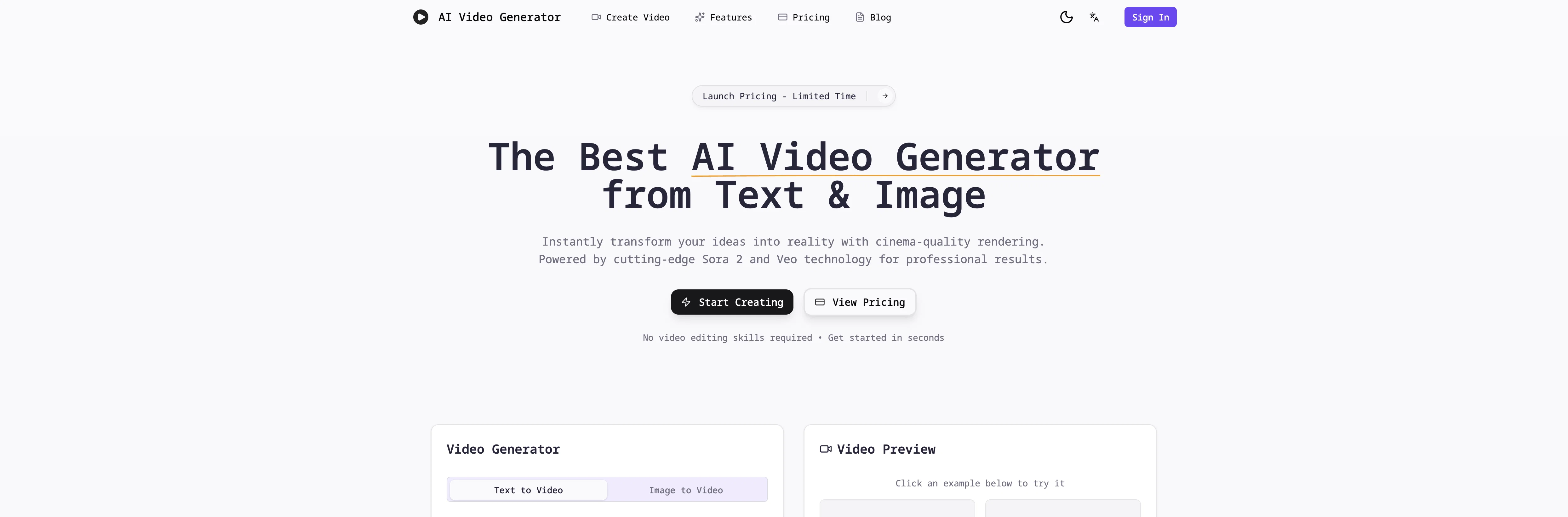
AI Video Generator is an online tool that utilizes artificial intelligence to transform user-provided text descriptions and images into high-quality videos.
The tool is built with advanced models, including Sora 2 technology, which assists in generating professional videos within minutes, eliminating the requirement for prior video editing experience.
Key features include Text-to-Video and Image-to-Video, which give users the capacity to describe their vision or use static images and have those translated into dynamic videos.
The tool also offers high-quality output, with potential to generate videos up to 1080p resolution in various formats, and gives users the ability to fine-tune camera movements, styles, and effects.
A 3-step process - describing the video vision, selecting preferred settings, and the generation and download of the video - simplifies the creation of professional videos.
This straightforward and user-friendly operation, coupled with its fast delivery and cost-effectiveness, positions AI Video Generator as a suitable alternative to traditional video editing software for a variety of users including content creators, marketers, educators, and business owners.
Help other people by letting them know if this AI was useful.
Add your own prompts and outputs to help others understand how to use this AI.
Screenshot gallery
Pros & Cons
Pros
+Transform text to video
+Transform images to video
+Sora 2 technology implemented
+Provides high-quality output
+Supports 1080p resolution
+Adaptable video styles
+Multiple video formats
+Optimized video effects
+No video editing experience needed
+User-friendly interface
+Professional and engaging results
+Excellent for various users
+Cost-effective production
+Allows unlimited video generation
+Fast delivery
+Multiple aspect ratios
+Realistic physics in video
+Natural motion in video
+Cinematic composition
+Flexible video generation settings
+Detailed description of vision
+Text narrated scene creation
+User defined characters and actions
+User defined visual style
+Downloadable video content
+Content sharable across all platforms
+Online platform with a 3-step process
+Competes with professional productions
+Advantage for content creators, marketers, educators, business owners
+Creates instant professional videos
+Quick video generation within minutes
+No requirement for prior video editing experience
+User capacity for creative control
+Choices in camera movements
+Simplified creation of professional videos
+Fast generation and download
+Tool is positioned as video editing alternative
+Page description is fast, high quality videos
+Cheap and beginner-friendly
+Best for social content, product videos, ad creatives, tutorials
+Multiple video generation aspect ratios supported
+Fast and reliable rendering
+Professional studio-quality results
+Flexible credit packages offered
+Creates unlimited professional videos
Cons
−Limited video duration
−Requires credits for operation
−No option for 4K resolution
−Lacks voiceover feature
−Requires detailed descriptions for accuracy
−Limited aspect ratio options
−Restricted style options
−Depends on online connectivity
−No offline operation
−No free version available
A Professional Framework to Evaluate AI Video Generator.best
When considering AI Video Generator.best for integration into your organizational workflow, we recommend deploying a structured score card across three critical operational pillars: Security & Compliance, Integration Friction, and long-term Price Scalability. Rather than looking only at basic feature lists, modern procurement teams must assess how a software platform behaves under high load and how well it fits into the team's data security guidelines.
1. Security and Database Compliance
Depending on your operating region and field, ensure that AI Video Generator.best supports standard security layers such as SOC 2 Type II certifications, GDPR compliance, or HIPAA-compliant database encryption. If the tool connects directly to client database tables or handles user passwords, verify that they implement multi-factor authentication (MFA), single sign-on (SSO) integrations, and end-to-end data encryption in transit and at rest.
2. API Coverage and Custom Integrations
Siloed data is the primary cause of operational friction. Evaluate if AI Video Generator.best has native connectors for your current project trackers, messaging hubs, and customer communication channels. For custom developer requirements, check if they provide a fully documented REST API with reasonable rate limits, comprehensive Webhooks support, and robust SDK packages in your language. A flexible API layer saves hundreds of hours of manual copy-paste overhead.
3. Total Cost of Ownership (TCO)
SaaS pricing packages are often deceptively simple. When reviewing AI Video Generator.best's billing structure, map out your team's projected expansion over the next 12 to 24 months. Determine how costs scale as your customer database increases or as you add team members. Factor in setup costs, mandatory support plan upgrades, API access fees, and storage overage rates to understand the true cost before committing to a contract.
By combining verified user reviews from our directory with internal workflow pilot tests, your procurement team can make an informed decision that drives productivity without creating capital waste.
Features of AI Video Generator.best
TAAFT Code
Video Generation
Text To Video
Content Creation
Image To Video
High Quality Output
From $5.9
SaaS1to10 verified reviews for AI Video Generator.best
Overall rating
★★★★★5.0
Based on 23 reviews
★★★★★5.01 months ago
“Review”
A Masterpiece Machine — This Tool Feels Like Time Travel with a Paintbrush Absolutely breathtaking. This @Renaissance Painting Generator is by far the most impressive AI art tool I’ve tested on TAAFT so far. Every image felt like it belonged in a museum — rich with light, symbolism, and painterly depth. From the celestial queen holding the world in her palm, to the glowing scholar’s hall beneath a zodiac dome, to the woman standing beneath that stained-glass dove — each piece was powerful, reverent, and visually spellbinding. The colors, the architecture, the sacred energy… it nailed the 14th–16th century aesthetic perfectly. If you’re even slightly enchanted by classical art or historical fantasy, this tool is a must-try. It’s not just a style — it embodies the spirit of the Renaissance. Truly brilliant.
Jennifer Gibbs
★★★★★5.01 months ago
“Review”
Suppppeeeeerrr! Wowwww! @Mindsmith is absolutely fantastic! It is incredibly useful, easy to use, and very professional.
Claudia Scilletta
★★★★★5.01 months ago
“Review”
It is very receptive to the prompts and gives very aesthetically pleasing results.
Arianna
★★★★★5.01 months ago
“Review”
wonderful tool,thanks
chandrapala perera
★★★★★5.01 months ago
“Review”
It doesn't make much sense...
Lincoln Kern
★★★★★5.01 months ago
“Review”
very good image
Bristan “Capesterre” Carbier
★★★★★5.01 months ago
“Review”
Hey I made this because another tool I found didn’t work lol
stablereligion
★★★★★5.01 months ago
“Review”
nice holistic
Amit ImmI
★★★★★5.01 months ago
“Review”
There were no aristocratic Asians and Africans in ancient Rome.
Sándor Gajdos
★★★★★5.01 months ago
“Review”
Bruh I need a maker not an image generator
Ember
★★★★★5.01 months ago
“Review”
needed broll for a travel vlog and didn't have footage of certain locations. generated some establishing shots with this and they blend in perfectly. not replacing my camera but great for filling gaps
Learning Badave
★★★★★5.01 months ago
“Review”
@PPT.AI is an outstanding AI-powered presentation tool that has completely transformed my workflow! With just a few clicks, it turns my ideas, documents, or even YouTube links into polished, professional slides in minutes. The platform offers over 800 premium templates and smart editing tools, making customization both powerful and intuitive. I especially appreciate the real-time cloud collaboration and version control features, which make working in teams seamless. Whether you’re a professional, educator, or entrepreneur, @PPT.AI saves a tremendous amount of time and ensures every presentation looks visually engaging and consistent. Highly recommended—definitely a five-star experience!
Leo Wang
★★★★★5.01 months ago
“Review”
I really appreciate you trying out my tool! The best results come from simple prompts, so no need to overthink it. Follow me, leave a comment with your thoughts or requests, and let’s keep building new tools together. Also, check out the other tools I’ve created—you might find one you really enjoy!
nilton Jr
★★★★★5.01 months ago
“Review”
I especially like that there's a colored side to guide the artist as reference
Kristoff 1 Skalet 1
★★★★★5.01 months ago
“Review”
I think it's the best @Image Generator I ever found on the net. It gives more accurate image according to the prompt. And thank you for keeping it for free.
My Sawsiri
★★★★★5.01 months ago
“Review”
Not at all accurate…. The only thing similar between original and generated images were the clothes and accessories… face was absolutely new and unconnected.
Shvetank Sharma
★★★★★5.02 months ago
“Review”
This "sora" video generation works very well. I have generated it over 10 times and it has remained stable each time.
Little devil
★★★★★5.02 months ago
“Review”
The workflow is straightforward, the output quality is clean, and it’s especially useful for marketing videos, product demos, and social media content.
Overall, it’s a solid AI video generator that saves a lot of time. Highly recommended.
ZenLee
★★★★★5.02 months ago
“Review”
They're dreaming if they think I'd give them my credit card info just for a free trial. Most useless thing ever...
Noeffen Way
★★★★★5.02 months ago
“Review”
easy onboarding, quick to set up.
Pluto Radigund
★★★★★5.02 months ago
“Review”
You get 300 credits upon signing up, which is enough to test out the app and see its potential. I had a bit of fun with it. It takes a few minutes to generate content, but the results are impressive. There are many styles, modifiers, and customization options available. I would definitely use this for content creation or storytelling.
Daniel Garaiacu
★★★★★5.02 months ago
“Review”
WE USE @D-ID AT THE COLORADO VIRTUAL CREATIVE FACTORY...AND LOVE IT.
Franco Arteseros
★★★★★5.02 months ago
“Review”
The concept is great.
kanawati
Pricing
Starting Price
From $8.00/user/month
Pricing may vary based on team size and features selected.