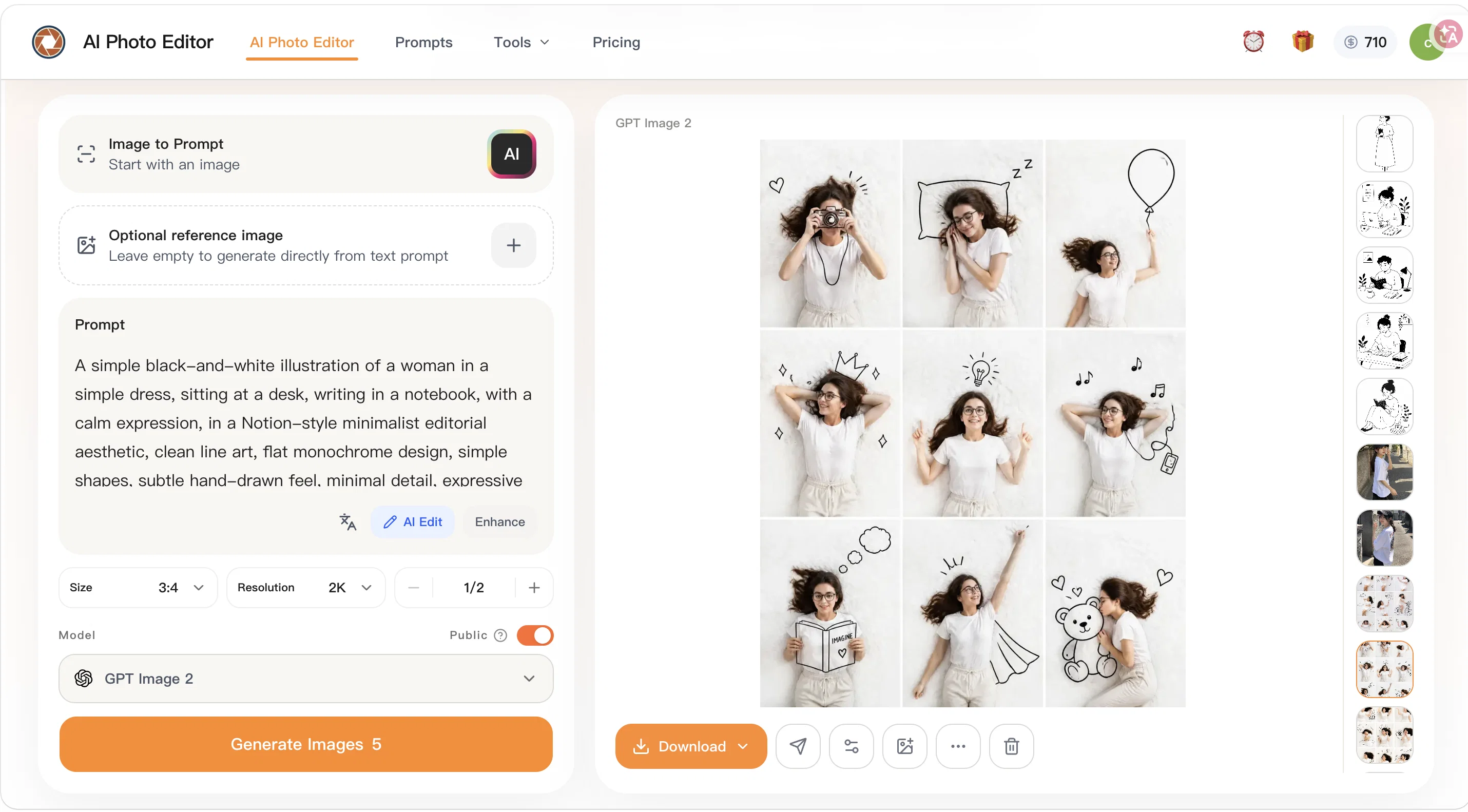
AI Photo Editor is a web-based artificial intelligence tool designed to make photo editing tasks easier and faster. It offers various functionalities such as fast prompt-based edits, and the ability to handle everyday images such as JPEG, PNG, and WEBP files.
The tool possesses a range of editing options including old photo restoration, cinematic portrait creation, skin enhancement, and more. The photo editor prides itself on its precise control of image content and targeted changes to people, objects, areas, and small details in order to match the user's editing goal.
It also allows for background replacement or adjustments keeping the overall image natural looking.AI Photo Editor includes features for improving portrait and product details by enhancing lighting, refining skin textures, and increasing overall image clarity.
It supports multiple reference images, which lets users unify style, borrow composition ideas, or merge elements into a final image. Another unique feature is its capacity to transform photos with fast stylization into various aesthetics such as a Ghibli-inspired style, Polaroid photo style, or a vintage photo aesthetic.In addition, AI Photo Editor caters to different use cases.
It is suitable for personal use, like cleaning up travel photos, for ecommerce needs like updating product images, for improving branding visuals such as headshots, and for updating marketing assets.
The tool promises faster processing than traditional photo editing workflows and does not require advanced retouching skills, making it user-friendly for non-designers, while also providing the quality and flexibility that professionals need.
Help other people by letting them know if this AI was useful.
Add your own prompts and outputs to help others understand how to use this AI.
Screenshot gallery
Pros & Cons
Pros
+Online tool
+Quick photo editing
+User-specific editing
+Background replacement feature
+Image transformation
+Photo detail enhancement
+Multi-image composition
+Unique visual styles
+Supports JPG, PNG, WEBP
+Up to 24MB files
+Personal and professional use
+Low learning curve
+High-output workflow support
+Fast testing
+Repeated revisions
+Performance improvement
+Prompts for precise control
+Targeted changes feature
+Background adjustments
+Lighting enhancement
+Skin texture refining
+Increased image clarity
+Multiple references support
+Stylization into various aesthetics
+Travel photo cleanup
+Ecommerce product updates
+Branding visuals improvement
+Faster processing
+User-friendly for non-designers
+Iterative marketing updates
+Multiple upload formats
+Old photo restoration
+Cinematic portrait creation
+Skin enhancements
+Faster than traditional workflows
+No advanced retouching skills needed
+Less tool switching
+Reusable editing methods
+Portrait and product polish
+Ghibli-inspired style option
+Polaroid and vintage aesthetics
+Free online access
+Prompt-based edits
+Fast and practical
+Suitable for high volumes
+Improved project consistency
+Unifies visual style
+Refines image details
Cons
−Limited file format support
−Maximum file size 24MB
−No API
−No offline version
−No batch processing
−No plugin for graphic software
−Complexity for multiple image composition
−Potential mismatch between intent and output
−No support for raw files
−Lacks advanced features for professionals
A Professional Framework to Evaluate AI Photo Editor
When considering AI Photo Editor for integration into your organizational workflow, we recommend deploying a structured score card across three critical operational pillars: Security & Compliance, Integration Friction, and long-term Price Scalability. Rather than looking only at basic feature lists, modern procurement teams must assess how a software platform behaves under high load and how well it fits into the team's data security guidelines.
1. Security and Database Compliance
Depending on your operating region and field, ensure that AI Photo Editor supports standard security layers such as SOC 2 Type II certifications, GDPR compliance, or HIPAA-compliant database encryption. If the tool connects directly to client database tables or handles user passwords, verify that they implement multi-factor authentication (MFA), single sign-on (SSO) integrations, and end-to-end data encryption in transit and at rest.
2. API Coverage and Custom Integrations
Siloed data is the primary cause of operational friction. Evaluate if AI Photo Editor has native connectors for your current project trackers, messaging hubs, and customer communication channels. For custom developer requirements, check if they provide a fully documented REST API with reasonable rate limits, comprehensive Webhooks support, and robust SDK packages in your language. A flexible API layer saves hundreds of hours of manual copy-paste overhead.
3. Total Cost of Ownership (TCO)
SaaS pricing packages are often deceptively simple. When reviewing AI Photo Editor's billing structure, map out your team's projected expansion over the next 12 to 24 months. Determine how costs scale as your customer database increases or as you add team members. Factor in setup costs, mandatory support plan upgrades, API access fees, and storage overage rates to understand the true cost before committing to a contract.
By combining verified user reviews from our directory with internal workflow pilot tests, your procurement team can make an informed decision that drives productivity without creating capital waste.
Features of AI Photo Editor
Photo Editing
Image Transformation
Fast Processing
Non Designer Friendly
Precise Image Control
Multi Image Composition
Free + From $9.90
SaaS1to10 verified reviews for AI Photo Editor
Overall rating
★★★★★5.0
Based on 22 reviews
★★★★★5.02 months ago
“Review”
@Choosaro makes it much easier to compare options and make decisions with more clarity. I like that it gives structured analysis, scores, reasoning, strengths and weaknesses, and a clear recommendation instead of a generic AI answer. Very useful for reducing overthinking and choosing the best option faster.
Olivia Grace
★★★★★5.02 months ago
“Review”
You get 300 credits upon signing up, which is enough to test out the app and see its potential. I had a bit of fun with it. It takes a few minutes to generate content, but the results are impressive. There are many styles, modifiers, and customization options available. I would definitely use this for content creation or storytelling.
Daniel Garaiacu
★★★★★5.02 months ago
“Review”
Easily the best Chat GPT alternative... A hidden Gem. A few issues with reasoning models but overall awesome product
Ali Morris
★★★★★5.02 months ago
“Review”
I forgot to take videos on my trip, so I gave this a shot with just the photos I had. Surprisingly, it created a short clip that actually looked real, super cool. Just wish it didn’t take forever to render
Noob Gupta
★★★★★5.02 months ago
“Review”
Its a promising project and works well so far. Wishing them all the best and godspeed.
Dipak Rautela
★★★★★5.02 months ago
“Review”
Never thought I needed this but it’s really good
Paul
★★★★★5.02 months ago
“Review”
Just implemented your instruction out how to run drip campaigns automatically, nice! Getting prospect calls coming in
Jenn N.
★★★★★5.02 months ago
“Review”
Very interesting
Béatrice Duval
★★★★★5.02 months ago
“Review”
This tool i found is super cool, I created 5 books from this tool to sell them online, which gives me great profit. I am creating more valuable books to spread knowledge, and earn some bucks as well 🤑.
Bilal Ashraf
★★★★★5.02 months ago
“Review”
Thank you for the feedback, Bella Blast. All of the issues you mentioned have been addressed, and the Learn My Voice engine has been fixed and improved. We really appreciate you taking the time to share this — feedback like yours helps us make the experience better.
Luna Coverdale
★★★★★5.02 months ago
“Review”
Started out good and has real potential, but the owners got greedy. You used to be charged 1 credit for each generation and got 20 free credits a day. Now you get 30 credits, but (for example Flux pro ultra) costs 9 credits and some change, meaning you get just 3 credits a day in reality. And when a run fails you are still charged so if you click a fourth time and it fails, they subtract and put you into credit debt (negative credits). Greed... the downfall of so many AI art websites. You are better off just buying a miniPC with good memory and good video card and downloading Flux to your computer and running it locally. The pricing? Let's do the math. $2 for 200 credits, but a Flux ultra run will cost you 9.97 credits. So for $2 you get actually 20 runs, and that is what you used to get each day for free. Totally not worth your money, especially when they charge you for failed runs too and the fact that on the average, it will take you 5 or 6 runs to get a decent picture that doesn't have deformed hands or other defects or deviations from what you are looking for. Better to download stable diffusion and run flux on it or uses any of the other local ways to run AI art if you can.
Mic
★★★★★5.02 months ago
“Review”
I think it's the best @Image Generator I ever found on the net. It gives more accurate image according to the prompt. And thank you for keeping it for free.
My Sawsiri
★★★★★5.02 months ago
“Review”
The best creative AI Hub.
Hrach Tamrazyan
★★★★★5.02 months ago
“Review”
The generation speed is very fast, and having access to multiple mainstream models on a single platform — including the latest ones like Seedance2 and GPT Image2 — is great. The pricing is really affordable. I've already become an annual member.
GOO DAGE
★★★★★5.02 months ago
“Review”
State of the Art
Dmitry G.
★★★★★5.02 months ago
“Review”
best @AI Photo Editor
chili no
★★★★★5.02 months ago
“Review”
i edited my picture twice because the first time it randomly got deleted. second time i did everything and i pressed download but nothing happened, after repeatedly trying it didn’t work in the end. regardless very good editing tool (fyi you can’t download high res pic without paying)
Georg
★★★★★5.02 months ago
“Review”
I think this is the point of a free trial...
Michael McWilliam
★★★★★5.02 months ago
“Review”
Works wonders for anime, has me taking it in consideration for a tool rotation.
Sean Gandhi
★★★★★5.02 months ago
“Review”
The prompt library is extremely practical.
yang li
★★★★★5.02 months ago
“Review”
I was struggling to create some free Christmas and New Year's e-cards, and these templates are really good. I recommend giving them a try. The only downside is that each free template can only be used once.
youngwind
★★★★★5.02 months ago
“Review”
Not at all accurate…. The only thing similar between original and generated images were the clothes and accessories… face was absolutely new and unconnected.