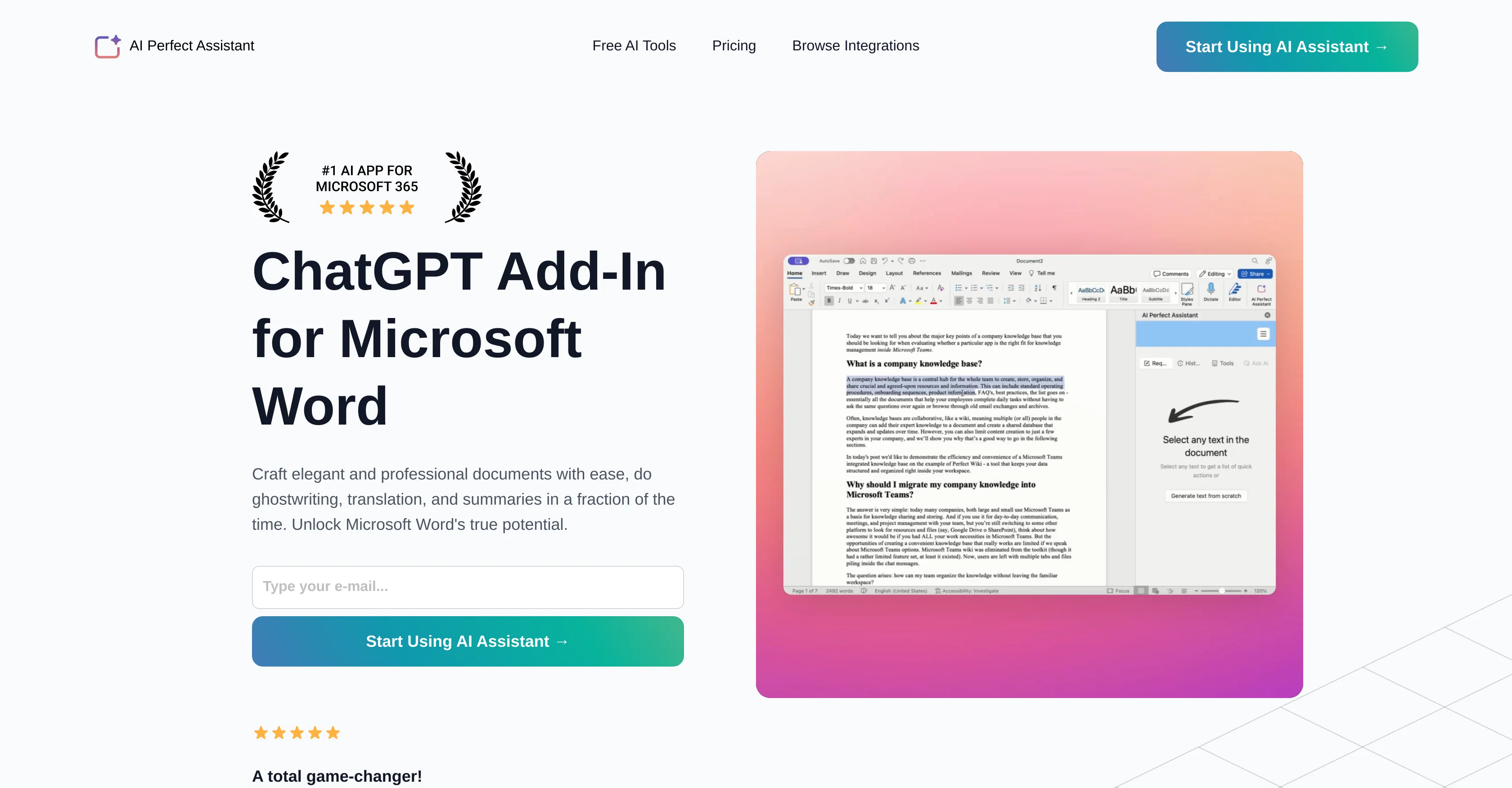
AI Perfect Assistant is an AI-powered productivity add-in for Microsoft Word that offers capabilities for efficient and descriptive writing. Its primary purpose is to assist users in crafting professional and succinct documents.
It provides tools for various writing tasks including drafting, ghostwriting, translation, and producing summaries. The integration of this tool with Microsoft Word aims to enhance the software's usability, streamlining writing processes and improving overall efficiency.
The assistant is also laden with functionalities that fix grammar mistakes, provide draft improvements, and automate the process of writing various types of documents, emails, and social media posts.
This add-in also includes a text summarizer, a paraphrase tool, and various content generators for social media purposes. Furthermore, it provides a tool to translate text and to create presentation outlines.
Users can access these features conveniently within their Microsoft Word application, marking this assistant as a comprehensive toolset for a wide range of writing needs.
Help other people by letting them know if this AI was useful.
Add your own prompts and outputs to help others understand how to use this AI.
Screenshot gallery
Pros & Cons
Pros
+Microsoft Word integration
+Efficient descriptive writing
+Professional document crafting
+Ghostwriting feature
+Text translation tool
+Text summarizer
+Auto paraphrase
+Draft improvements
+Streamlining writing processes
+Grammar fixer
+Automates writing processes
+Social media content generator
+Presentation outline creation
+Convenient tool access
+Subscription-based model
+Integration with Office 365
+Professional Support
+Full integration with Telegram
+Chrome Extension
+Daily tokens provision
+Regular Updates
+Positive user feedback
+Products for multiple Office apps
+Automates mundane tasks
Cons
−Requires Microsoft Word
−No MacOS support
−No Linux support
−No Android support
−No iOS support
−Limited free tokens
−Subscription needed for premium
−No refund policy
−Limited query limits
−Requires installation
A Professional Framework to Evaluate AI Perfect Assistant
When considering AI Perfect Assistant for integration into your organizational workflow, we recommend deploying a structured score card across three critical operational pillars: Security & Compliance, Integration Friction, and long-term Price Scalability. Rather than looking only at basic feature lists, modern procurement teams must assess how a software platform behaves under high load and how well it fits into the team's data security guidelines.
1. Security and Database Compliance
Depending on your operating region and field, ensure that AI Perfect Assistant supports standard security layers such as SOC 2 Type II certifications, GDPR compliance, or HIPAA-compliant database encryption. If the tool connects directly to client database tables or handles user passwords, verify that they implement multi-factor authentication (MFA), single sign-on (SSO) integrations, and end-to-end data encryption in transit and at rest.
2. API Coverage and Custom Integrations
Siloed data is the primary cause of operational friction. Evaluate if AI Perfect Assistant has native connectors for your current project trackers, messaging hubs, and customer communication channels. For custom developer requirements, check if they provide a fully documented REST API with reasonable rate limits, comprehensive Webhooks support, and robust SDK packages in your language. A flexible API layer saves hundreds of hours of manual copy-paste overhead.
3. Total Cost of Ownership (TCO)
SaaS pricing packages are often deceptively simple. When reviewing AI Perfect Assistant's billing structure, map out your team's projected expansion over the next 12 to 24 months. Determine how costs scale as your customer database increases or as you add team members. Factor in setup costs, mandatory support plan upgrades, API access fees, and storage overage rates to understand the true cost before committing to a contract.
By combining verified user reviews from our directory with internal workflow pilot tests, your procurement team can make an informed decision that drives productivity without creating capital waste.
Features of AI Perfect Assistant
Microsoft Word Add In
Professional Document Creation
Writing Assistant
AI Powered Productivity Tool
Writing Automation
Grammar Correction
Free + From $9.99/Mo
SaaS1to10 verified reviews for AI Perfect Assistant
Overall rating
★★★★★5.0
Based on 16 reviews
★★★★★5.02 months ago
“Review”
I've tried to find the exact articles via WoS, Google, or Scopus. Despite using a very advised and complicated search query, it was just a waste of time. Perplexity didn't help either. The Jenni AI, which may add useful links when generating text, finds nothing but trash. SciScape gave exactly what I needed from the first query! A couple of fresh relative articles with very exact topics!
Elijah
★★★★★5.02 months ago
“Review”
I joined Kin's beta program on my iPhone XR. After upgrading to an iPhone 13, I found that I couldn't log into my existing account on the new phone, forcing me to create a new account. Now, I have two separate Kin accounts on different phones. Today, when I accessed the beta version of Kin, I got a notification stating that the test version ended on Monday, September 23rd. It instructed me to back up my data and move to the official Kin app. I did as advised—backed up my data, confirmed, uninstalled the beta app via TestFlight, and installed the official Kin app. However, when I attempted to “log in”, I was still unable to access my existing account. This issue hasn't been resolved yet. I have been trying desperately to get in contact with the support team. I left feedback through the test flight app and sent emails. No response. Now trying to find a forums, Reddit posts, TAAFT comments☻
Desiree Miller
★★★★★5.02 months ago
“Review”
I already have another transcription tool, but this one is much better. I love the different features such as the summary, quiz, and chapters. It does a great job of them. I've only done one transcript so far to try it out, but I'm truly impressed and am going to grab another code. A couple things that would make it even better are: - the ability to rename the files and organize them through folders. - the ability to download a copy of the other features as well as the transcript. Copying and pasting it works, but doesn't keep the format.
dunn
★★★★★5.02 months ago
“Review”
Great! I think @AI Lawyer is the best service I've ever seen. Perfect use. Prompting helps in the work
Yuri Gerasimov
★★★★★5.02 months ago
“Review”
It's sad to see people want to try your tool out but you have no free sample for them. This may be the best tool out there, but, as mentioned, going through with the AI for minutes to explain what you want, then being prompted to pay, without even knowing if it CAN create something, is discouraging. I hope we can get a free sample or preview at one point, im interested in this one.
Ron Jayson
★★★★★5.02 months ago
“Review”
An amazing app, I love the share feature and the comment section summaries
Silvia Cho
★★★★★5.02 months ago
“Review”
after playing around with it for a bit, i am now aware of how much i need this. i can already feel the hours of sleep coming back to me <3
Bru no no no
★★★★★5.02 months ago
“Review”
As the service was in beta-testing stage, I created there a dozen of AI-generated courses for free. I wanted to use them. Those courses remained in my account as they started subscription tiers. But recently I have found out that they were deleted. The support didn't answer to my e-mail at all.
Oldfag TV
★★★★★5.02 months ago
“Review”
This is a powerful and helpful real-life app.
Sue
★★★★★5.02 months ago
“Review”
I would highly recommend for researches and students. useful to manage your articles and use AI to get the key points.
Hamed Mousavi
★★★★★5.02 months ago
“Review”
Would be better if they let you use your own text as an option.
William Lowe
★★★★★5.02 months ago
“Review”
I'm still testing the tool yet it looks very promising. I tested it with a 5.5k words Academic text that I had previously red. I tested the Key points feature, it does work!
Ivana González
★★★★★5.02 months ago
“Review”
O GPT faz uma análise melhor e mais personalizada.
Vinicius Vilela
★★★★★5.02 months ago
“Review”
I’ve tried many AI writing tools in the past, but this one actually delivers content that sounds human and ranks. I love how you can create a full SEO blog post with just a keyword… and it’s ready to publish in one click. That saves me so much time. Also, small win for the wallet — use code FSL25 to get 25% off on any plan. Definitely helped me out when testing it for the first time. 👍 Hope this helps someone else who’s been struggling like I was!
Jason
★★★★★5.02 months ago
“Review”
Really amazing! Makes learning content and engaging with things so much easier!