5.02 months ago
“Review”
An easy tool for generate Logos or ideas. This AI provide you a Logo taking notes about your business. It gives you a lot of options and variants of the same logo idea. And it seems to no cost. recommended
Don Alamo
Create stunning logos instantly with AI.
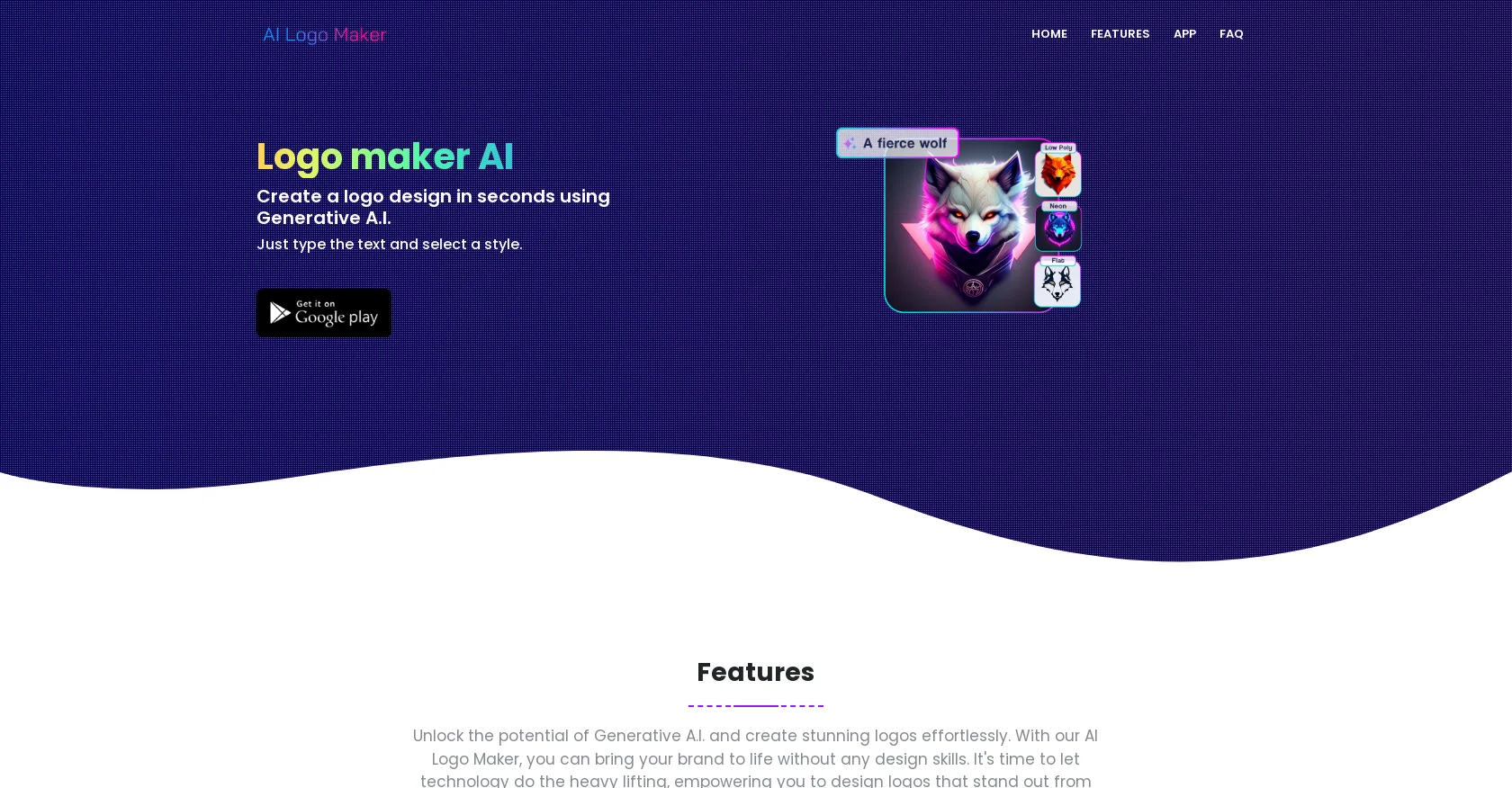
AI Logo Maker is a user-friendly tool that simplifies the logo design process, allowing users to generate logos effortlessly. It utilizes generative AI technology to create stunning and unique logos without the need for any design skills. Users can simply enter their brand name or text, choose a style, and the AI algorithm will craft a visually captivating logo that reflects their brand's identity.With AI Logo Maker, users can create different types of logos, including text-based logos, logos with icons or symbols, lettermarks, and wordmarks. The tool offers a wide range of customization options, such as styles, colors, fonts, and backgrounds, to ensure that users can create a logo that stands out from the competition.The AI Logo Maker is designed to be user-friendly and accessible to everyone, without requiring any prior design experience. Users can create professional-quality logos in minutes, saving both time and money. Additionally, the tool provides an AI-powered logo editor that allows users to further customize their logos with additional elements like shapes and texts.Once a logo is created, users can download it in various file formats, including PNG, JPG, and SVG, making it compatible with different platforms and uses. The logos created with AI Logo Maker can be used for both personal and commercial purposes.Customer support is available to assist users with any questions or issues they may encounter while using the AI Logo Maker. Overall, AI Logo Maker offers a convenient and affordable solution for individuals and businesses looking to create high-quality logos with ease. Help other people by letting them know if this AI was useful. Add your own prompts and outputs to help others understand how to use this AI.
When considering AI Logo Maker for integration into your organizational workflow, we recommend deploying a structured score card across three critical operational pillars: Security & Compliance, Integration Friction, and long-term Price Scalability. Rather than looking only at basic feature lists, modern procurement teams must assess how a software platform behaves under high load and how well it fits into the team's data security guidelines.
Depending on your operating region and field, ensure that AI Logo Maker supports standard security layers such as SOC 2 Type II certifications, GDPR compliance, or HIPAA-compliant database encryption. If the tool connects directly to client database tables or handles user passwords, verify that they implement multi-factor authentication (MFA), single sign-on (SSO) integrations, and end-to-end data encryption in transit and at rest.
Siloed data is the primary cause of operational friction. Evaluate if AI Logo Maker has native connectors for your current project trackers, messaging hubs, and customer communication channels. For custom developer requirements, check if they provide a fully documented REST API with reasonable rate limits, comprehensive Webhooks support, and robust SDK packages in your language. A flexible API layer saves hundreds of hours of manual copy-paste overhead.
SaaS pricing packages are often deceptively simple. When reviewing AI Logo Maker's billing structure, map out your team's projected expansion over the next 12 to 24 months. Determine how costs scale as your customer database increases or as you add team members. Factor in setup costs, mandatory support plan upgrades, API access fees, and storage overage rates to understand the true cost before committing to a contract.
By combining verified user reviews from our directory with internal workflow pilot tests, your procurement team can make an informed decision that drives productivity without creating capital waste.
Overall rating
Based on 22 reviews
An easy tool for generate Logos or ideas. This AI provide you a Logo taking notes about your business. It gives you a lot of options and variants of the same logo idea. And it seems to no cost. recommended
Don Alamo
this just uses noun project and puts an icon above or next to text
Kelsey O'Neill
"It’s like if Figma and ComfyUI had a baby." got me laughing. I am gonna use this thing.
Aathreya Shetty
No free, not worth it
jaybug
It's a really great tool. I've used it for many different stories and brainstorms.
Justin Patterson
This is phenomenal. I demo it in my sessions all the time.
Beth Ziesenis
@Storybooks uses the prompt input to create simple pictures. The AI doesnt further elaborate on the prompt, so the storybook is very simple.
Feren Johnson
I joined Kin's beta program on my iPhone XR. After upgrading to an iPhone 13, I found that I couldn't log into my existing account on the new phone, forcing me to create a new account. Now, I have two separate Kin accounts on different phones. Today, when I accessed the beta version of Kin, I got a notification stating that the test version ended on Monday, September 23rd. It instructed me to back up my data and move to the official Kin app. I did as advised—backed up my data, confirmed, uninstalled the beta app via TestFlight, and installed the official Kin app. However, when I attempted to “log in”, I was still unable to access my existing account. This issue hasn't been resolved yet. I have been trying desperately to get in contact with the support team. I left feedback through the test flight app and sent emails. No response. Now trying to find a forums, Reddit posts, TAAFT comments☻
Desiree Miller
B12 exceeded my expectations especially after I tried a few similar tools. Signing up took under a minute and because I offer a very specific set of services as a consultant, I didn't expect the AI to be able to capture my work, but it did a great job with creating content for me. I only had to make a few edits, add my bio, and was able to publish that same day. Now I get lots of compliments on my site and I've even tried their other tools like email marketing, which is great because the emails match my site's appearance. Overall I would recommend B12 as an effective, affordable, and easy to use website solution.
Katie G
Works but I cannot understand what's the use. I was expecting it to give me some videos
Samartha Venkatramana
As the service was in beta-testing stage, I created there a dozen of AI-generated courses for free. I wanted to use them. Those courses remained in my account as they started subscription tiers. But recently I have found out that they were deleted. The support didn't answer to my e-mail at all.
Oldfag TV
Thank you I got a great score and the information I needed to know if I was on the right track with this one.
Ryan Little
Sketch to Logo part is BROKEN
Berkay KARACAN
I’ve tried many AI writing tools in the past, but this one actually delivers content that sounds human and ranks. I love how you can create a full SEO blog post with just a keyword… and it’s ready to publish in one click. That saves me so much time. Also, small win for the wallet — use code FSL25 to get 25% off on any plan. Definitely helped me out when testing it for the first time. 👍 Hope this helps someone else who’s been struggling like I was!
Jason
After my first use, I think it's surprisingly good. The only drawback so far is the PDF export option for the report which is formatless.
Alejandro Correa
O GPT faz uma análise melhor e mais personalizada.
Vinicius Vilela
I think it's the best @Image Generator I ever found on the net. It gives more accurate image according to the prompt. And thank you for keeping it for free.
My Sawsiri
I hate writing reviews... However, this app is the biggest sleeper model I have found to date, and PNG files free. Ai's rapid snowballing has caused me to be less & less surprised by their capabilities. I am happy to have been caught off guard by this one. Week worth of work, done in two generation requests. I'll be back.
A C
Great tool for getting some logo ideas, works fine 👍
Josh KUMAR
As a longtime namecheap customer, I got to say, this tool is... just ok. One I can use in a pinch for a slide deck / pitch / MVP, but nothing worth sharing. I doubt anyone will be vowed with the logos made here.
Vineet Sinha
I am not satisfied with @Looka.
AK Properties
It created some decent logos. They are great as a start point
Samuel Barlet
Starting Price
Free plan available
Free tier available with optional paid upgrades.


