AI Humanizer

5.0(25 reviews)

Transform AI text into human-like, plagiarism-free content.

Free

AI Humanizer Overview

What is AI Humanizer?

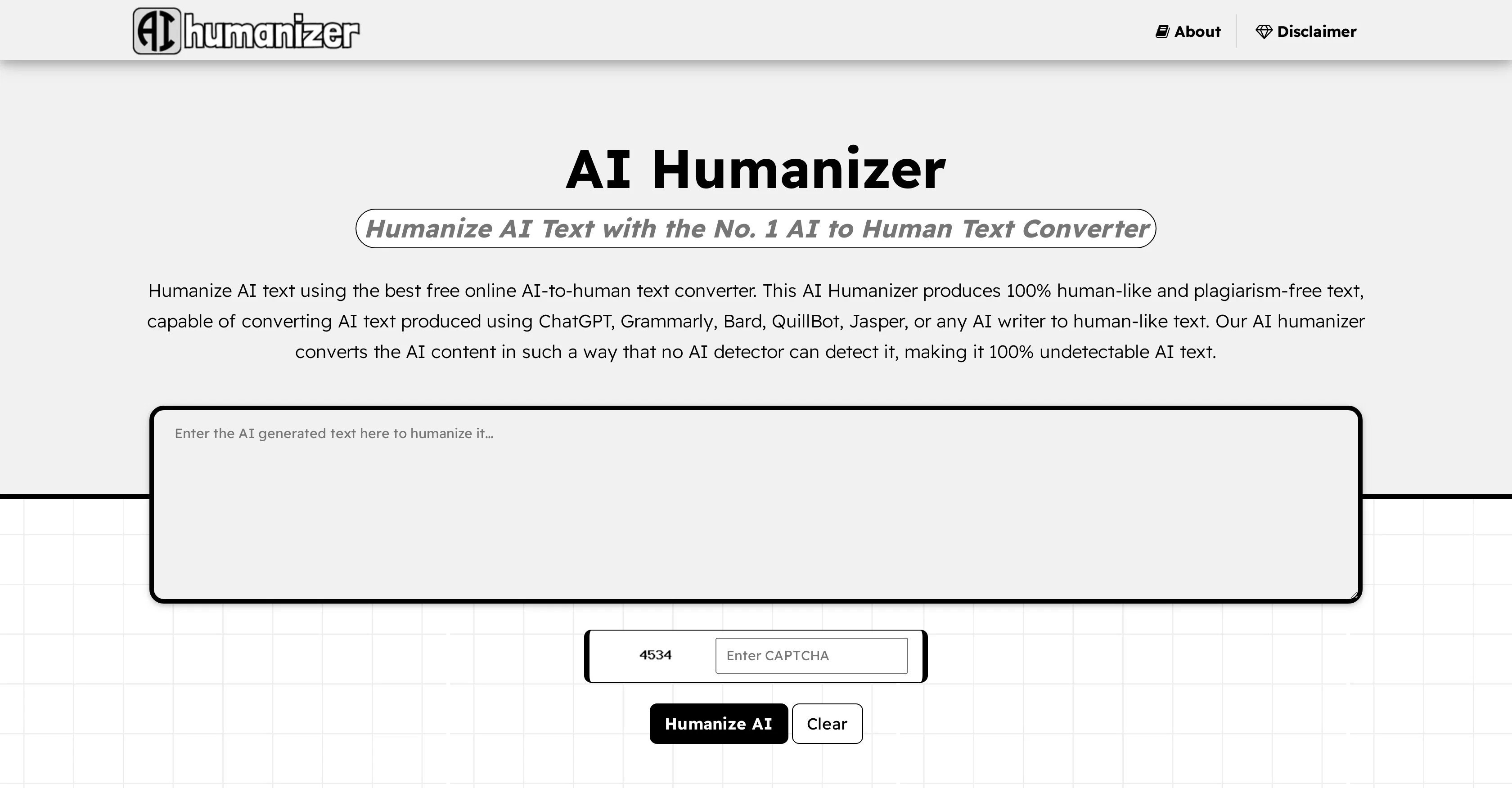
AI Humanizer is a free online tool that takes AI-generated text and transforms it into natural, human-like language. Developed by AIhumanizer.org, this tool processes content created with AI technologies like ChatGPT, Jasper, Google Bard, QuillBot, Grammarly, and other AI writers. The primary function of this tool is to make AI text undetectable, meaning it wouldn't be recognized as AI-generated content by AI detectors. In addition, the AI Humanizer ensures the output remains plagiarism-free, thus maintaining originality in the content. Beyond its basic functions, the AI Humanizer offers a selection of features beneficial for digital content creation. One of these is SEO-friendly optimization, a feature that lets the tool understand and retain essential keywords when humanizing the text, potentially assisting with boosting search engine rankings. Another feature is productivity enhancement, as the tool helps save time and effort in content creation. The AI Humanizer also promises superior content quality with reduced grammatical errors and enhanced readability, which leads to cost savings as it may reduce the need for extensive editing or usage of additional content creation services. Despite altering the text, the tool preserves the original context, ensuring all crucial points from the input are carried through to the output. It can handle diverse types of content, from social media posts to product descriptions, and gives global reach as it can process text in multiple languages. The tool pledges data privacy and is continuously improving to adapt to various inputs and styling. Help other people by letting them know if this AI was useful. Add your own prompts and outputs to help others understand how to use this AI.

Screenshot gallery

AI Humanizer screenshot

Pros & Cons

Pros

  • Ensures plagiarism-free content
  • SEO-friendly optimization
  • Enhances productivity
  • Reduces grammatical errors
  • Enhances readability
  • Saves on editing and creation services costs
  • Preserves original context
  • Handles diverse content types
  • Processes text in multiple languages
  • Guarantees data privacy
  • Continuously improving
  • Superior content quality
  • Saves time and effort
  • Preserves original meaning
  • Non-obtrusive to original thought
  • Time-efficient editing
  • Supports customizable style
  • Ensures content consistency
  • Enhances user engagement
  • Secure and confidential
  • 24/7 accessibility
  • Simple user interface
  • Supports multiple languages
  • Works on all browsers
  • Free of charge
  • Device-friendly
  • No signup required
  • Unlimited usage
  • Fast and accurate
  • Adds emotion with emojis
  • Understands emotions
  • 100% human touch
  • Versatile content generation
  • Reduces translation costs
  • Unmatched accuracy
  • Global reach

Cons

  • No offline functionality
  • No API mentioned
  • Limited to text content
  • Might misinterpret nuances
  • Could break SEO strategies
  • Requires constant retraining
  • Accuracy not quantified
  • Output subject to bias
  • Real-time processing unclear
  • Limited customization options

A Professional Framework to Evaluate AI Humanizer

When considering AI Humanizer for integration into your organizational workflow, we recommend deploying a structured score card across three critical operational pillars: Security & Compliance, Integration Friction, and long-term Price Scalability. Rather than looking only at basic feature lists, modern procurement teams must assess how a software platform behaves under high load and how well it fits into the team's data security guidelines.

1. Security and Database Compliance

Depending on your operating region and field, ensure that AI Humanizer supports standard security layers such as SOC 2 Type II certifications, GDPR compliance, or HIPAA-compliant database encryption. If the tool connects directly to client database tables or handles user passwords, verify that they implement multi-factor authentication (MFA), single sign-on (SSO) integrations, and end-to-end data encryption in transit and at rest.

2. API Coverage and Custom Integrations

Siloed data is the primary cause of operational friction. Evaluate if AI Humanizer has native connectors for your current project trackers, messaging hubs, and customer communication channels. For custom developer requirements, check if they provide a fully documented REST API with reasonable rate limits, comprehensive Webhooks support, and robust SDK packages in your language. A flexible API layer saves hundreds of hours of manual copy-paste overhead.

3. Total Cost of Ownership (TCO)

SaaS pricing packages are often deceptively simple. When reviewing AI Humanizer's billing structure, map out your team's projected expansion over the next 12 to 24 months. Determine how costs scale as your customer database increases or as you add team members. Factor in setup costs, mandatory support plan upgrades, API access fees, and storage overage rates to understand the true cost before committing to a contract.

By combining verified user reviews from our directory with internal workflow pilot tests, your procurement team can make an informed decision that drives productivity without creating capital waste.

Features of AI Humanizer

  • AI To Human Text Converter
  • AI Text Humanization
  • Digital Content Creation
  • Content Conversion
  • Content Quality Improvement
  • Language Processing
  • Free

SaaS1to10 verified reviews for AI Humanizer

Overall rating

5.0

Based on 25 reviews

5.01 weeks ago

Review

I tried NovelGPT a template in @Agentgpt and it did an excellent job writing the first two episodes of my novel complete with character descriptions, setting,plot points and well I think you get the point. Great tool can't wait to see it out of beta.

Kelli Crose

5.01 weeks ago

Review

Really cool and intuitive tool, it helps me a lot with my articles!

Nina Ristik

5.01 weeks ago

Review

This is a great tool! I have a question. The first time I created an Interactive Lesson, the published result had a transcript of the podcast which interacted simultaneously with the mindmap. After navigating out of that window, I can't access this again. Is there a way to access it? Currently it only shows an outline, the podcast and mindmap with no transcript or mindmap interactivity.

Fly Soul O

5.01 weeks ago

Review

we definitely need this one back, it was pretty amazing lol.

ssse

5.01 weeks ago

Review

hmm it is un-real...literally...sounds robotic....far awy from Real

Dhhaval Joshi

5.01 weeks ago

Review

I'm still testing the tool yet it looks very promising. I tested it with a 5.5k words Academic text that I had previously red. I tested the Key points feature, it does work!

Ivana González

5.01 weeks ago

Review

This video generator did much better than I expected on complex subjects. Unfortunately, it isn't as free as I wished. I could not iterate my creation to create a resolved result.

Gamaliel yd

5.01 weeks ago

Review

Really amazing! Makes learning content and engaging with things so much easier!

Jamie McDonald

5.01 weeks ago

Review

O GPT faz uma análise melhor e mais personalizada.

Vinicius Vilela

5.01 weeks ago

Review

As the service was in beta-testing stage, I created there a dozen of AI-generated courses for free. I wanted to use them. Those courses remained in my account as they started subscription tiers. But recently I have found out that they were deleted. The support didn't answer to my e-mail at all.

Oldfag TV

5.01 weeks ago

Review

Nice app I love it The wapesite work well

Nandu Kumar

5.01 weeks ago

Review

after playing around with it for a bit, i am now aware of how much i need this. i can already feel the hours of sleep coming back to me <3

Bru no no no

5.01 weeks ago

Review

I already have another transcription tool, but this one is much better. I love the different features such as the summary, quiz, and chapters. It does a great job of them. I've only done one transcript so far to try it out, but I'm truly impressed and am going to grab another code. A couple things that would make it even better are: - the ability to rename the files and organize them through folders. - the ability to download a copy of the other features as well as the transcript. Copying and pasting it works, but doesn't keep the format.

dunn

5.01 weeks ago

Review

Undetectable.wtf is better bypasses everything maintaining thee integrity of the text.

LiteEagle

5.01 weeks ago

Review

Sketch to Logo part is BROKEN

Berkay KARACAN

5.01 weeks ago

Review

I joined Kin's beta program on my iPhone XR. After upgrading to an iPhone 13, I found that I couldn't log into my existing account on the new phone, forcing me to create a new account. Now, I have two separate Kin accounts on different phones. Today, when I accessed the beta version of Kin, I got a notification stating that the test version ended on Monday, September 23rd. It instructed me to back up my data and move to the official Kin app. I did as advised—backed up my data, confirmed, uninstalled the beta app via TestFlight, and installed the official Kin app. However, when I attempted to “log in”, I was still unable to access my existing account. This issue hasn't been resolved yet. I have been trying desperately to get in contact with the support team. I left feedback through the test flight app and sent emails. No response. Now trying to find a forums, Reddit posts, TAAFT comments☻

Desiree Miller

5.01 weeks ago

Review

The first one I see that is free and can bypass even Originality AI. Super dope

Leo

5.03 weeks ago

Review

Output is in American English only, so if you want British English not American then you will need to edit further. For example changes single dialogue quotations to double, which is not British English.

mark taylor

5.03 weeks ago

Review

The major problem with this product is the limited word count. I tried an article with 975 words and it only humanized about 160 words.

Robert Herron

5.03 weeks ago

Review

is it possible to add slovak language?

Zuzana Feriancová

5.03 weeks ago

Review

Best one! The only one that does not add mistakes to fool AI detectors.

Handofaek

5.03 weeks ago

Review

V1.0 Launched :)

Ezzaky Ab.

5.03 weeks ago

Review

@Clever AI Humanizer is a smart solution for making AI text more 'human' at no cost. I've tried it myself, and the results are truly natural, not robotic. Highly recommended for those who frequently use AI for content! 👍🏼

JEFRIE DYLAN

5.03 weeks ago

Review

Hey TAAFT, real talk. AI gives you ideas. But, it doesn't give you a voice. Enter @Humanize.sh. We make AI text sound like a real person, not a bot. Fast, private, and low effort. How: Paste. @Humanize. Copy. Done. Works with ChatGPT, Gemini, Claude, and all the usual suspects. Made for students who want clear essays, honest emails to profs, and captions that don’t scream “generated”. Teachers, creators, everyone welcome. Privacy: we never store your text. Want a demo? Drop one sentence and we'll @Humanize it live :)

Humanize

5.03 weeks ago

Review

Zero GPT which is supposed to be covered detects it with 100% certainty. So... No.

Stephan Tual

Pricing

Starting Price

Free plan available

Free tier available with optional paid upgrades.

Where can AI Humanizer be deployed?

  • Cloud, SaaS, Web-Based

Recommended for you