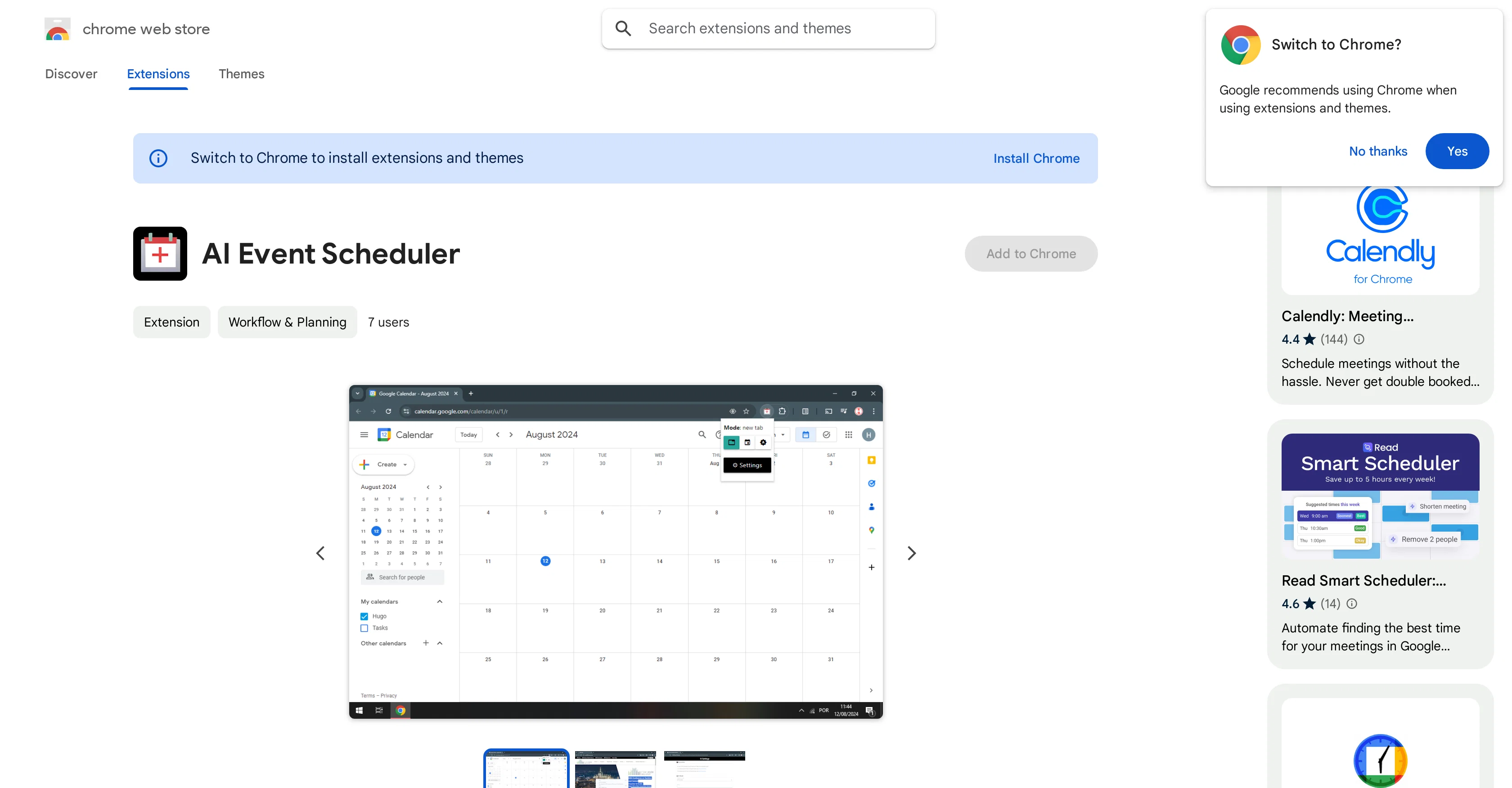
AI Event Scheduler is an extension tool designed for Google Chrome users to facilitate streamlined scheduling of Google Calendar events. By using LLM (Language Learning Model), the tool allows rapid creation of Google Calendar events.
Users can simply select text that encompasses event details and click a button, thereby triggering the tool to create the event. Developed by Hugo Tadashi, this extension is particularly optimal for those dealing with frequent event entries.
Its use could save significant time and reduce the chances of manual errors from transcribing event details. The data used by AI Event Scheduler is reportedly not sold to third parties, transferred for unrelated purposes or used to determine creditworthiness for lending purpose, maintaining a users privacy.
The tool adds value by providing an automated, quick and efficient way of creating calendar events. For any queries, suggestions, or problems, the user can directly reach out to the developer's support site.
It's a useful tool for anyone looking for a quick and simple way to schedule their events.
Help other people by letting them know if this AI was useful.
Add your own prompts and outputs to help others understand how to use this AI.
Screenshot gallery
Pros & Cons
Pros
+Google Chrome extension
+Uses LLM model
+Rapid event creation
+Time efficiency
+Error reduction
+Automated scheduling
+Text-to-event feature
+Good for frequent event entries
+Data privacy ensured
+No data sold
+No unrelated data transfer
+Data not used for creditworthiness
+Direct developer support
+Small size (81.41KiB)
+English language support
Cons
−Only for Google Chrome
−Limited to Google Calendar
−Depends on text selection
−Lacks multi-language support
−No offline functionality
−No cross-browser compatibility
−Only single developer support
−Cannot handle complex event details
−No user rating available
−Small user base
A Professional Framework to Evaluate AI Event Scheduler
When considering AI Event Scheduler for integration into your organizational workflow, we recommend deploying a structured score card across three critical operational pillars: Security & Compliance, Integration Friction, and long-term Price Scalability. Rather than looking only at basic feature lists, modern procurement teams must assess how a software platform behaves under high load and how well it fits into the team's data security guidelines.
1. Security and Database Compliance
Depending on your operating region and field, ensure that AI Event Scheduler supports standard security layers such as SOC 2 Type II certifications, GDPR compliance, or HIPAA-compliant database encryption. If the tool connects directly to client database tables or handles user passwords, verify that they implement multi-factor authentication (MFA), single sign-on (SSO) integrations, and end-to-end data encryption in transit and at rest.
2. API Coverage and Custom Integrations
Siloed data is the primary cause of operational friction. Evaluate if AI Event Scheduler has native connectors for your current project trackers, messaging hubs, and customer communication channels. For custom developer requirements, check if they provide a fully documented REST API with reasonable rate limits, comprehensive Webhooks support, and robust SDK packages in your language. A flexible API layer saves hundreds of hours of manual copy-paste overhead.
3. Total Cost of Ownership (TCO)
SaaS pricing packages are often deceptively simple. When reviewing AI Event Scheduler's billing structure, map out your team's projected expansion over the next 12 to 24 months. Determine how costs scale as your customer database increases or as you add team members. Factor in setup costs, mandatory support plan upgrades, API access fees, and storage overage rates to understand the true cost before committing to a contract.
By combining verified user reviews from our directory with internal workflow pilot tests, your procurement team can make an informed decision that drives productivity without creating capital waste.
Features of AI Event Scheduler
AI Calendar Management
Event Scheduling
Google Chrome Extension
Text To Event
Language Learning Model
Automated Scheduling
Free
SaaS1to10 verified reviews for AI Event Scheduler
Overall rating
★★★★★5.0
Based on 17 reviews
★★★★★5.01 months ago
“Review”
I've been using the free trial to use different chatbot models in the same conversation and it's way more efficient than having 3 or 4 different browser tabs open at the same time. It was really cool to see that when changing a model in the middle of a chat, it keeps the context! Can't wait to start using the image and speech features!
Vítor Soares
★★★★★5.01 months ago
“Review”
It's cool!!!!
Alethea
★★★★★5.01 months ago
“Review”
Thanks for your great feedback Gregory. A feature in @Macky that is designed for more specific industry-specific information is the "Ask @Macky" one. In this feature you can use your own promopting to get outputs that are specific to the business question being asked. Also, at the end of each output you have an opportunity to ask any detailed question you want about the output to get more specific responses. You can drill down several times to get further insights using this feature. Hope this helps!
Kinetic Consulting
★★★★★5.01 months ago
“Review”
I liked it, it was easy to use and the generated website was perfect.
Ibrahim Taisir
★★★★★5.01 months ago
“Review”
we definitely need this one back, it was pretty amazing lol.
ssse
★★★★★5.01 months ago
“Review”
Sorry about that, just launched, fixed the bug.
Vadim
★★★★★5.01 months ago
“Review”
10 MB Limit does limit usability best if .pdf contains NO images.
Steve Bastiman
★★★★★5.01 months ago
“Review”
Thanks for the nice comment Cath! I'm working on it by myself, it's the first app that I build and I try to make the customer experience as good as I can. It's always the number one focus.
Marc Lamy
★★★★★5.01 months ago
“Review”
I'm new in using AI tools, but i found @COACH quite helpful! It follows you step by step both analyzing your situation and finding resources... thanks!
Gabriele Orsini
★★★★★5.01 months ago
“Review”
Edisa, thanks for the reply. Didn't know about the confidentiality guarantee.
Kevin Corrigan
★★★★★5.01 months ago
“Review”
I've been playing around with this for a few hours. It's made me say "WOW" too many times than i wish to admit. I'm going to follow this and see how it evolves. For now, i managed to create quite a nice Expenses app for personal use. | It did have some problems when it came to moving some components on other pages, but for how short the prompts it uses can be, it is really impressive. With some proper prompts it can generate some strong stuff.
Bernard
★★★★★5.01 months ago
“Review”
It's genius. Amazing tool. PDF generation might be improved, but apart from that is amazing.
Aleksander Lukashou
★★★★★5.01 months ago
“Review”
@KeywordSearch creates AI Ad Targeting audiences for YouTube
Aleric Heck
★★★★★5.01 months ago
“Review”
Great tool! Was very helpful in content production
Duck Typer
★★★★★5.01 months ago
“Review”
I'm still testing the tool yet it looks very promising. I tested it with a 5.5k words Academic text that I had previously red. I tested the Key points feature, it does work!
Ivana González
★★★★★5.01 months ago
“Review”
nice holistic
Amit ImmI
★★★★★5.01 months ago
“Review”
I swear this actually saved me a lot. 100% recommend to anyone.