5.02 months ago
“Review”
Fast & straightforward with acceptable quality
Richie Liu

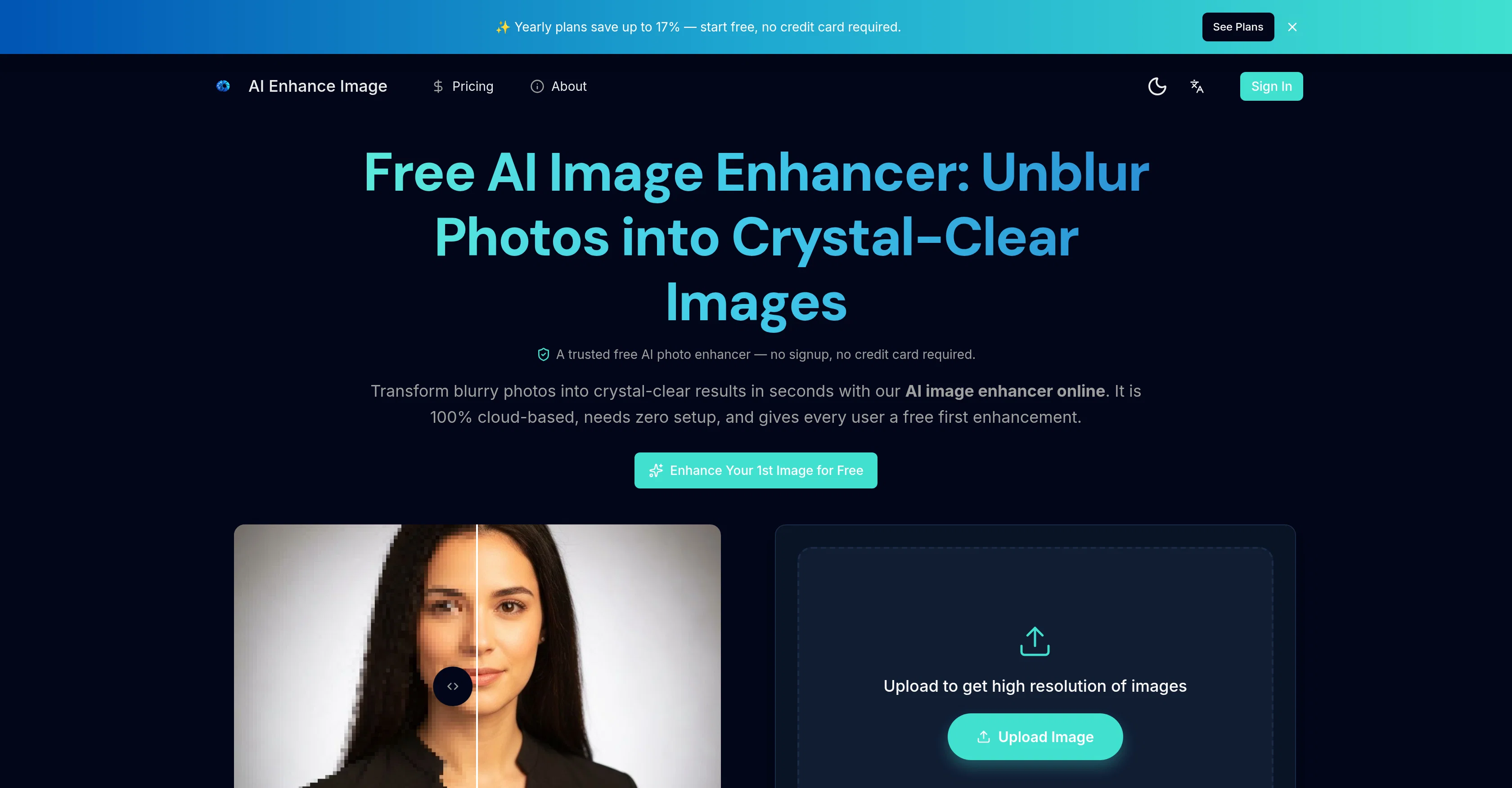
Transform blurry photos into crystal-clear images instantly.
Free AI Image Enhancer is an online tool that employs artificial intelligence to enhance the quality of images. It has the ability to transform blurry photos into high-resolution images up to 4K, recover intricate details, and remove blur. It is 100% cloud-based and does not require any form of setup. This tool offers various advanced features such as improving overall image quality, color contrast, sharpness, and noise reduction. Users can upscale any image to a stunning 4K Ultra HD and recover the clarity of out-of-focus photos, screenshots, and scanned documents. The software also enables the removal of noise and grain from photos taken in low light or high ISO while preserving the details. It allows users to restore old, faded, and damaged photos by fixing scratches, repairing tears, revitalizing colors, and automatically recovering facial details. Additionally, it improves the quality of images embedded in PDF documents without affecting the text or layout. Unlike traditional resizing methods, the AI upscales images by predicting genuine texture, edge detail, and fine patterns. It supports various file formats like JPG, PNG, or HEIC and allows users to upscale images up to 8K. Using this tool, the system analyzes the entire image to the pixel level and applies necessary corrections independently. It is built with cutting-edge AI models trained on millions of images producing professional-quality enhancements. The interface enables drag and drop for image uploading, AI analysis and enhancement, optional settings adjustments, and full-resolution download of results. Help other people by letting them know if this AI was useful. Add your own prompts and outputs to help others understand how to use this AI.
When considering AI Enhance Image.com for integration into your organizational workflow, we recommend deploying a structured score card across three critical operational pillars: Security & Compliance, Integration Friction, and long-term Price Scalability. Rather than looking only at basic feature lists, modern procurement teams must assess how a software platform behaves under high load and how well it fits into the team's data security guidelines.
Depending on your operating region and field, ensure that AI Enhance Image.com supports standard security layers such as SOC 2 Type II certifications, GDPR compliance, or HIPAA-compliant database encryption. If the tool connects directly to client database tables or handles user passwords, verify that they implement multi-factor authentication (MFA), single sign-on (SSO) integrations, and end-to-end data encryption in transit and at rest.
Siloed data is the primary cause of operational friction. Evaluate if AI Enhance Image.com has native connectors for your current project trackers, messaging hubs, and customer communication channels. For custom developer requirements, check if they provide a fully documented REST API with reasonable rate limits, comprehensive Webhooks support, and robust SDK packages in your language. A flexible API layer saves hundreds of hours of manual copy-paste overhead.
SaaS pricing packages are often deceptively simple. When reviewing AI Enhance Image.com's billing structure, map out your team's projected expansion over the next 12 to 24 months. Determine how costs scale as your customer database increases or as you add team members. Factor in setup costs, mandatory support plan upgrades, API access fees, and storage overage rates to understand the true cost before committing to a contract.
By combining verified user reviews from our directory with internal workflow pilot tests, your procurement team can make an informed decision that drives productivity without creating capital waste.
Overall rating
Based on 19 reviews
Fast & straightforward with acceptable quality
Richie Liu
Built with passion. Thanks for your support. - cheers Solo founder :)
Kaipil Saimant
Very nice lighting and some mildly interesting results when generating image, though hit or miss as it does not adhere well to the text prompt. Could not upscale an image at all. Waited over 20 minutes, and just quit. Don't waste your time.
James Weitz
man it literally says that you have to pay to use it
Vishav Jason
PLIS ! LET ME UPLOAD MORE FOR FREE ! THIS IS REALLY NICE AND I ENJOY IT ! COOL TOOL !!
Dara Mason
A very simple-to-use, yet very powerful app. It made my work so much easier, my scanned and downloaded files are no longer a mess.
Filip Pendovski
This tool is definitely good for basic stuff, no doubt. Just keep the prompts super duper simple and it gets the job done. But once I put in something a bit more complex at it… it kinda screwed up the thing. Still, I see potential here
Anil Felipe
👋 Hey, I'm the founder of Flowova! We built this because we were tired of spending hours dragging boxes in traditional flowchart tools. A few things you might not know: - Works with anything — text, images, PDFs, Word, PPT, Excel, even photos of whiteboard sketches - 40+ themes designed for presentations - Full Mermaid code support for developers Happy to answer any questions! 🚀
Jimmy
I was struggling to create some free Christmas and New Year's e-cards, and these templates are really good. I recommend giving them a try. The only downside is that each free template can only be used once.
youngwind
as mentioned before by somebody else, it's great that it's free that's a big plus. quality isn't anything crazy, but it does the job especially with human faces. tried it on a bunch of random stuff like objects, places, animals but the results vary depending on the original image quality. don't expect miracles on super lowres pics. still, the fact that it's 100% free is already good so yeah, that's a 4 starrer in my book
Jason Bowers
Reducing manual efforts in first-pass during code-review process helps speed up the "final check" before merging PRs
Sahil Mohan Bansal
Not at all accurate…. The only thing similar between original and generated images were the clothes and accessories… face was absolutely new and unconnected.
Shvetank Sharma
I think it's the best @Image Generator I ever found on the net. It gives more accurate image according to the prompt. And thank you for keeping it for free.
My Sawsiri
Very practical
Scofield michael
you only get 10 credits better to use other upscalers
Requiem of Ice
Very good job. File size concerns me, it was 10.2mb from a 1.63mb file. That was only one image, what if I had 50?
Ann P
5 minutes to create account. 1 minute to discover poor photo enhancing. Waste of time
Екатерина Дашкова
Androlicous!!!
Wazim Aju
nice holistic
Amit ImmI
Starting Price
Free plan available
Free tier available with optional paid upgrades.


