5.01 months ago
“Review”
I'm still testing the tool yet it looks very promising. I tested it with a 5.5k words Academic text that I had previously red. I tested the Key points feature, it does work!
Ivana González

Create diagrams effortlessly with AI
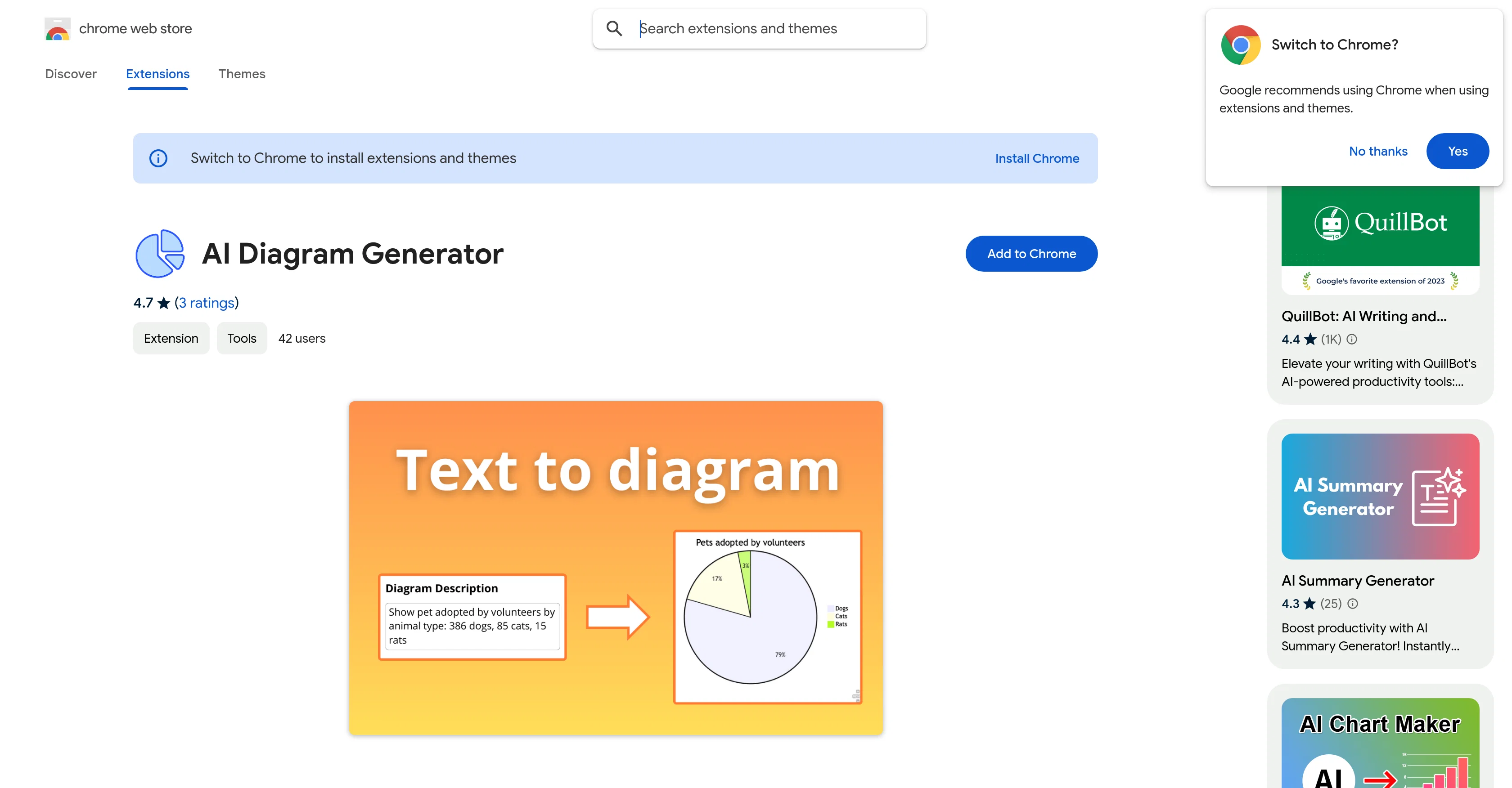
AI Diagram Generator, available on the Chrome Web Store, is an intelligent tool designed to automate the process of diagram creation. It allows users to create various types of diagrams including flowcharts, Entity-Relationship Diagrams (ERDs), and several others with ease. By using AI to facilitate these processes, it eliminates the need for manual chart creation, promoting productivity and accuracy.Users can simply input their text and the AI will generate the required diagrams, thus enabling intricate designs with minimal effort. This tool is particularly beneficial for students, professionals or designers seeking to visualize complex concepts or data. It can build UML schemes from class blueprints to use case charts, illustrate processes, map out states and transitions and even design networks with AI-generated precision.In addition to creating process flows and designing system schemas, the AI diagram generator allows quick sketching of workflows and decision trees, building of hierarchies, classification structures, visualization of data movement across systems and more. The tool can effortlessly create professional-grade schemes such as process flowcharts, Entity-Relationship Diagrams (ERDs), data flow maps, tree schemes, and algorithm charts, among others.In the context of teamwork, this tool offers the added advantage of easy collaboration. Users can share their results and thus, promote collective productivity. Whether you are a developer documenting your workflows or a database architect simplifying complex designs, the AI diagram generator is a versatile tool that can cater to various user needs. Help other people by letting them know if this AI was useful. Add your own prompts and outputs to help others understand how to use this AI.
When considering AI Diagram Generator for integration into your organizational workflow, we recommend deploying a structured score card across three critical operational pillars: Security & Compliance, Integration Friction, and long-term Price Scalability. Rather than looking only at basic feature lists, modern procurement teams must assess how a software platform behaves under high load and how well it fits into the team's data security guidelines.
Depending on your operating region and field, ensure that AI Diagram Generator supports standard security layers such as SOC 2 Type II certifications, GDPR compliance, or HIPAA-compliant database encryption. If the tool connects directly to client database tables or handles user passwords, verify that they implement multi-factor authentication (MFA), single sign-on (SSO) integrations, and end-to-end data encryption in transit and at rest.
Siloed data is the primary cause of operational friction. Evaluate if AI Diagram Generator has native connectors for your current project trackers, messaging hubs, and customer communication channels. For custom developer requirements, check if they provide a fully documented REST API with reasonable rate limits, comprehensive Webhooks support, and robust SDK packages in your language. A flexible API layer saves hundreds of hours of manual copy-paste overhead.
SaaS pricing packages are often deceptively simple. When reviewing AI Diagram Generator's billing structure, map out your team's projected expansion over the next 12 to 24 months. Determine how costs scale as your customer database increases or as you add team members. Factor in setup costs, mandatory support plan upgrades, API access fees, and storage overage rates to understand the true cost before committing to a contract.
By combining verified user reviews from our directory with internal workflow pilot tests, your procurement team can make an informed decision that drives productivity without creating capital waste.
Overall rating
Based on 24 reviews
I'm still testing the tool yet it looks very promising. I tested it with a 5.5k words Academic text that I had previously red. I tested the Key points feature, it does work!
Ivana González
It’s good tool, but needs work when I write what supposed to be written is not working properly
Omar Ibrahim
O GPT faz uma análise melhor e mais personalizada.
Vinicius Vilela
It pretty much does everything I need and more, I give it 5 stars for accuracy and ease of use. Most of the tools I use are cluttered and complex but this platforms very simple to use and neat
Pete
very impressive, will use again
josh Rawlinson
I swear this actually saved me a lot. 100% recommend to anyone.
307LLL
Thanks for free credits. Please 🙏 adapt for mobile💪
Budget Plusit
It simplifies my video creation. It's a must-have tool.
fei shi
I got some top quality results after learning how to prompt songs 🤩
Claes Lanng
Great tool! Was very helpful in content production
Duck Typer
Went from a C to an A in Cognitive Psychology using @Thea!!
Sarah White
it is really cool and easy to use you can create diagrams really easily it even has a unique and lovely theme
No reply
I use AI Flowchart Generator to create flowcharts for my blog posts. It’s incredibly easy to use and saves me so much time. Now, I can turn my text to flowchart and make my posts more interesting and helpful for readers!
wang shiwei
typed in my prompts and boooooom. clean descriptions in secs lol. handy if you suck at writing (like me). lowkey a cheat code (no san andreas)
Liam Therrien
Use it for more focused, less hallucinated result
Fatih Baltacı
This tool i found is super cool, I created 5 books from this tool to sell them online, which gives me great profit. I am creating more valuable books to spread knowledge, and earn some bucks as well 🤑.
Bilal Ashraf
your answer is much too general, so useless. You could have just tell me to ask Perplexity.
Ta
I think it's the best @Image Generator I ever found on the net. It gives more accurate image according to the prompt. And thank you for keeping it for free.
My Sawsiri
I don’t get yet
Suyog Pande
Found it randomly and tested @Mermaid Chart with a small service architecture and it turned the prompt into editable diagram code almost instantly. The structure was accurate enough to refine, and being able to fix the syntax instead of fighting a locked image is a huge plus. Styling is still a little basic, but for technical diagrams it’s a strong 4.
Valentina Jara
Really useful tool here. Saves a lot of time when creating diagrams. Made a video about it here: https://www.youtube.com/watch?v=ClySYyEBvno
J.I.
Isn't it possible that when downloading a diagram from it, the diagram to have white background rather than black background.
shazil saqib
nice! does exatly what i wanted it to do, takes text, makes a nice looking diagram.
Lenny Deus
Didn't really do the graphs that i thought it would do. Good for simple graphs, like for a presentation
Timothy Unfried
Starting Price
Contact vendor for pricing
Pricing may vary based on team size and features selected.


