5.02 months ago
“Review”
Beatiful, easy and AI insights very useful.
Mauricio Gleizer

Verify every reference against academic databases in seconds.
The 1Scholar Citation Checker is an AI-enabled tool that checks the authenticity of citations in a document. It works by cross-referencing every reference in your text with prominent academic databases in mere seconds. The tool is designed to aid researchers and writers in confirming that each cited work exists, matches the correct author and year, and points to an accessible, legitimate source. The Citation Checker identifies fabricated references and other common errors, such as incorrect attribution or invalid URLs - issues that could detrimentally impact a paper's credibility and approval. This automated citation verification service can run checks against databases such as arXiv, Crossref, Google Scholar, OpenAlex, and PubMed and provides a verdict for each reference, labeling each as authentic, unsure, or not found. Further, the Citation Checker supports multiple major citation styles including APA, MLA, Chicago, IEEE, Harvard, plain text, and BibTeX. The tool's primary function is to catch any potential issues before submission, thereby ensuring the integrity of the final manuscript and reducing the risk of citations-related complications. Help other people by letting them know if this AI was useful. Add your own prompts and outputs to help others understand how to use this AI.
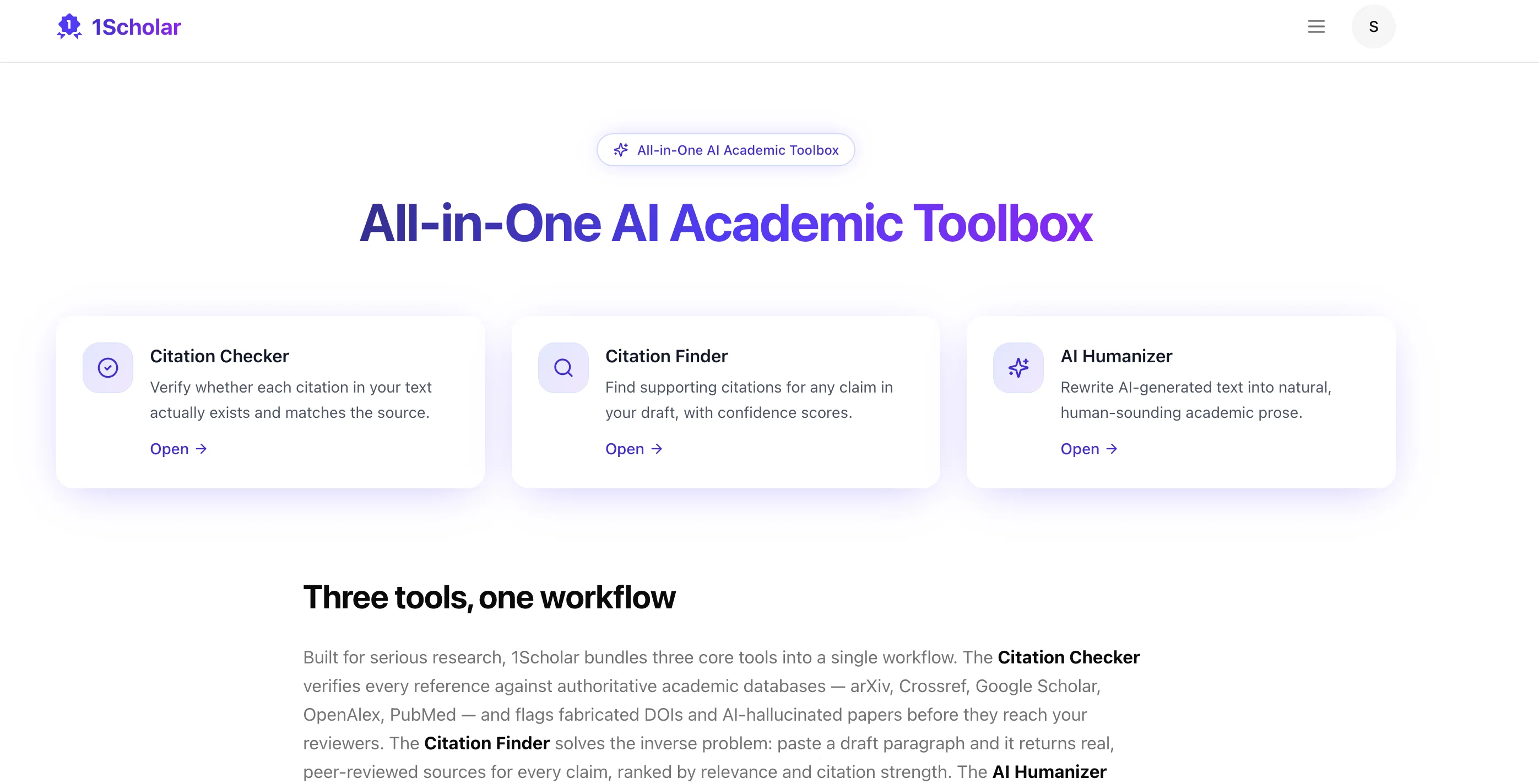
When considering 1Scholar Citation Checker for integration into your organizational workflow, we recommend deploying a structured score card across three critical operational pillars: Security & Compliance, Integration Friction, and long-term Price Scalability. Rather than looking only at basic feature lists, modern procurement teams must assess how a software platform behaves under high load and how well it fits into the team's data security guidelines.
Depending on your operating region and field, ensure that 1Scholar Citation Checker supports standard security layers such as SOC 2 Type II certifications, GDPR compliance, or HIPAA-compliant database encryption. If the tool connects directly to client database tables or handles user passwords, verify that they implement multi-factor authentication (MFA), single sign-on (SSO) integrations, and end-to-end data encryption in transit and at rest.
Siloed data is the primary cause of operational friction. Evaluate if 1Scholar Citation Checker has native connectors for your current project trackers, messaging hubs, and customer communication channels. For custom developer requirements, check if they provide a fully documented REST API with reasonable rate limits, comprehensive Webhooks support, and robust SDK packages in your language. A flexible API layer saves hundreds of hours of manual copy-paste overhead.
SaaS pricing packages are often deceptively simple. When reviewing 1Scholar Citation Checker's billing structure, map out your team's projected expansion over the next 12 to 24 months. Determine how costs scale as your customer database increases or as you add team members. Factor in setup costs, mandatory support plan upgrades, API access fees, and storage overage rates to understand the true cost before committing to a contract.
By combining verified user reviews from our directory with internal workflow pilot tests, your procurement team can make an informed decision that drives productivity without creating capital waste.
Overall rating
Based on 13 reviews
Beatiful, easy and AI insights very useful.
Mauricio Gleizer
Deploys the backend directly from chat!
Spam Trapper
I stumbled upon this site, so happy I did . I asolutely love it. There is a mother load of AI tools to choose from. My new favorite site!
ann gonzales
Very happy with this tool. It has everything to make my work loads faster
David Milly
No good at pdfs
Chris Cox
ThumbnailCreator lets you generate YouTube Thumbnails using AI! 🚀
Aleric Heck
I started using @Team Pulse recently, and I really like how simple it feels. Managing projects, tasks, and pipelines in one place is smooth, clean, and easy to understand without overcomplicating the workflow.
Zain Saeed
Just implemented your instruction out how to run drip campaigns automatically, nice! Getting prospect calls coming in
Jenn N.
Excellent and solved the queries.
Srinivas
@Clever AI Humanizer is a smart solution for making AI text more 'human' at no cost. I've tried it myself, and the results are truly natural, not robotic. Highly recommended for those who frequently use AI for content! 👍🏼
JEFRIE DYLAN
The most humanly AI i have used so far but the problem is as soon as you start piling up messages in single chat session , it starts getting slow and at some point it starts freezing and also uses a lot of resources. For time being its okay to do 3 4 messages but as soon as we continue it has messages limitation and also starts getting very very slow . For the price of £18 per month this is unacceptable and with the newly introduced feature called project, if we start new chat within the project we cannot continue with the context we provided in other chats within same project. There are lot of improvements for them to work on. And to start with the its speed and its price
Bibash Katel
Makes it easy to get started with a presentation if you have an outline, but as soon as you want more control, you're better off using Google Slides. @Gamma's feature that I used the most was image generation - you can select among a variety of models (Ideogram, Flux, DALL-E, but not Midjourney), and it shows 3 variations to choose from. Performance is slow and a little janky, even in Chrome. Prompts and settings are often not respected - e.g. you set it to "preserve text" and just generate slides, and it goes onto dumping an entire 3 paragraphs of text in one slide. You can't overlay text over images (e.g. for image attribution), and there's no precise positioning control, or grouping elements. No way to control table layout, e.g. to have two images slide-by-side in full bleed mode. I tried @Gamma for a new presentation, but next time I need to make a presentation, I'll go back to Google Slides and generate images independently.
Dan Dascalescu
Not at all accurate…. The only thing similar between original and generated images were the clothes and accessories… face was absolutely new and unconnected.
Shvetank Sharma
Starting Price
Free plan available
Free tier available with optional paid upgrades.


