5.02 weeks ago
“Review”
Working good and enough credits including achievements to test the app for free
Steven sombr

Remove background noise from audio instantly with AI.
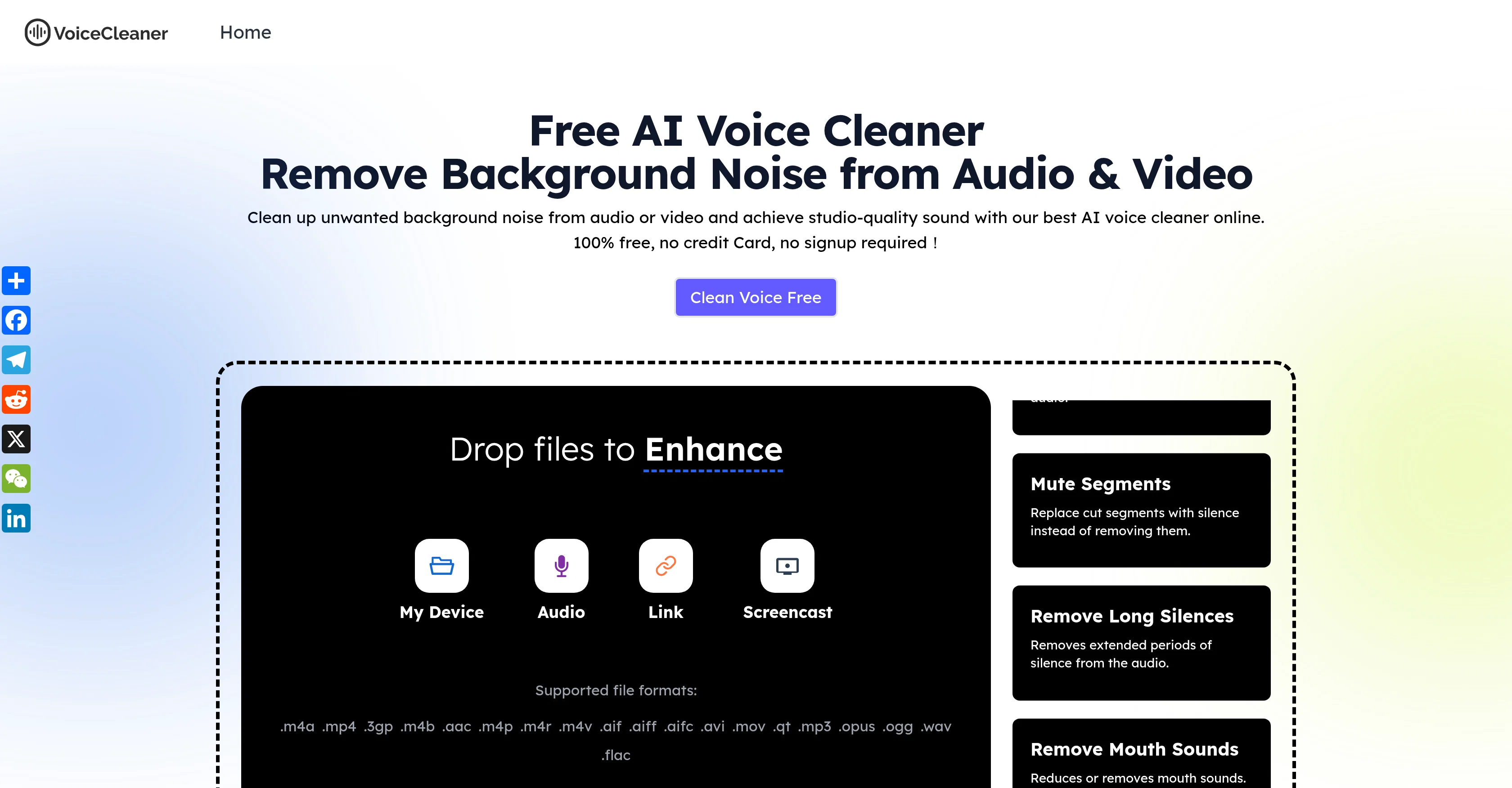
Voice Cleaner AI is an online tool powered by next-generation AI technology aimed at improving the quality of audio and video files by effectively removing background noises. It is designed to enhance voice clarity, thus providing studio-quality sound. The tool is capable of automatically detecting and negating different types of noise, including hums, echoes, and static, to deliver professional, distraction-free audio. It is an all-in-one solution that supports both audio and video files and allows users to export the cleaned files in various formats such as MP3, WAV, and MP4. Voice Cleaner AI caters to a wide range of users including musicians, podcasters, business professionals, and social creators, offering cleaner and clearer audio by eliminating unwanted noise from their recordings. It provides an efficient solution to common audio problems faced during recording music, conducting outdoor interviews, recording on-site, or even when dealing with old audio files. The tool is straightforward and easy to use, requiring users to upload the file, choose the type of noise and content, and click 'Enhance'. After the processing, one can preview and download the cleaned file in the preferred format. Help other people by letting them know if this AI was useful. Add your own prompts and outputs to help others understand how to use this AI.
When considering Voice Cleaner AI for integration into your organizational workflow, we recommend deploying a structured score card across three critical operational pillars: Security & Compliance, Integration Friction, and long-term Price Scalability. Rather than looking only at basic feature lists, modern procurement teams must assess how a software platform behaves under high load and how well it fits into the team's data security guidelines.
Depending on your operating region and field, ensure that Voice Cleaner AI supports standard security layers such as SOC 2 Type II certifications, GDPR compliance, or HIPAA-compliant database encryption. If the tool connects directly to client database tables or handles user passwords, verify that they implement multi-factor authentication (MFA), single sign-on (SSO) integrations, and end-to-end data encryption in transit and at rest.
Siloed data is the primary cause of operational friction. Evaluate if Voice Cleaner AI has native connectors for your current project trackers, messaging hubs, and customer communication channels. For custom developer requirements, check if they provide a fully documented REST API with reasonable rate limits, comprehensive Webhooks support, and robust SDK packages in your language. A flexible API layer saves hundreds of hours of manual copy-paste overhead.
SaaS pricing packages are often deceptively simple. When reviewing Voice Cleaner AI's billing structure, map out your team's projected expansion over the next 12 to 24 months. Determine how costs scale as your customer database increases or as you add team members. Factor in setup costs, mandatory support plan upgrades, API access fees, and storage overage rates to understand the true cost before committing to a contract.
By combining verified user reviews from our directory with internal workflow pilot tests, your procurement team can make an informed decision that drives productivity without creating capital waste.
Overall rating
Based on 18 reviews
Working good and enough credits including achievements to test the app for free
Steven sombr
Hi everyone! I'm the creator of AI Video Maker. It's completely free to use and doesn't require any signup. You can instantly generate unlimited 5-second AI videos from text or images. Great for testing ideas before upgrading to HD or commercial plans. Excited to see what you all create!
Peter
Great tool. I use it a lot. It's free, you don't have to sign up, and it's quick. I also made a video on it https://youtu.be/wWQHOtY6cYE
J.I.
This is my best bro! I communicate with him like my best friend, he always helps to direct my thoughts and ideas in the right direction, always tells me how to improve something and always gives detailed instructions during the conversation. Thanks to him, I’m launching a new project, in which he helps me take my ideas to a new level, just communication, during which you reassemble your concept and rethink your original idea, because you didn’t know how it would be better and more correct. @DeepSeek is my best assistant today, my creative inspiration, who gives me support and confidence in my business, guiding me to realize my dreams)
Gamer TOTORO
@Clever AI Humanizer is a smart solution for making AI text more 'human' at no cost. I've tried it myself, and the results are truly natural, not robotic. Highly recommended for those who frequently use AI for content! 👍🏼
JEFRIE DYLAN
I often struggle to find the right words, but this tool helps me polish my expressions and make my writing flow naturally.
Sarah
2 times I tried and it threw error. it is not clear how to use it.
marcelo prizmic
nice holistic
Amit ImmI
still background removing accuracy is required. it only 80% not 100%
Krutika Creations
This tool not only transcribes videos and audio, but also automatically generates summaries, which greatly helps me organize my study notes.
Sarah
this is completely free, and it is amazing that you can change pictures into art and animations without paying anything.
Ellio
I think it's the best @Image Generator I ever found on the net. It gives more accurate image according to the prompt. And thank you for keeping it for free.
My Sawsiri
Not at all accurate…. The only thing similar between original and generated images were the clothes and accessories… face was absolutely new and unconnected.
Shvetank Sharma
Works well, thanks!
Isaac Hathhorn
useless because there was no noise reduction at all, but deleting all sound information instead
Mike
I highly recommend @Xound.io for its voice enhancement quality 🚀
Galih Buase
Hi, We’re truly sorry to hear that you had a less-than-satisfactory experience with our product. Your feedback is very important to us, and we sincerely apologize for any inconvenience caused. If you’re encountering any specific issues or have suggestions for improvement, please don’t hesitate to reach out to us at rosemanh070016@gmail.com. Our team is committed to addressing your concerns and will do our best to assist you promptly. We’re always working to improve, and your input helps us get better. Thank you for giving us the opportunity to do so.
roseman gianfranco
Privacy Nightmare. Your content will belong to Adobe.
Der Wolfgang
Starting Price
Free plan available
Free tier available with optional paid upgrades.


