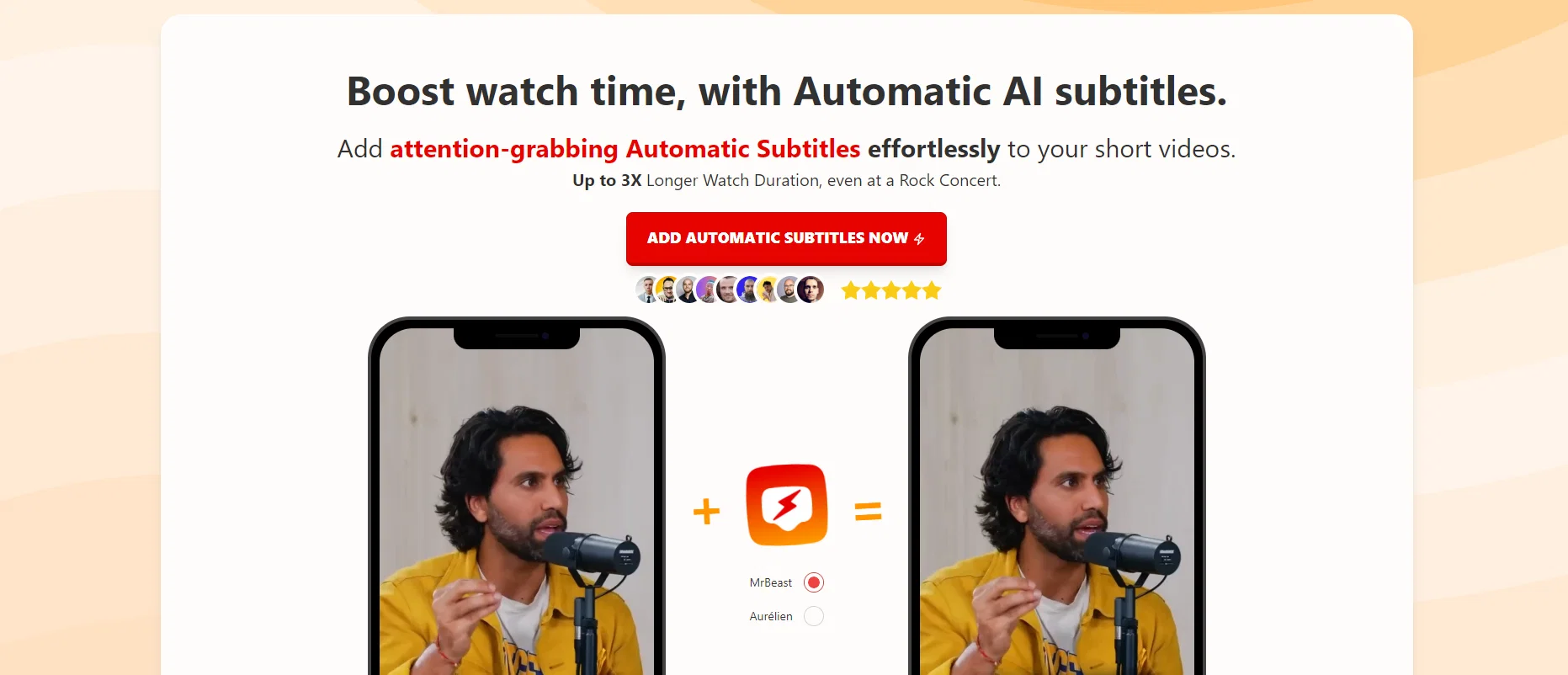
Videofa.st is an AI-powered tool that adds automatic subtitles to short videos. The tool focuses on increasing viewer engagement and boosting watch time by providing accurate and attention-grabbing subtitles.
It is ideal for enhancing accessibility and ensuring comprehension of the video's content, even in loud environments. The auto-subtitle feature supports video inputs up to 5 minutes long depending on the selected plan.
Multilingual and translation support is offered for up to 99 popular languages, provided a high level of inclusivity for different viewer demographics.
Videofa.st also comes equipped with over 25 popular visual presets that allow customization of the subtitles' appearance. It provides a 1080P quality output with support for H.264 and H.265+ codecs.
The tool integrates an easy-to-use, user-friendly interface, supporting activities such as video resize, crop, zoom, and offering features like high-accuracy grouped words, highlighted spoken word, and emoji as text compatibility.
It also boasts compatibility across different operating systems. The service is secure and there's a limit on the monthly video count. A distinguishing feature of Videofa.st is its fast building speed, which enhances efficiency and productivity for the user.
Help other people by letting them know if this AI was useful.
Add your own prompts and outputs to help others understand how to use this AI.
Screenshot gallery
Pros & Cons
Pros
+Automatic subtitles
+Boosts watch time
+Enhances video accessibility
+Supports short video inputs
+Supports up to 99 languages
+Translation support
+Customizable subtitles appearance
+Over 25 visual presets
+Quality 1080P output
+Supports H.264 and H.265+ codecs
+Easy-to-use interface
+Video resize feature
+Video crop feature
+Zoom feature
+Accuracy in word grouping
+Highlights spoken word
+Emoji as text compatibility
+Compatible across different OS
+Secure service
+Limited monthly video count
+Fast building speed
+Improves video engagement
+Improves video comprehension
+Ideal for loud environments
+Featured user-friendly interface.
Cons
−5 minutes video length limit
−Limited monthly video count
−Editing functionality basic
−No offline mode
−No integrated spellcheck
−Translation support ambiguous
−500MB max video size
−Limited visual preset options
−Codec compatibility restricted
A Professional Framework to Evaluate Videofa.st
When considering Videofa.st for integration into your organizational workflow, we recommend deploying a structured score card across three critical operational pillars: Security & Compliance, Integration Friction, and long-term Price Scalability. Rather than looking only at basic feature lists, modern procurement teams must assess how a software platform behaves under high load and how well it fits into the team's data security guidelines.
1. Security and Database Compliance
Depending on your operating region and field, ensure that Videofa.st supports standard security layers such as SOC 2 Type II certifications, GDPR compliance, or HIPAA-compliant database encryption. If the tool connects directly to client database tables or handles user passwords, verify that they implement multi-factor authentication (MFA), single sign-on (SSO) integrations, and end-to-end data encryption in transit and at rest.
2. API Coverage and Custom Integrations
Siloed data is the primary cause of operational friction. Evaluate if Videofa.st has native connectors for your current project trackers, messaging hubs, and customer communication channels. For custom developer requirements, check if they provide a fully documented REST API with reasonable rate limits, comprehensive Webhooks support, and robust SDK packages in your language. A flexible API layer saves hundreds of hours of manual copy-paste overhead.
3. Total Cost of Ownership (TCO)
SaaS pricing packages are often deceptively simple. When reviewing Videofa.st's billing structure, map out your team's projected expansion over the next 12 to 24 months. Determine how costs scale as your customer database increases or as you add team members. Factor in setup costs, mandatory support plan upgrades, API access fees, and storage overage rates to understand the true cost before committing to a contract.
By combining verified user reviews from our directory with internal workflow pilot tests, your procurement team can make an informed decision that drives productivity without creating capital waste.
Features of Videofa.st
Video Editing
Subtitles
AI Subtitles
Content Accessibility
Video Engagement
User Engagement
From $6/Mo
SaaS1to10 verified reviews for Videofa.st
Overall rating
★★★★★5.0
Based on 22 reviews
★★★★★5.01 months ago
“Review”
As the service was in beta-testing stage, I created there a dozen of AI-generated courses for free. I wanted to use them. Those courses remained in my account as they started subscription tiers. But recently I have found out that they were deleted. The support didn't answer to my e-mail at all.
Oldfag TV
★★★★★5.01 months ago
“Review”
Needs to learn about different art schools, imo: doesn’t seem to understand the concept of cubism.
Catherine Karaguézian
★★★★★5.01 months ago
“Review”
nice holistic
Amit ImmI
★★★★★5.01 months ago
“Review”
your answer is much too general, so useless. You could have just tell me to ask Perplexity.
Ta
★★★★★5.01 months ago
“Review”
Cool writing assistant from what features you have listed. Heads up, the 1st time you try to sign in with google it gives an error message "Wrong Captcha". Complete it and try again.
michael.in.the.clouds42
★★★★★5.01 months ago
“Review”
works great!
Alexander Liss
★★★★★5.01 months ago
“Review”
Great accuracy and easy to crosscheck with the provided hyperlinks to the sources.
Marius Schmitt
★★★★★5.01 months ago
“Review”
hmm it is un-real...literally...sounds robotic....far awy from Real
Dhhaval Joshi
★★★★★5.01 months ago
“Review”
Just from the copy on the site, it seems it will be useful for e-commerce platforms. Customers need quick assistance, platform managers can delegate the mundane to the AI.
Vince Matinde
★★★★★5.01 months ago
“Review”
filters my spam calls
Robin Haw
★★★★★5.01 months ago
“Review”
Hi thanks for pointing this out, we've checked and can confirm that the thing is in fact doing the thing 🫡
Osum
★★★★★5.01 months ago
“Review”
Great! I think @AI Lawyer is the best service I've ever seen. Perfect use. Prompting helps in the work
Yuri Gerasimov
★★★★★5.01 months ago
“Review”
after playing around with it for a bit, i am now aware of how much i need this. i can already feel the hours of sleep coming back to me <3
Bru no no no
★★★★★5.01 months ago
“Review”
We will give you guys a go! thanks!
Silent Co
★★★★★5.01 months ago
“Review”
I already have another transcription tool, but this one is much better. I love the different features such as the summary, quiz, and chapters. It does a great job of them. I've only done one transcript so far to try it out, but I'm truly impressed and am going to grab another code. A couple things that would make it even better are: - the ability to rename the files and organize them through folders. - the ability to download a copy of the other features as well as the transcript. Copying and pasting it works, but doesn't keep the format.
dunn
★★★★★5.01 months ago
“Review”
I think it's the best @Image Generator I ever found on the net. It gives more accurate image according to the prompt. And thank you for keeping it for free.
My Sawsiri
★★★★★5.02 months ago
“Review”
tried @Submagic and it does the job, auto captions came out clean and it’s super easy to use. free trial lets you upload 3 vids which is enough to test it out, but the watermark on them means you can’t really use those exports anywhere. still, pretty solid tool overall :p
Devandra Daniel
★★★★★5.02 months ago
“Review”
Amazing functionality! I created stunning animations for my online courses.
Mikael
★★★★★5.02 months ago
“Review”
It doesn't create the subtitles and it doesn't let you upload them. You can only create them manually
francesco tagliamonte
★★★★★5.02 months ago
“Review”
starts in 59$mo
Igor Medeiros
★★★★★5.02 months ago
“Review”
Amazing tool! Just started working on my videos and I’m loving everything @RenderCut offers. It’s super easy to use and saves me a ton of time with subtitles. 5 tacos, no doubt!
Render Cut
★★★★★5.02 months ago
“Review”
This one is CRAAAAAZY! drop your MP4/MOV, it locks captions to speech cleanly (also multi-language), the in-browser editor is solid and you can either export SRT for youtube or burn the subs in shorts with a couple clicks. it's a W for creators :D
Chris Studioz
Pricing
Starting Price
Contact vendor for pricing
Pricing may vary based on team size and features selected.