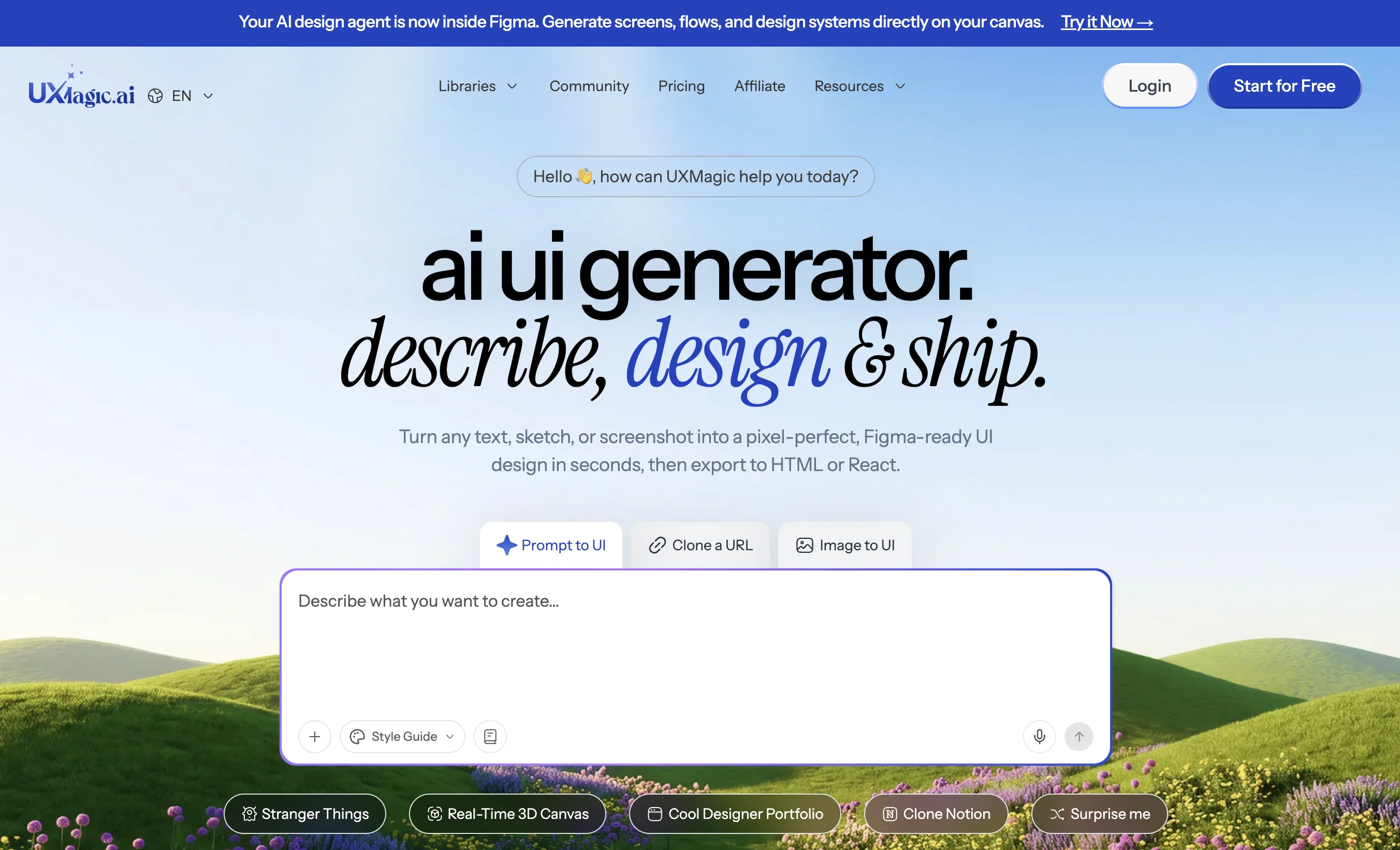
UXMagic.ai is a personalized AI First UX/UI design tool, enabling teams to design 10x faster. Users can create wireframes, interfaces and optimise their product design with any design system or using their own design style/system by just prompts, documents, sketches, or existing Figma files.
Offering features like AI UI Generator, AI wireframe generator, Cloning a website from URL. Designing websites, SaaS and mobile apps. It is fully integrated with Figma, code, cursor and many other platforms.
Help other people by letting them know if this AI was useful.
Add your own prompts and outputs to help others understand how to use this AI.
Screenshot gallery
Pros & Cons
Pros
+Generates mockups
+Creates Figma-ready wireframes
+Sectional editing (update any component of a screen without affecting the rest of the screen)
+Convert images into editable Figma designs and code
+Import Figma files and edit them with prompts
+Prompt-based high-fidelity designs
+Generates sitemaps
+Generates style guides
+Export to Figma, HTML, React, Cursor, Windsurf and 15 other platforms
+Applies style guidelines
+Intelligent content suggestions
+AI Wireframe Generator
+Enterprise-grade scalability
+Syncs with existing design systems
+Produces code-ready components
+AI UI Generator
+70% time saved
+Generate screen flows from a single prompt
+Convert sketches into editable Figma designs and code
+Convert screenshots into editable Figma designs and code
+Website clone feature
+Figma integration
+Generating high fidelity designs
+Responsive design creation
+Creating design mockups
+Transforms design systems into code-ready UIs
+Speeding up MVP & Prototype Design
+Generates UIs from text, screenshots, or URL
+Create fully responsive Figma components from simple description
+Generates multi-page wireframes
+Accelerates repetitive design tasks
+Pixel-perfect auto layout
+UX Brainstorming & Concept Exploration
+Instant generation of sitemaps, wireframes and style guides
+Single tool for design to code process
+Customizable output
Cons
−Works best with clear prompts, great for keeping projects focused.
−Generates strong first drafts, but encourages final polish in Figma.
−Takes a moment on large projects because it’s building full flows.
−Designs may vary in style, giving you more creative options to choose from.
−Design system setup takes a bit upfront, but ensures perfect consistency later.
A Professional Framework to Evaluate UXMagic AI
When considering UXMagic AI for integration into your organizational workflow, we recommend deploying a structured score card across three critical operational pillars: Security & Compliance, Integration Friction, and long-term Price Scalability. Rather than looking only at basic feature lists, modern procurement teams must assess how a software platform behaves under high load and how well it fits into the team's data security guidelines.
1. Security and Database Compliance
Depending on your operating region and field, ensure that UXMagic AI supports standard security layers such as SOC 2 Type II certifications, GDPR compliance, or HIPAA-compliant database encryption. If the tool connects directly to client database tables or handles user passwords, verify that they implement multi-factor authentication (MFA), single sign-on (SSO) integrations, and end-to-end data encryption in transit and at rest.
2. API Coverage and Custom Integrations
Siloed data is the primary cause of operational friction. Evaluate if UXMagic AI has native connectors for your current project trackers, messaging hubs, and customer communication channels. For custom developer requirements, check if they provide a fully documented REST API with reasonable rate limits, comprehensive Webhooks support, and robust SDK packages in your language. A flexible API layer saves hundreds of hours of manual copy-paste overhead.
3. Total Cost of Ownership (TCO)
SaaS pricing packages are often deceptively simple. When reviewing UXMagic AI's billing structure, map out your team's projected expansion over the next 12 to 24 months. Determine how costs scale as your customer database increases or as you add team members. Factor in setup costs, mandatory support plan upgrades, API access fees, and storage overage rates to understand the true cost before committing to a contract.
By combining verified user reviews from our directory with internal workflow pilot tests, your procurement team can make an informed decision that drives productivity without creating capital waste.
Features of UXMagic AI
AI Mockup Generator
AI UI Generator
AI UI/UX Design
AI UX Generator
AI Wireframe Generator
AI Workflow
Free + From $17.5/Mo
SaaS1to10 verified reviews for UXMagic AI
Overall rating
★★★★★5.0
Based on 18 reviews
★★★★★5.02 months ago
“Review”
This tool finally helps me understand what makes a great prompt. It doesn't just give me a better version, it shows me to get there by analyzing why the original prompt is weak and showing what to improve. The difference this makes to the final AI output is incredible. An essential tool for getting more accurate and detailed results, Great Job!
Milo Quinn
★★★★★5.02 months ago
“Review”
Yes this AI is literally very good
Anurag kumar
★★★★★5.02 months ago
“Review”
Reducing manual efforts in first-pass during code-review process helps speed up the "final check" before merging PRs
Sahil Mohan Bansal
★★★★★5.02 months ago
“Review”
Very interesting
Béatrice Duval
★★★★★5.02 months ago
“Review”
Really like how it finds connection in the content that I save. I don't think any other tool can do that.
amix ffx
★★★★★5.02 months ago
“Review”
This tool i found is super cool, I created 5 books from this tool to sell them online, which gives me great profit. I am creating more valuable books to spread knowledge, and earn some bucks as well 🤑.
Bilal Ashraf
★★★★★5.02 months ago
“Review”
Great tool! Was very helpful in content production
Duck Typer
★★★★★5.02 months ago
“Review”
Does not know how to spell
Emily Hamilton
★★★★★5.02 months ago
“Review”
Landing page tests with @Articos helped me quickly identify conversion bottlenecks and uncover missing features. The insights were actionable and made it much easier to prioritize improvements that actually impact user behavior.
Osman ERDOĞAN
★★★★★5.02 months ago
“Review”
Purely magic. It increases the productivity by a lot and the process is pretty addictive. I've been building websites like there's not tomorrow.
Geo Burlibasa
★★★★★5.02 months ago
“Review”
Great designs
Brian Gacheru
★★★★★5.02 months ago
“Review”
I’ve been using UX sniff for a little while now and I absolutely love it! It’s brilliant! It’s very easy to use, very easy to set up and the support has been spot on. It’s really been helping me with my Business - Pawfection Pet Products. I highly recommend this product.
Anneka Avery
★★★★★5.02 months ago
“Review”
Ideal for stock-watchlist and not missing trade setups that correspond to my strategy.
Builder
★★★★★5.02 months ago
“Review”
Not at all accurate…. The only thing similar between original and generated images were the clothes and accessories… face was absolutely new and unconnected.
Shvetank Sharma
★★★★★5.02 months ago
“Review”
nice holistic
Amit ImmI
★★★★★5.02 months ago
“Review”
I think it's the best @Image Generator I ever found on the net. It gives more accurate image according to the prompt. And thank you for keeping it for free.
My Sawsiri
★★★★★5.02 months ago
“Review”
Love the product!
Ajay Khatri
★★★★★5.02 months ago
“Review”
Great tool! Loved that it asked questions before designing.