5.02 months ago
“Review”
I'm still testing the tool yet it looks very promising. I tested it with a 5.5k words Academic text that I had previously red. I tested the Key points feature, it does work!
Ivana González

AI-powered answers to any question, instantly.
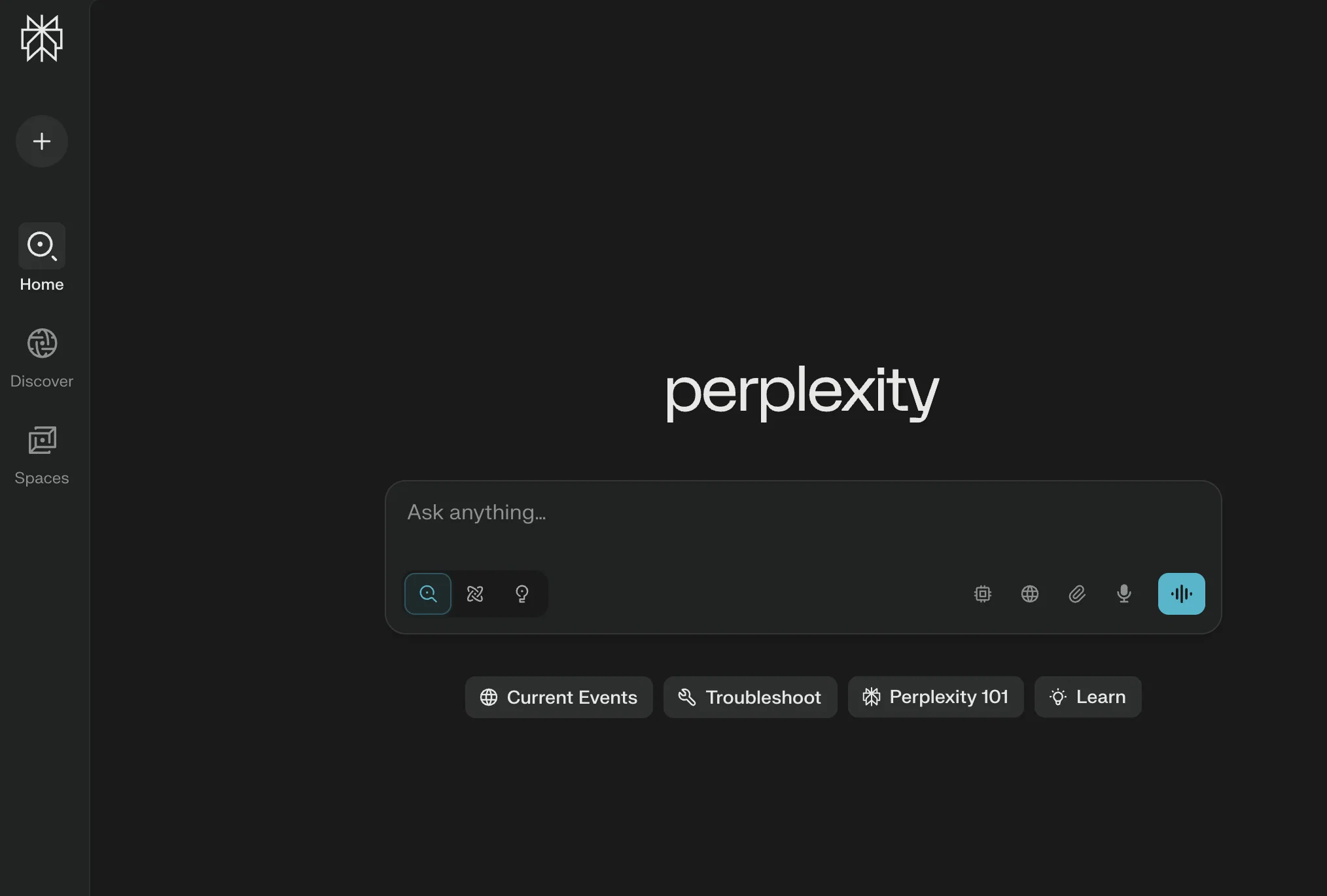
Perplexity is an AI-powered answer engine, designed to provide real-time, accurate and trusted responses to a variety of questions. Its purpose is to serve as a central hub of knowledge and information, available without cost to its users. The AI technology underpinning Perplexity is sophisticated enough to handle a diverse range of queries, covering a broad spectrum of topics, from city infrastructure and current trends, to events and cultural information. Additionally, it offers a Pro version that comes with added functionalities such as image upload and enhanced AI capabilities. Its language support extends to English, French, German, Japanese, Korean, Simplified Chinese, Spanish and Hindi, making it accessible to a wide international user base. The platform also pays attention to user privacy, with options to accept necessary cookies for enhanced user experience. Users can sign in and create an account to unlock Pro Search and Thread History features, with several sign-in methods available, including Google, Apple, and Single Sign-on (SAML SSO). Simplified Input Interface: It’s now easier to ask questions while switching modes. Pro Search Enhancements: Auto-routing for models is now supported, and all model selections are sticky, except for Deep Research. Unified Model Selection: For Pro users, all model choices are consolidated into a single dropdown, with Reasoning now part of Pro. Revamped Account Settings: Account settings have been updated with intuitive navigation and a cleaner look. Shared Spaces Improvements: The new asking experience for shared Spaces makes it easier to ask questions. Memory Feature in Beta: Memory is currently in beta testing, with plans for a broader release soon. Help other people by letting them know if this AI was useful.
When considering Perplexityv2.2 for integration into your organizational workflow, we recommend deploying a structured score card across three critical operational pillars: Security & Compliance, Integration Friction, and long-term Price Scalability. Rather than looking only at basic feature lists, modern procurement teams must assess how a software platform behaves under high load and how well it fits into the team's data security guidelines.
Depending on your operating region and field, ensure that Perplexityv2.2 supports standard security layers such as SOC 2 Type II certifications, GDPR compliance, or HIPAA-compliant database encryption. If the tool connects directly to client database tables or handles user passwords, verify that they implement multi-factor authentication (MFA), single sign-on (SSO) integrations, and end-to-end data encryption in transit and at rest.
Siloed data is the primary cause of operational friction. Evaluate if Perplexityv2.2 has native connectors for your current project trackers, messaging hubs, and customer communication channels. For custom developer requirements, check if they provide a fully documented REST API with reasonable rate limits, comprehensive Webhooks support, and robust SDK packages in your language. A flexible API layer saves hundreds of hours of manual copy-paste overhead.
SaaS pricing packages are often deceptively simple. When reviewing Perplexityv2.2's billing structure, map out your team's projected expansion over the next 12 to 24 months. Determine how costs scale as your customer database increases or as you add team members. Factor in setup costs, mandatory support plan upgrades, API access fees, and storage overage rates to understand the true cost before committing to a contract.
By combining verified user reviews from our directory with internal workflow pilot tests, your procurement team can make an informed decision that drives productivity without creating capital waste.
Overall rating
Based on 59 reviews
I'm still testing the tool yet it looks very promising. I tested it with a 5.5k words Academic text that I had previously red. I tested the Key points feature, it does work!
Ivana González
Great avatar generation tool!
Ethan Webb
As the service was in beta-testing stage, I created there a dozen of AI-generated courses for free. I wanted to use them. Those courses remained in my account as they started subscription tiers. But recently I have found out that they were deleted. The support didn't answer to my e-mail at all.
Oldfag TV
@Cursor is underrated.
Vanessa
O GPT faz uma análise melhor e mais personalizada.
Vinicius Vilela
A whole new way of learning how to code
Francisco Silverio
Couldn't live without it.
Ryan
Makes it easy to get started with a presentation if you have an outline, but as soon as you want more control, you're better off using Google Slides. @Gamma's feature that I used the most was image generation - you can select among a variety of models (Ideogram, Flux, DALL-E, but not Midjourney), and it shows 3 variations to choose from. Performance is slow and a little janky, even in Chrome. Prompts and settings are often not respected - e.g. you set it to "preserve text" and just generate slides, and it goes onto dumping an entire 3 paragraphs of text in one slide. You can't overlay text over images (e.g. for image attribution), and there's no precise positioning control, or grouping elements. No way to control table layout, e.g. to have two images slide-by-side in full bleed mode. I tried @Gamma for a new presentation, but next time I need to make a presentation, I'll go back to Google Slides and generate images independently.
Dan Dascalescu
They nailed it. It’s better than 3.7 at coding.
Tealgreen
When I want to sign up on the @Ideogram website with "Continue with Google" and press it, the sentence "Please choose an option to continue" appears below the banner and no action happens. Anybody can help me?
Michael Ryan
easy onboarding, quick to set up.
Pluto Radigund
Accuracy nice. Free
Álvaro Sánchez Román
I got some top quality results after learning how to prompt songs 🤩
Claes Lanng
too expensive for me, I just want to make memes, not pay that much
Grzegorz Rolnik
Such a great place to start out!
Helli Lang
I think it's the best @Image Generator I ever found on the net. It gives more accurate image according to the prompt. And thank you for keeping it for free.
My Sawsiri
The most humanly AI i have used so far but the problem is as soon as you start piling up messages in single chat session , it starts getting slow and at some point it starts freezing and also uses a lot of resources. For time being its okay to do 3 4 messages but as soon as we continue it has messages limitation and also starts getting very very slow . For the price of £18 per month this is unacceptable and with the newly introduced feature called project, if we start new chat within the project we cannot continue with the context we provided in other chats within same project. There are lot of improvements for them to work on. And to start with the its speed and its price
Bibash Katel
State of the Art
Dmitry G.
This is a search engine, not a chatbot. You need to change how you categorize this.
Lisa Krajecki
Swapped from ChatGPT to this, it's my daily driver. Love being able to swap from Claude 3 Opus to GPT 4o to Sonar/Llama with ease. Changed my whole workflow.
Esus Dev
In the beginning, it was flawless, but I noticed a steep degradation of the answers in the different models
Guillermo Cid
Loved the search engine ideas.
Amr عمرو Amin امين
Still a little hit and miss for me, but great as a search engine.
Jay Lane
Swapped from ChatGPT to this. Being able to switch models instantly is low-key the best part. Makes research actually enjoyable again.
Darren Holloway
Still not always accurate, but it’s quick, cites sources, and gives me a starting point faster than Google.
Luther Davis
Use it like a search engine with superpowers. Just don’t expect deep reasoning — that’s not what it’s for.
Smith Watson
After being a researcher for decades, I resisted AI’s “interference” - until I tried @Perplexity. More than other of the well-known AI tools, @Perplexity feels like a natural extension to those who are used to digging deep for obscure information.
Erin
clever concept with a clean, no-fuss interface that makes digging for answers feel quick and approachable. that said, walling off the snappiest response times, larger context, and "best model" switches behind paid tiers takes some shine off. it's tough to justify upgrading just for faster turnaround when the baseline search-plus-chat already delivers solid results.
Ryan Sanchez
Been really using this tool. UI is clean, answers show sources right there, and it moves fast. The replies are straight to the point, less fluff, more "here's what you need" with links if you want to dig deeper. It's great for quick research and current topics, and follow-ups feel natural. Nice one right here!
Bianca Nikam
Ive used it a few times now and it’s been solid. Gives clear info fast. The language support is definitely useful.
Narada Bernardini
Replace google search with this. Way better.
Benji Grise'l (greybeard.)
@Perplexity gets study chores done fast. Uploads turn into practice sets that mirror your notes and replies include citations so you can trace the trail. The auto-check can be harsh, minor spelling slips can sink a response and a few items read a bit off; a report button, a challenge-level slider and clearer step-by-step reasoning would help.
Marley Blenkinsop
This tool's my quick answer buddy when I'm scoping a topic or sanity-checking something fast. It surfaces sources right with the reply, so hopping into the receipts is easy, and follow-ups stay on track. :D
Ezenma Omo
This is my exam buddy, it lets me check what I think I know and backs up with clear SOURCES. It's a huge time saver for daily studying
Nicolas Chow
@Perplexity cuts the noise and gives me sourced briefs in seconds. Perfect for growth planning, competitor scans and fast, confident decisions. Insane!!
David Barry
As a history teacher, I use @Perplexity as a research aide: it gives concise answers with inline citations, which helps me model source evaluation and explore competing interpretations through follow-ups, though I still verify with library databases.
James Chris
perfect for fact-checking, backgrounding and finding primary sources. it's the easies win in a reporter's toolkit. :)
Ela Abbas
Gave it a try and it's basically chat plus search with receipts. Fast, gives you sources, lets you dig with follow-ups without switching tabs. This is definitely my go-to when I want an answer with links. 4/5 (sometimes it skims nuance and overconfidently wraps things up)
Krishna Black
I love keeping up with space launches and I love how @Perplexity always gives me sources I can trust.
Duncan Mills
@Perplexity is my go to tech guy. For troubleshooting it gives me the right docs and forum threads, then wraps it into a clean fix path so I'm not doom scrolling. It feels natural and the citations make double checking easy.
Rudra Macarubbo
Perfect for growth planning, competitor scans and fast, confident decisions. Insane!!
Ethan
Fast, accurate and surprisingly current. It’s great for keeping up with what’s trending or finding quick insights before something blows up.
LUCKY Gobs
@Perplexity pulls solid links fast and stitches a quick brief, handy for crypto digging. It can skate past on-chain nuance or DEX liquidity at times, but for fast research it’s great.
Ezekiel Ankhali
I love @Perplexity, I ask a topic and get a tight answer with sources I can open, then keep drilling with follow ups. I use it for study sprints.
Elmer Garrett
it is a great tool for getting quick accurate answers
Olivia A
i ask about launches or a weird jwst result and it gives a clean summary with links to nasa or esa sources. fast, sourced and easy to dig deeper.
Duncan Mills
Loved search engine.....
Jose
Sourced briefs on new ideas. It keeps follow ups tight and helps me test assumptions and scan trends without tab chaos.
Tommy Cooper
Really good for finding quotes and getting different perspectives on things. way better than just googling around.
Antonio Angulo
this one is a game changer for checking nutriscores and ingredient lists. just paste the product name and it pulls up everything: additives, ratings, the whole deal.
Austin Hamann
Found amazing vegetarian protein sources and recipes fast! Great for research on nutrition topics. Highly recommend!!
Asad kumar
Hahaha this one's great for settling football debates with friends. I asked about old world cup stats and it pulled up everything with sources. Perfect for trivia nights, nice.
Juan Glass
Found copycat recipes for my fav fast food spots and the ingredients list was spot on. Made chipotle at home for like $5 instead of $15 lmao. Pretty solid
Krisha Salimian
bruv, where was this when i was looking for new comics? Quick searches, pulls sources, found like 10 series in minutes. way better than scrolling forums for hours xD
Yeet Scott
used this to look up islamic sites before traveling. sources were accurate and it explained cultural customs respectfully. gave me translations and nearby spots fast. felt like having a knowledgeable guide for religious travel.
Al Fatahi Mohamed
really like this idea, since 90% of the time I put 'reddit' in my google searches, BUT this had 0 results for simple terms I tried to search
Kelsey O'Neill
The hybrid feature is very powerful. I finally don’t need to manage our local knowledge base anymore.
MemFree
I really like the detailed answers with sources, and the explore content on the right. I have been using it a lot from market research for my job and planning my short trip to my neighbor city.
Grace Lawrence
handy browser
Sai Teja PCV
Starting Price
Free plan available
Free tier available with optional paid upgrades.


