5.02 months ago
“Review”
It is not free. So i couldnt test anything
Isa Venancio

Search every word, face & moment in your media.
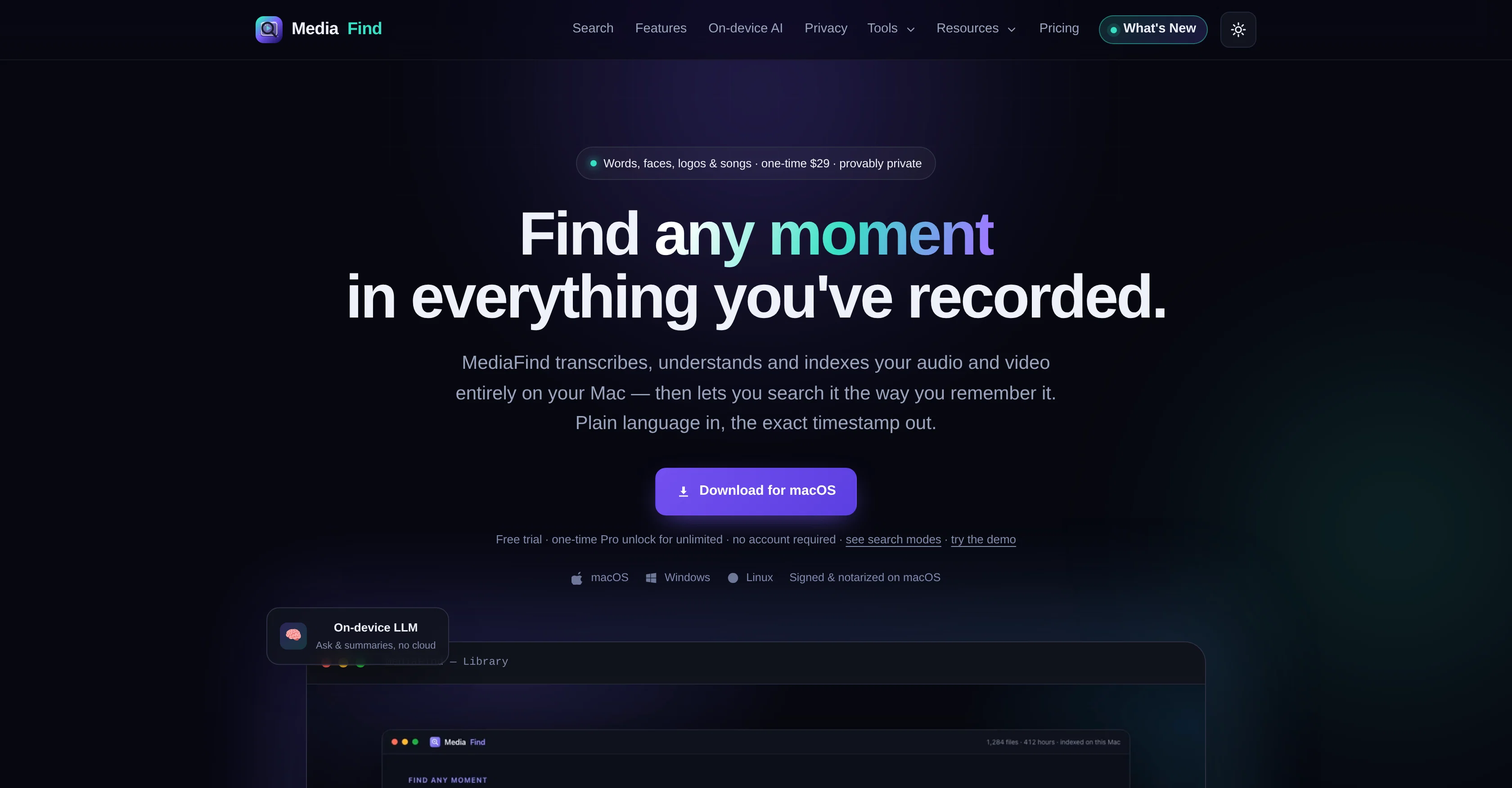
MediaFind transcribes, understands and indexes your audio and video entirely on your Mac — then lets you search it the way you remember it. Plain language in, the exact timestamp out. Help other people by letting them know if this AI was useful. Add your own prompts and outputs to help others understand how to use this AI.
When considering MediaFind for integration into your organizational workflow, we recommend deploying a structured score card across three critical operational pillars: Security & Compliance, Integration Friction, and long-term Price Scalability. Rather than looking only at basic feature lists, modern procurement teams must assess how a software platform behaves under high load and how well it fits into the team's data security guidelines.
Depending on your operating region and field, ensure that MediaFind supports standard security layers such as SOC 2 Type II certifications, GDPR compliance, or HIPAA-compliant database encryption. If the tool connects directly to client database tables or handles user passwords, verify that they implement multi-factor authentication (MFA), single sign-on (SSO) integrations, and end-to-end data encryption in transit and at rest.
Siloed data is the primary cause of operational friction. Evaluate if MediaFind has native connectors for your current project trackers, messaging hubs, and customer communication channels. For custom developer requirements, check if they provide a fully documented REST API with reasonable rate limits, comprehensive Webhooks support, and robust SDK packages in your language. A flexible API layer saves hundreds of hours of manual copy-paste overhead.
SaaS pricing packages are often deceptively simple. When reviewing MediaFind's billing structure, map out your team's projected expansion over the next 12 to 24 months. Determine how costs scale as your customer database increases or as you add team members. Factor in setup costs, mandatory support plan upgrades, API access fees, and storage overage rates to understand the true cost before committing to a contract.
By combining verified user reviews from our directory with internal workflow pilot tests, your procurement team can make an informed decision that drives productivity without creating capital waste.
Overall rating
Based on 15 reviews
It is not free. So i couldnt test anything
Isa Venancio
I would highly recommend for researches and students. useful to manage your articles and use AI to get the key points.
Hamed Mousavi
It's not able to analyse large file pdf and pop out with wrong message
Squash
"Brilliant AI solution—making life easier."
Catherine Leblanc
Great tool for my video content
Silvia Cho
Great idea, but does not find what you are looking for-about the same as Google Scholar
Andy
⭐️⭐️⭐️⭐️⭐️ To say the least, Hyper Realism is absolutely phenomenal. I’ve been testing a lot of AI tools lately, and this one instantly stood out as a game‑changer. It’s not just hype — the results speak for themselves. Here’s what blew me away: - **Enhance & 4x Upscale** → The clarity jump is insane. Details that were muddy or soft in the original suddenly pop with crisp definition. It feels like breathing new life into your images. - **Background Replacement** → Super smooth and natural. I was able to swap out entire environments without losing the integrity of the subject. No weird edges, no awkward blending — it just works. - **Extra Features** → There are other editing options tucked in, and while it processes one at a time (and takes a little patience), the quality makes the wait worth it. What really seals the deal for me: **it’s 100% free.** No hidden paywalls, no “gotcha” credits system. Just pure, accessible power for creators who want professional‑grade results without breaking the bank. Yes, it’s one‑at‑a‑time and not lightning fast, but honestly, I’ll take that tradeoff any day for the level of polish it delivers. Every image I ran through came out looking like it belonged in a high‑end portfolio. If you’re on the fence, don’t be. Hyper Realism is the kind of tool that makes you excited to create again. It’s reliable, it’s powerful, and it’s free. I can’t recommend it enough — give it a try and see for yourself. 🔥 Verdict: Hyper Realism is a must‑use for anyone serious about AI image quality.
ChiChi
I joined Kin's beta program on my iPhone XR. After upgrading to an iPhone 13, I found that I couldn't log into my existing account on the new phone, forcing me to create a new account. Now, I have two separate Kin accounts on different phones. Today, when I accessed the beta version of Kin, I got a notification stating that the test version ended on Monday, September 23rd. It instructed me to back up my data and move to the official Kin app. I did as advised—backed up my data, confirmed, uninstalled the beta app via TestFlight, and installed the official Kin app. However, when I attempted to “log in”, I was still unable to access my existing account. This issue hasn't been resolved yet. I have been trying desperately to get in contact with the support team. I left feedback through the test flight app and sent emails. No response. Now trying to find a forums, Reddit posts, TAAFT comments☻
Desiree Miller
Fantastic tool for anyone who is looking to promote their personal brand and gain followers on Linkedin with no experience. The tool has a lot of potential to grow and as someone who has recently purchased the tool I'm hoping for more topics in settings.
Ed Soltani
Suppppeeeeerrr! Wowwww! @Mindsmith is absolutely fantastic! It is incredibly useful, easy to use, and very professional.
Claudia Scilletta
easy to pick up and you get a few free file imports. it gives you results pretty fast, unfortunately i can't find a way to get back to these, they're locked behind the paid service.
Ron Jayson
An amazing app, I love the share feature and the comment section summaries
Silvia Cho
After my first use, I think it's surprisingly good. The only drawback so far is the PDF export option for the report which is formatless.
Alejandro Correa
I'm still testing the tool yet it looks very promising. I tested it with a 5.5k words Academic text that I had previously red. I tested the Key points feature, it does work!
Ivana González
As the service was in beta-testing stage, I created there a dozen of AI-generated courses for free. I wanted to use them. Those courses remained in my account as they started subscription tiers. But recently I have found out that they were deleted. The support didn't answer to my e-mail at all.
Oldfag TV
Starting Price
Free plan available
Free tier available with optional paid upgrades.


