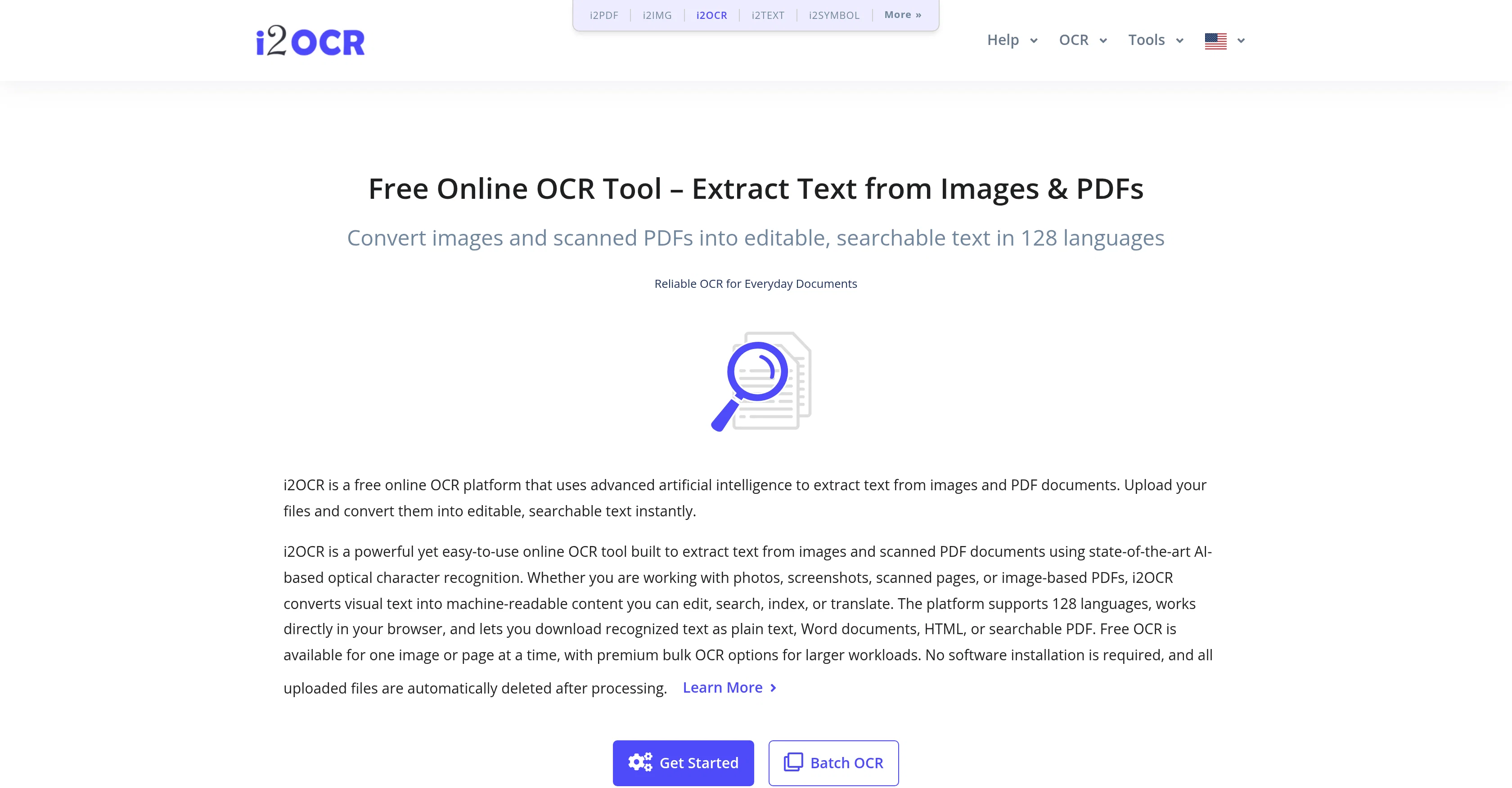
i2OCR is an AI-powered Optical Character Recognition (OCR) platform that converts images, photos, screenshots, scanned pages, image-based PDFs, and similar kinds of visual data into editable and searchable text.
While primarily an online service, the tool promises secure handling of uploaded files, stating that all data is automatically deleted after processing.
i2OCR is designed to recognize and interpret visual data, such as pictures of text, into machine-readable data, making it useful for tasks like digitizing notes, extracting text from visuals, and converting paper documents into digital data.
The platform works across 128 different languages and does not require software installation. Once converted, recognised text can be downloaded as plain text, Word documents, HTML, or searchable PDF.
The tool is designed to be easy-to-use but also offers advanced bulk processing abilities through a premium subscription. It's particularly useful for anyone needing to extract text from visual or image-based sources in a professional or educational capacity.
Help other people by letting them know if this AI was useful.
Add your own prompts and outputs to help others understand how to use this AI.
Screenshot gallery
Pros & Cons
Pros
+Converts images to text
+Converts photos to text
+Converts screenshots to text
+Converts scanned pages to text
+Converts image-based PDFs to text
+Secure handling of uploaded files
+Data deleted after processing
+Recognition of 128 languages
+No software installation required
+Text downloadable in plain text
+Text downloadable as Word doc
+Text downloadable as HTML
+Text downloadable as searchable PDF
+Advanced bulk processing
+User-friendly design
+Premium subscription available
+Effective for professional use
+Effective for educational use
+Online service
+OCR for image files
+OCR for image-based PDFs
+Free OCR for single files
+Plain text download
+Word documents download
+HTML download
+Searchable PDF download
+Work in modern browsers
+Premium bulk OCR options
+Recognizes text in images
+Recognizes text in scanned PDFs
+High recognition accuracy
+Automatic file deletion for security
+Extracts text from visuals
+Digitizes notes
+Digitizes paper documents
+Auto Deletes Data
+Supports multiple output formats
+Secure file handling
+Option for extracting bulk data
+Creates machine readable data
+Extracts text from photos
+Automated data conversion
+Automatic language recognition
+Text extraction from PDF
+Text extraction from images
+Free online OCR tool
+No installation necessary
+Multi-lingual support
+Efficient data entry
+Invaluable for research
Cons
−Online-only
−No offline capabilities
−Limited free tier
−Premium required for bulk processing
−Files deleted after processing
−Dependent on image quality
−Handwriting may reduce precision
−One page at a time for free OCR
−Complex layouts might reduce accuracy
−Contains ads
A Professional Framework to Evaluate i2OCR
When considering i2OCR for integration into your organizational workflow, we recommend deploying a structured score card across three critical operational pillars: Security & Compliance, Integration Friction, and long-term Price Scalability. Rather than looking only at basic feature lists, modern procurement teams must assess how a software platform behaves under high load and how well it fits into the team's data security guidelines.
1. Security and Database Compliance
Depending on your operating region and field, ensure that i2OCR supports standard security layers such as SOC 2 Type II certifications, GDPR compliance, or HIPAA-compliant database encryption. If the tool connects directly to client database tables or handles user passwords, verify that they implement multi-factor authentication (MFA), single sign-on (SSO) integrations, and end-to-end data encryption in transit and at rest.
2. API Coverage and Custom Integrations
Siloed data is the primary cause of operational friction. Evaluate if i2OCR has native connectors for your current project trackers, messaging hubs, and customer communication channels. For custom developer requirements, check if they provide a fully documented REST API with reasonable rate limits, comprehensive Webhooks support, and robust SDK packages in your language. A flexible API layer saves hundreds of hours of manual copy-paste overhead.
3. Total Cost of Ownership (TCO)
SaaS pricing packages are often deceptively simple. When reviewing i2OCR's billing structure, map out your team's projected expansion over the next 12 to 24 months. Determine how costs scale as your customer database increases or as you add team members. Factor in setup costs, mandatory support plan upgrades, API access fees, and storage overage rates to understand the true cost before committing to a contract.
By combining verified user reviews from our directory with internal workflow pilot tests, your procurement team can make an informed decision that drives productivity without creating capital waste.
Features of i2OCR
OCR
Image To Text
Text Extraction
AI Image Processing
PDF To Text
Document Digitization
SaaS1to10 verified reviews for i2OCR
Overall rating
★★★★★5.0
Based on 9 reviews
★★★★★5.01 months ago
“Review”
I’ve been using @Collate to go through technical PDFs, and it’s been surprisingly handy. Summarizing docs and being able to ask questions directly saves me time, especially when I’m skimming through research or API references. No sign-ups, works offline, and everything stays on my device — which I appreciate.
Harman
★★★★★5.01 months ago
“Review”
The translation is good enough. It's free, so waiting longer for the result is not a problem
Marek Faina
★★★★★5.01 months ago
“Review”
way better than what microsoft has
Dara Mason
★★★★★5.01 months ago
“Review”
Very useful for my work!
Frederick Galloway
★★★★★5.01 months ago
“Review”
Unable to tried its functionality as its keep asking to pay
koi
★★★★★5.01 months ago
“Review”
This AI PDF Summarizer worked really well
Maksym Zolotyi
★★★★★5.01 months ago
“Review”
Not what I expected. The roblocks stuff. When you say PDF to video, I was expecting whatever the PDF says there would be an animation or cartoon or something visually animated going on.
CADmanDesigns
★★★★★5.01 months ago
“Review”
Best PDF to Explainer Videos AI Tool
Alex Cao
★★★★★5.01 months ago
“Review”
It helped me save so much time! Thank you to whoever made this.
Jumaru
Pricing
Starting Price
Contact vendor for pricing
Pricing may vary based on team size and features selected.