5.02 months ago
“Review”
It's great for creating and managing knowledge bases as you can see https://youtu.be/w8YHPe0tZuo?si=iiNIgjIDj77DEs-L
J.I.

AI Meeting Assistant: Transcribe, summarize, and analyze conversations.
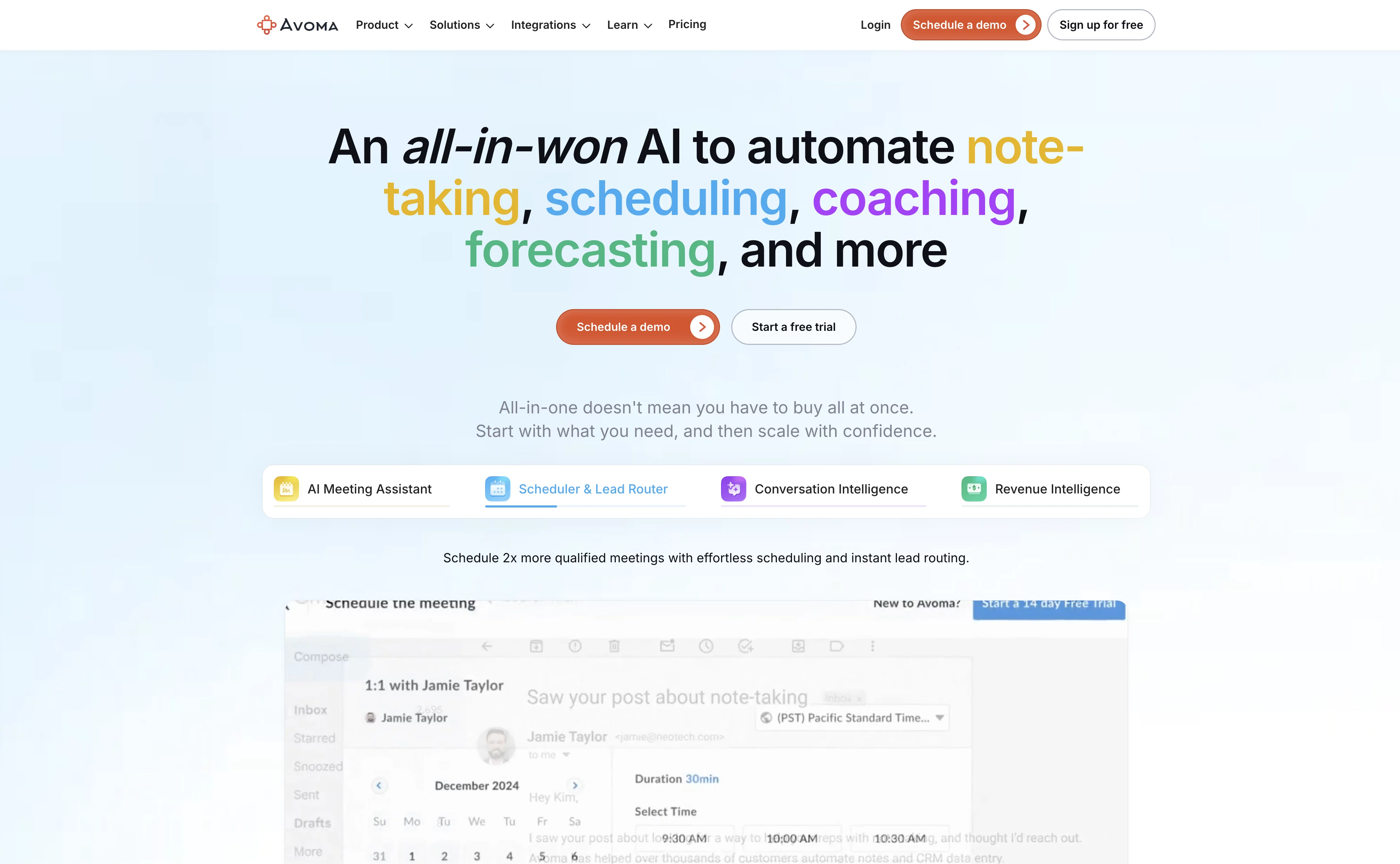
Avoma is an AI-based tool designed to offer comprehensive meeting and conversation management solutions. The tool primarily functions as a meeting assistant, taking on tasks such as automatic transcriptions and note generation, topic detection, keyword tracking, and speaker identification. In addition, Avoma comes with a live bookmarking feature, making it easier to access important parts of the meeting conversation. Apart from being a meeting assistant, Avoma's capabilities extend to managing and scheduling meetings, providing tools for shared meeting templates and collaborative note editing. Moreover, its conversation and revenue intelligence elements aid in decision-making by offering activity dashboards and allowing for interaction, competitor, and topic intelligence. Avoma also facilitates collaboration in cross-functional teams, coupled with the capability to provide coaching insights to increase deal win rates and reduce employee ramp-up time. Integrated with various conferencing, CRM, and Dialer systems, Avoma caters to a wide range of needs for sales, customer success, and remote teams. Help other people by letting them know if this AI was useful. Add your own prompts and outputs to help others understand how to use this AI.
When considering Avoma for integration into your organizational workflow, we recommend deploying a structured score card across three critical operational pillars: Security & Compliance, Integration Friction, and long-term Price Scalability. Rather than looking only at basic feature lists, modern procurement teams must assess how a software platform behaves under high load and how well it fits into the team's data security guidelines.
Depending on your operating region and field, ensure that Avoma supports standard security layers such as SOC 2 Type II certifications, GDPR compliance, or HIPAA-compliant database encryption. If the tool connects directly to client database tables or handles user passwords, verify that they implement multi-factor authentication (MFA), single sign-on (SSO) integrations, and end-to-end data encryption in transit and at rest.
Siloed data is the primary cause of operational friction. Evaluate if Avoma has native connectors for your current project trackers, messaging hubs, and customer communication channels. For custom developer requirements, check if they provide a fully documented REST API with reasonable rate limits, comprehensive Webhooks support, and robust SDK packages in your language. A flexible API layer saves hundreds of hours of manual copy-paste overhead.
SaaS pricing packages are often deceptively simple. When reviewing Avoma's billing structure, map out your team's projected expansion over the next 12 to 24 months. Determine how costs scale as your customer database increases or as you add team members. Factor in setup costs, mandatory support plan upgrades, API access fees, and storage overage rates to understand the true cost before committing to a contract.
By combining verified user reviews from our directory with internal workflow pilot tests, your procurement team can make an informed decision that drives productivity without creating capital waste.
Overall rating
Based on 11 reviews
It's great for creating and managing knowledge bases as you can see https://youtu.be/w8YHPe0tZuo?si=iiNIgjIDj77DEs-L
J.I.
Brilliant- only just started my subscription with them. But if nothing else, the linking suggestions is a life-saver and has saved me so much time.
Andrew Hathaway
T shirt description
Adrita Jahan Afrin
Will not let you test on a HD picture without paying. I found a lot of these "programs" do a poor job and I am tired of paying for a test. Maybe offer 1 HD picture, but crop it (user crop)?
Tim Patrie
Very expensive for most common pages, no way you pay that
Leandro Conti
Only available on the iphone... doesn't seem super intuitive to use.
Mental Forge Media
I just joined the website, hope it would be a worthy experience
Syed Moiz Uddin
There are much better apps for much better pricing. Company was rude after discovering it couldn't do as advertised, refused any refund (nothing was really accomplished at all, quirky at best). MOVE app on the iphone is so much better. Avoid this software, waste of money.
Jared Smith
Super simple, beautiful integration into a broad range of workflows.
David Samuels
Hey this is Tan, I'm the creator of NotesBot. I created this tool because I needed it for my own meetings. After using myself and getting great summarization reviews from my peers, I decided to release it to the public. After release, we realized people were also using it for Dungeons and Dragons, I then added a DnD mode. This tool is non-invasive, very easy to set up, and perfect for meetings. I hope you enjoy using it!
Tan Arin
Very interesting tool and useful ❤️👌🏽👏🏽🙏🏽
Béatrice Duval
Starting Price
Free plan available
Free tier available with optional paid upgrades.


